I’ve kind of given up but in one last ditch attempt to nail this I’m going to describe my problem and see if i’m missing something stupid.
So trying to add a Music Library to SONOS using the Android App (S2 - Build 88.00.43)
The library lives on an Asustor AS5202T NAS drive
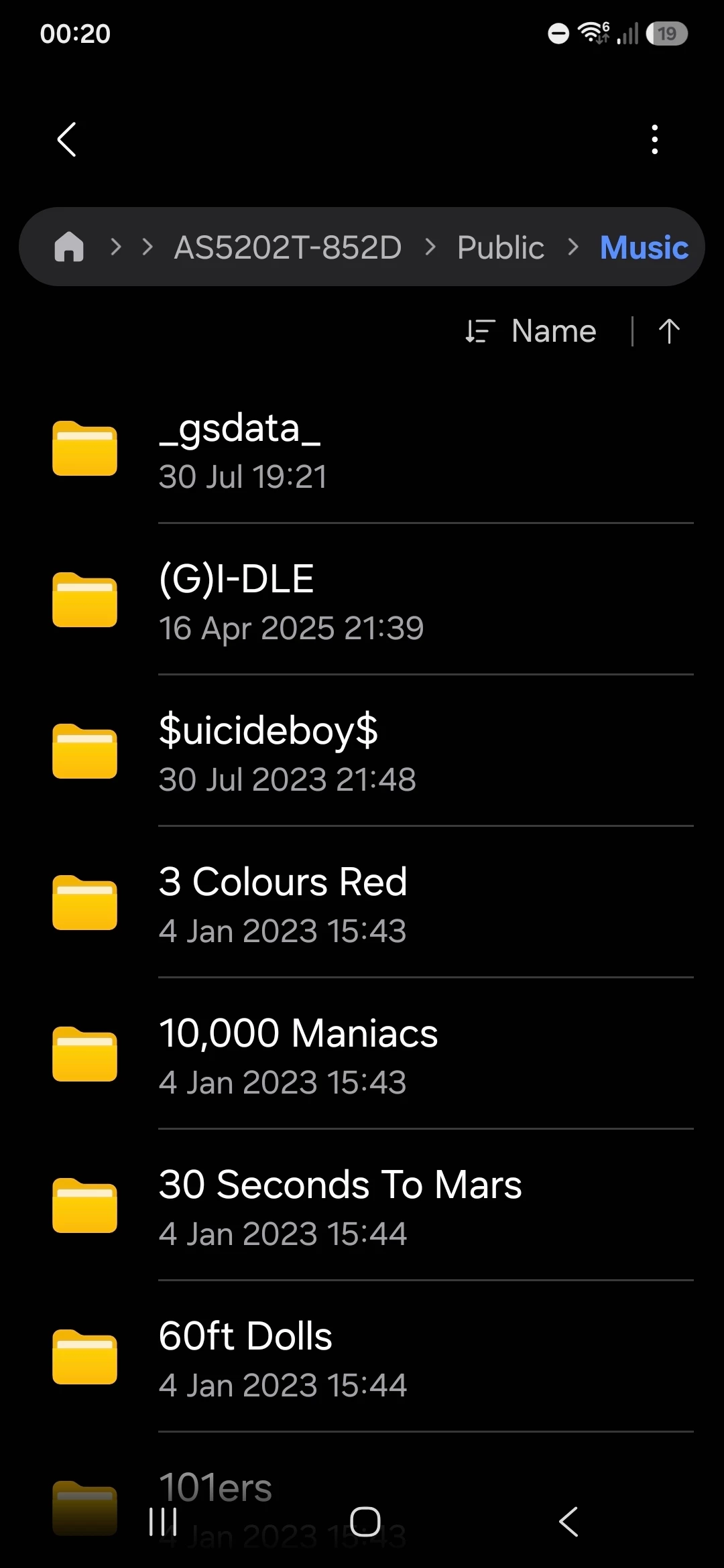
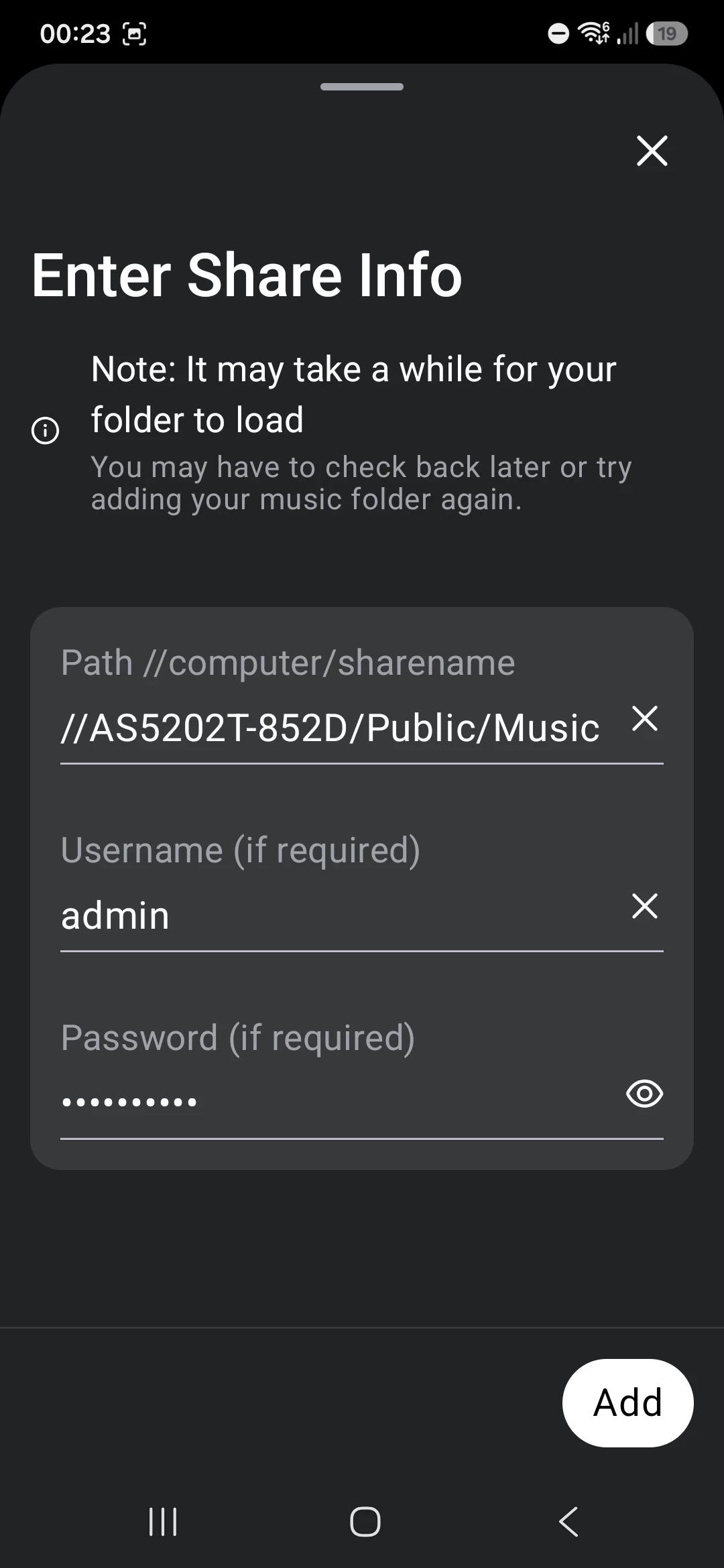
It’s in a public share //AS5202T-852D/Public/Music with login and password
I can access the share from my laptop. I can also access it on the Android Phone using “My Files” and selecting Network Storage, picking it from available Network drives and entering the login/password creds
The Android phone is on the same network as the NAS (hence why it can see the share in “My Files”
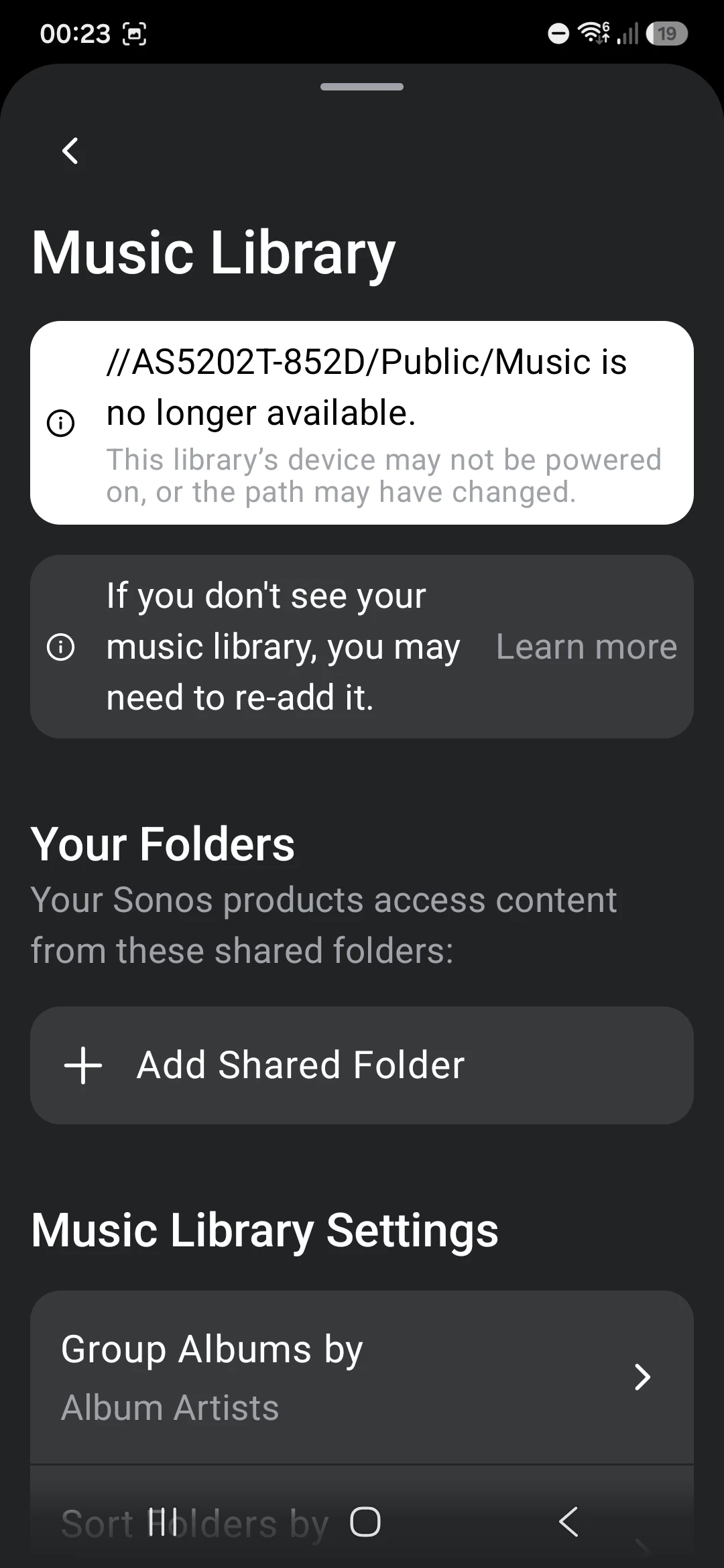
When I try and add the folder on the app i get an error that the share is no longer available.
I’ve tried with the share name and with the IP, same issue for both. Triple tripe checked login and password are correct and re-validated that by disconnecting my PC connection and re-authenticating with the same creds and they work.
I’ve configured the NAS to use SMB v2 or v3 only
I’ve basically given up, I use the Plex Service to play and find all my music in Sonos anyway because it’s a miles better user experience than the native serach and playlists. That service is working fine in Sonos although i suspect it’s getting the music files over the internet rather than from local network.
Any last ideas before I just put thwe whole thing down to a shonky Sonos app?