Question

Unable To Add Shared Library Folder On An ASUS5202T NAS

  • August 17, 2026
  • 2 replies
  • 18 views

I’ve kind of given up but in one last ditch attempt to nail this I’m going to describe my problem and see if i’m missing something stupid.

So trying to add a Music Library to SONOS using the Android App (S2 - Build 88.00.43)

The library lives on an Asustor AS5202T NAS drive

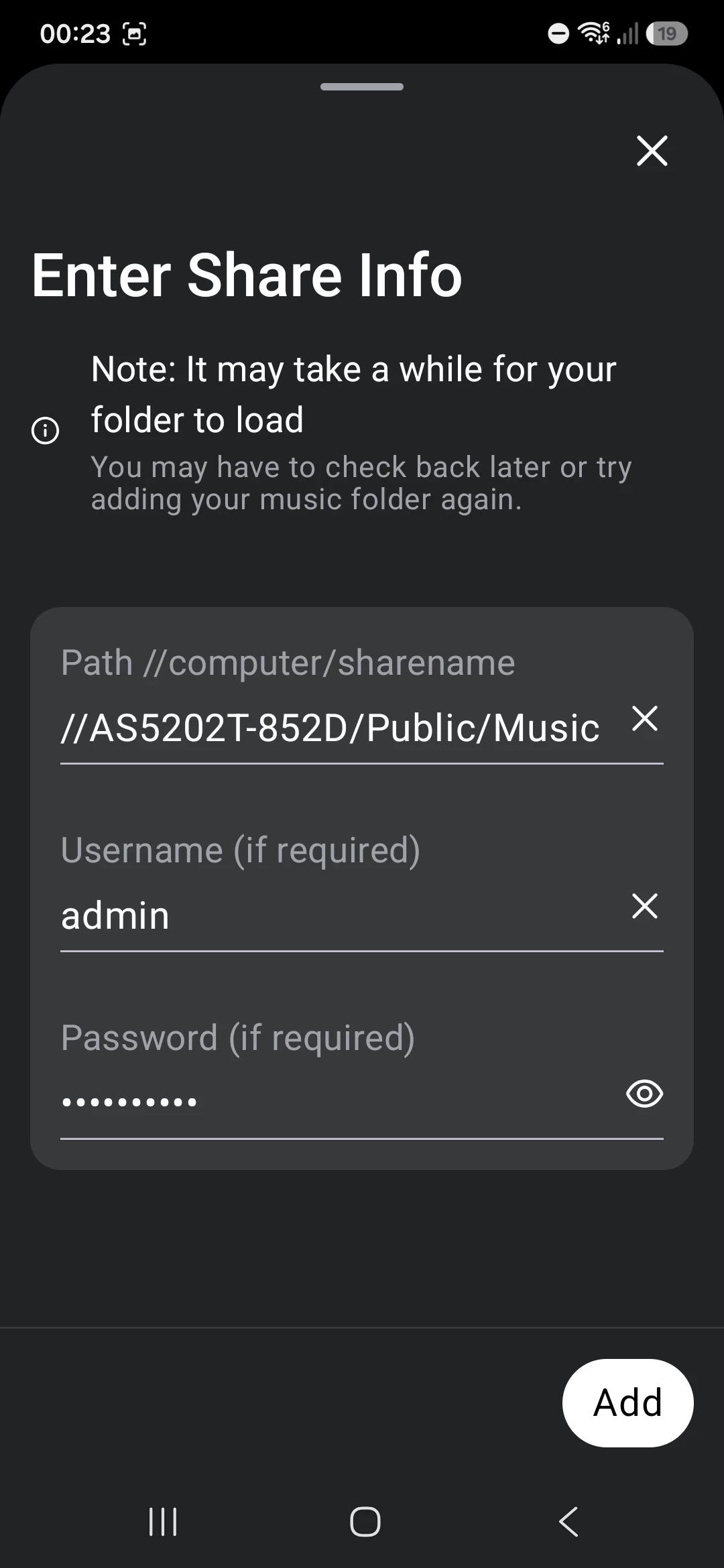
It’s in a public share //AS5202T-852D/Public/Music with login and password

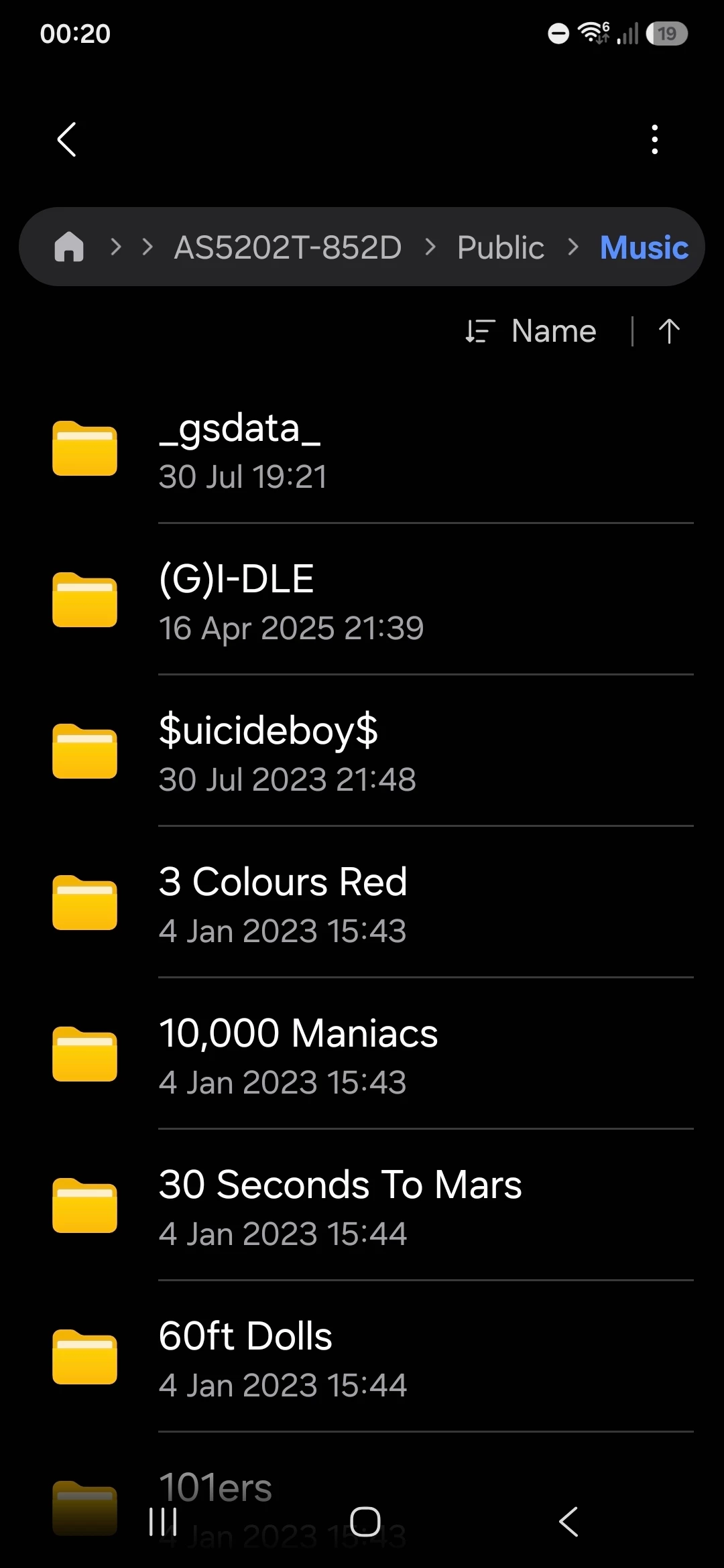
I can access the share from my laptop. I can also access it on the Android Phone using “My Files” and selecting Network Storage, picking it from available Network drives and entering the login/password creds

The Android phone is on the same network as the NAS (hence why it can see the share in “My Files”

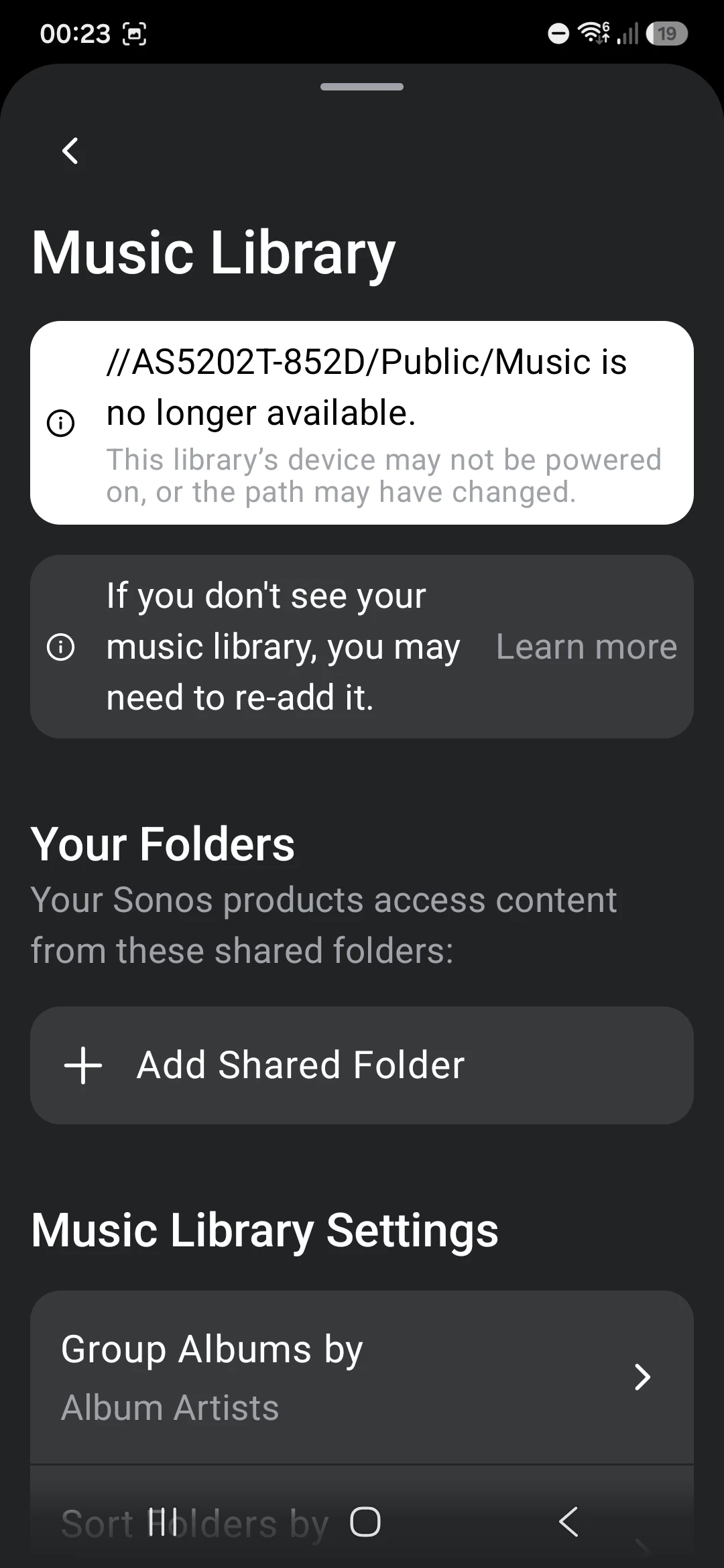
When I try and add the folder on the app i get an error that the share is no longer available.

I’ve tried with the share name and with the IP, same issue for both. Triple tripe checked login and password are correct and re-validated that by disconnecting my PC connection and re-authenticating with the same creds and they work.
 

I’ve configured the NAS to use SMB v2 or v3 only
 

I’ve basically given up, I use the Plex Service to play and find all my music in Sonos anyway because it’s a miles better user experience than the native serach and playlists. That service is working fine in Sonos although i suspect it’s getting the music files over the internet rather than from local network.

Any last ideas before I just put thwe whole thing down to a shonky Sonos app?


2 replies

Airgetlam
  • August 18, 2026

Curious as to what Sonos Support saw, in the system diagnostic you submitted within 10 minutes of attempting to add the share? From a cursory read through, it all ‘looks’ right, but unless I can see the ‘rejection’ error, I’m not sure. And, of course, neither of us have access to that data. 


Corry P
Forum|alt.badge.img+19
  • Sonos Staff
  • August 18, 2026

Hi ​@Andygritton 

Welcome to the Sonos Community!

Sorry to hear about this issue you are having with adding a shared path to your Sonos system for your local music library.

We are tracking an issue that matches the description of what you see. I can’t confirm definitively that this is the issue that is affecting you as there are no diagnostics to look at, but if I am right, you may be able to get the share added successfully if you temporarily turn off any older speakers that you have (they will show a software version number starting with 86.8 in Settings icon » General Settings » About my System) before you add the share. Once the share is added, please restore power to those speakers and all should be well.

If this does not work, I recommend you get in touch with our technical support team who have tools at their disposal that will allow them to give you advice specific to your Sonos system and what it reports.

I hope this helps.