Answered

streaming live sports

  • April 13, 2024
  • 4 replies
  • 202 views

How do I add the mlb app to sonos?

Best answer by Airgetlam

Perhaps a better/more direct link to the same thread. 
 

Sorry, @106rallye…that one just doesn’t look right. And when I tried to cut and paste, I got the same thing. Seemed to be easier to make it a real link, for ease of use ;)

This topic has been closed for further comments. You can use the search bar to find a similar topic, or create a new one by clicking Create Topic at the top of the page.


4 replies

106rallye
Forum|alt.badge.img+18
  • April 13, 2024

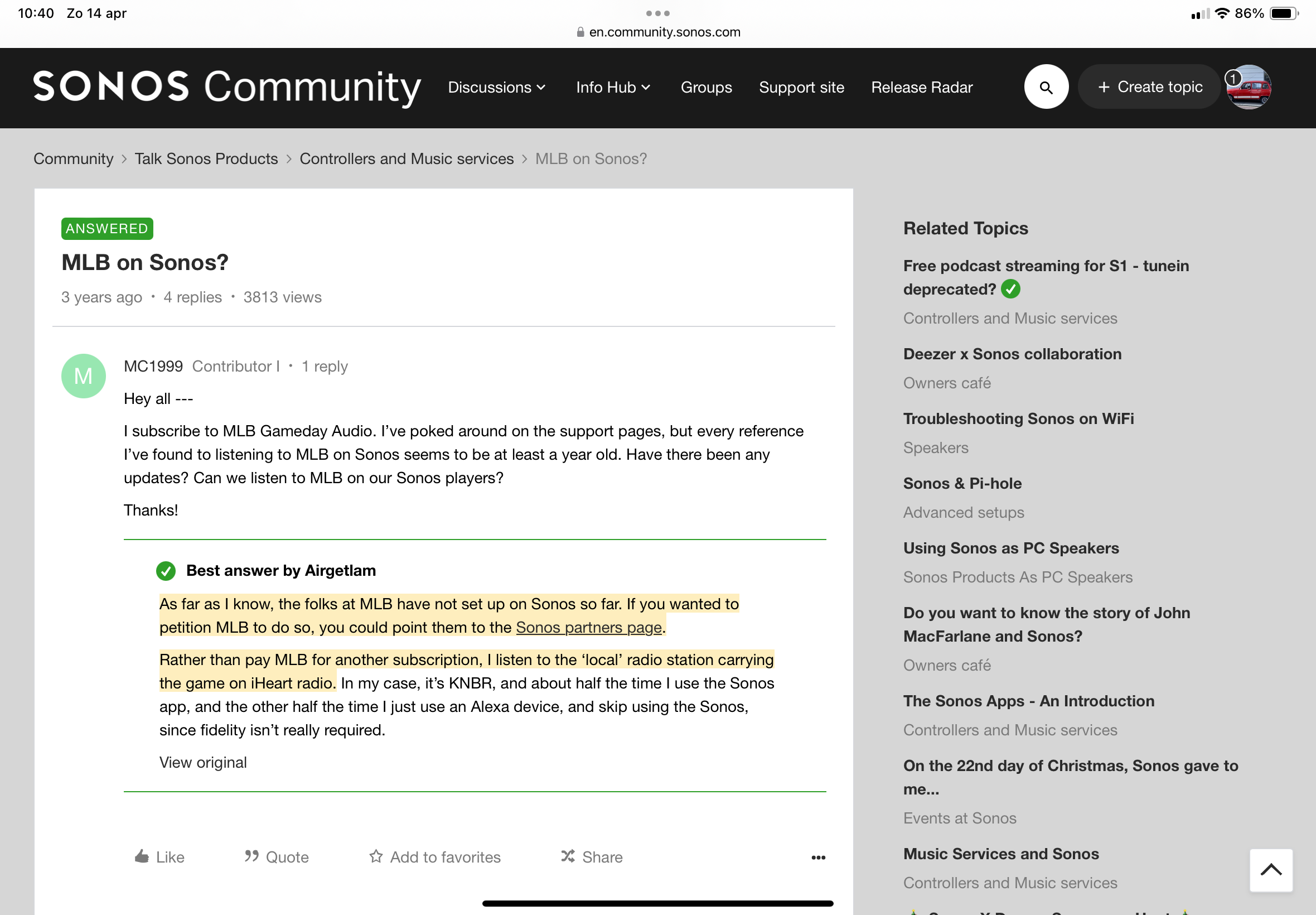
Not sure anything’s changed since https://en.community.sonos.com/controllers-and-music-services-228995/mlb-on-sonos-6857437#:~:text=As%20far%20as%20I%20know,the%20game%20on%20iHeart%20radio.


Airgetlam
  • Answer
  • April 14, 2024

Perhaps a better/more direct link to the same thread. 
 

Sorry, @106rallye…that one just doesn’t look right. And when I tried to cut and paste, I got the same thing. Seemed to be easier to make it a real link, for ease of use ;)


106rallye
Forum|alt.badge.img+18
  • April 14, 2024

Just out of curiosity, what do you get following the link? It works on my iPad:


Airgetlam
  • April 14, 2024

It only shows up as text on my iPad, and I have to highlight it, and use the ‘open link’ option in the iOS UI. 

The link data is fine, it just doesn’t show up as an underlined link, merely text.