Answered

SONOS S2 App on Mac OS Issues

  • January 11, 2026
  • 1 reply
  • 41 views

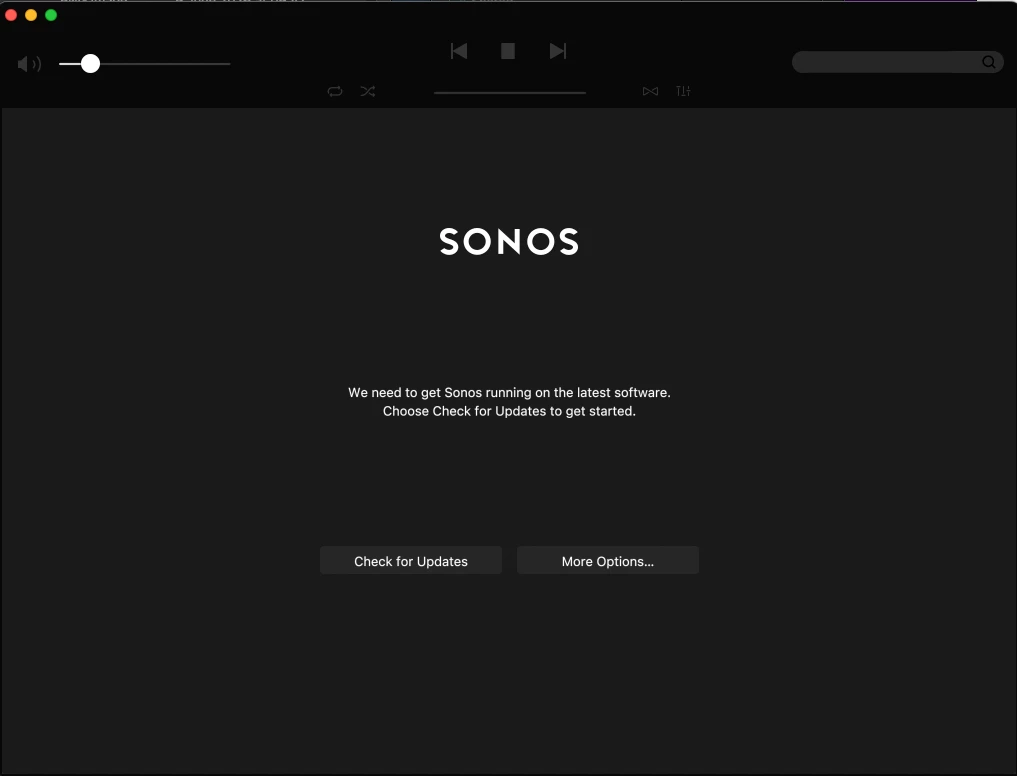
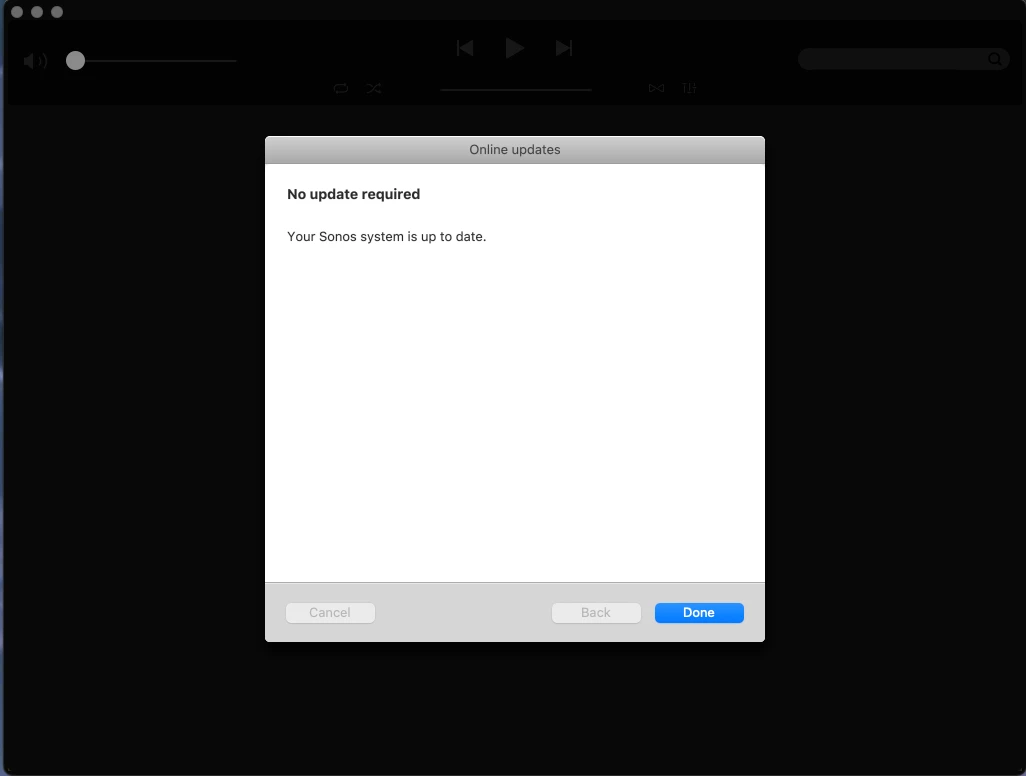
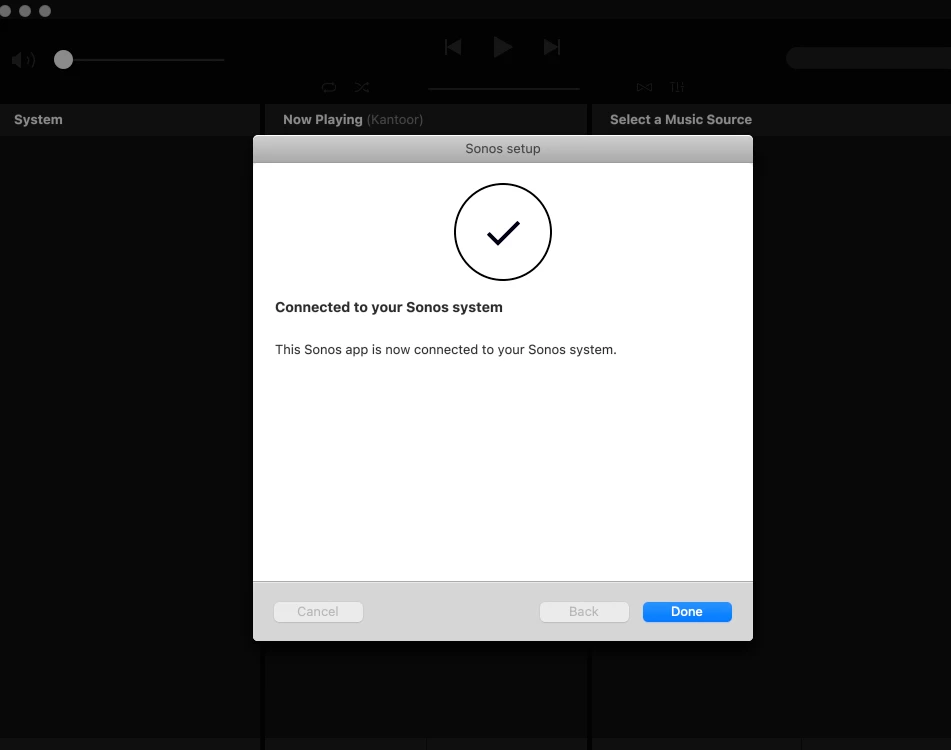
Suddenly the SONOS S2 app on MAC OS Sequoia 15.7.3 when it starts it spends 5 - 6 seconds searching for the sonos network. Then announces my Firewall settings need changing. Funny as the firewall is turned off on this particular laptop. Anyway it eventually gets past this and then announces the app needs an update. Hit the search for updates button, funny as there are no updates. What the hell is going on with this piece of junk? 

Maybe unrelated but when playing across multiple devices, some devices go quiet for upto a minute then continues. No indication of issues and at least one device continues playing without issue. 


Best answer by Airgetlam

It sure sounds like the Mac is having trouble reaching the Sonos devices. Of course, the Mac app hasn’t been ‘updated’ in years, since essentially they removed all setup features, and put it in maintenance mode. Which is why they require a mobile device and controller for setup. That being said, I’m not having delays on my Mac using the S2 controller when contacting my speakers, and playing music. 

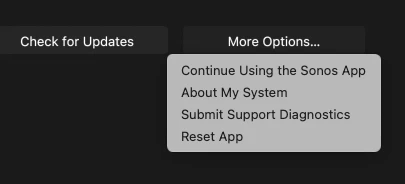
I would recommend that you submit a system diagnostic within 10 minutes of experiencing this problem, and call Sonos Support to discuss it. Don’t post the resulting diagnostic number here, Sonos’ lawyers get sensitive about GDPR, I suspect.

There may be information included in the diagnostic that will help Sonos pinpoint the issue and help you find a solution.

When you speak directly to the Support staff, they have tools at their disposal that will allow them to give you advice specific to your network and Sonos system.

1 reply

Airgetlam
  • Answer
  • January 11, 2026

It sure sounds like the Mac is having trouble reaching the Sonos devices. Of course, the Mac app hasn’t been ‘updated’ in years, since essentially they removed all setup features, and put it in maintenance mode. Which is why they require a mobile device and controller for setup. That being said, I’m not having delays on my Mac using the S2 controller when contacting my speakers, and playing music. 

I would recommend that you submit a system diagnostic within 10 minutes of experiencing this problem, and call Sonos Support to discuss it. Don’t post the resulting diagnostic number here, Sonos’ lawyers get sensitive about GDPR, I suspect.

There may be information included in the diagnostic that will help Sonos pinpoint the issue and help you find a solution.

When you speak directly to the Support staff, they have tools at their disposal that will allow them to give you advice specific to your network and Sonos system.