Sonos control from the Lock Screen not updating.

  • August 21, 2026
  • 7 replies
  • 73 views

MoPac
Forum|alt.badge.img+20

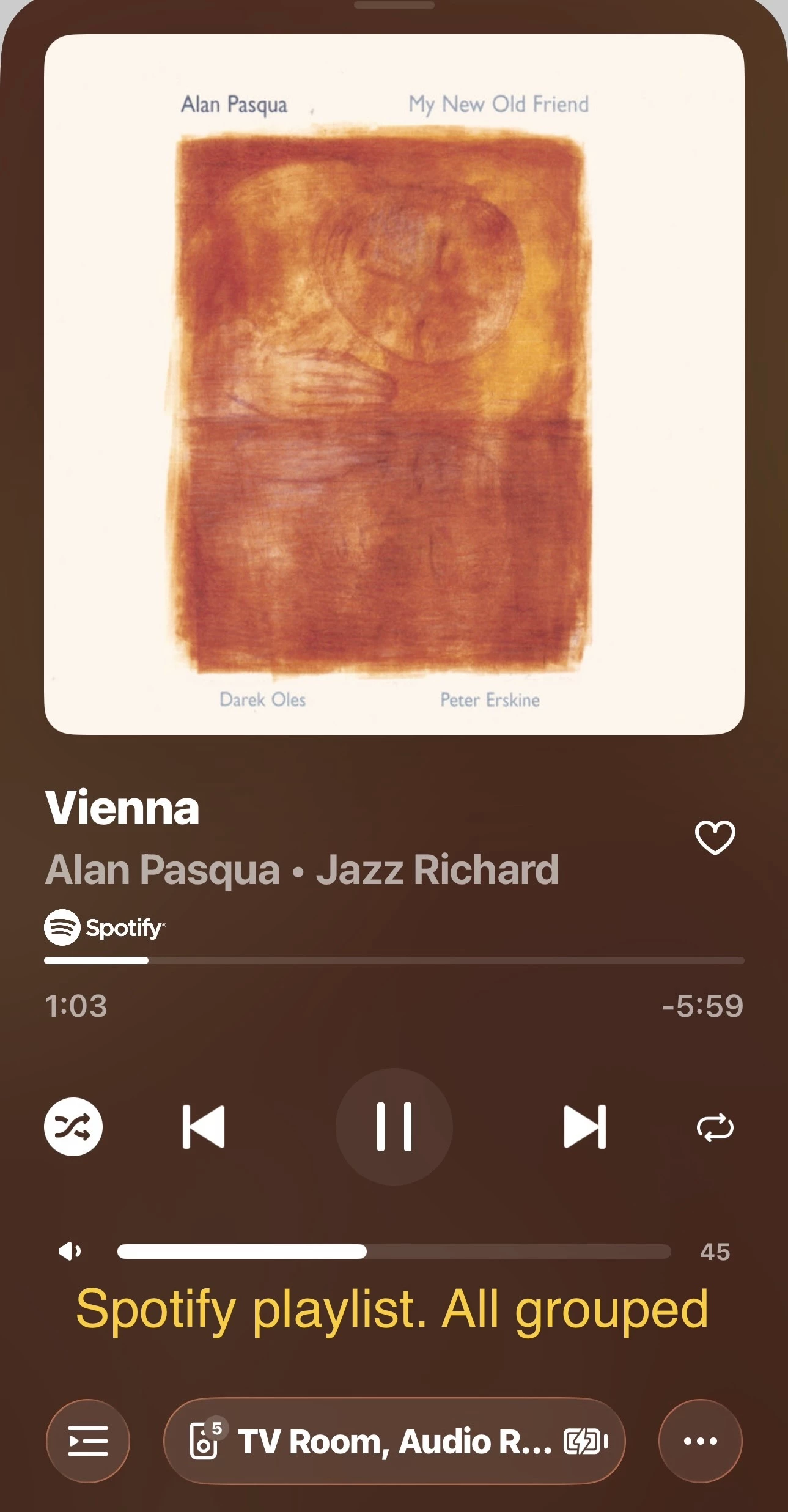
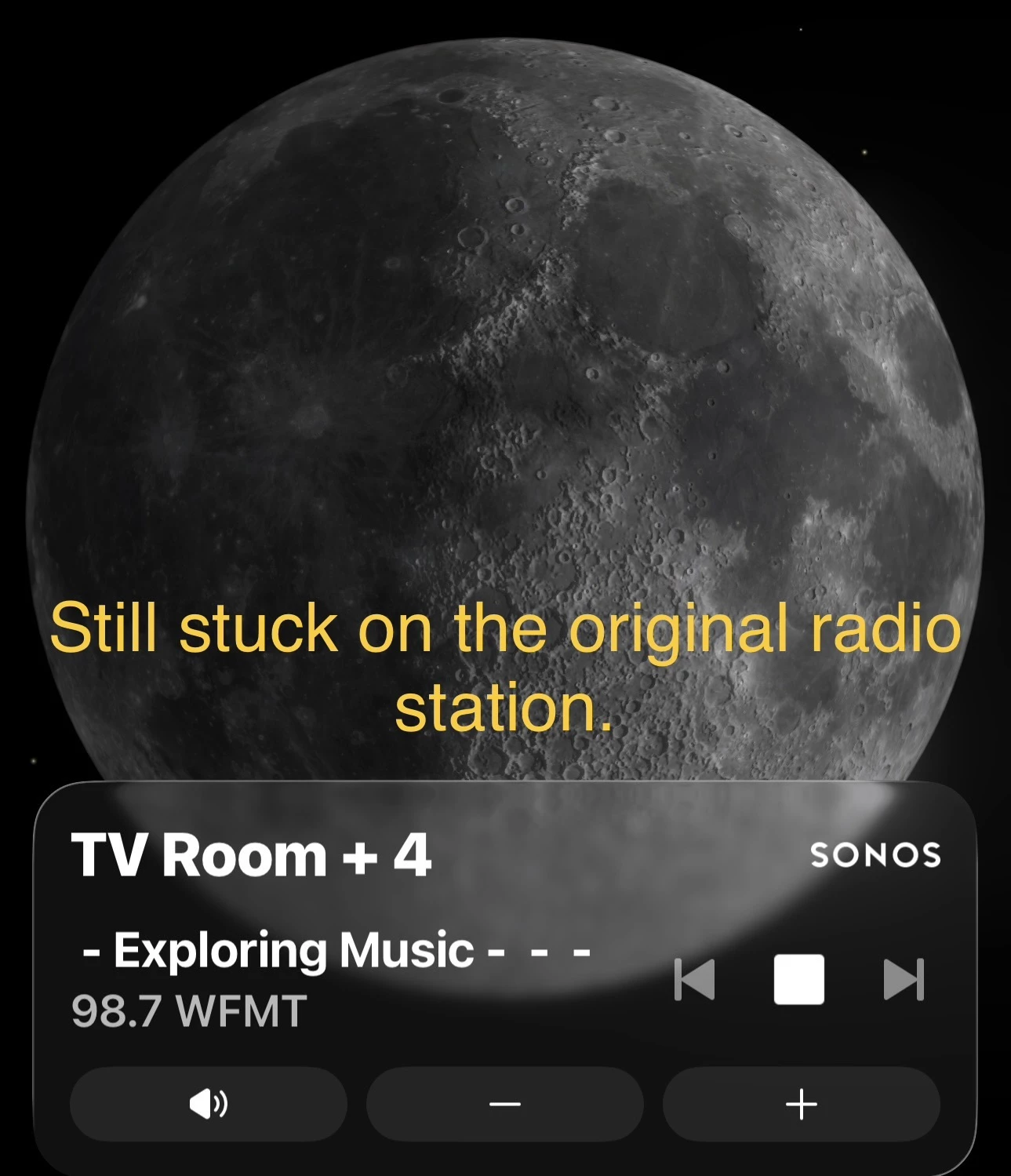
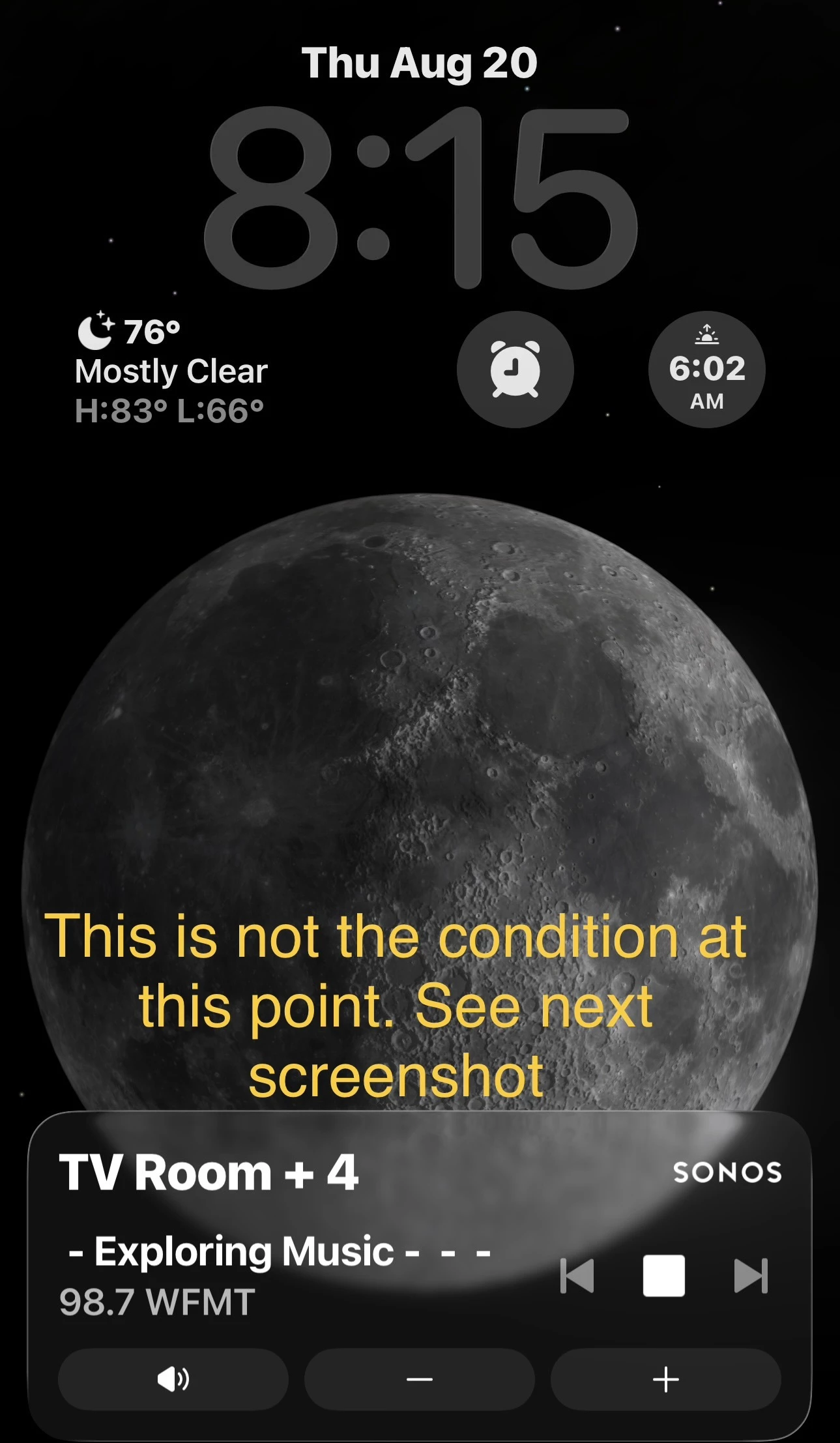
I was playing with all five rooms grouped.  When I was finished I ran a shortcut that pauses, ungroups all & clears the queue.  Then I turned on the TV.  The Lock Screen still showed all rooms grouped and the music ( Radio station ) still in the queue.
 

7 replies

Airgetlam
  • August 21, 2026

It raises the question, what does Apple iOS consider to be the periodicity of More Frequent Updates? It certainly doesn’t seem to be real time, based on the concern above…


MoPac
Forum|alt.badge.img+20
  • Author
  • Headliner III
  • August 21, 2026

Tried another test.  Played a Spotify playlist with all five rooms grouped.  Then I ungrouped, cleared the queue & returned to TV watching.  The Lock Screen is still stuck on the original Radio Station.  The lock screen is not keeping up with what is playing.


MoPac
Forum|alt.badge.img+20
  • Author
  • Headliner III
  • August 21, 2026

It raises the question, what does Apple iOS consider to be the periodicity of More Frequent Updates? It certainly doesn’t seem to be real time, based on the concern above…

All these conditions were run using Shortcuts.  The Spotify playlist did not update the Lock Screen.  The only thing that had nothing to do with Shortcuts was changing to TV.


Airgetlam
  • August 21, 2026

Right. The lockscreen isn’t being updated, hence my question. If it were the Sonos client not being updated, I’d suggest an issue with your controller contacting your speakers, in order to ‘poll’ what is occurring.

What did Sonos Support say, when you called in?


MoPac
Forum|alt.badge.img+20
  • Author
  • Headliner III
  • August 21, 2026

 I haven’t called yet.  This is such a new feature I thought maybe there may be some bugs.  I’ll call tomorrow. 
 

I'm a bit confused with your comment about the controller contacting the speakers.  The master speaker TV Room in the shortcut is the same speaker I use to watch TV.  So the first shortcut I ran grouped 4 rooms with the master speaker TV Room then played the content WFMT.  The second shortcut did the same grouping then played the content Spotify.

Wonder why when the first shortcut was run the WFMT content was shown in the Lock Screen, but when the exact same shortcut was run with Spotify as the content that content did not overwrite the Lock Screen.  That will be fun trying to explain that to an agent.

At this time, more than a hour since anything played on the TV, the Lock Screen is still showing WFMT.  


Airgetlam
  • August 21, 2026

How do you think the ‘system’ works? The way I figure it, the Sonos controller is ‘publishing’ data to an Apple API, which then displays it on the lock screen. This would be so any developer can ‘use’ lock screen controls, not just Sonos. It sounds like your controller isn’t properly communicating state changes to the Apple API, so it isn’t showing on the ‘lock’ screen properly. Why, I don’t know, nor do I have access to the logs that I presume are in a diagnostic, which is why I’m suggesting you call Sonos, they have access to the diagnostic data.

Similarly, Sonos (the system) doesn’t run on your phone (the controller device). It actually runs on your Sonos devices, and they report what is occurring on the Linux code to your controller for display. There’s very little data run/stored on your controller, this is why/how you can run many different controllers, and they normally stay in sync. While I tend to use one iOS controller, I do have three iOS devices, each which receive the data from the Sonos system. In fact, I also run two Macs, which also contact my system to follow along. I could be (but rarely do), run all five of these at the same time, and they’d all show the same thing, since they’re being updated by the Sonos system running on my devices.

If your controller was out of sync with what was playing on your speakers, that suggests to me that the controller isn’t able to get updates from your system running on the speakers. However, in your case, it is the Apple display of the data, which, at least potentially, suggests there is some issue with the controller speaking to the API that shows data on the lock screen. I don’t know why that is, I’m not a coder, I’ve never worked with Apple’s lock screen controls. I’d hope that Sonos is logging issues with that communication channel to Apple’s API…but only a Sonos rep can see what is in the diagnostic. Either way, they’re likely the best ones to resolve your issue, there is little we in the public can do, especially as this is a completely new system, and, at least as far as I can tell, no one else is having a similar issue, so far. 


MoPac
Forum|alt.badge.img+20
  • Author
  • Headliner III
  • August 21, 2026

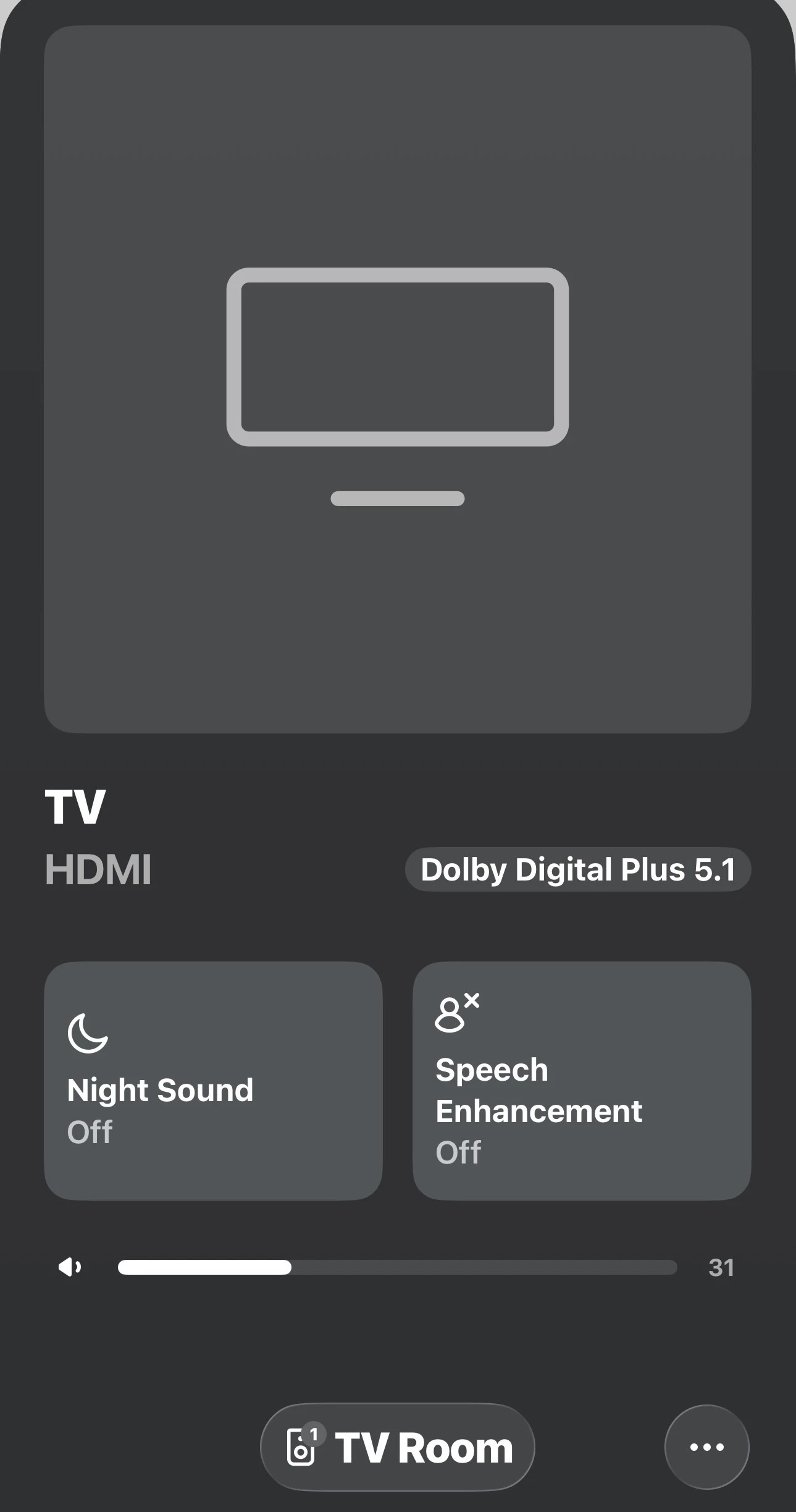
 This morning the Lock Screen no longer shows WFMT Radio as the active source.  I’m watching the news now.  The Lock Screen shows that correctly now ( TV HDMI ).

I will have to reproduce last nights music/TV interactions then diagnostic + phone call.

Lock Screen misbehavior is not a deal breaker.  Just wanted to inform all so others could run their own test.