Answered

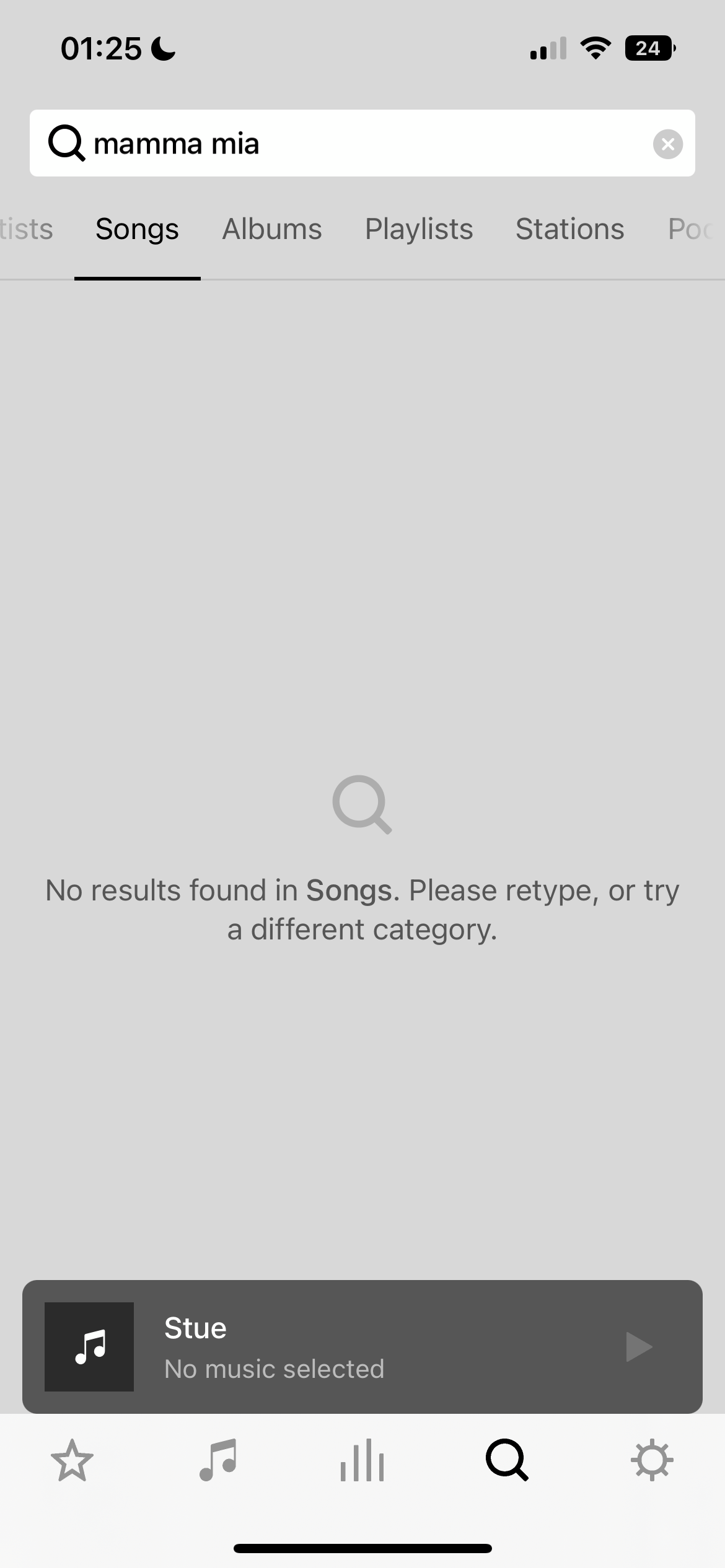
Sonos cannot find any search results

  • September 17, 2022
  • 9 replies
  • 2654 views

When i try to search for a song on the sonos app, the app loads for a couple of seconds, they I get the message: No results found in songs.

I have tried to delete both the app and the connection to Spotify several times.
 

Best answer by Mr. T

The only other similar thread I can find is the following:

This suggests it may be an issue with the DNS settings.

Perhaps submit a diagnostic from your controller after attempting a search and contact Sonos Support to discuss.

This topic has been closed for further comments. You can use the search bar to find a similar topic, or create a new one by clicking Create Topic at the top of the page.

9 replies

Ken_Griffiths

Perhaps see if switching off the ‘Do Not Disturb’ feature you have showing on your mobile device might resolve the search issue. I’m not sure if it will, but worth a try.


  • Author
  • Contributor II
  • September 18, 2022

Unfortunately this has happened since I got a new phone last September, so the do not disturb is not the issue.


Ken_Griffiths

Unfortunately this has happened since I got a new phone last September, so the do not disturb is not the issue.

Maybe do a couple of searches where no results are returned by the Sonos App, but are available via the Spotify App and then Within 20 minutes of the issue, submit a Sonos diagnostic report from the ‘Settings/Support’ area of the Sonos App. Make a note of the reference generated, and when practicable, contact/chat to Sonos Support Staff about the matter via this LINK and see what they can suggest to resolve the matter.


Mr. T
  • September 18, 2022

What Spotify subscription do you have?

Spotify search results for “Songs” don’t appear if you are using a free subscription. Need Premium.


  • Author
  • Contributor II
  • September 18, 2022

I have a premium Spotify subscription


Mr. T
  • September 18, 2022

I have a premium Spotify subscription

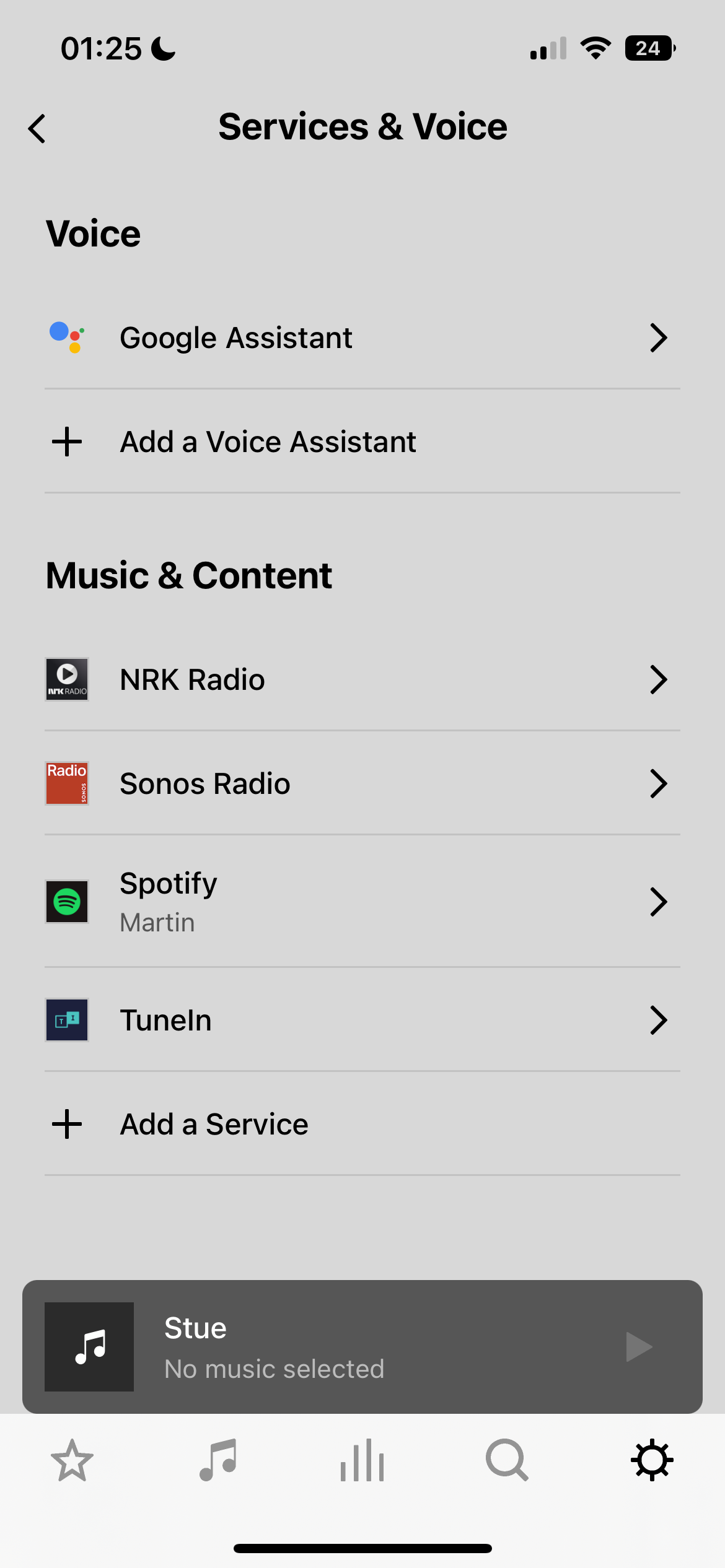
Okay, have you tried to Reauthorize Account?

Go to Services & Voice > Spotify > Reauthorize Account


  • September 18, 2022

Maybe changing these settings of your iPhone will help: 


  • Author
  • Contributor II
  • September 19, 2022

Yes I have tried to re-authorize the account as well, and neither of the settings above did any change.


Mr. T
  • Answer
  • September 19, 2022

The only other similar thread I can find is the following:

This suggests it may be an issue with the DNS settings.

Perhaps submit a diagnostic from your controller after attempting a search and contact Sonos Support to discuss.