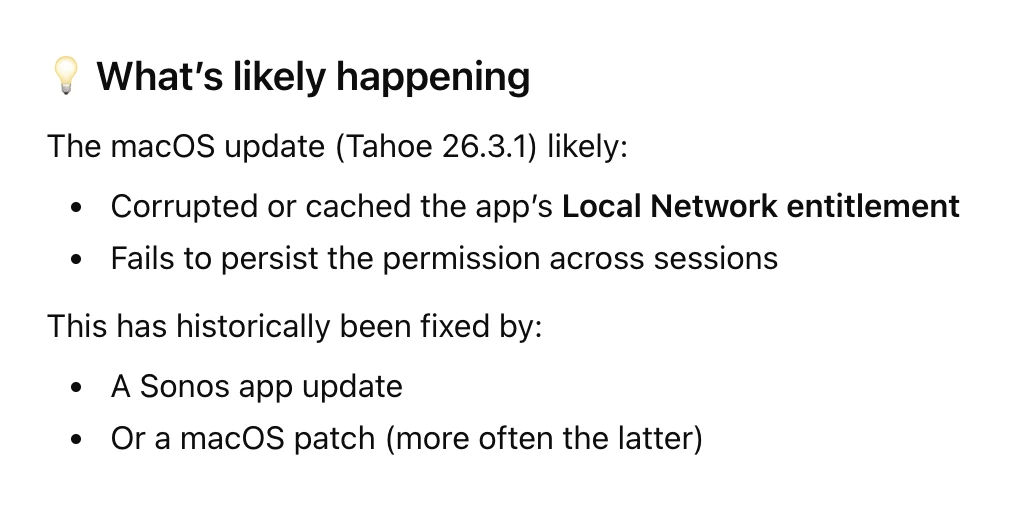
Since updating my Macbook Air to Tahoe [now at 26.3.1] the SONOS app fails to find SONOS on my local network until i open System Setting>Privacy & Security>Local Network and then turn the SONOS app setting off and back on. This situation as occurred in with past updates and was eventually patched, but this time it seems to be taking a long time. Any suggestions for something I’m missing on my end?

Answered
SONOS app on Macbook w/ Tahoe fails to find Sonos network until Local Network turned off on

 +1
+1Best answer by controlav
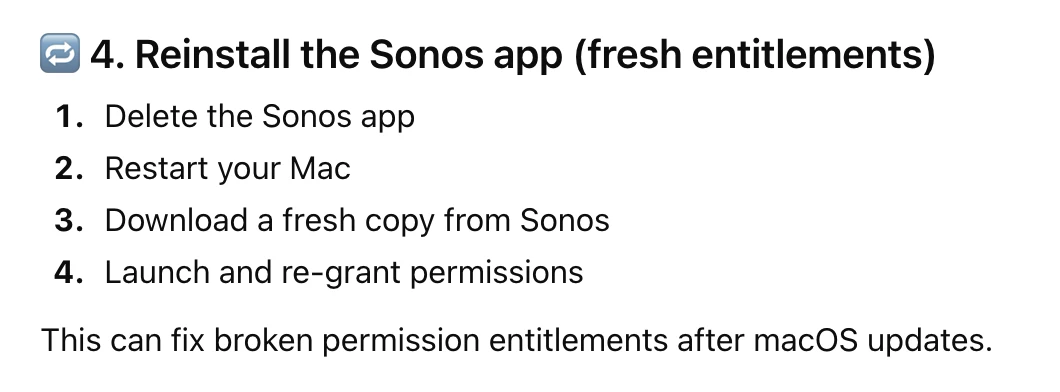
The “local network” option in MacOS is very poorly implemented by Apple (as it also was on iOS years ago). It loses the state after OS and app updates, it reports the wrong state, etc.
To ensure it is really on, you must always toggle its state. And remember to do this after every OS or app update.
Some Sonos apps (eg mine) actually detect when it is off and give a useful message. Other apps (eg Sonos official apps) just silently fail to find any devices.
This topic has been closed for further comments. You can use the search bar to find a similar topic, or create a new one by clicking Create Topic at the top of the page.




Enter your E-mail address. We'll send you an e-mail with instructions to reset your password.