Answered

Some radio stations not playing – only TuneIn ads (custom URL support removed)

  • December 4, 2025
  • 5 replies
  • 55 views

Hello Sonos Team and Community,

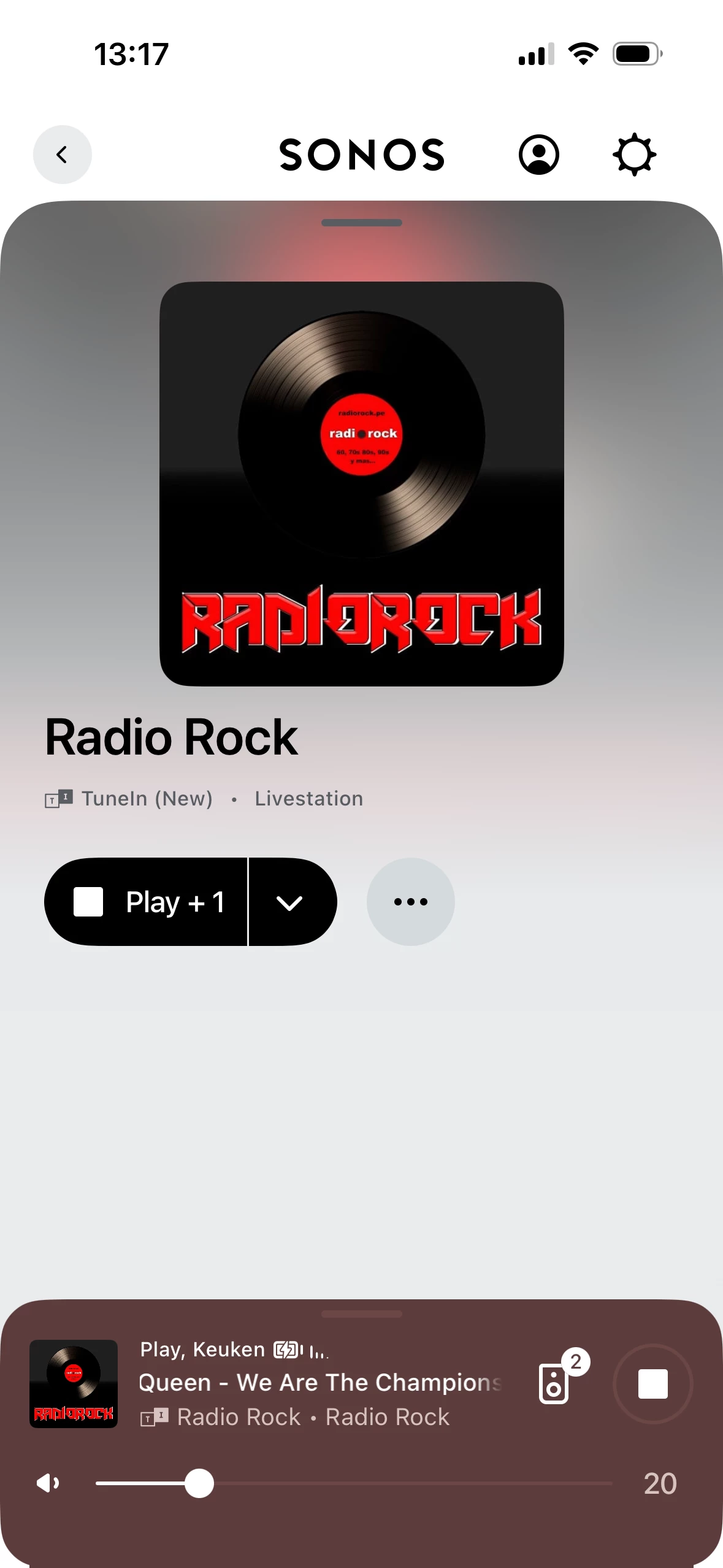
I own multiple Sonos speakers (including One SL) and have been a loyal user for years. Recently, I can no longer play Radio Rock (Finland) on Sonos. Instead of the station, I only get “Welcome to TuneIn” and ads looping endlessly.

Here’s what I’ve tried:

  • Removed and re-added TuneIn (New) in the Sonos app
  • Logged in with my TuneIn account and added Radio Rock as a favorite
  • Rebooted speakers, reset network, cleared cache
  • Tried Sonos desktop app and mobile app
  • Verified that the station works in TuneIn’s own app

Nothing works. Previously, I could add a custom stream URL to Sonos and bypass TuneIn issues, but Sonos removed that feature in recent updates. This leaves me with no way to listen to a major Finnish radio station on a multi-thousand-euro system.

This is unacceptable. Please:

  1. Fix TuneIn integration for Radio Rock and similar stations
  2. OR restore the ability to add custom radio stream URLs in the Sonos app

Many users in Finland and other regions face the same problem. Removing custom URL support without providing an alternative breaks a core use case for Sonos.

Thank you for acknowledging this issue and providing a timeline for a fix.

Best answer by Airgetlam

This is a community forum, the only Sonos employees who respond here are moderators, so your best bet is to call Sonos Support to discuss it.

5 replies

buzz
  • December 4, 2025

I suggest that you report this to SONOS and TuneIn support. As more and more reports are filed, priority for resolving the issue is elevated.


  • Author
  • Contributor I
  • December 4, 2025

Well, I thought I made it alredy to SONOS. TuneIn is external from my point of view, it’s a deal with SONOS/TuneIn. Where I should send this SONOS?


Airgetlam
  • Answer
  • December 4, 2025

This is a community forum, the only Sonos employees who respond here are moderators, so your best bet is to call Sonos Support to discuss it.


controlav
Forum|alt.badge.img+24
  • Lead Maestro
  • December 5, 2025

You can still add custom URLs using the desktop app and some third party apps (eg mine). The feature is still in the system, but its been removed from the mobile apps.


el rubio
  • December 5, 2025

My experience with Radio stations on SONOS is that the behaviour may depend on the DNS servers used by your Internet connection (on your router). 

I have been using free DNS servers like Google and Cloudflare which offer special features like blocking ads and extra protection from threats. Changing your DNS server may fix your problems.

If you believe that the radio station is blocked in your region for one reason or another, you may try to use a VPN connection on your router.