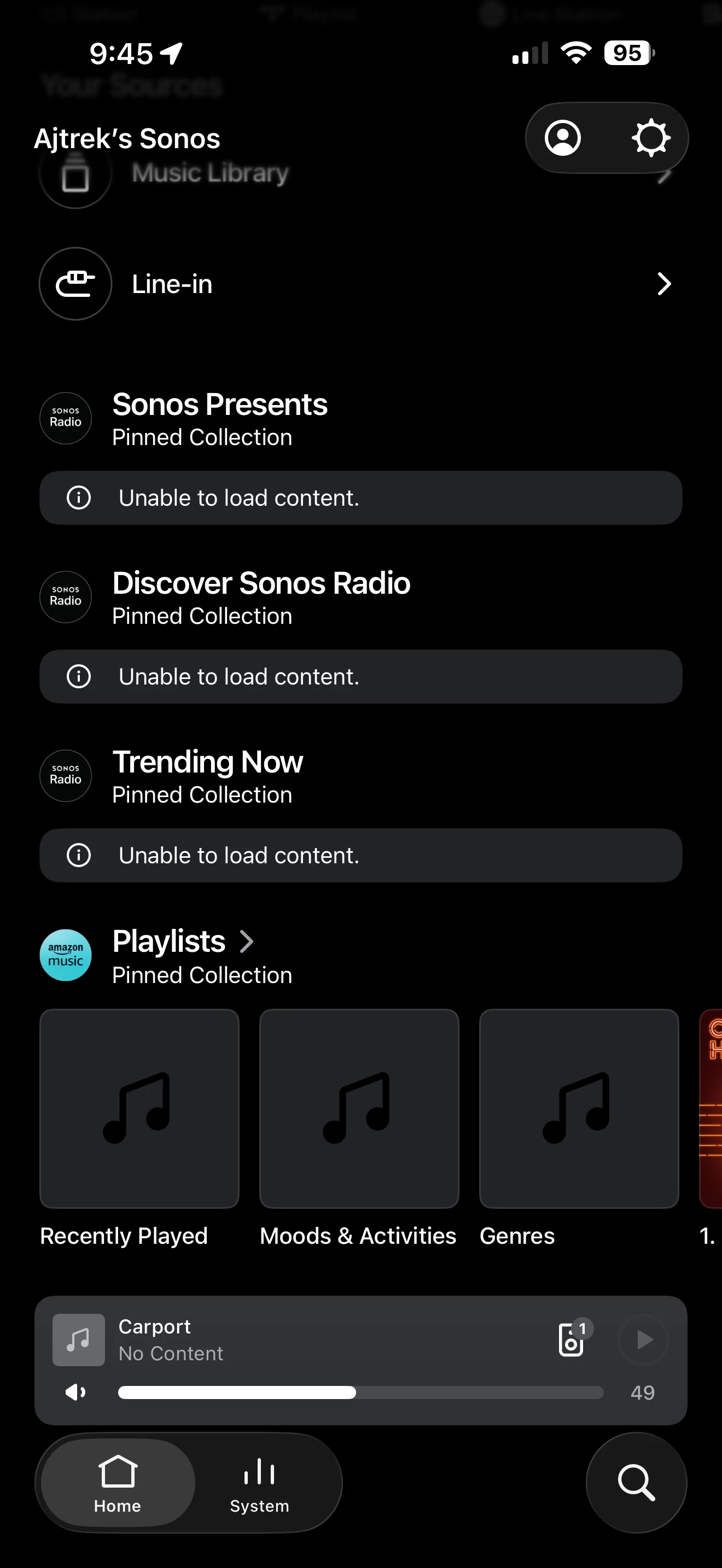
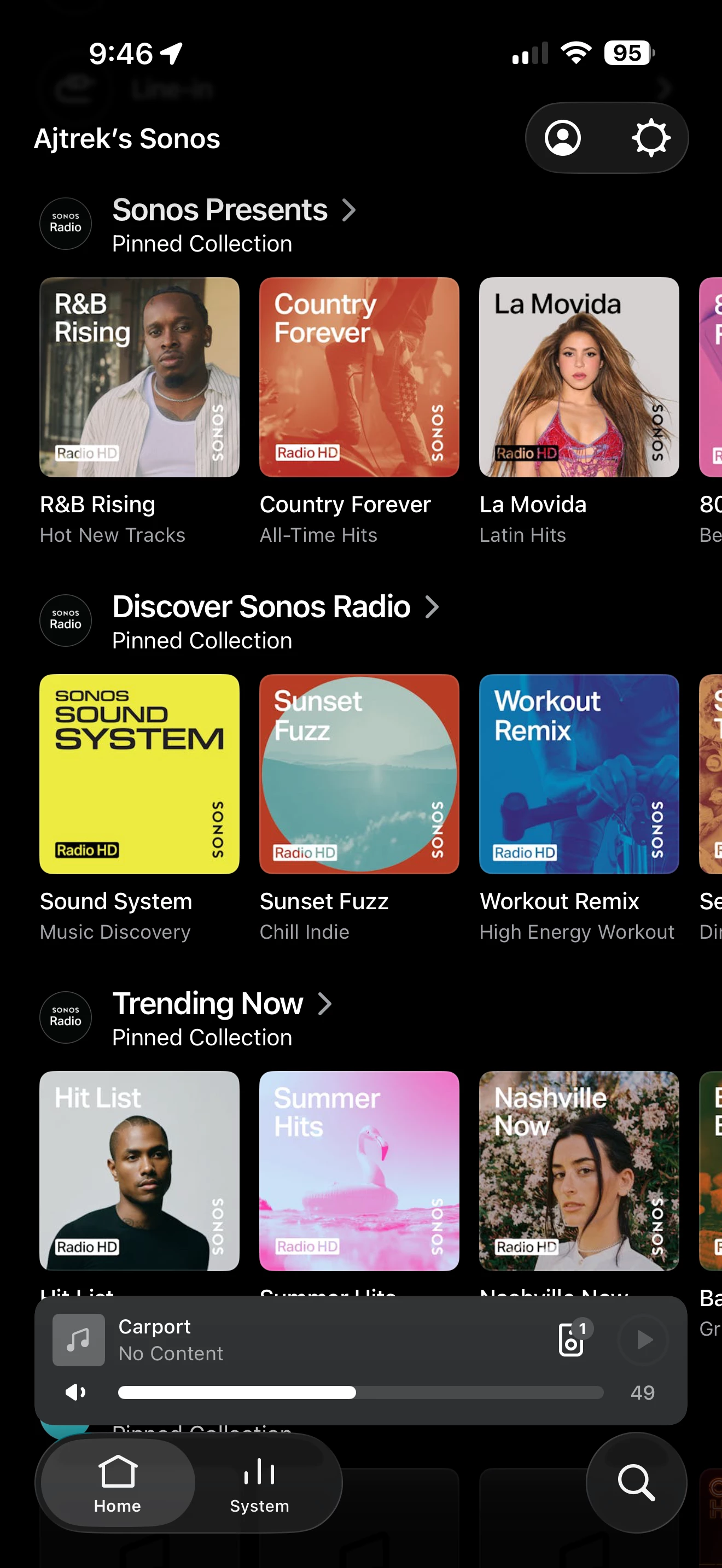
Hello
EDIT:
This post was incorrectly tagged as a “question”. It’s a “conversation”.
Occasionally the Sonos App may not behave as you like or maybe a feature is missing such as the volume slider for example. Rather than push the panic button here are a few things you might try that don’t involve unplugging all Sonos and/or rebooting your router. Incidentally, if rebooting your router is necessary it’s a good idea to unplug ALL Sonos before doing so.
OK…getting back to my original premise about trouble shooting the Sonos app…
Step 1_Check for updates and install if available:
- App Store (iOS)
- Play Store (Android)
Step 2_If no updates are available:
- Stop the app on your device and restart it. That’s essentially a reboot which can resolve a multitude of issues.
Step 3_If Step 2 doesn’t’ resolve the issue:
- Delete the app
- Reboot your device and join your Wi-Fi
- Reinstall the app from the App Store (iOS) or Play Store (Android).
- Go to Step 4
Step 4_Do the following in order:
- Open the app
- Select “Join an existing system” (Do not create a new system)
- Accept all prompts for location services, Bluetooth and so forth
- Sign in with your credentials
- Go to settings (Cog Wheel in upper right) and choose to “Enable Improved Navigation” (if that is your choice) *
- Click on the Human silhouette (Upper Right)
- Scroll to “Content Services”
- Select “Your Preferred Service” **
I hope the above helps to mitigate frustration with the Sonos App. Enjoy your Sonos!
Step 5_If none of the above suggestions resolve your issue:
- Do not factory reset any Sonos speaker or component
- Run a Diagnostic and make note of the Reference ID (Do not post it in the community)
- Call Sonos Tech Support to review the data
* I don’t know how long this step will be required as Sonos may decide to make “Improved Navigation” a default 🤔
** Upon a new installation and/or update of the App the service is defaulted to Sonos Radio