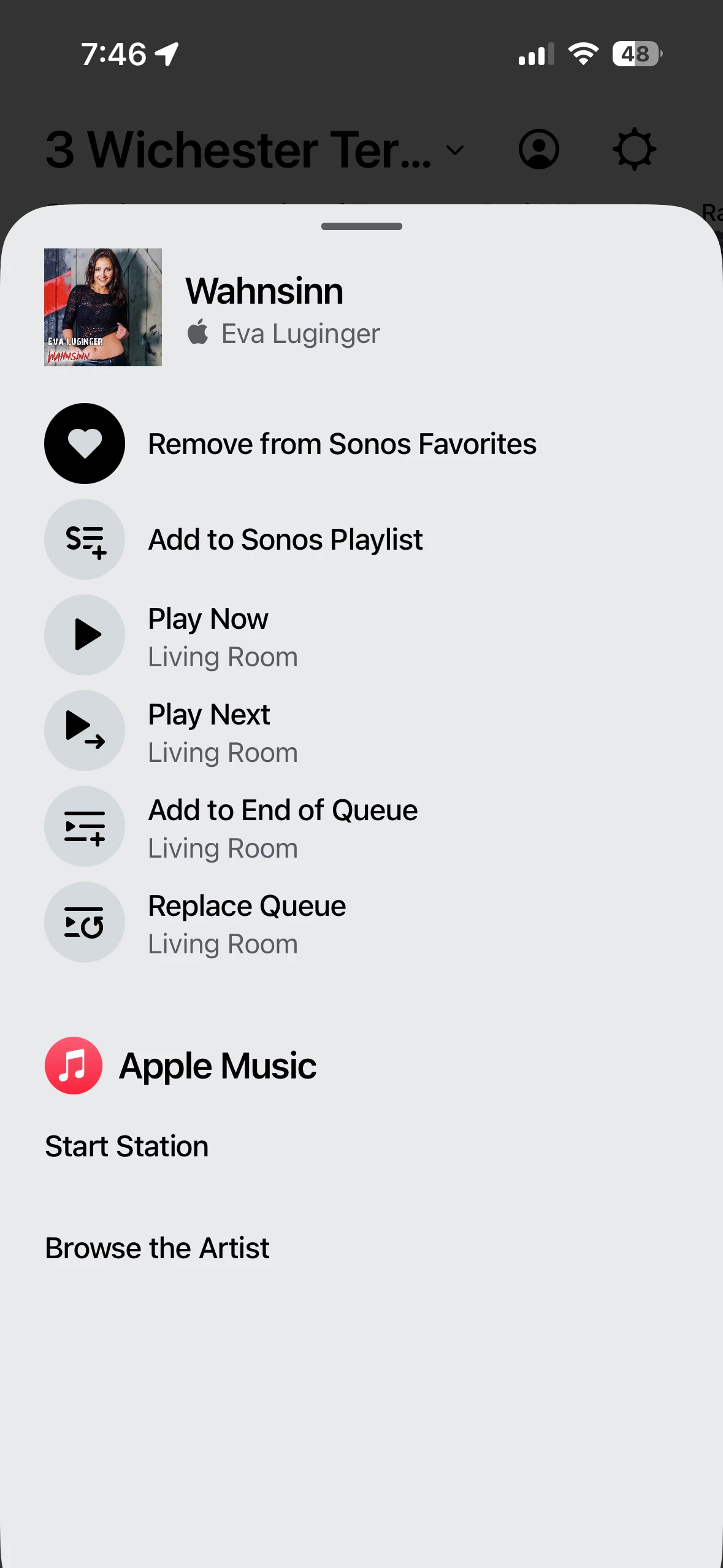
Play now on favorites

  • September 26, 2025
  • 3 replies
  • 48 views

Forum|alt.badge.img+2

I noticed that since the latest update, press and hold play now does not work on favorites. It works on everything else. Tapping once on favorites still works.

This topic has been closed for further comments. You can use the search bar to find a similar topic, or create a new one by clicking Create Topic at the top of the page.


3 replies

Sotiris C.
Forum|alt.badge.img+16
  • Sonos Staff
  • September 29, 2025

Hello ​@warbuff24, welcome back!

I am sorry to hear you are having an issue starting audio playback using “press and hold on content within Sonos Favorites → Play now” via the Sonos App.

I just tried with my own system, and I was able to play everything within the Sonos Favorite tab, be that a song/playlist from Spotify and YouTube Music, or a radio station by press and hold and then Play now.

Can you reply adding a bit more information such as:

  • What type of music content are you trying to play with this method?
  • Which music service (if any) are you using?
  • Screenshots and/or steps of your process.

You can also Submit Diagnostics within 10 minutes of reproducing and then contact our Support Team for live troubleshooting.

I hope this helps.


Forum|alt.badge.img+2
  • Author
  • Avid Contributor I
  • September 29, 2025

I am using Apple Music and YouTube Music. 


Forum|alt.badge.img+2
  • Author
  • Avid Contributor I
  • October 8, 2025

Play now works after updating the app.