
Answer

No services shown at all

  • January 24, 2025
  • 3 replies
  • 73 views

Trying to fix the Spotify Connect stopping working on my system, i removed the Spotify service. But whatever reason, it also delete the rest of my services.

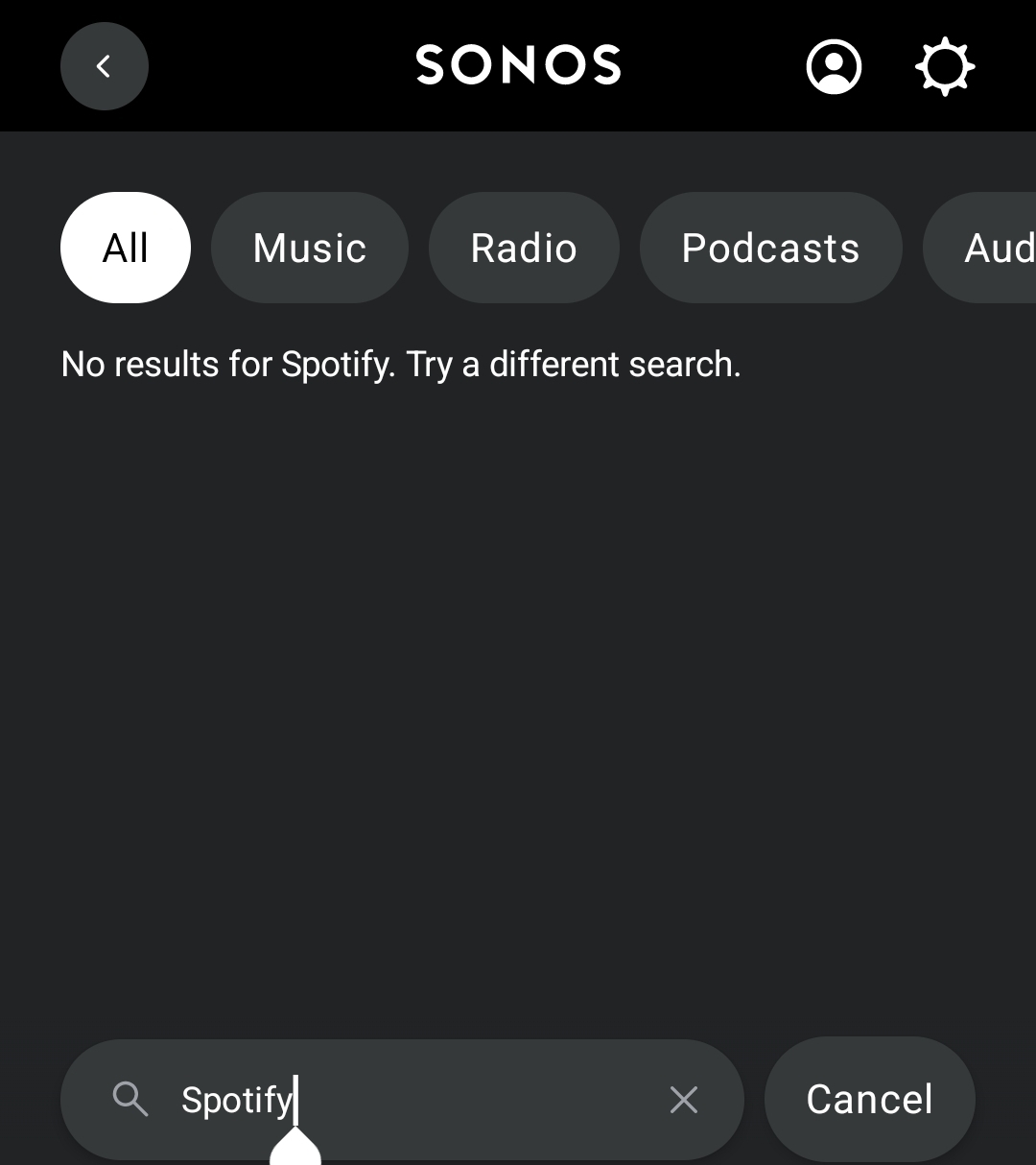
Now when i try to add the service again, the search screen returns nothing, no spotify, no youtube, just nothing. any idea?
 

Best answer by don Ernesto

well, i had to uninstall/reinstall de app and now it is working.

This topic has been closed for further comments. You can use the search bar to find a similar topic, or create a new one by clicking Create Topic at the top of the page.

3 replies

  • Author
  • Contributor I
  • Answer
  • January 24, 2025

well, i had to uninstall/reinstall de app and now it is working.


Airgetlam
  • January 24, 2025

The first thing I’d try is going to www.sonos.com, and sign in to my account. Then I’d go to the account details, and ensure that the location is set properly. I believe Sonos uses that data to filter what is shown to you in terms of services.

Second, I’d make sure there aren’t any port blocking things running. These are things like VPNs, work profiles, virus protection apps, and similar things. They might be blocking the ability of the speakers and/or app in reaching out to get this data.

Finally, if neither of the above works, I’d call Sonos Support directly to discuss it.

When you speak directly to the phone folks, they have tools at their disposal that will allow them to give you advice specific to your network and Sonos system.


Airgetlam
  • January 24, 2025

Well, then, ignore my reply, as I was typing it at the same time you were typing.