Answered

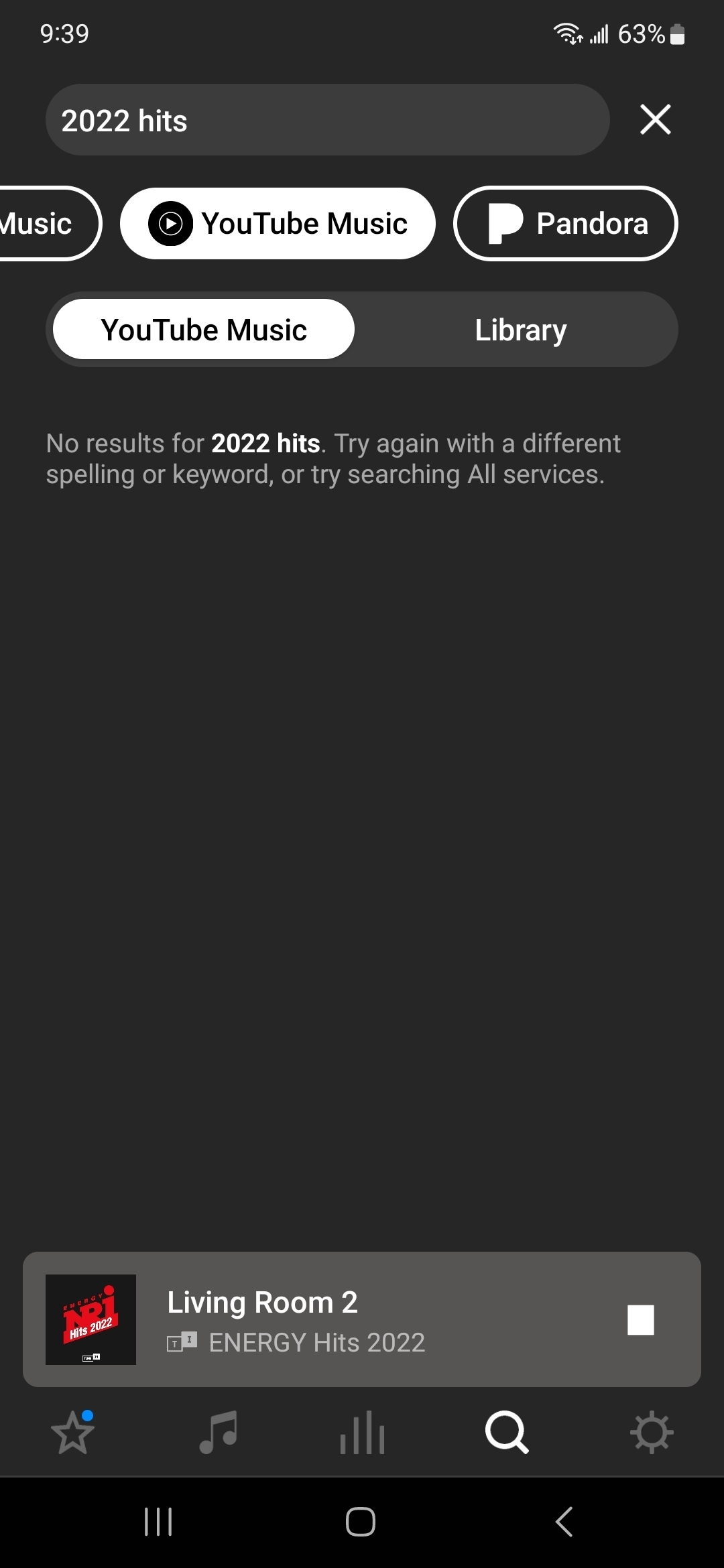
no search results for youtube music

  • November 19, 2023
  • 7 replies
  • 225 views

Searching youtube music yields no results

Best answer by Coolie1101

Resolved by uninstalling and reinstalling the app, thanks.

This topic has been closed for further comments. You can use the search bar to find a similar topic, or create a new one by clicking Create Topic at the top of the page.


7 replies

Corry P
Forum|alt.badge.img+19
  • Sonos Staff
  • November 20, 2023

Hi @Coolie1101 

Welcome to the Sonos Community!

I was unable to reproduce this issue in my own testing. I recommend you remove your YouTube Music account from Sonos and re-add it, and test again:

Remove a music service account from Sonos 

Add a music service to Sonos

It may also help to reboot your speakers, router and/or phone.

If none of this fixes the issue, I recommend you get in touch with our technical support team who have tools at their disposal that will allow them to give you advice specific to your Sonos system and what it reports.

I hope this helps.


  • Author
  • Contributor I
  • November 23, 2023

Didn't work, issue still persist. 


Airgetlam
  • November 23, 2023

What did the technical support team when you called in?


  • Author
  • Contributor I
  • November 24, 2023

All mentioned above which actually fixed the desktop app but not on mobile, pic attached.


Corry P
Forum|alt.badge.img+19
  • Sonos Staff
  • November 24, 2023

Hi @Coolie1101 

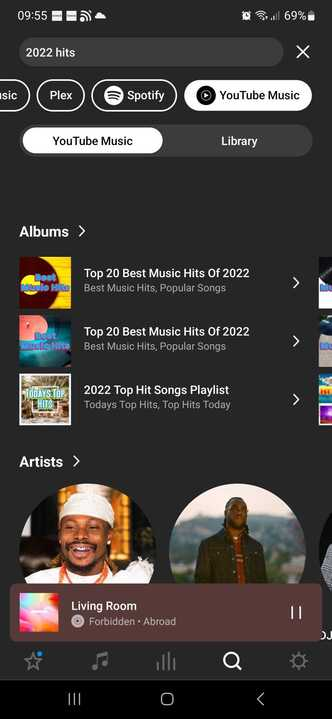
According to the notes of your case, a different YouTube Music account was tested on your system and was found to work. As I am also unable to recreate your issue (see below), I can only now recommend that you contact YouTube Music regarding your account specifically.

I hope they are able to assist.


  • Author
  • Contributor I
  • Answer
  • November 24, 2023

Resolved by uninstalling and reinstalling the app, thanks.


Corry P
Forum|alt.badge.img+19
  • Sonos Staff
  • November 24, 2023

Hi @Coolie1101 

That is weird, but thank you for updating the thread!

I’m glad to hear you found a solution.