Answer

My Sonos app

  • March 31, 2023
  • 11 replies
  • 314 views

I can no longer access any key Sonos settings – Account, System, Services & Voice are all greyed out on my Android phone. There has been no changes to my router. It just stopped working. Alexa is still working though. 

Best answer by Pantouffe

UPDATE: I uninstalled and reinstalled my Sonos app and it's working now. I had to reconnect.

Thanks everyone for your feedback...

This topic has been closed for further comments. You can use the search bar to find a similar topic, or create a new one by clicking Create Topic at the top of the page.


11 replies

controlav
Forum|alt.badge.img+24
  • Lead Maestro
  • March 31, 2023

Sounds like the app is older than the speaker firmware. Update the app. You likely had your speakers configured for automatic updates, and your app got “left behind”.

If the app wont update then tell us exactly what Android version you are using, it could be too old for an app update.


  • Author
  • Contributor I
  • March 31, 2023

How can I update my Sonos app if I don't have access to my account, system and services/voice?

I have a GalaxyA20.

Thanks


jgatie
  • March 31, 2023

How can I update my Sonos app if I don't have access to my account, system and services/voice?

I have a GalaxyA20.

Thanks


Go to the Google Play store and update from there.


  • Author
  • Contributor I
  • March 31, 2023

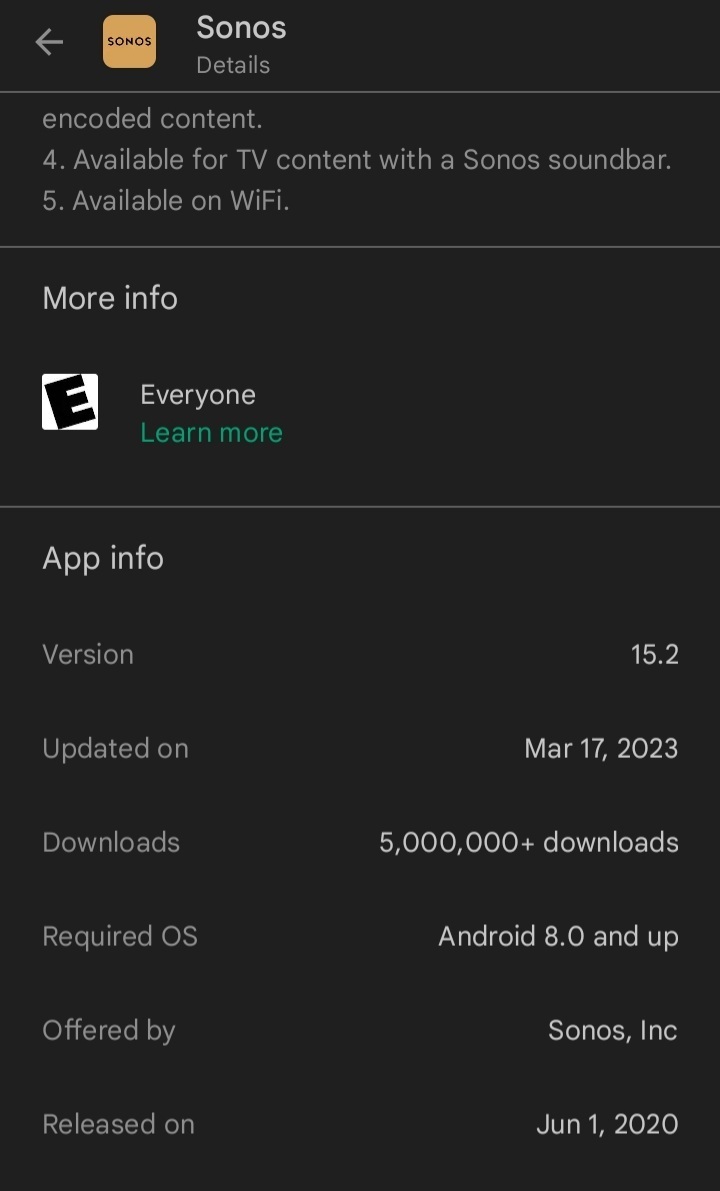
I just checked my Sonos app and there was an update done on March 17, 2023. I started having problems after that update. 


jgatie
  • March 31, 2023

Good grief! 🙄


  • March 31, 2023

That’s strange - Sonos indicate the release date as 27th Match - not 17th March.


Airgetlam
  • March 31, 2023

Try deleting your Android app completely, then go back to the Google store and download a fresh copy, and install it. Be sure to ‘join existing system’ when you get to that prompt. Once you’ve done this, go to Settings> System> System updates, and run that. Once all that is done, you should be able to ‘log in’ to your account. 

Note that account management data is on the manage your account FAQ, in case there’s an issue.


Airgetlam
  • March 31, 2023

Oh, one more thing, you need to be sure your Android version matches the information on the supported OS for controllers FAQ.


  • Author
  • Contributor I
  • March 31, 2023

I guess the solution would be to uninstall the app and reinstall it again...


  • Author
  • Contributor I
  • March 31, 2023

Yes my Android version matches...I have version 11.


  • Author
  • Contributor I
  • Answer
  • April 1, 2023

UPDATE: I uninstalled and reinstalled my Sonos app and it's working now. I had to reconnect.

Thanks everyone for your feedback...