Answered

Music Library keeps getting emptied

  • January 4, 2026
  • 9 replies
  • 110 views

I have an issue with the S2 controller where the music library keeps showing zero songs in it even though the music file share is still registered in the Sonos app. The app recommends a workaround (in my opinion) to re-add the library again. I’ve been doing this for some time now it’s getting silly. Once I re-add the library everything is fine again but not for long…

I see numerous other posts about this issue dating back a year and that the Sons response is we ‘consider’ it fixed in the latest update. My system is up-to-date as of 4th Jan 2026 and I can tell you it is very much still an issue.

Best answer by Airgetlam

The next time it occurs, I would recommend that you submit a system diagnostic within 10 minutes, and call Sonos Support to discuss it. Don’t post the resulting diagnostic number here, their lawyers get sensitive about GDPR.

There may be information included in the diagnostic that will help Sonos pinpoint the issue and help you find a solution.

When you speak directly to the Support staff, they have tools at their disposal that will allow them to give you advice specific to your network and Sonos system

9 replies

Airgetlam
  • Answer
  • January 4, 2026

The next time it occurs, I would recommend that you submit a system diagnostic within 10 minutes, and call Sonos Support to discuss it. Don’t post the resulting diagnostic number here, their lawyers get sensitive about GDPR.

There may be information included in the diagnostic that will help Sonos pinpoint the issue and help you find a solution.

When you speak directly to the Support staff, they have tools at their disposal that will allow them to give you advice specific to your network and Sonos system


Pools-3015
Forum|alt.badge.img+17
  • Prodigy I
  • January 4, 2026

I have an issue with the S2 controller where the music library keeps showing zero songs in it even though the music file share is still registered in the Sonos app. The app recommends a workaround (in my opinion) to re-add the library again. I’ve been doing this for some time now it’s getting silly. Once I re-add the library everything is fine again but not for long…

I see numerous other posts about this issue dating back a year and that the Sons response is we ‘consider’ it fixed in the latest update. My system is up-to-date as of 4th Jan 2026 and I can tell you it is very much still an issue.

Do you have your library on a laptop? Is your laptop removed from your network constantly?

If so this may be a situation where the laptop get a new IP address when you return to your network.

If this is correct, try reserving an IP address on your router for your laptop so that it gets the same IP address every time.


  • Author
  • Contributor I
  • January 4, 2026

Thanks for the replies.


The share is on a server which isn’t always on but it does have a fixed IP.

I don’t try to access the library when the server is off but my wife commonly uses the Sonos app for radio during that time. Would this cause the issue? My expectation was that when the server IS available at the location registered with Sonos, and you try to access the library, then it should work…

Does everyone keep their media available 24/7? Seems somewhat unnecessary to me for a home environment.


Stanley_4
  • Grand Maestro
  • January 4, 2026

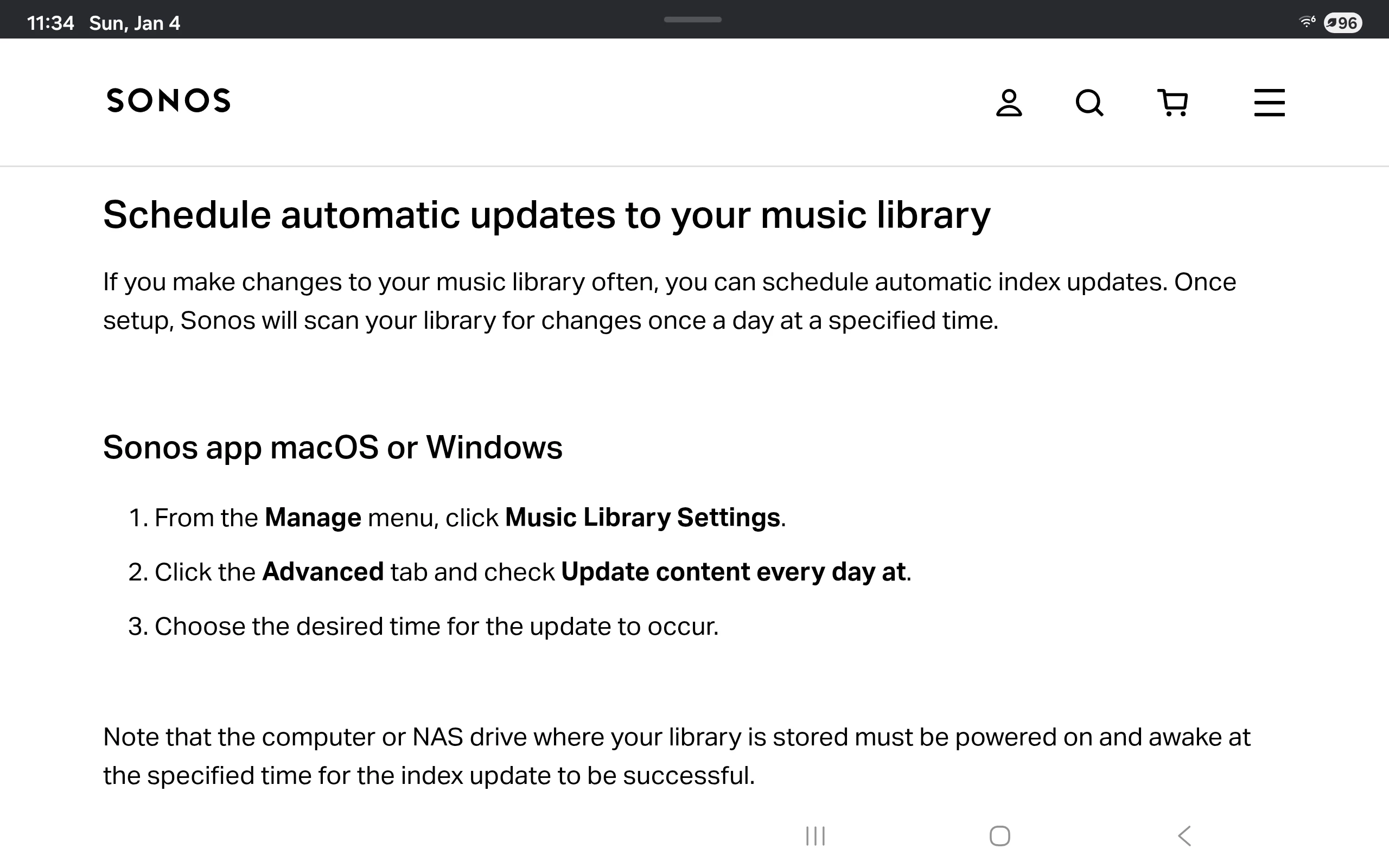
If you have automatic library updates enabled I'd think you need the music server on full time.

I haven't tried accessing my music library which the server powered off, don't think that would be a good idea.

I see no reason to not have my music library on 24x7, it uses about the same power as a Sonos speaker in idle mode. If your server is a power hog move the library to something like a Raspberry Pi Zero, only uses a few watts.


Pools-3015
Forum|alt.badge.img+17
  • Prodigy I
  • January 4, 2026

Thanks for the replies.


The share is on a server which isn’t always on but it does have a fixed IP.

I don’t try to access the library when the server is off but my wife commonly uses the Sonos app for radio during that time. Would this cause the issue? My expectation was that when the server IS available at the location registered with Sonos, and you try to access the library, then it should work…

Does everyone keep their media available 24/7? Seems somewhat unnecessary to me for a home environment.

I have a NAS that is always on because I also store personal files and photos there. But turning the server off should not make your library disappear.


  • Author
  • Contributor I
  • January 4, 2026

I’ve always tapped ‘Scan for New Content’ when the library has had anything added / removed. 
 

You mention automatic library updates but I didn’t realise this was a thing. Where is that - all I see is the scan option under my library.


buzz
  • January 4, 2026

Have you tried restarting the controller? My library is stored on NAS drives that I mostly keep powered down. They power up slowly and if I’m impatient I’ll need to attempt play several times until the drive is ready.

I don’t fully understand your “zero songs” comment because the library index is stored in the players and should always be available for you to view, regardless of the media state. I have multiple drives and I can play tracks stored on a currently powered drive, but attempts to play from a sleeping drive fail. In library views that include artwork, the artwork will mostly be missing if the drive is sleeping. I say “mostly missing” because a few images may be left in a buffer filled before the drive was shut down.

After setting up or modifying a share, you must then run the indexer before the changes will be visible.


  • Author
  • Contributor I
  • January 4, 2026

When I say zero songs I mean the library is still present in the Sonos app but, as an example, if I go to “Music Library / Albums” then there is nothing in there. Only when I remove, re-add & scan completes  do the albums show up again.

When you say restart the controller what do you mean? The app? If so I’ll try that next time but I am sure I have tried that.

* Note it’s not just albums but all media within Music Library that goes missing.

I’m sure this never used to be a problem back in the day when Sonos was generally more reliable and did it’s job well. 


Stanley_4
  • Grand Maestro
  • January 4, 2026

That used to be an option, the support section  still mentions it. It isn't there in the current Android app.

https://support.sonos.com/en-us/article/update-your-sonos-music-library