Question

MacOS Tahoe 26.7 update kills Sonos desktop App

  • September 16, 2026
  • 11 replies
  • 48 views

Forum|alt.badge.img

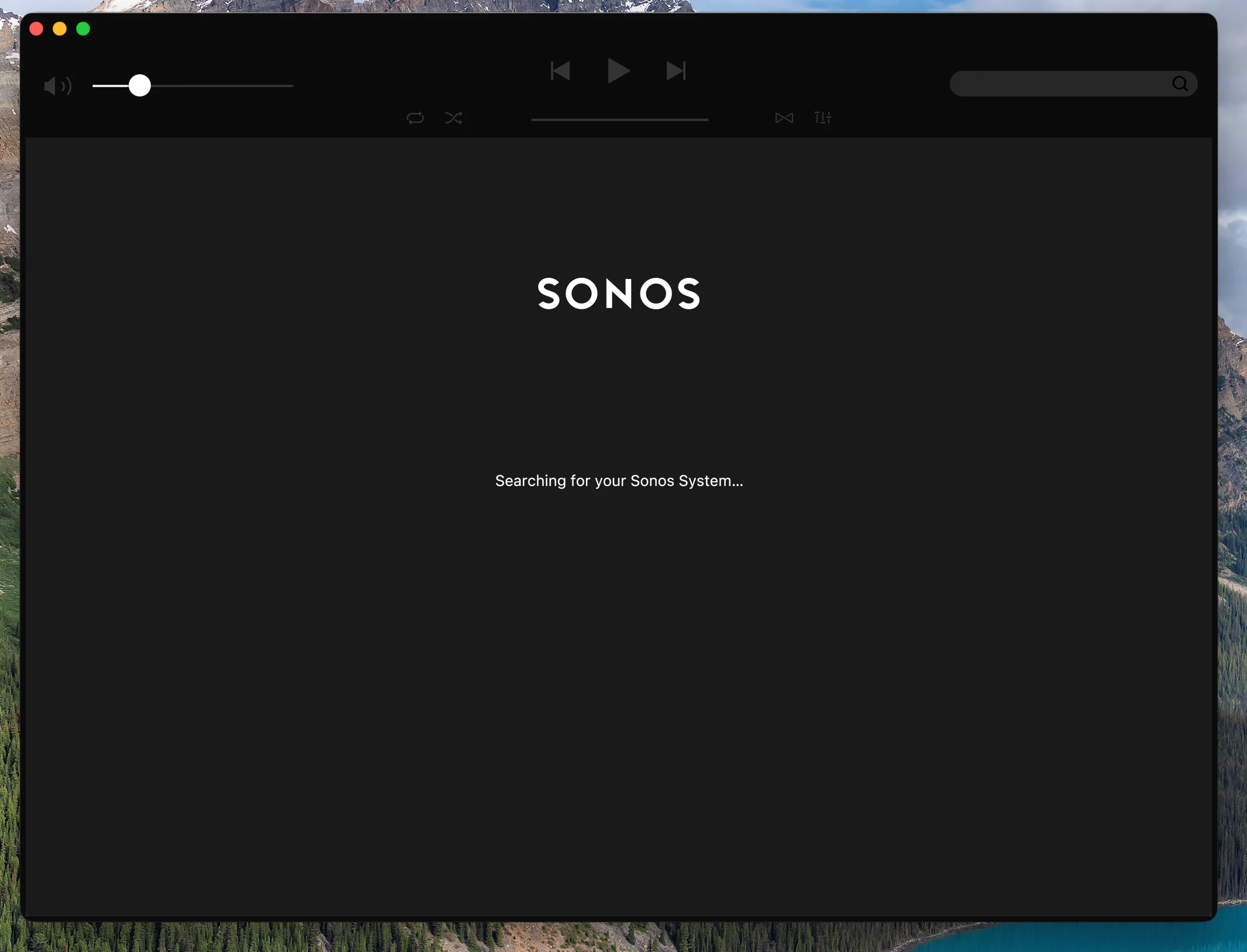
Saw this on two different machines after update from 26.6.2 to 26.7.  Sonos app launches to black window with white SONOS near top and the colorful pinwheel just spins.  Tried reinstall after deleting all caches and preferences.  Tried reinstalling Rosetta 2.  Same behavior.  Nothing in the logs - last entry shows “current network - :192.168.16.100:”.   

Anyone else having this issue?

11 replies

Stanley_4
  • Grand Maestro
  • September 16, 2026

I don't do apple but there have been a few recent posts on some setting needing tweaked. 


  • September 16, 2026

This recent discussion may help:


Forum|alt.badge.img
  • Author
  • Contributor II
  • September 16, 2026

Thanks that thread was helpful.  MacOS 27 seems to have the same issue as the new MacOS 26.7.  The Sonos app does work if you launch it from the terminal.


  • September 16, 2026

As I posted in the other  thread. I didn’t have a problem with macOS 26.7 using either Sonos or Sonos S1 controllers.


AjTrek1
  • September 16, 2026

Sonos App launches natively. No Terminal required. 


  • September 16, 2026

@aholmes5 

The current Sonos desktop controllers no longer need Rosetta 2. They run native on Apple Silicon now. Are your sure you have the latest?

MDCR

Modern: 90.0-79210

Legacy: 57.23-80060

  • macOS: native Apple Silicon support: If you've seen a message about Apple removing Rosetta 2, this one's for you. The Sonos app on macOS now runs natively on Apple Silicon, so no more Rosetta needed.


Forum|alt.badge.img
  • Author
  • Contributor II
  • September 16, 2026

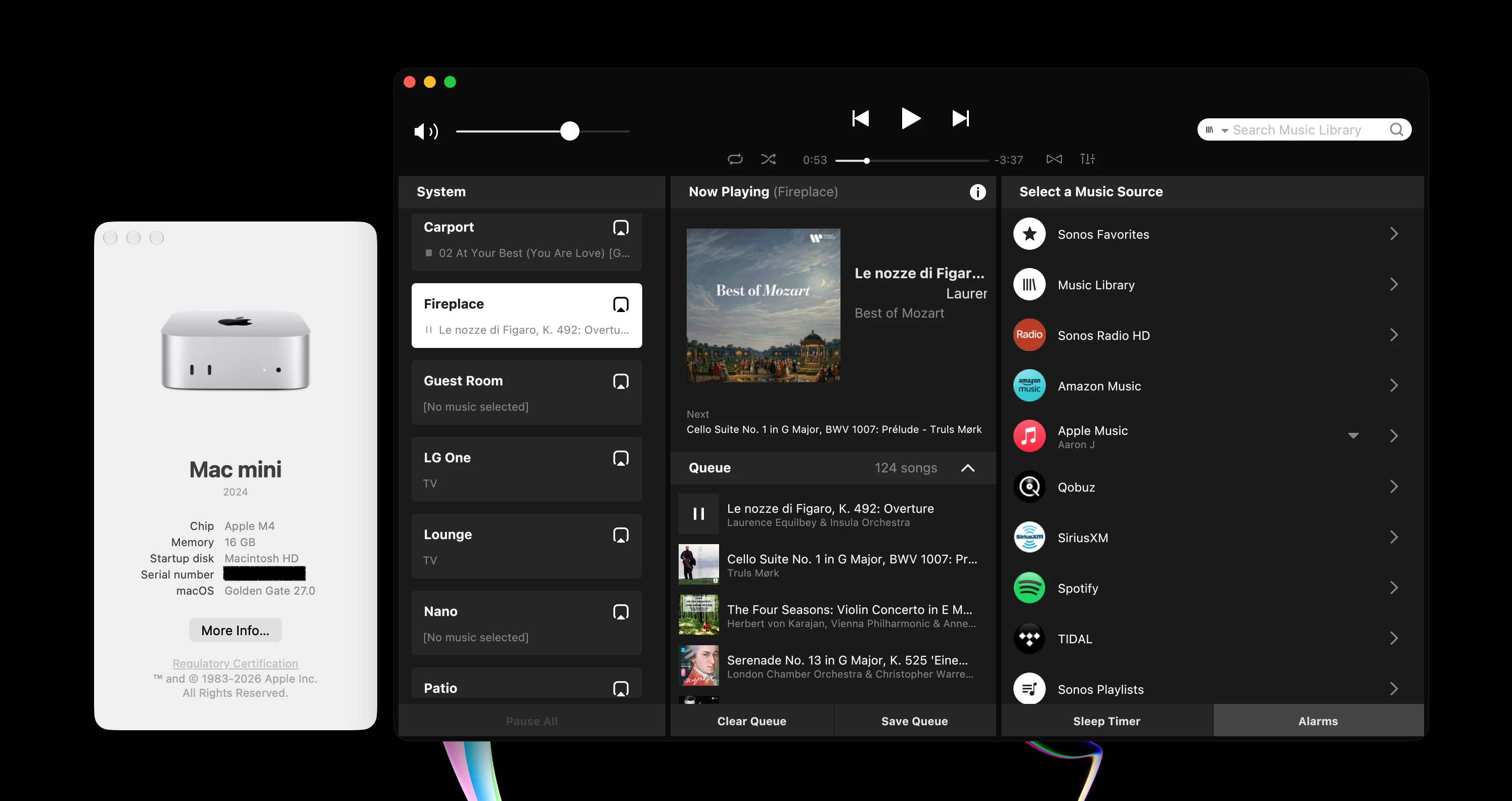
That's the version I’m on 90.0-79210.  I tried reinstalling as well.  It works fine if I run /Applications/Sonos.app/Contents/MacOS/Sonos from Terminal.  If I launch from the App Icon, I get stuck on this screen with the mouse pointer changing to the color pinwheel.  It does this on my Mac Studio and on my MacBook Air, both on MacOS 26.7 


  • September 16, 2026

That is strange. Previous macOS 26.x versions had problems with local network permissions. In settings, Privacy & Security → Local Network. Toggle Sonos off/wait a few secs/back on, fixed it. Also look in settings, Network → Firewall, Options. Locate Sonos and make sure it’s set to ‘Allow incoming connections’. If it’s not there, add it.


Airgetlam
  • September 16, 2026

I haven’t needed to do anything at all after (or, before, honestly) on my Mac M1 after updating to MacOS 27, and running the Sonos S2 software. When Sonos released the update that ​@kdowling suggests, I updated, and that got rid of the warning from Apple that the software wasn’t going to work soon. I updated to MacOS27 on Monday, the Sonos software continues to work just fine.

There’s definitely something odd going on,  on your Mac. Mine is fairly vanilla, but Sonos software continues to work without issue. 


Forum|alt.badge.img
  • Author
  • Contributor II
  • September 16, 2026

That is strange. Previous macOS 26.x versions had problems with local network permissions. In settings, Privacy & Security → Local Network. Toggle Sonos off/wait a few secs/back on, fixed it. Also look in settings, Network → Firewall, Options. Locate Sonos and make sure it’s set to ‘Allow incoming connections’. If it’s not there, add it.

Tried both of those.  Same issue.  It happens on two different computers - a MacBook Air M4 and a MacStudio M4.


  • September 17, 2026

I don’t know what you could try next, except a call to Sonos Support. They might have something, if there are a lot of people reporting this problem.