Answered

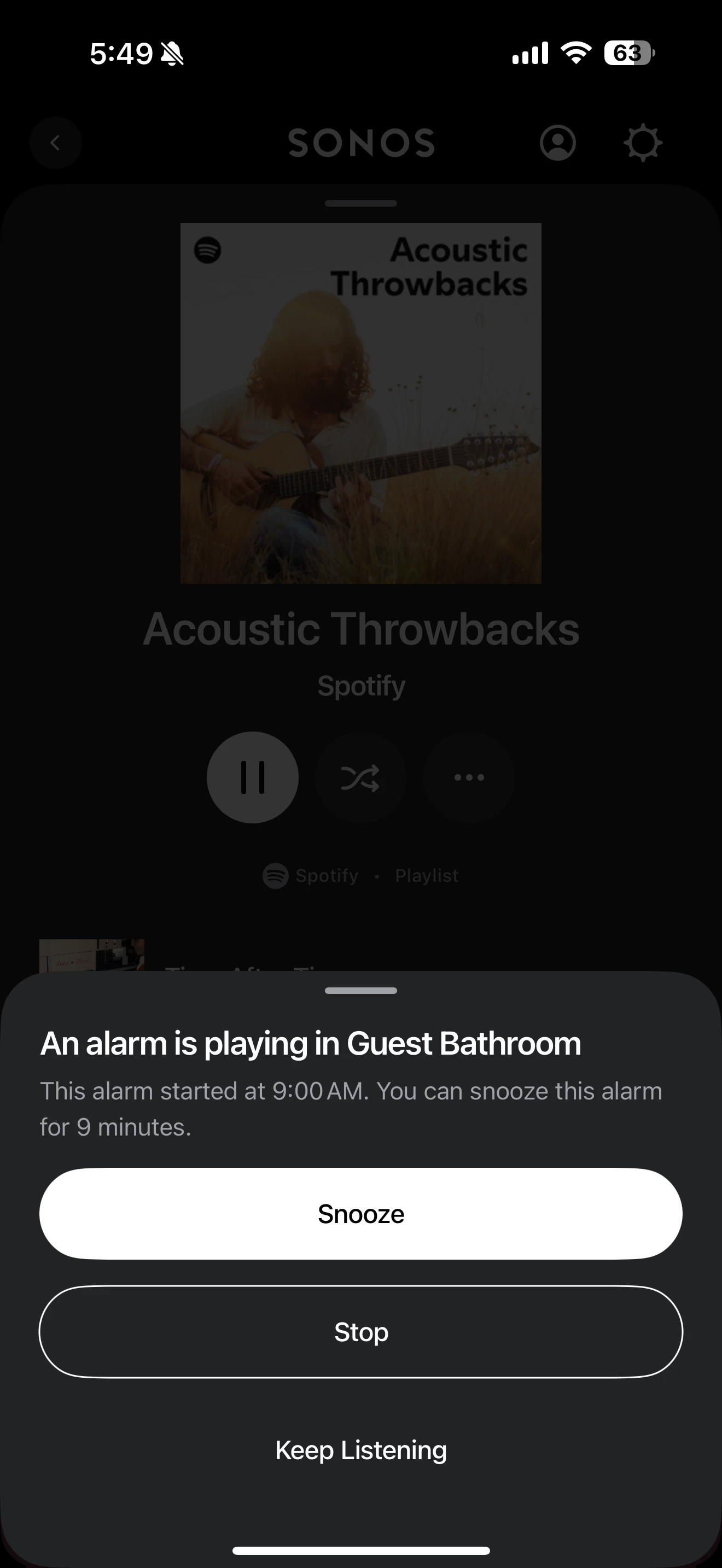
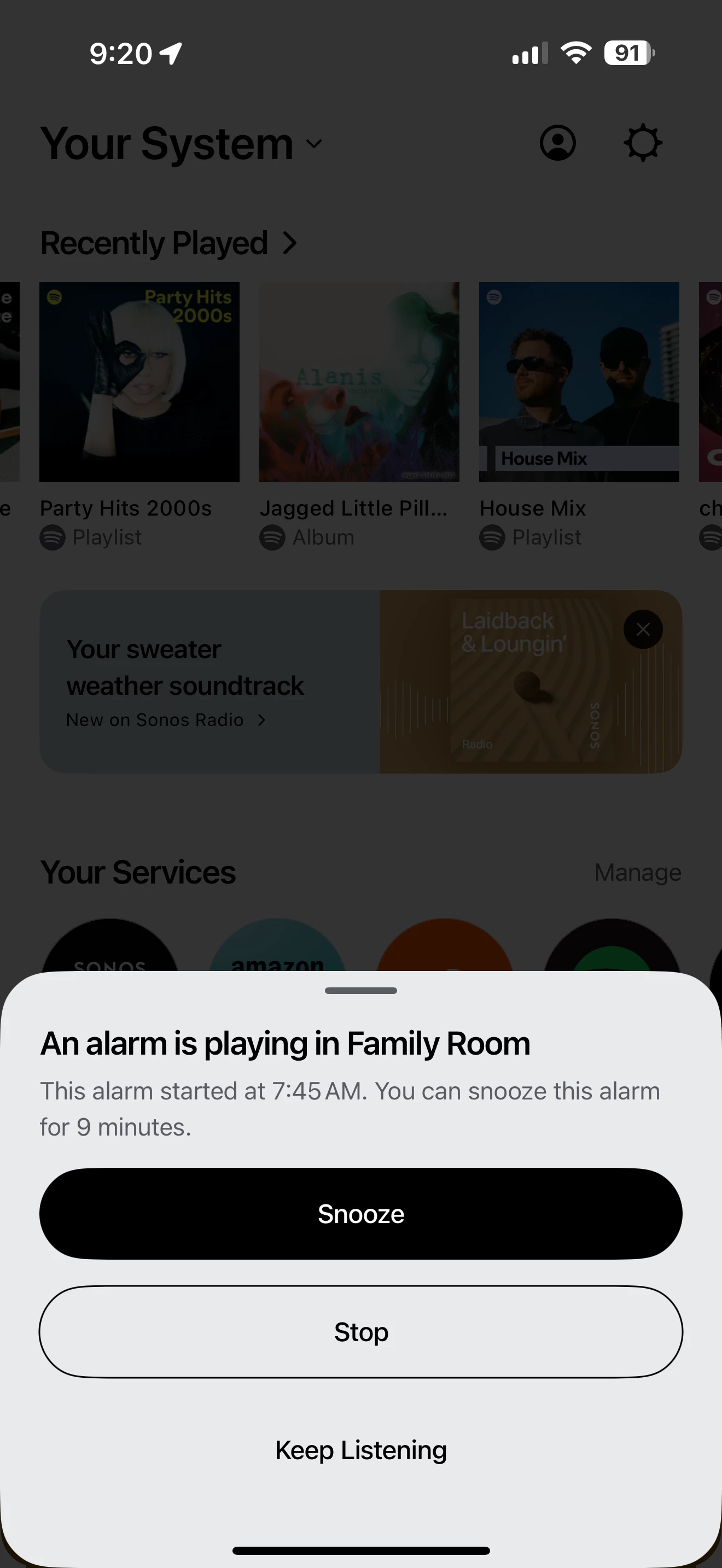
How do I turn off in app alarm notifications?

  • February 2, 2025
  • 32 replies
  • 773 views

Show first post
This topic has been closed for further comments. You can use the search bar to find a similar topic, or create a new one by clicking Create Topic at the top of the page.

32 replies

thomi_ch
  • Lyricist III
  • August 15, 2025

Forum|alt.badge.img+1
  • Author
  • Avid Contributor I
  • August 20, 2025

still not fixed. still annoying.


Forum|alt.badge.img
  • Lyricist III
  • August 24, 2025

Me again…. Just reminding the world about this $$$@@&$” notifications 


Forum|alt.badge.img+3
  • Avid Contributor I
  • October 1, 2025

It’s a useless, annoying feature for 90+% of users. I have three Sonos controllers running 24/7 on walls of my house, and i have to dismiss that freaking message individually on each of them, every morning. Sonos gives us ZERO options to customize the UI, which is ridiculous for a product that different people use very differently. I’ve been asking for YEARS for a default-to-now-playing-screen option. Who the hell wants the UI to stay on the selection or description screen after you’ve selected the music stream you like? I want to see the title and artist!


Airgetlam
  • October 1, 2025

I’m curious, how did you arrive at the 90% number? I’ve got ‘no dog in this fight’, I don’t use alarms, but I had no idea that 90% of users did. That’s fascinating. 


106rallye
Forum|alt.badge.img+18
  • October 2, 2025

90% of alarm users maybe? I do not use Sonos alarms but I question the necessity of a notification for something you can clearly hear - an alarm going off.


Forum|alt.badge.img
  • Lyricist III
  • October 5, 2025

Just back here reminding everyone that I’m getting these notifications multiple times per day…, every day.


it’s been blooooooody months and months now. 


Not that I’m surprised it’s not fixed…