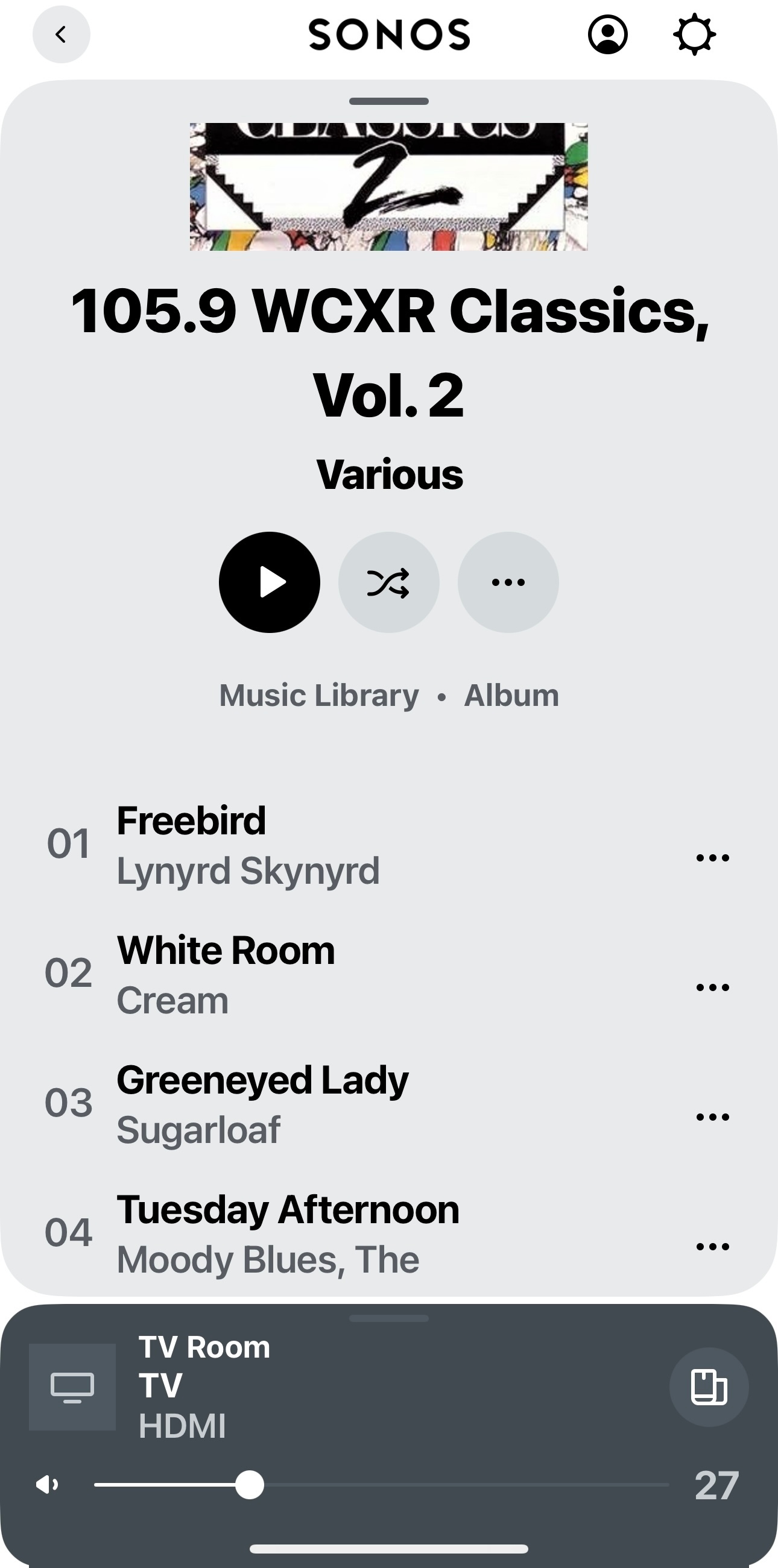
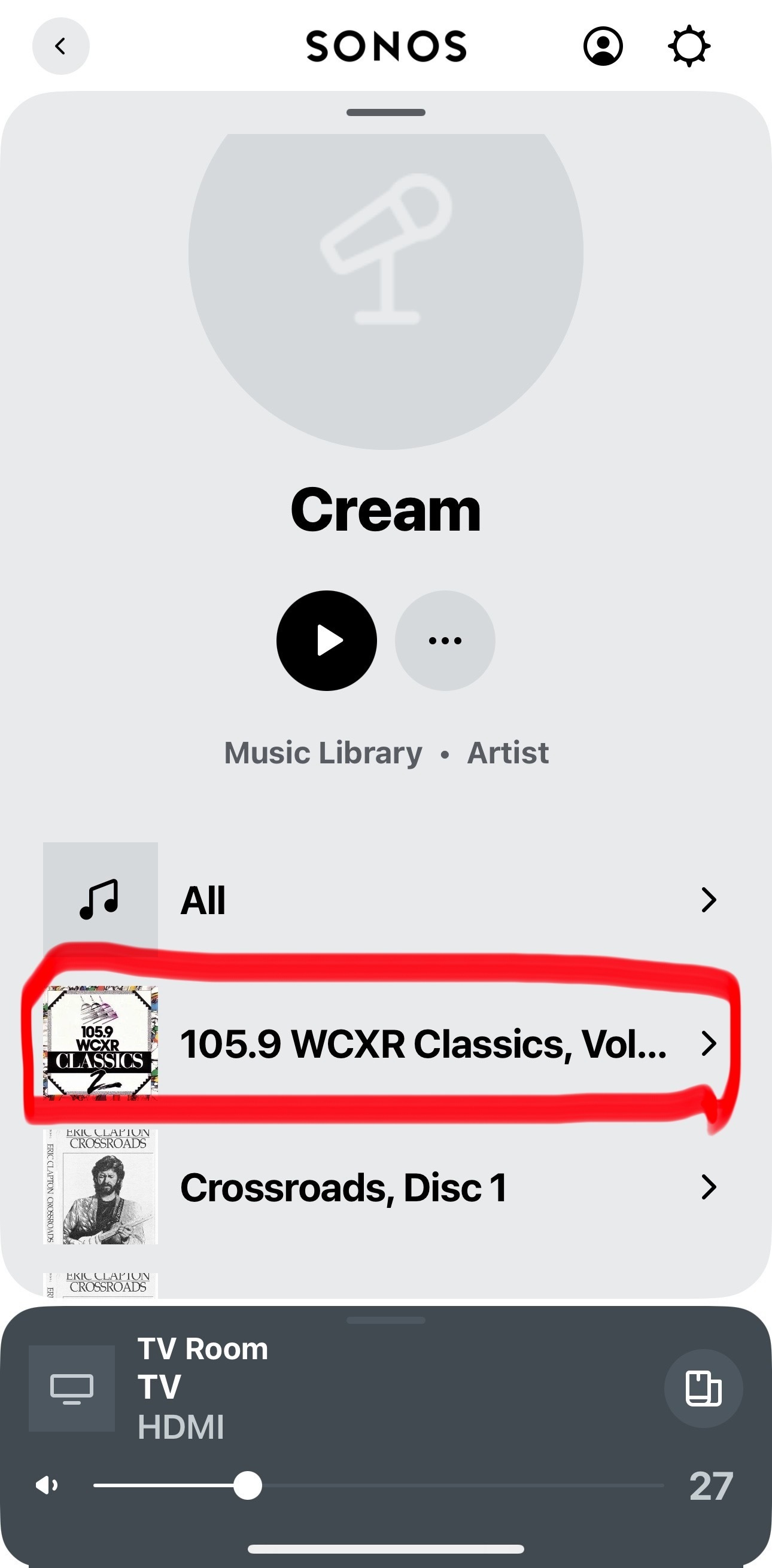
I’ve been looking on here for months now, and I still see no sight or sound of a resolution to two essential problem with this new? (7 months old!) app. First, all my compilation albums appear as single tracks; second, I can no longer queue anything as the function has disappeared. Usual comments about significant investment building a system over some years. Are there any answers to these two fundamental problems? I have tried all the suggested solutions using advanced settings and still no joy. Will someone from Sonos reply, or is it left to some other poor user who has had to struggle through the problems caused by this app upgrade?

Answered
disaggregation of compillation albums and lack of queueing
Best answer by Jamie A
Hi
Hi ,
thanks for your reply - how do I do the first para please? I’m no expert on this stuff so a step by step noddy guide would be useful, and, can I do this in mass or is it album by album - I have many. Main principle is “why should I have to fiddle with this stuff? Will I do damage to my library if I do it wrong”
I can’t recommend anything myself as I don’t have a music library nor do I use this software, but from what I’ve seen on the community, a few users have suggested the app Mp3tag. You wont damage your library since you can always change the metadata. The following thread also talks about this and has other user suggestions:
the second part re queueing, here is my three dot screen
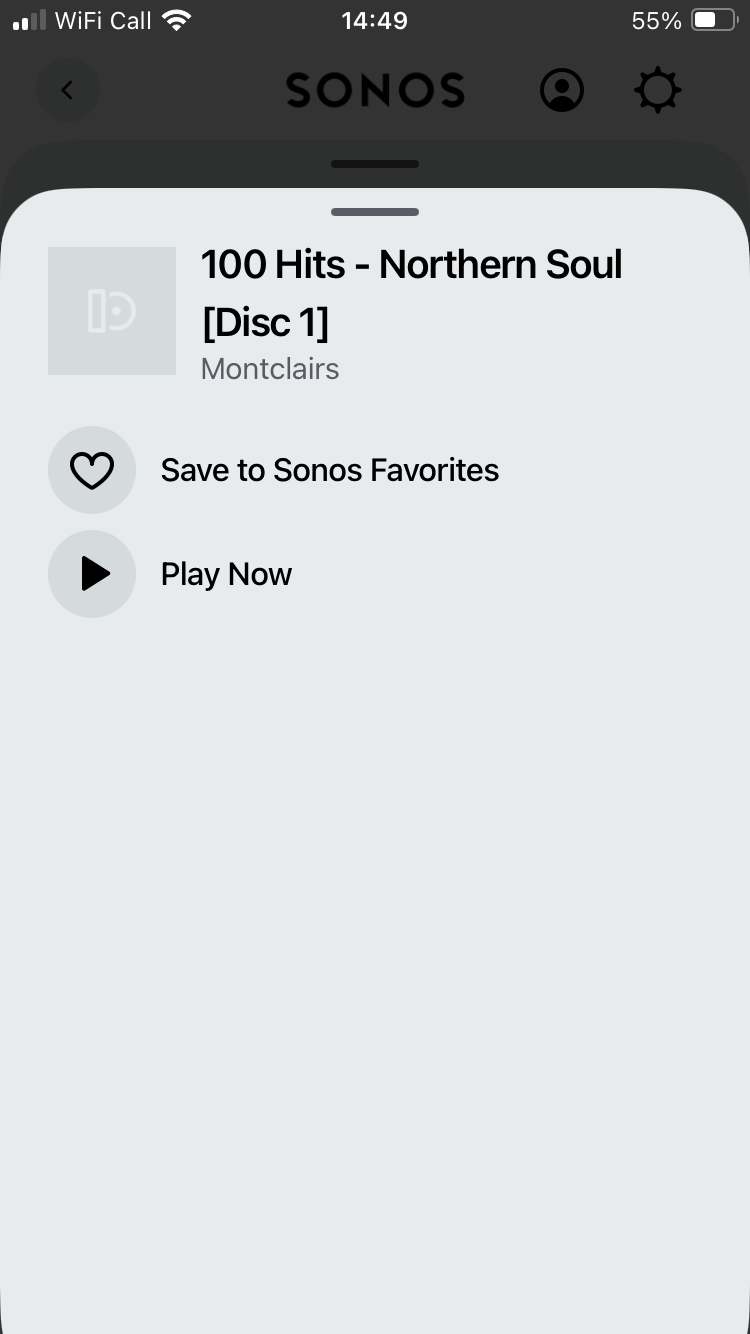
As you can see - no queueing options !
further help needed please!
The ‘Play Now’ option on that screen will add the item to the queue, you’ll see that as the option if you have nothing in the queue. Once you have something in the queue, you’ll see the other options I mentioned above.
This topic has been closed for further comments. You can use the search bar to find a similar topic, or create a new one by clicking Create Topic at the top of the page.





Enter your E-mail address. We'll send you an e-mail with instructions to reset your password.