Answered

cannot connect deezer service anymore

  • December 13, 2023
  • 5 replies
  • 490 views

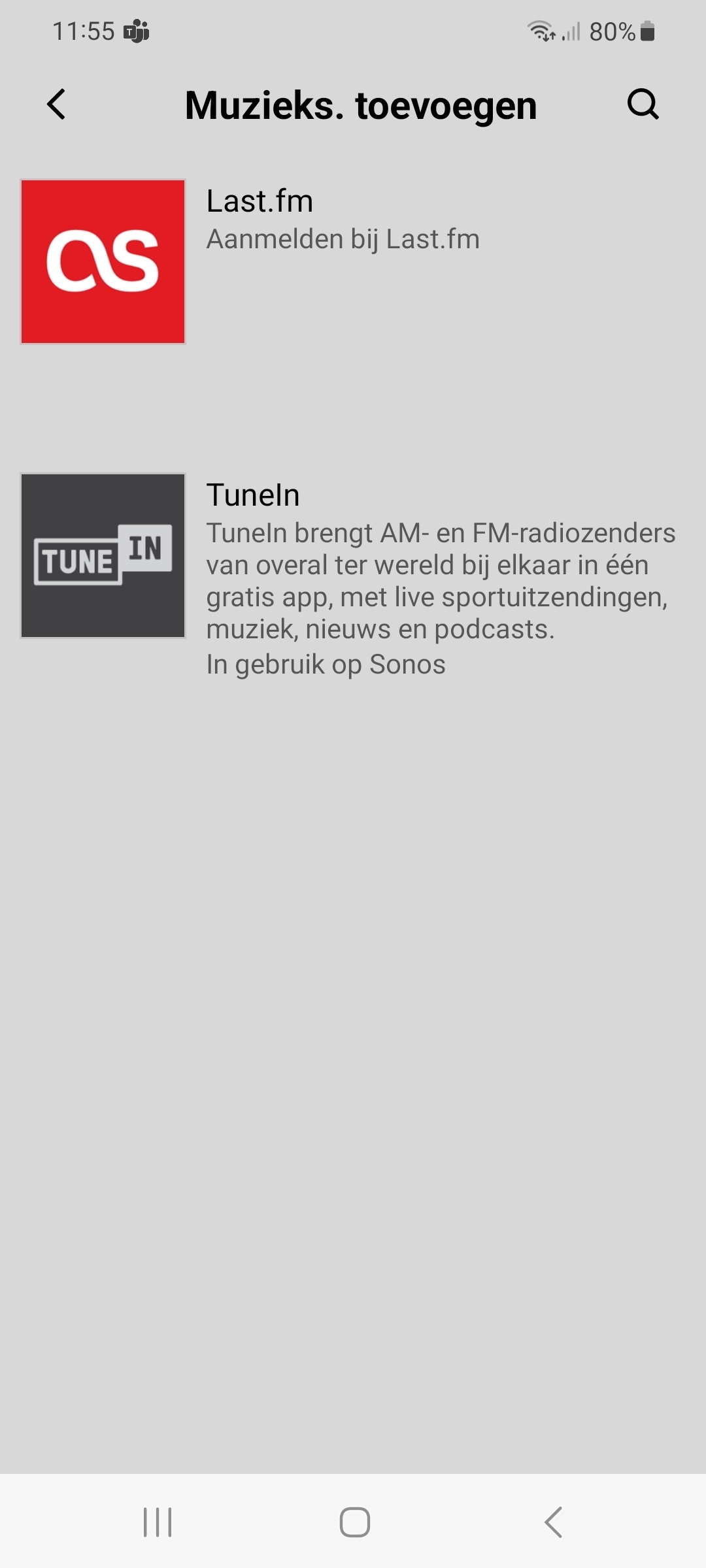
Cannot select Deezer, only these two

Best answer by Airgetlam

As indicated, check for updates in the app, for both your speakers, and the app itself. Also, make sure you’ve identified your location in your account setup at www.sonos.com, Sonos uses that data to filter what you see. That can take an amount of time to filter through, though.
 

If you’re still having issues, call Sonos Support directly to discuss it.

This topic has been closed for further comments. You can use the search bar to find a similar topic, or create a new one by clicking Create Topic at the top of the page.

5 replies

  • Author
  • Contributor I
  • December 13, 2023

Updating the Sonos app solved the problem


  • Lyricist I
  • December 13, 2023

Same problem: I've already installed the app update but my music services don't show up. 

Also located in The Netherlands.


Airgetlam
  • Answer
  • December 13, 2023

As indicated, check for updates in the app, for both your speakers, and the app itself. Also, make sure you’ve identified your location in your account setup at www.sonos.com, Sonos uses that data to filter what you see. That can take an amount of time to filter through, though.
 

If you’re still having issues, call Sonos Support directly to discuss it.


  • Lyricist I
  • December 13, 2023

I have the same issue, not with deezer, which I don’t use, but with a slew of radio stations. All have disappeared or cannot connect following the new update.


Forum|alt.badge.img
  • Lyricist I
  • December 13, 2023

Same issue here. All my services are missing expect TuneIn and Line-In. I uninstalled and reinstalled Sonos app from iPhone and still missing. I see the same behavior in Sonos desktop app on Windows 11. And the only other services available to add is Last.fm. Seems to me that this is an issue with Sonos backend system. Hope someone is looking into this.