Answer

Cannot access DR Lyd from search function

  • May 12, 2023
  • 5 replies
  • 214 views

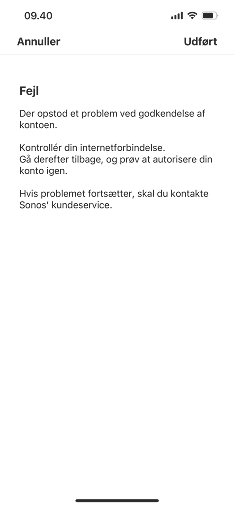
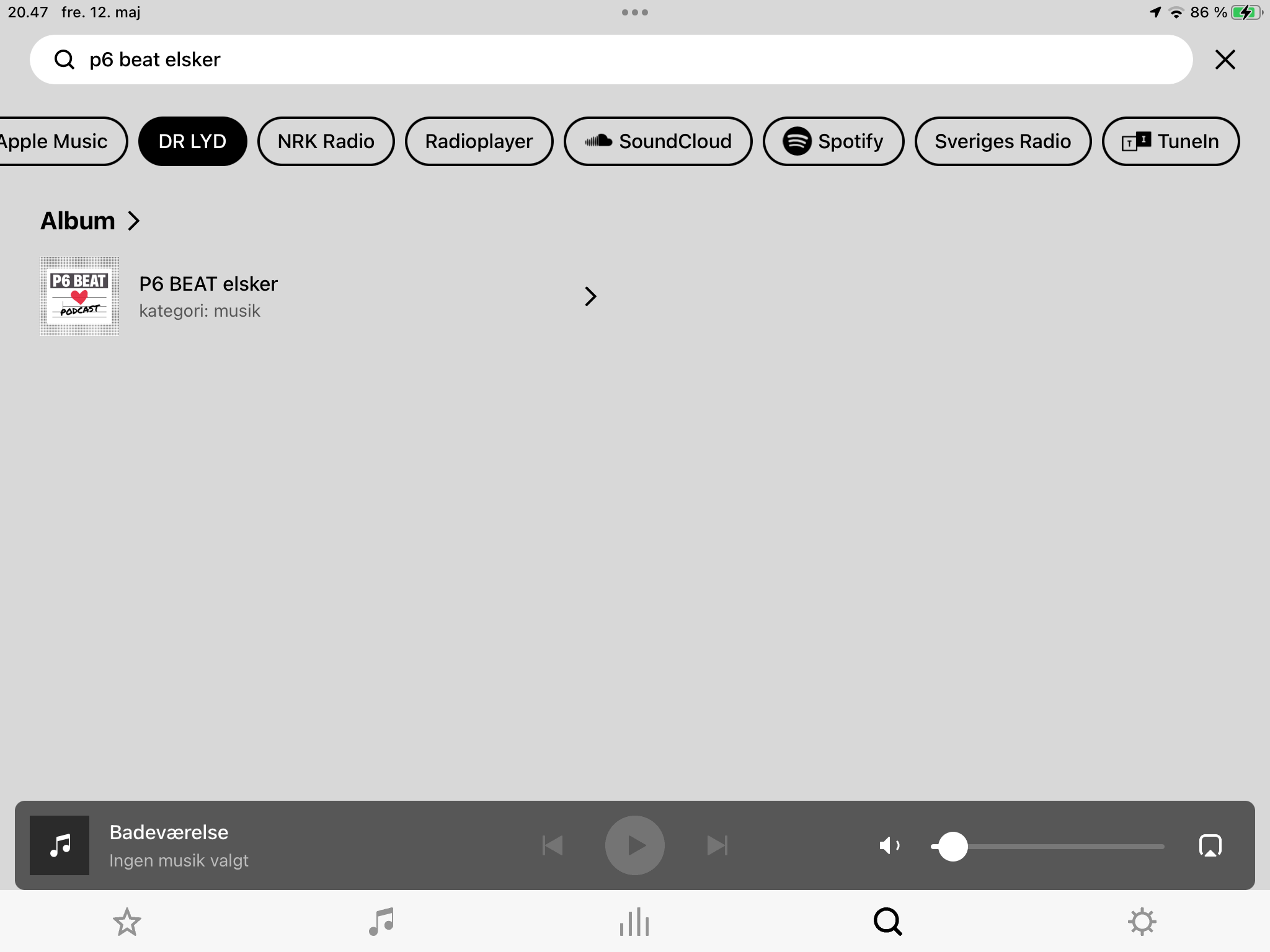
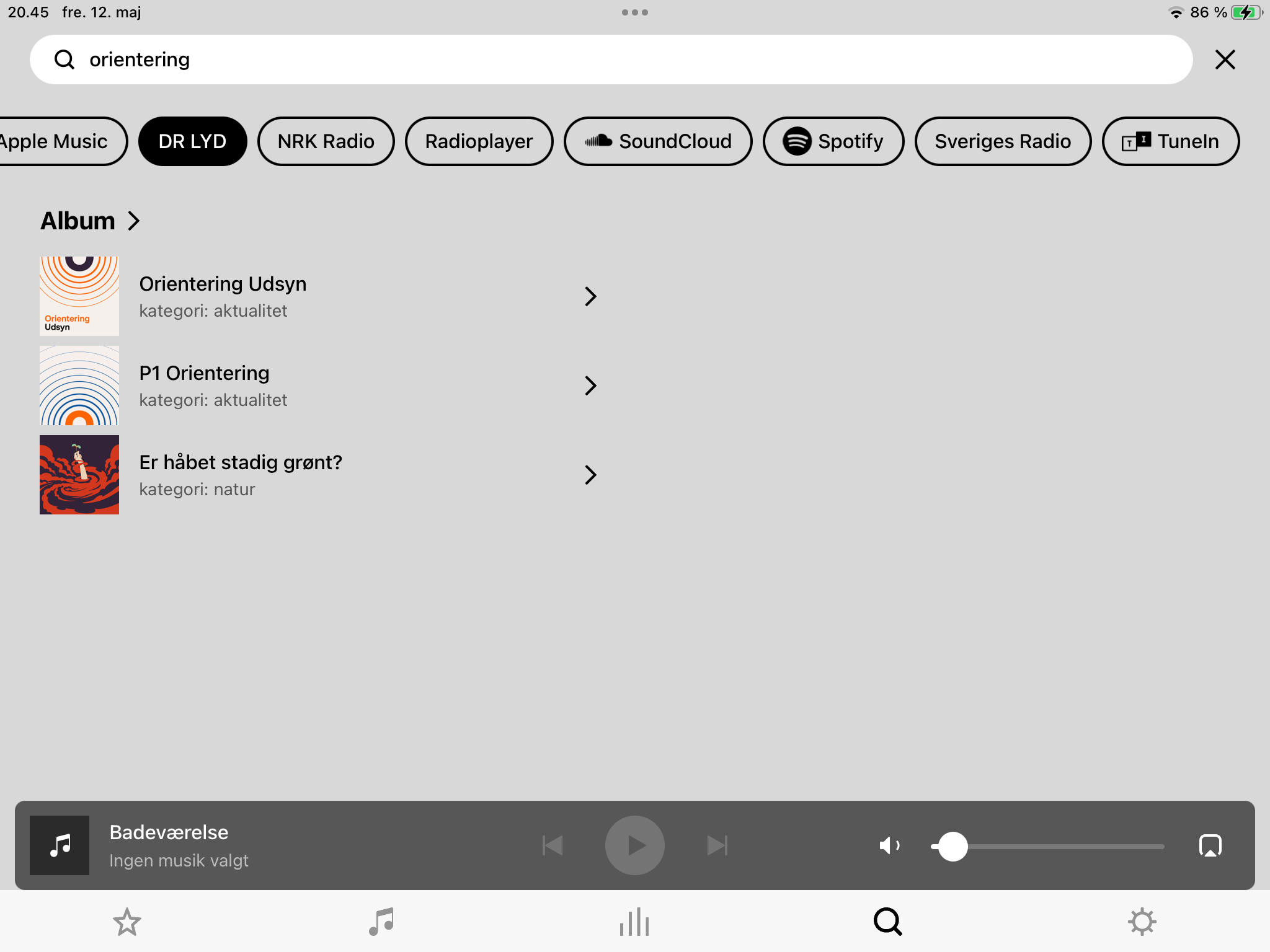
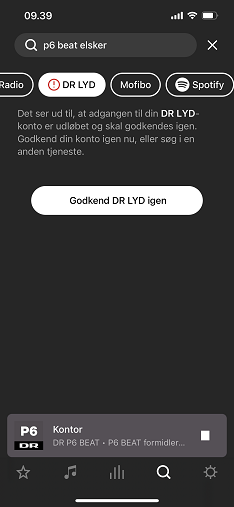
When I use the search function, I cannot access content from DR Lyd. I am asked to approve (“godkende”) access to the service again. Trying to do that immediately takes me to a message indicating that it has failed. It’s been like this for a while.

See screenshots below.


Best answer by Gert_4

Jeg svare lige på dansk.

Det virker da fint hos mig, med alle de søgninger jeg har lavet.

Blot et forslag, prøv at slette / afinstaller DR LYD appen og installer den så igen.

Og registrer dig som bruger af DR LYD i DR Appen, altså opret en DR profil.


This topic has been closed for further comments. You can use the search bar to find a similar topic, or create a new one by clicking Create Topic at the top of the page.

5 replies

Forum|alt.badge.img+5
  • Prominent Collaborator I
  • Answer
  • May 12, 2023

Jeg svare lige på dansk.

Det virker da fint hos mig, med alle de søgninger jeg har lavet.

Blot et forslag, prøv at slette / afinstaller DR LYD appen og installer den så igen.

Og registrer dig som bruger af DR LYD i DR Appen, altså opret en DR profil.


  • Author
  • Contributor I
  • May 12, 2023

Ja, det virker desværre ikke for mig. Det hjalp ikke at afinstallere og geninstallere DR Lyd-appen. Er der overhovedet nogen forbindelse mellem Sonos- og DR Lyd-appen?


Rettelse: Nu forstår jeg, hvad du mente. Jeg afkoblede DR Lyd-tjenesten fra Sonos-appen og forbandt den så igen. Nu virker det. Takker!


106rallye
Forum|alt.badge.img+18
  • May 13, 2023

Just as a service a Google translate for the approved answer:

”I just answer in Danish.

It works fine for me, with all the searches I've done.

Just a suggestion, try to delete / uninstall the DR LYD app and then install it again.

And register as a user of DR LYD in the DR App, i.e. create a DR profile.”


  • Author
  • Contributor I
  • May 13, 2023

Yeah, it’s a Danish-language radio station, so it probably doesn’t have much interest for others than speakers of Danish.


It turns out that the solution was to disconnect the Sonos app from DR Lyd (from inside the Sonos app) and then reconnect it. Pretty simple. Don’t know why I didn’t think of that.


I don’t think there’s any connection between the Sonos and DR Lyd apps.


Airgetlam
  • May 13, 2023

Just as an extra note…Sonos doesn’t really do much with their search function. They hand off the data you’ve entered to the other company’s server, and then display what they get back, without any filtering or reordering of the data. Sonos is merely a display vessel. 
 

Sounds like there was some authorization aspect that needed to be kicked in your case, I’m happy you were able to get it working.