Answered

Can‘t add myTuner Radio stations to my Sonos

  • March 3, 2024
  • 14 replies
  • 1060 views

Schlumpf
Forum|alt.badge.img+18

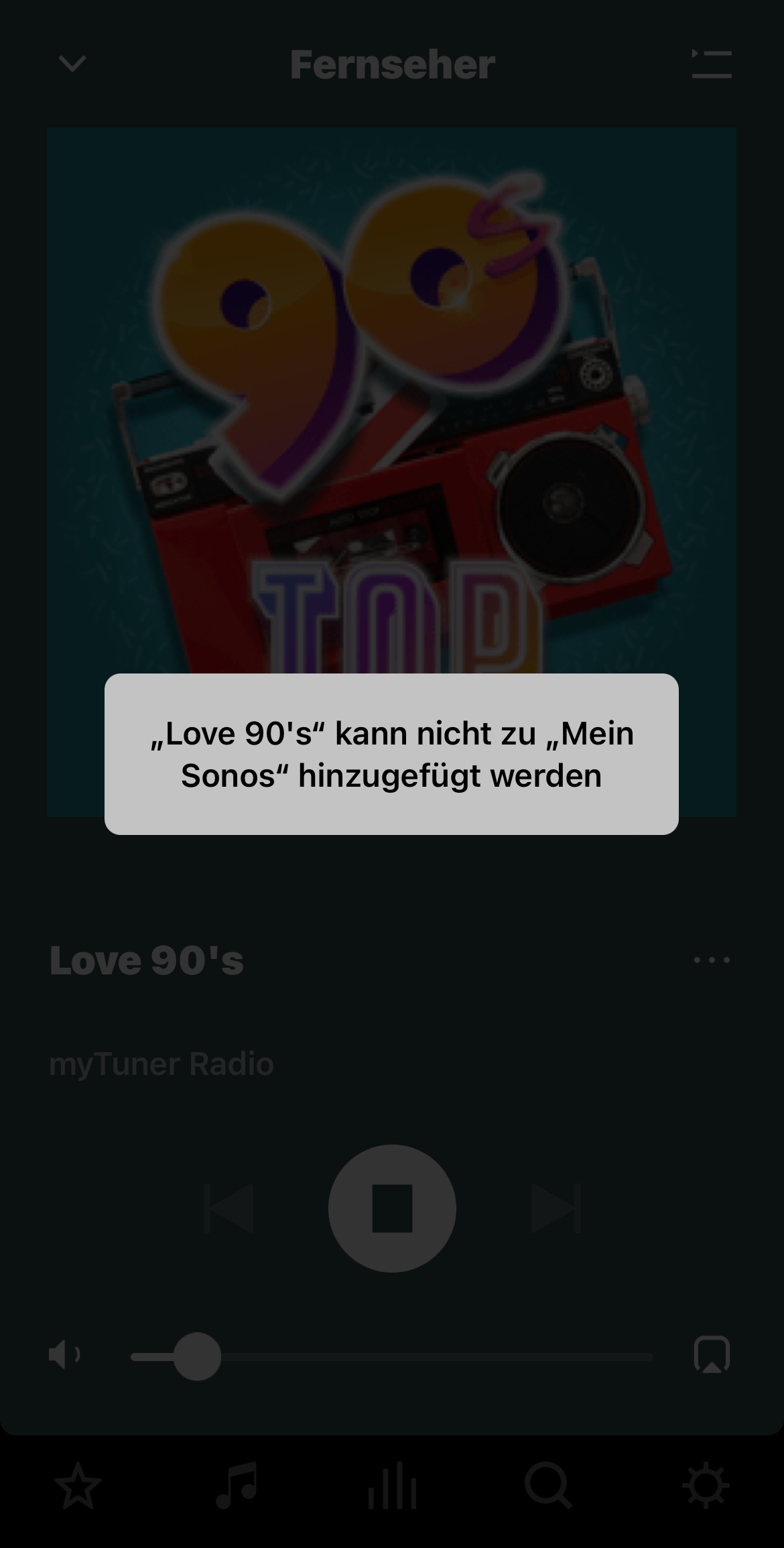
Can someone test and confirm that trying to add any station of myTuner Radio to my Sonos produces an error message?

Best answer by UKMedia

It must be a local issue as I can add a radio station from myTuner to my favourites with no issue or error.


Mod edit:
It can happen that myTunerRadio radio stations cannot be added to My Sonos from the Now Playing screen or via the New Search. Thank you @Schlumpf for reporting this issue to us.


Workarounds:

  • Find the station from myTuner Radio via the classic search and add it to the Sonos Favorites from there.
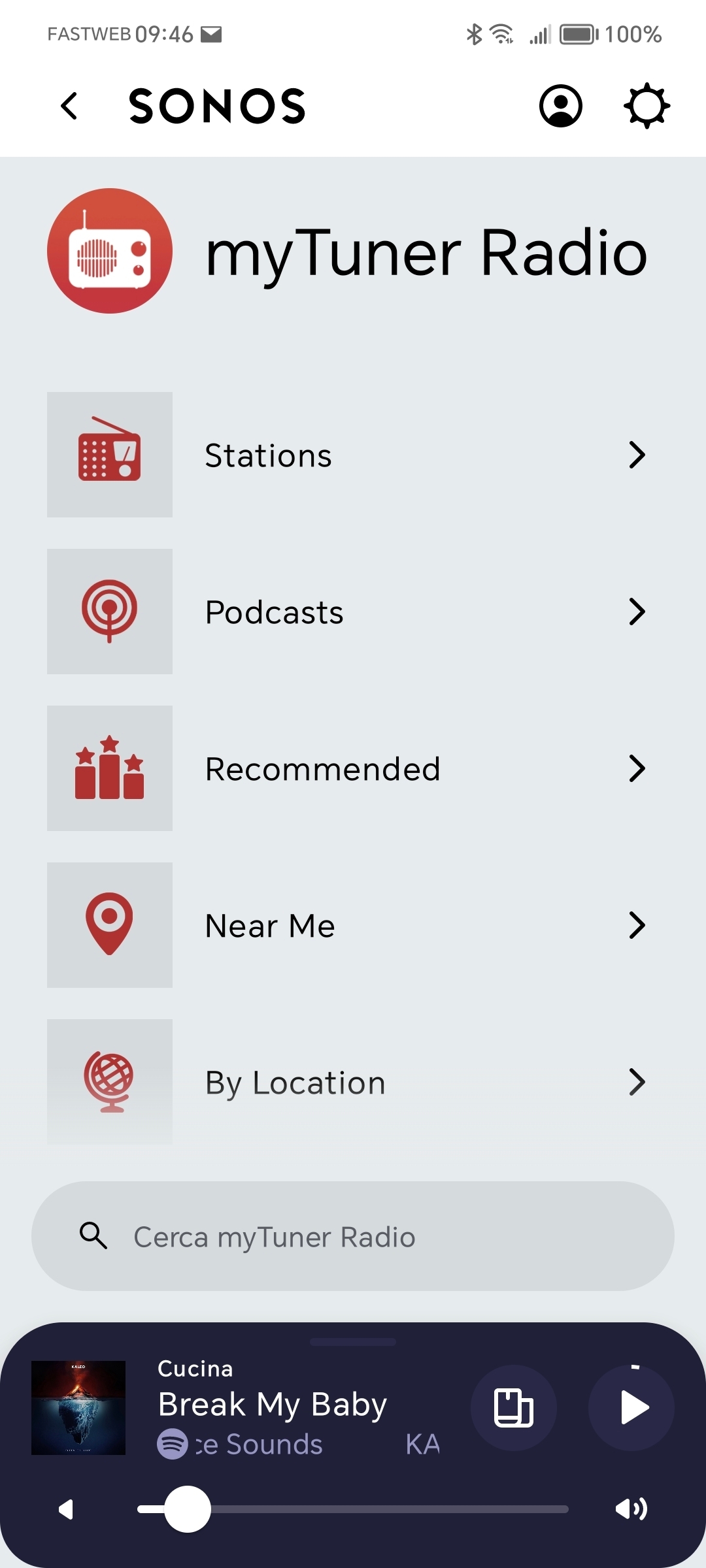
  • Add the station to the Sonos favorites via Browse > myTuner Radio > Find Stations.

We have already reported the problem to myTuner Radio in order to solve the problem. A time frame for a solution is currently not known.

This topic has been closed for further comments. You can use the search bar to find a similar topic, or create a new one by clicking Create Topic at the top of the page.


14 replies

UKMedia
  • March 3, 2024

Can someone test and confirm that trying to add any station of myTuner Radio to my Sonos produces an error message?

Hi @Schlumpf I’ve just successfully added myTuner and played a radio station (LBC) without any error on my S2 system.


Schlumpf
Forum|alt.badge.img+18
  • Author
  • Virtuoso
  • March 3, 2024

Can someone test and confirm that trying to add any station of myTuner Radio to my Sonos produces an error message?

Hi @Schlumpf I’ve just successfully added myTuner and played a radio station (LBC) without any error on my S2 system.

Sorry… I got the wrong words to describe it. 
Adding the service and playing stations works well. Just adding a station as a favorite to the „my Sonos“ section doesn’t work for me and other users in DE. 


UKMedia
  • Answer
  • March 3, 2024

It must be a local issue as I can add a radio station from myTuner to my favourites with no issue or error.


Mod edit:
It can happen that myTunerRadio radio stations cannot be added to My Sonos from the Now Playing screen or via the New Search. Thank you @Schlumpf for reporting this issue to us.


Workarounds:

  • Find the station from myTuner Radio via the classic search and add it to the Sonos Favorites from there.
  • Add the station to the Sonos favorites via Browse > myTuner Radio > Find Stations.

We have already reported the problem to myTuner Radio in order to solve the problem. A time frame for a solution is currently not known.


controlav
Forum|alt.badge.img+24
  • Lead Maestro
  • March 3, 2024

Can someone test and confirm that trying to add any station of myTuner Radio to my Sonos produces an error message?

Hi @Schlumpf I’ve just successfully added myTuner and played a radio station (LBC) without any error on my S2 system.

Sorry… I got the wrong words to describe it. 
Adding the service and playing stations works well. Just adding a station as a favorite to the „my Sonos“ section doesn’t work for me and other users in DE. 

There is a size limit to the Favorites storage, used for “My Sonos” on mobile. I forget the value but its is in the range of 50 items. Can you share the actual error message?


Schlumpf
Forum|alt.badge.img+18
  • Author
  • Virtuoso
  • March 3, 2024

@controlav 

It‘s no limit issue as other favorites can be added. 
Error message looks like that…


controlav
Forum|alt.badge.img+24
  • Lead Maestro
  • March 3, 2024

Ug, what a generic error message that is.


Schlumpf
Forum|alt.badge.img+18
  • Author
  • Virtuoso
  • March 4, 2024

Ok, german Sonos support team was able to reproduce the issue and at the moment it seems a regional problem as @UKMedia supposed too. 


Schlumpf
Forum|alt.badge.img+18
  • Author
  • Virtuoso
  • March 5, 2024

Update:

As a workarround any myTuner radio station from Sonos search section can be added to my Sonos favorites. Just adding from the playback screen results in an error.  


Forum|alt.badge.img+3
  • Avid Contributor I
  • March 22, 2024

Can someone test and confirm that trying to add any station of myTuner Radio to my Sonos produces an error message?

Hi @Schlumpf I’ve just successfully added myTuner and played a radio station (LBC) without any error on my S2 system.

Sorry… I got the wrong words to describe it. 
Adding the service and playing stations works well. Just adding a station as a favorite to the „my Sonos“ section doesn’t work for me and other users in DE. 

I get the same problem here in the UK, so it's not just a German problem. Namely,  I can't add a station found using Sonos Search to the stations in “My Sonos". I am using the latest Android app.


  • Lyricist I
  • May 11, 2024

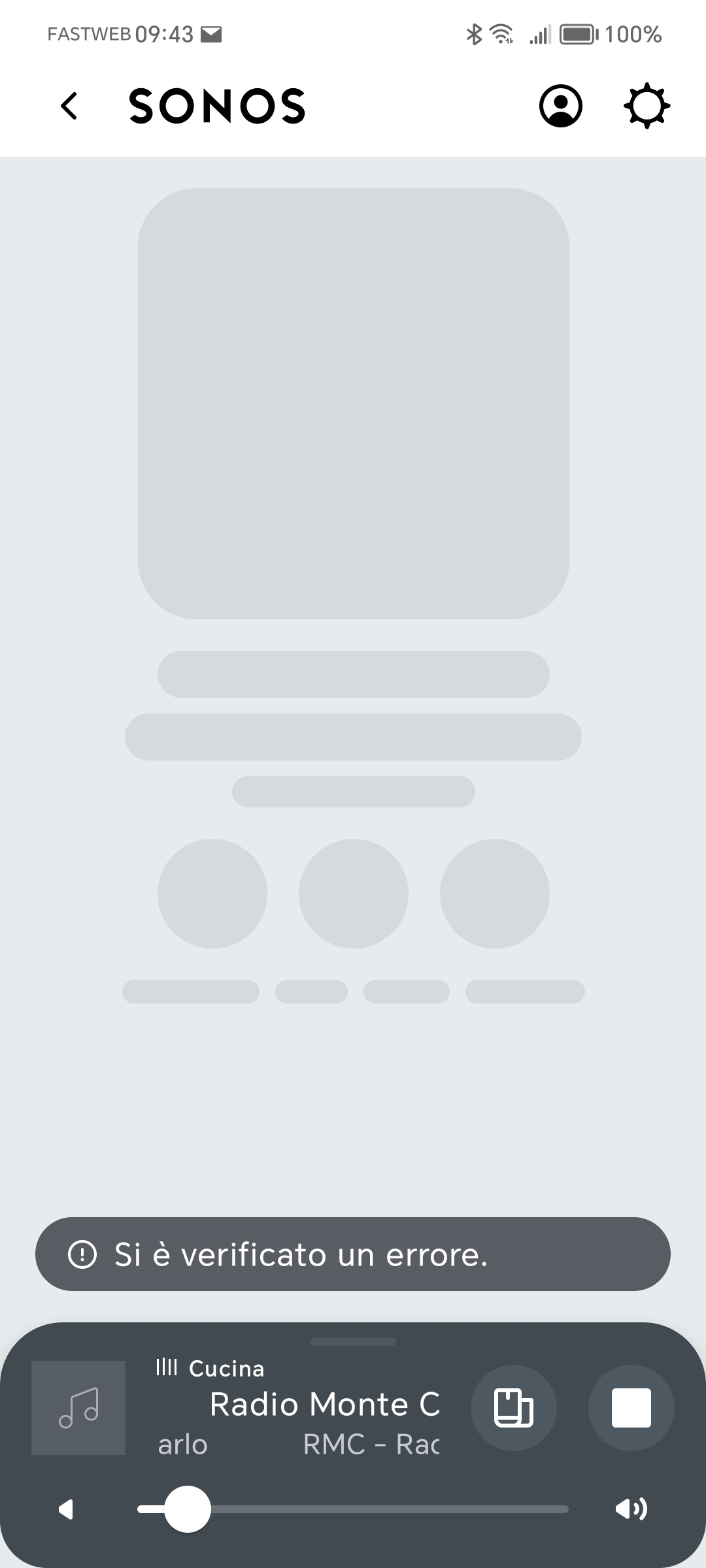
I have the same problem in Italy. After the new version was installed mytuner's radio stations don't work selecting them from favorites. Error is "si è verificato un errore". They only work if selected from the "recommended list" of mytuner.  


  • Contributor I
  • May 11, 2024

Same here in Canada when trying to add a station from myTuner.


  • Lyricist I
  • May 14, 2024

Same here in Canada when trying to add a station from myTuner.

Same here. TuneIn works so I assume it has something to do with the integration of myTuner. Same problem with Radio player. Sonos has a cooperation with TuneIn so of course they'll make sure it works with that service, right? 


  • Contributor I
  • May 14, 2024

Quite right, and the worst thing about TuneIn is an advert every time a station starts, which is OK if you are not planning to surf stations. But if you are trying different stations, MyTuner has no adverts and better seach features. 


Barelds
Forum|alt.badge.img
  • Lyricist I
  • May 16, 2024

Same issue here in Holland.