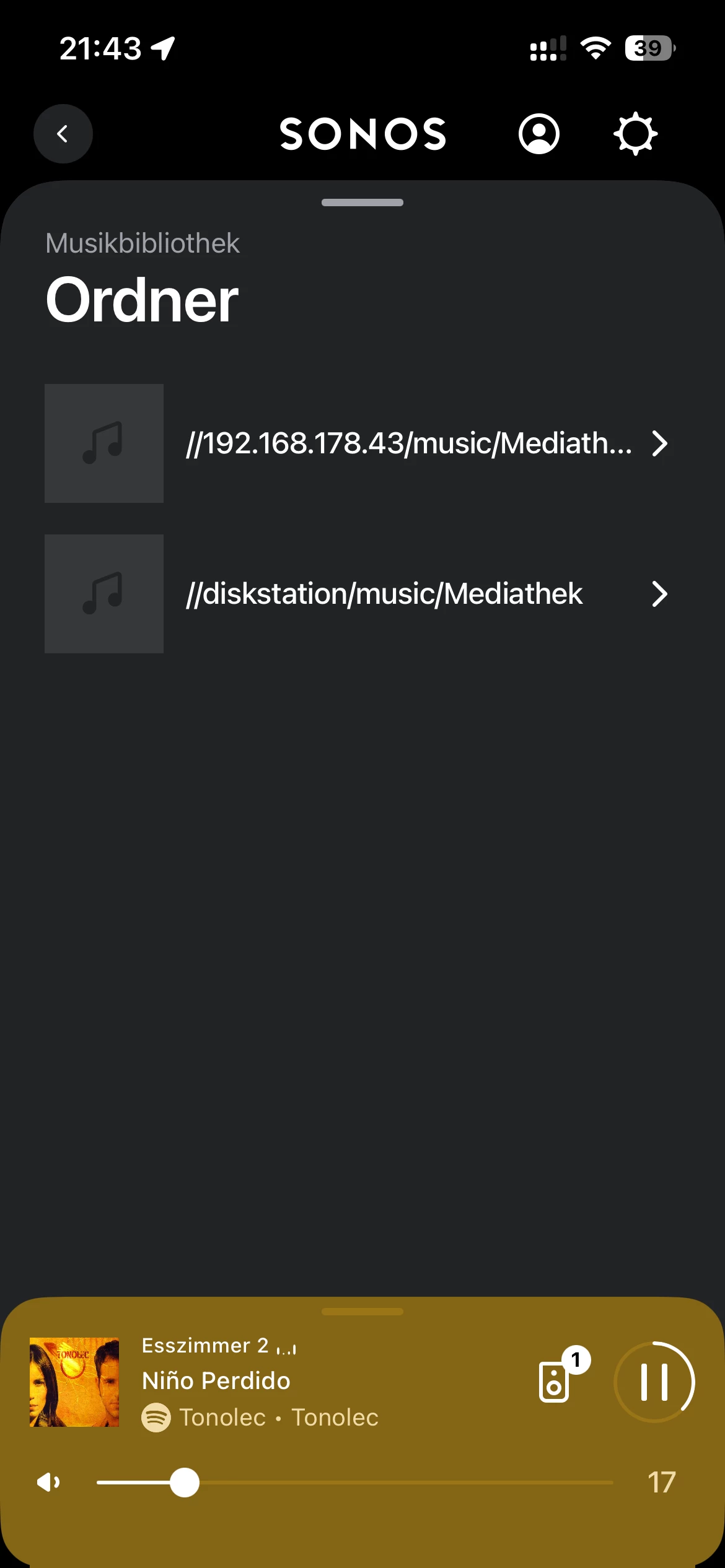
I used to have a workflow that did it’s job as long as I was on S1 and iTunes. ChronoSYnc syn<ced the whole library to my Synology NAS(DS413j), Smb1 was allowed , the User, used for SOnos had all the reading and writiging rights for all shared folders and subfolders. Now, I felt I needed to move on to the new apple ecosystem with Music, Books, Movies, Podcasts and so on. Now, since the ist no automatically created iTunes Library.xml anymore I tried to create this by hand and place it in the NAS share used and indexed by Sonos.I alos trief to create m3u playlissts and to adapt all paths to thecorrect NAS paths. However, I cannot find any imported playlists in Sonos. The NAS folder is displayed and I can scroll through it and play music from there, but this isn’t practicable for me since I have thouands of songs an audiobooks that are all organized in playlists. Is Sonos still able to import playlists from Apple Musik

Answered
Can Sonos still import playlists from a NAS? (Apple Music local library, no streaming)


Best answer by Sekeleno
Hi Zahire!
I’ve created a topic about the problem of importing playlists containing special characters on macOS.
I don’t have a NAS (at the moment) but maybe it could be useful to you as it shows how the Sonos Controller App wants the path to be coded in macOS for accessing an imported playlist.
Hope it helps!
This topic has been closed for further comments. You can use the search bar to find a similar topic, or create a new one by clicking Create Topic at the top of the page.

Enter your E-mail address. We'll send you an e-mail with instructions to reset your password.