Question

Arc ultra with 100s bonded and other speakers in spotify

  • March 16, 2026
  • 14 replies
  • 51 views

I’m having an issue with my system and playing to multiple speakers together. 


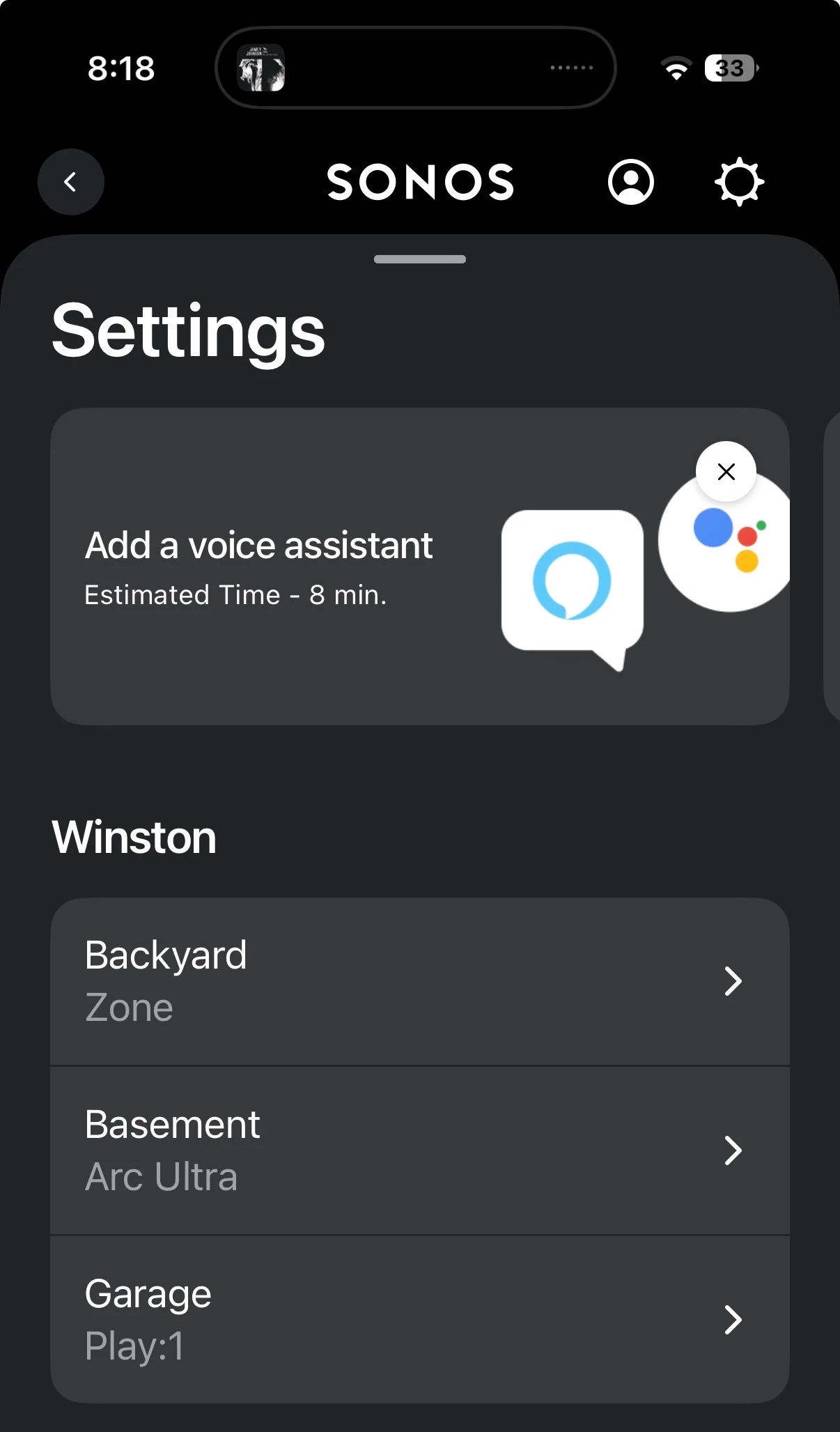
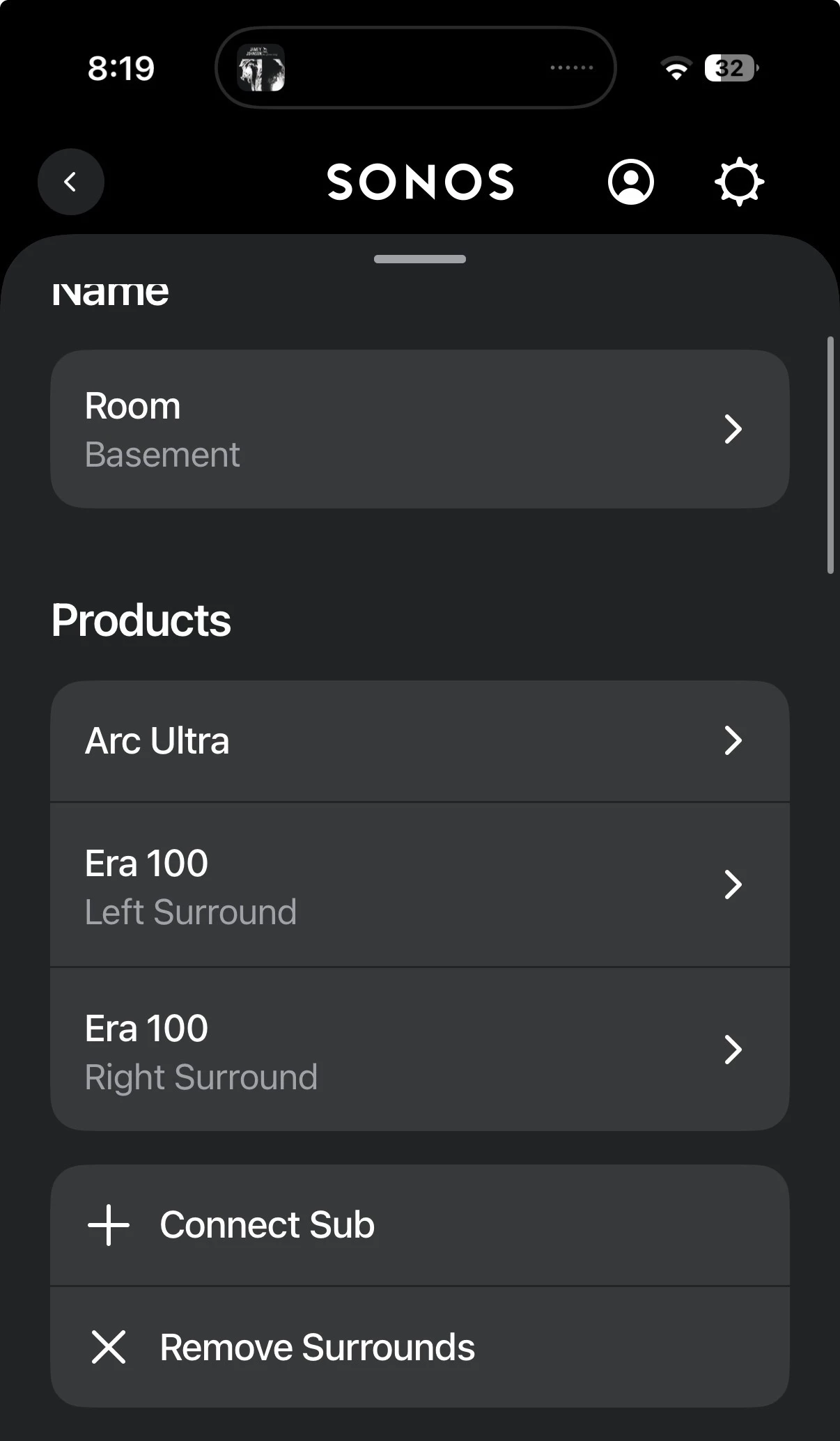
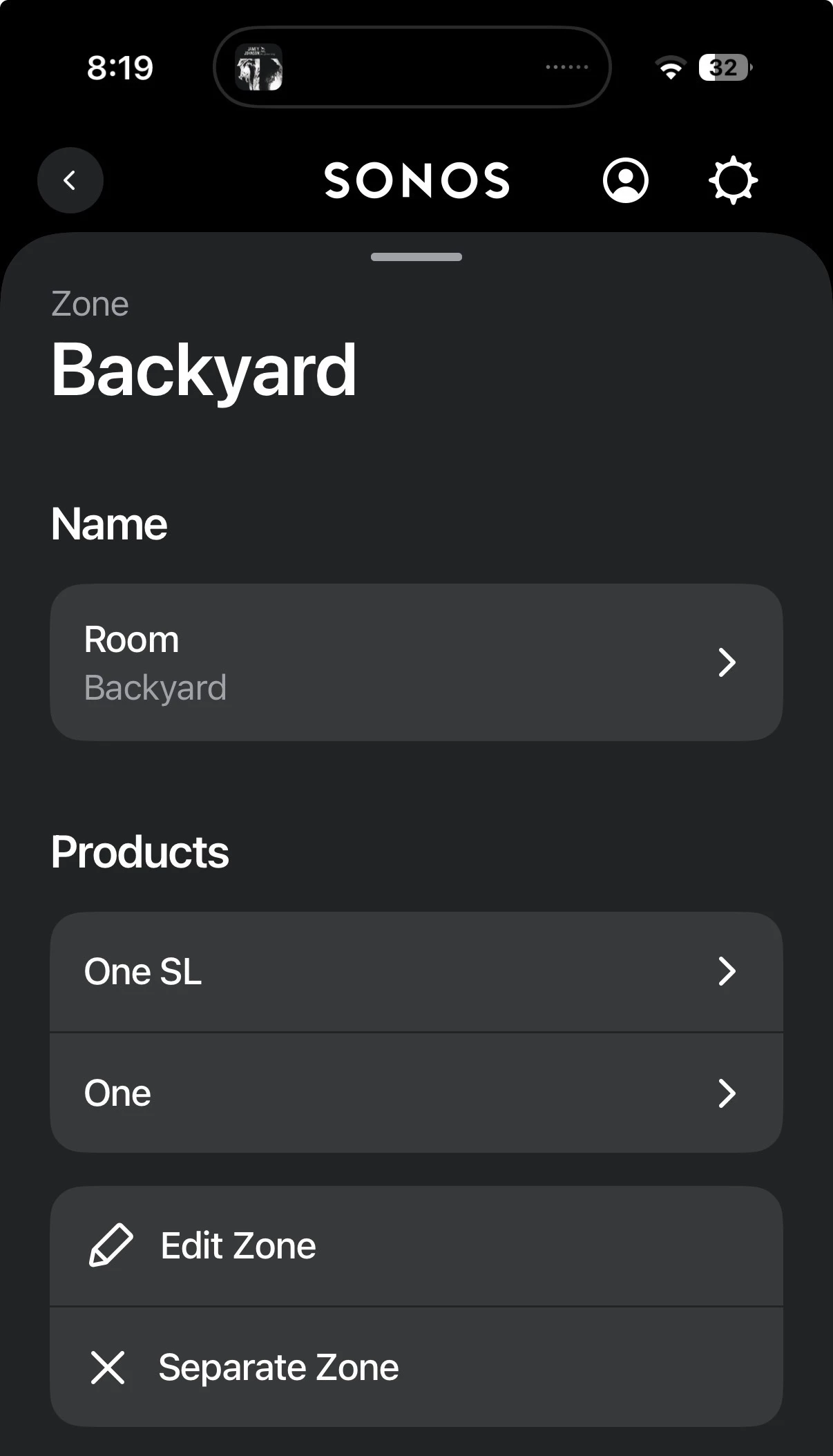
I have two Ones in a “backyard zone” and an individual Play:1 in my garage. In my basement I have an Ultra with 2 100s that are bonded for surround sound.


i can play to any of these systems individually. And I can go into the Sonos app and tell my Backyard zone and my garage speaker to play at the same time. No problem. I can also play to my Basement bonded system. 

What I can’t seem to do is have the bonded Basement system play music together with any other speakers. If I want to have anything work, I need to disconnect the surrounds from the basement system. Then I can use the Sonos app to play to the two 100s, backyard zone and garage. 
 

is there not a way I can just keep the bonded system together so I don’t have to remove the rounds and re-add them all the time? 

14 replies

Forum|alt.badge.img+19
  • Senior Virtuoso
  • March 17, 2026

Your terminology is a little confusing. Sonos speaker sets (home theatre system of soundbar and surrounds, stereo pair or individual speakers) are identified by “rooms” - which usually reflect the physical room they are in. 
 

That said, the “group” feature should let you combine any set of rooms to play the same audio source. Any combination of rooms should be possible. If you’re having issues it may be best to speak to Sonos support. Their diagnostics tools may identify your issue and provide the solution. 


  • Author
  • Contributor I
  • March 17, 2026

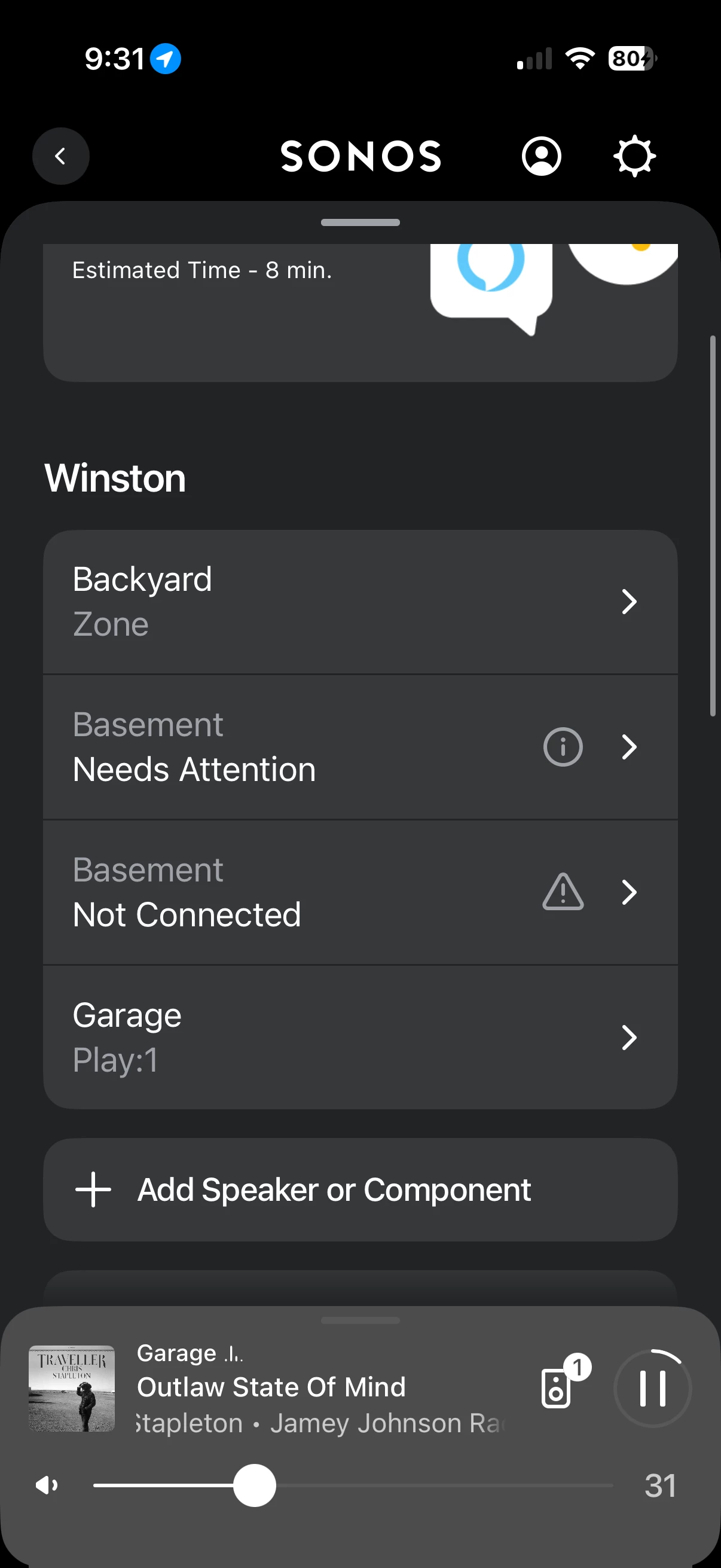
You’re right, sorry about that. Where I said “bonded”, that’s a room. I’ve attached a few pictures of my setup. The Basement room is the ultra and two 100s. 
 

So I can play to any 3 sets no problem. I can also play to the garage and backyard together. But I can’t seem to add the Basement and anything else together. 
does this make more sense now?


Forum|alt.badge.img+19
  • Senior Virtuoso
  • March 17, 2026

Check out the limitations for zones. 
 

Zone limitations

  • Zones can only consist of individual Sonos products. Stereo paired speakers and home theater configurations must be separated before their products can be added to a zone.


https://support.sonos.com/en-gb/article/set-up-a-zone-for-multiple-sonos-products


Forum|alt.badge.img+19
  • Senior Virtuoso
  • March 17, 2026

Are you trying to add to a zone? Or, as I suggested in my first post, are you trying to group rooms/zones?


  • Author
  • Contributor I
  • March 17, 2026

Thanks for sticking with me. I’m just trying to get music together play to all the speakers. So no matter where you are, you’re hearing the same song at the same time. 
 

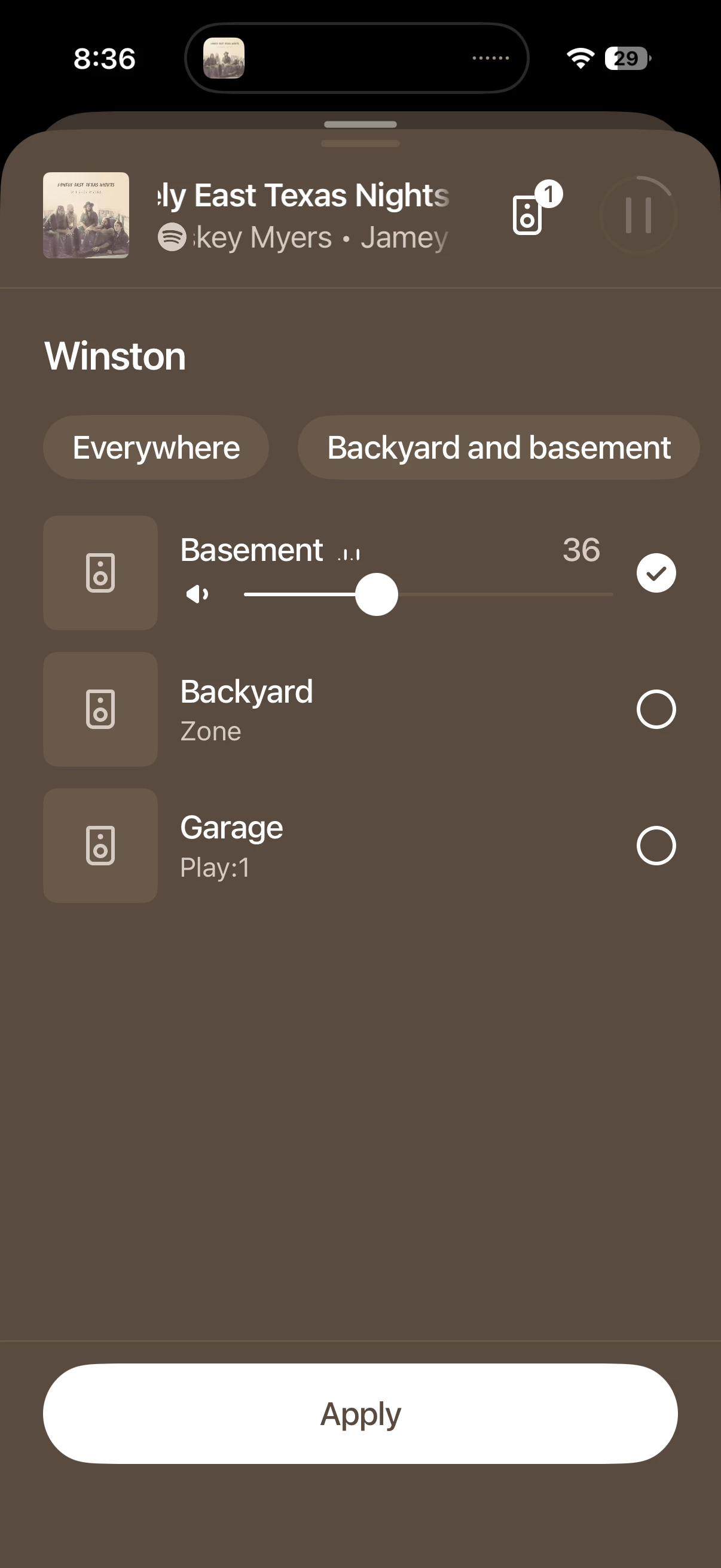
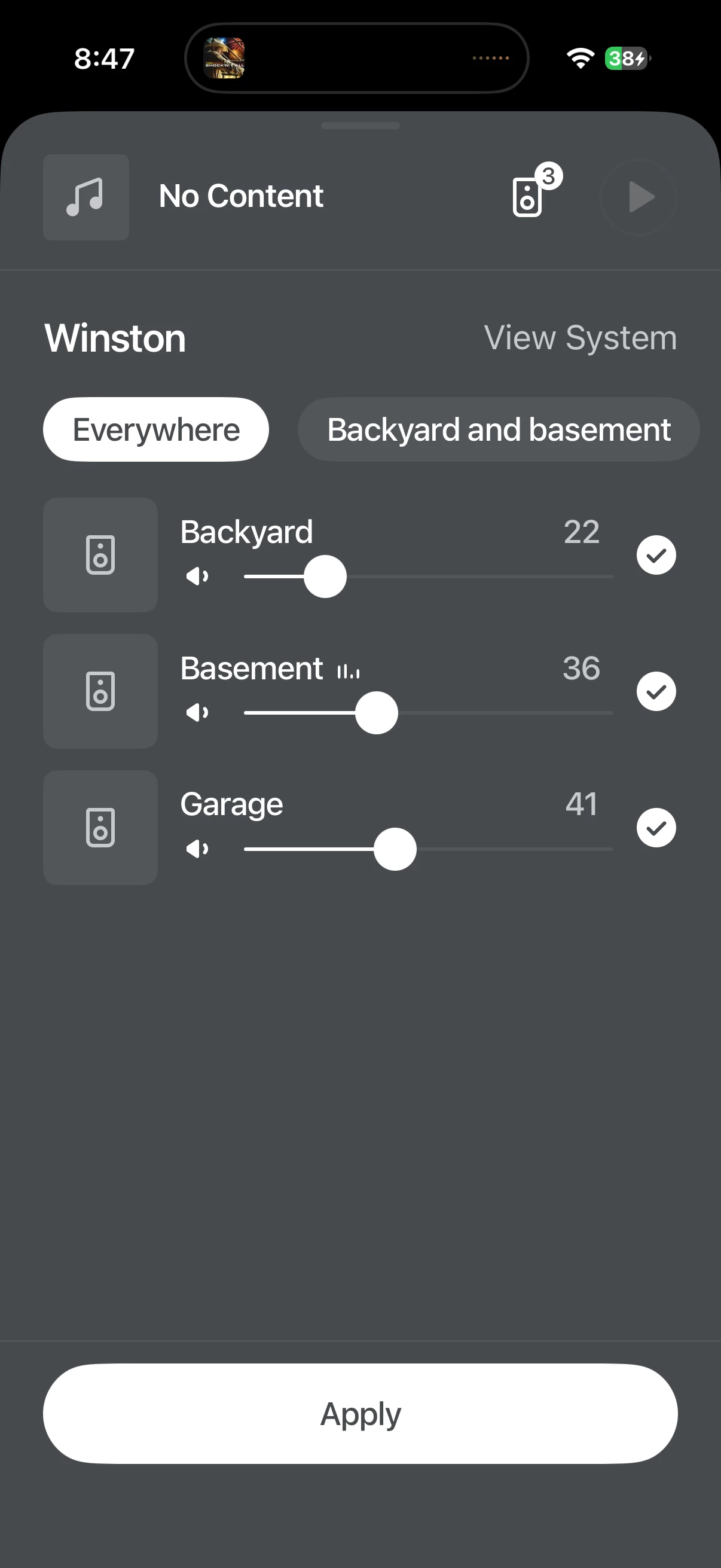
Using this screen, you can see I have music playing to the Basement. I want to turn it on in the backyard and garage at the same time. Even the basement and the garage would be an example if I’m working between those two spaces but not in the backyard. 
 

other times I’ll have the backyard and the garage on at the same time (this works). It just seems I can’t play to the basement with anything else, unless I remove the 100s from the arc ultra and make them individual speakers. Stereo pair works too. 


Forum|alt.badge.img+19
  • Senior Virtuoso
  • March 17, 2026

In your post you say “I’m just trying to get music together play to all the speakers.”


How are you trying to do this? 


  • Author
  • Contributor I
  • March 17, 2026

In the Sonos app, I would just tap multiple speakers like you can see in the last message. Here’s a screenshot showing what I would like to do. 
 

Once they are grouped together, they would show up in Spotify as something like “garage + 1” or one of the other speakers first. Then I can select that speaker and it plays to them. I have also tried using the Sonos app playing Spotify. But when I tap the apply button, the music stops while it tries to connect all 3 items and then either the basement drops off the selected items or it only selects basement. 
 

im not sure if you’ll be able to see this short screen recording but it shows me trying to select all speakers and how it doesn’t keep the selections set when the basement is in the selection. 
https://share.icloud.com/photos/03e_ce708zXEP-nNgvwfS2wXg


but when you select multiples that aren’t basement, it applies the change. 


Forum|alt.badge.img+19
  • Senior Virtuoso
  • March 17, 2026

What if you start the stream to one speaker first, and then add the other speakers to create the group? 


  • Author
  • Contributor I
  • March 17, 2026

If I do it that way, it plays for a second or two on the basement (ultra set) and then you don’t hear it anymore. It’s still playing on the other speaker and the system thinks it’s playing. Then after about 30 seconds, the  icon goes back to having the single speaker and the basement goes to “needs attention”.


i don’t think it’s anything networking related because I can play to any set of speakers individually or together, as long as the ultra is not on the mix. Even when I remove the 100s from the surround and play to them, with the backyard and/or the garage, it all works fine. 
 

the ultra is hardwired as well. The rest are wifi. im using a UniFi system but that hasn’t mattered so far either. 


MoPac
Forum|alt.badge.img+19
  • Headliner III
  • March 17, 2026

 Will the Ultra run off WiFi?  Are all speakers on the same firmware?


MoPac
Forum|alt.badge.img+19
  • Headliner III
  • March 17, 2026

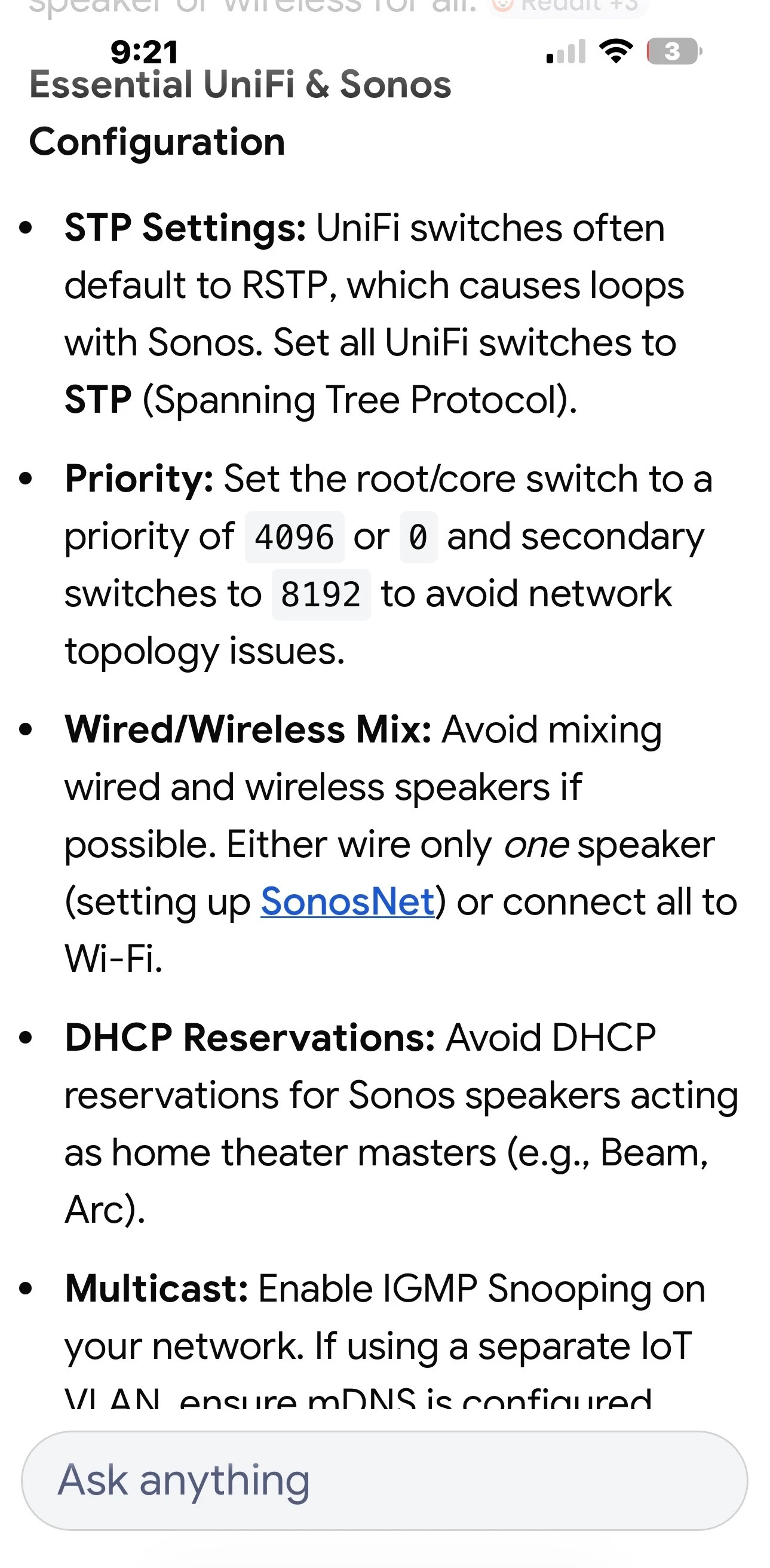
Read this:


  • Author
  • Contributor I
  • March 17, 2026

Can you share your query that you got the screenshot from?


I set my ultra to be wifi and disconnected the hardwired and it works. I’d like to go through the rest of the recommendations also. 
 

all devices are set to update automatically so they should all be on the same firmware. 
 

thanks for the help from you two. 


MoPac
Forum|alt.badge.img+19
  • Headliner III
  • March 17, 2026

I believe it was “Sonos groups on Unify”.  There is a lot of other information about Unify & Sonos.  I remember this subject being discussed here in the past.


Airgetlam
  • March 17, 2026

Note that ‘setting up SonosNet’ is bad information when talking about the Arc Ultra. 
 

Newer Sonos products, like the Arc Ultra, do not connect to ‘standard’ SonosNet, although the surrounds and Subs attach to the Arc Ultra via a (hidden) 5Ghz network that it generates. They’ll get IP addresses from your router, but proxied through the soundbar. 
 

There’s a good reference here: https://github.com/IngmarStein/unifi-sonos-doc