Question

App update issues

  • June 23, 2026
  • 3 replies
  • 39 views

I’m looking for some help here or if anyone else is having this issue.

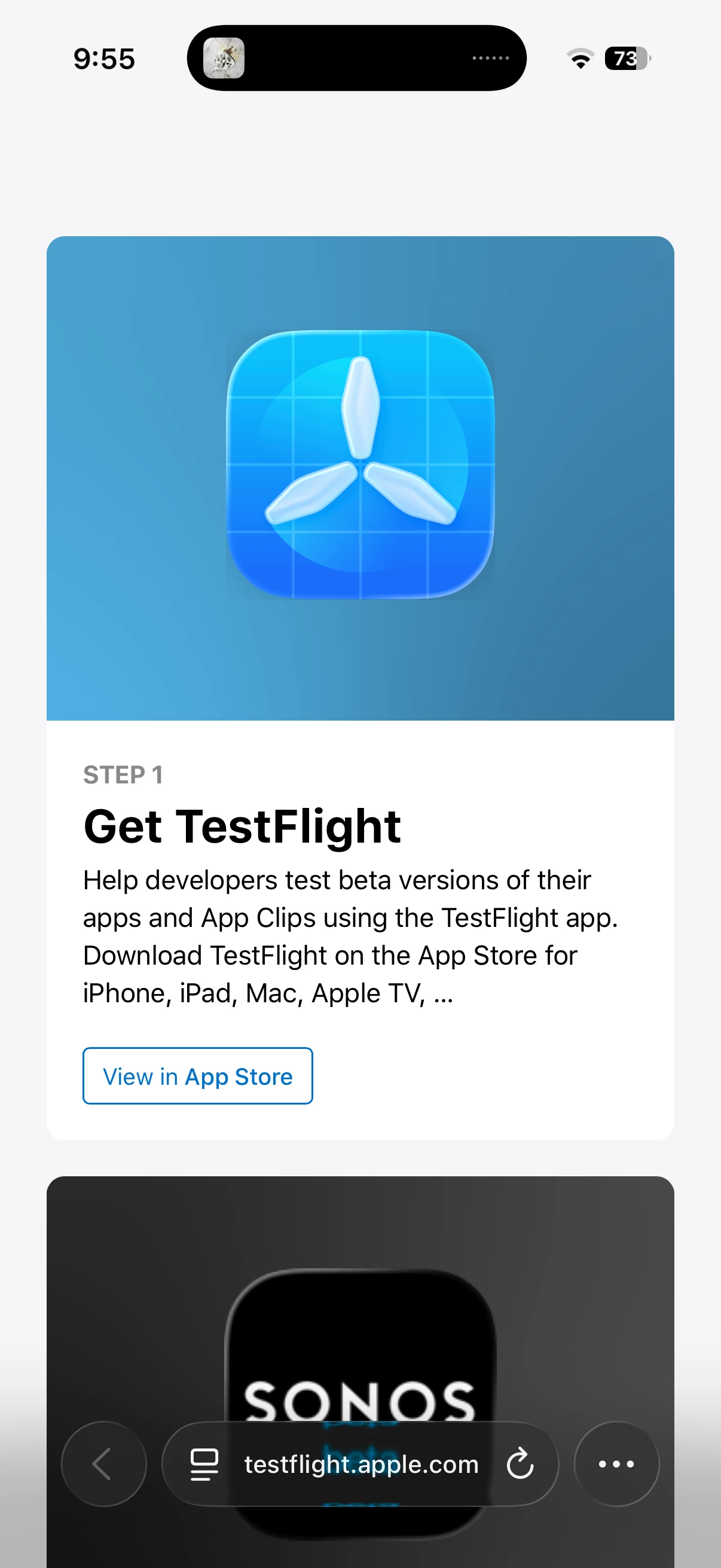
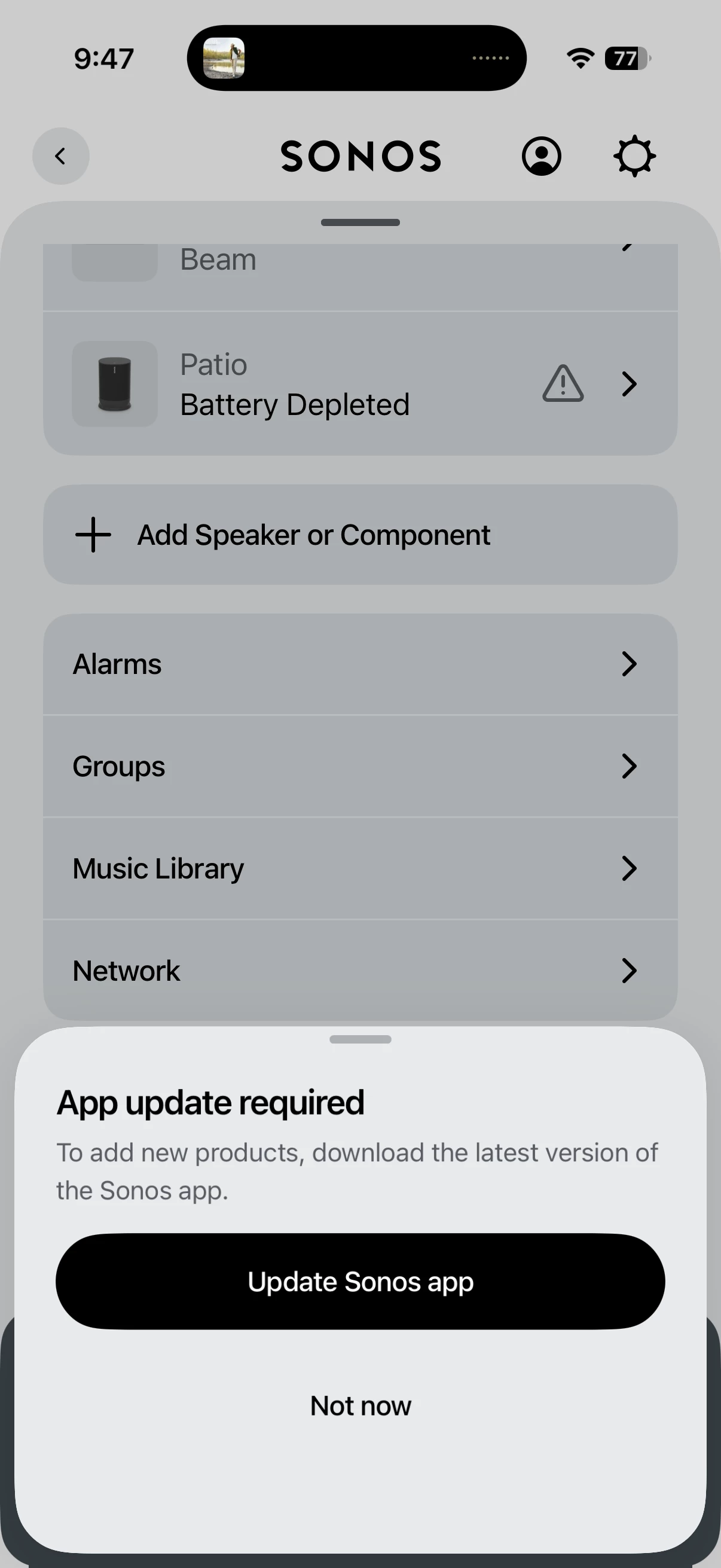
I just moved into a new house. I’ve got a new Wi-Fi network and a bunch of speakers that I’m trying to add back to the system. Sonos recognizes a few of them when I go through the network system to update my network. I have several play threes and play ones that aren’t showing up. When I go to add speaker or component, I get a pop-up message saying that my app needs to be updated. However, when I go to the system settings at showing, I’m on the latest version of the app and there’s no updates. When I go to add speaker and clip on the pop-up that says update app, it sends me to a random website that I’ve attached a photo to here. Testflight.apple.com I’ve been on chat with Sonos support for over an hour and then are unable to diagnose anything. My iPhone 16 is on the latest software version, I’ve uninstalled the app and reinstalled it, and I’ve reset my network in the app. Nothing seems to be working. Let me know if anybody has this issue or has seen it. Thanks 
 

3 replies

Stanley_4
  • Grand Maestro
  • June 23, 2026

The random website thing might be an Apple or phone issue, not a Sonos one.

Not sure what you have done to your working setup that you are having to re-add devices. Maybe destroyed your existing system and started a new one? Loaded the wrong app version, or something else odd.

Start with getting and opening the correct app based on your old setup, S1 or S2.

Then start over and simple, power all down, reboot your router and controller. Then pick one speaker to work with to get back to a working setup, power it up. See if the app finds it and is able to control it. If so then run the update process. Worse case you may need a temporary Ethernet connection to do this, if you do then update your wifi settings and confirm it works without the Ethernet link.

Then add more speakers,  only power up one at a time and add it before going to the next.


Airgetlam
  • June 23, 2026

TestFlight (I use it for another app that I beta) is a test setup that Apple uses to keep beta software up to date. It isn’t nefarious, but I’m somewhat surprised you’re being sent to it, unless you’re in a beta for Sonos. If you are, you likely shouldn’t be posting this issue in the public forums, but instead in the designated beta forums. 


Pools-3015
Forum|alt.badge.img+17
  • Prodigy I
  • June 23, 2026

To add to what has already been said, if you are running a VPN, turn it off so that it does not interfere with the connection between your phone and speakers

Another thing you can try is to connect one of the Play 3/1s to your router with an ethernet cable and update your network settings while plugged in.

Unless there is a good reason not to, using the same SSID and password from your old router would have been the simplest way to get your speakers connected to the new router.