app - my library artist search

  • October 9, 2024
  • 4 replies
  • 65 views

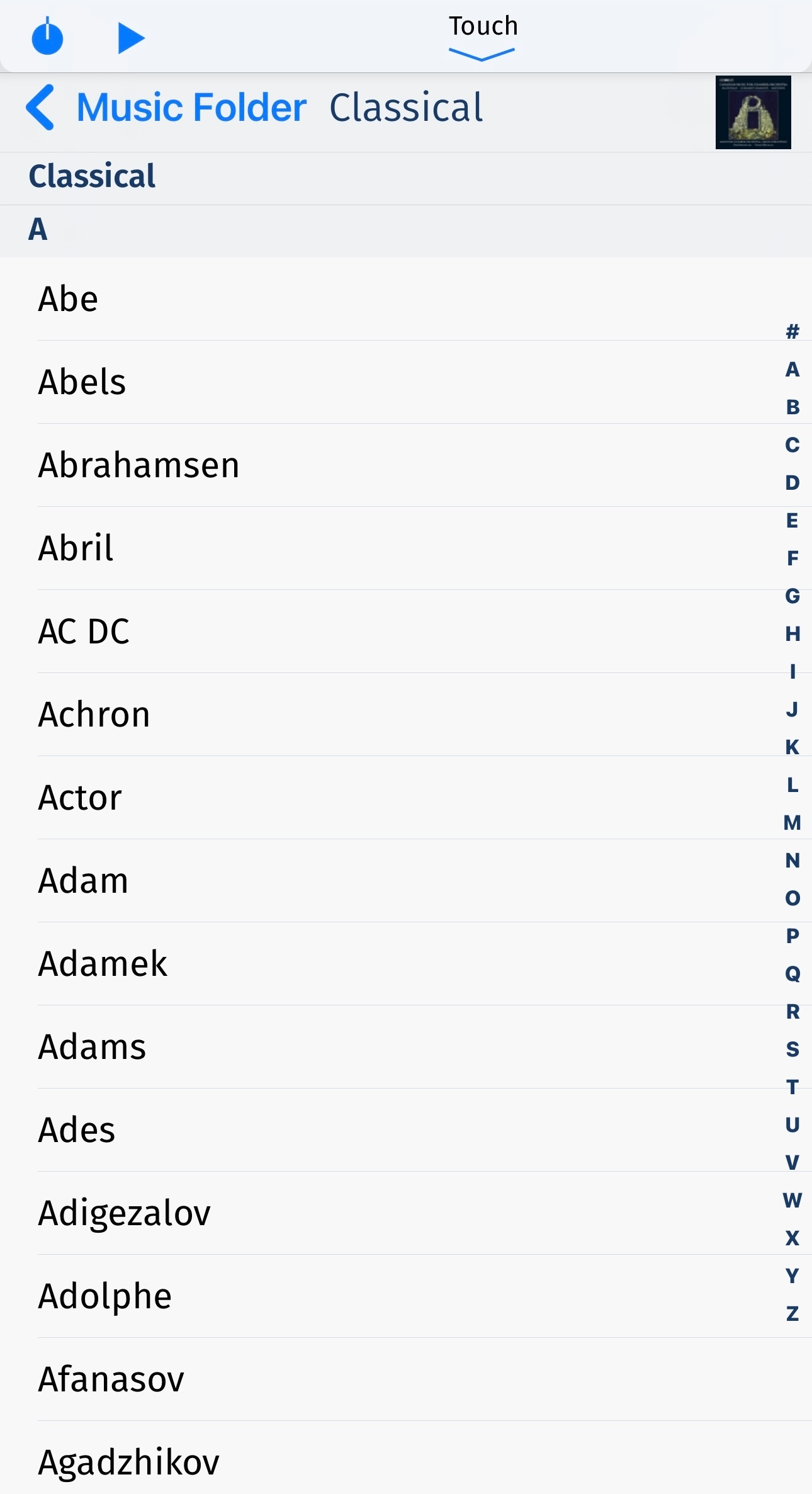
Still missing the alphabetical jumplist sidebar when trying to search artists in My Library essentially rendering app useless.  I’m not gonna scroll for 5 minutes to get to Yo La Tengo.  Please figure this out sooner than later.  App has been FUBAR for quite a bit.  Any fix on horizon?

This topic has been closed for further comments. You can use the search bar to find a similar topic, or create a new one by clicking Create Topic at the top of the page.

4 replies

Ken_Griffiths

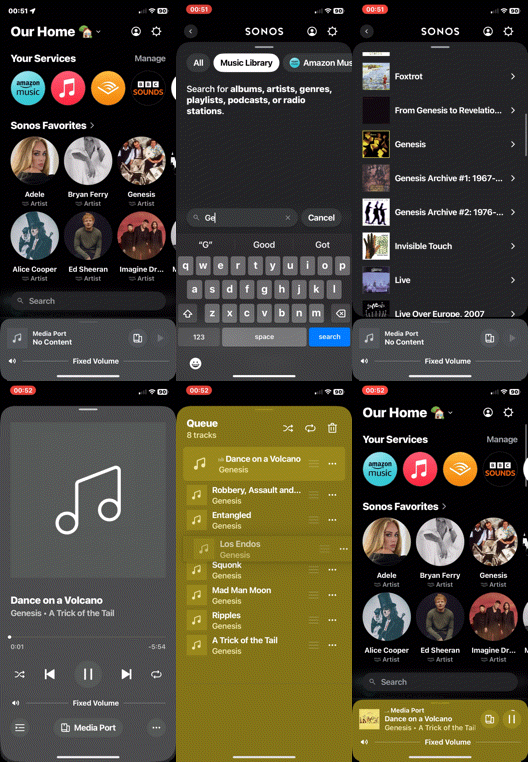
I usually just use the search facility in the App to search just the local library only, instead of scrolling. It’s just as quick. See attached…


MoPac
Forum|alt.badge.img+18
  • Headliner II
  • October 10, 2024

Ken: 

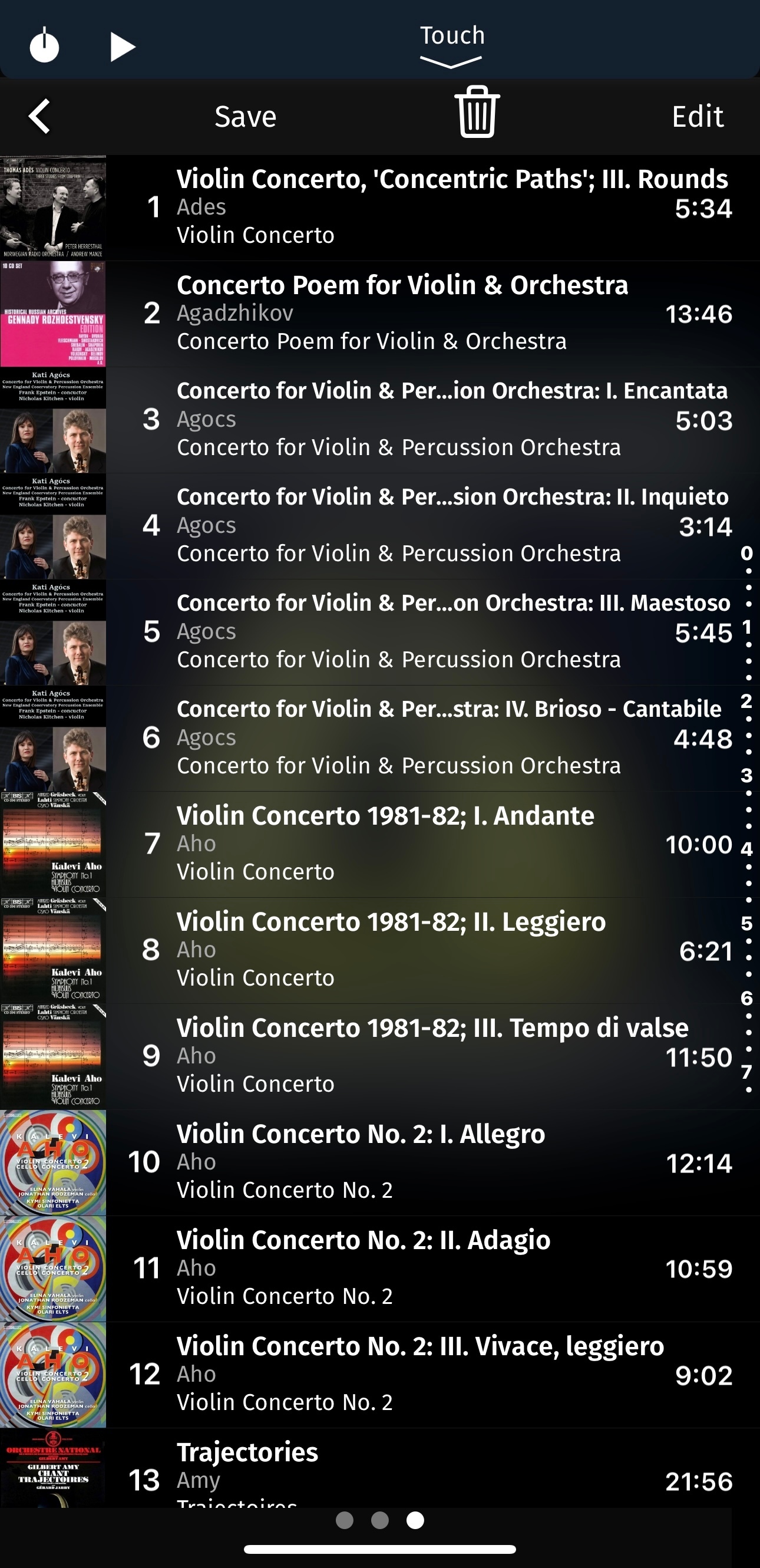
 Yes, a search will work, but there is value in having an alphabetical bar on the right side for Artist, Album, Composer and maybe even Folder categories.  For the queue they could add a “ruler” style bar on the right side that would allow you to get close to where you want to be.

 The screenshots show both search bars on a control point app from the early 2000s that controls Squeezebox players.


Forum|alt.badge.img
  • Trending Lyricist I
  • December 22, 2024

Alphabetical browsing for My Library has been promised several times.  And now 8 MONTHS after this debacle started it is STILL NOT THERE!!!!  App is great if you are just streaming for for those that play their own local music and have thousands of songs it is truly pathetic that other apps still work well will Sonos but their own app doesn’t !!!!   Loved Sonos for years but no longer.


  • Author
  • Contributor I
  • February 5, 2025

Same issue persisting.  No alphabetical scroll bar / jump list. Great that you figured out volume control but….   Still not what it was