Answered

Amazon music connection loss

  • August 12, 2026
  • 24 replies
  • 190 views

Forum|alt.badge.img

Anything I've tried so but let amazon music work on my sonos app.  I've reset wifi, router, removed amazon and added, reauthorized, cleared cache on sonos and amazon, forced stop and opened break up and so days Amazon Music connection lost. I can use any other services just fine.  This is either strictly an amazon issue  ir sonos app connecting to it.  


This just started a few days ago. 

Best answer by 05gpgtp

To all, I  just recieved a planned maintenance notice for Amazon Music. They could have submitted this earlier to avoid all the bs checks on my end and waste of time. 


Also found Sonos app has an update. After doing that it's working fine. 

the best "Answer" . Nothing further needed.  Resolved. 

24 replies

AjTrek1
  • August 12, 2026

This link shows Amazon must as operational

https://status.sonos.com

I’d check subscription status for payment information and/or if you are trying to access Amazon Music on multiple devices on a subscription not designed for such or maybe having exceeded the number of devices allowed.


Stanley_4
  • Grand Maestro
  • August 12, 2026

Last step before calling support is a network refresh. You seem to have done some of this but the order is important. 

Power down ALL Sonos,  reboot router and controller, wait for the router to stabilize and power up your Sonos.

If Amazon still isn't working for you submit a diagnostic and call support.

I think there were Amazon issues yesterday, today my Amazon is working well.


Forum|alt.badge.img
  • Author
  • Contributor I
  • August 12, 2026

Last step before calling support is a network refresh. You seem to have done some of this but the order is important. 

Power down ALL Sonos,  reboot router and controller, wait for the router to stabilize and power up your Sonos.

If Amazon still isn't working for you submit a diagnostic and call support.

I think there were Amazon issues yesterday, today my Amazon is working well.

I've done all that but thank you


Forum|alt.badge.img
  • Author
  • Contributor I
  • August 12, 2026

This link shows Amazon must as operational

https://status.sonos.com

I’d check subscription status for payment information and/or if you are trying to access Amazon Music on multiple devices on a subscription not designed for such or maybe having exceeded the number of devices allowed.

I've been using Amazon music for a long time. through the Sonos app.  No charges to system recently and subscription is good 


Stanley_4
  • Grand Maestro
  • August 12, 2026

Last step before calling support is a network refresh. You seem to have done some of this but the order is important. 

Power down ALL Sonos,  reboot router and controller, wait for the router to stabilize and power up your Sonos.

If Amazon still isn't working for you submit a diagnostic and call support.

I think there were Amazon issues yesterday, today my Amazon is working well.

I've done all that but thank you

I saw you had done all that, but not in the order I mentioned, since you did it in the order given it wasn't the issue.

Time to call support.


Forum|alt.badge.img
  • Author
  • Contributor I
  • August 12, 2026

Last step before calling support is a network refresh. You seem to have done some of this but the order is important. 

Power down ALL Sonos,  reboot router and controller, wait for the router to stabilize and power up your Sonos.

If Amazon still isn't working for you submit a diagnostic and call support.

I think there were Amazon issues yesterday, today my Amazon is working well.

I've done all that but thank you

I saw you had done all that, but not in the order I mentioned, since you did it in the order given it wasn't the issue.

Time to call support.

Its an Amazon thing for sure,  since sonos radio and other services added work just fine. 


  • August 12, 2026

I’ll second the “call Sonos Support”. Sonos Support should be able to help. Try submitting a diagnostic (Submit Diagnostics) within 10 minutes of getting the connection lost error. Then call Sonos Support (Sonos Support) to discuss it. They may be able to see why it’s losing the connection to Amazon Music. Don’t post the diagnostic number here.


AjTrek1
  • August 12, 2026

OK… once last thing to try before calling support 😊

You mentioned that you removed Amazon music from the app and reauthorized it. 

This may sound redundant but it may work. It also assumes the Sonos app and your device are up-to-date

  1. Remove Amazon music from the Sonos app
  2. Go to your Amazon Music account and sign-out
  3. Delete Amazon Music from your device
  4. Reinstall Amazon Music and Sign-in
  5. Reinstall Amazon music in Sonos App
  6. Stop the Sonos app and restart it
  7. Try Amazon Music 
  8. If all fails run a diagnostic and make note of the reference ID (do not publish it in the community) then call Sonos Tech support

Forum|alt.badge.img
  • Author
  • Contributor I
  • August 12, 2026

OK… once last thing to try before calling support 😊

You mentioned that you removed Amazon music from the app and reauthorized it. 

This may sound redundant but it may work. It also assumes the Sonos app and your device are up-to-date

  1. Remove Amazon music from the Sonos app
  2. Go to your Amazon Music account and sign-out
  3. Delete Amazon Music from your device
  4. Reinstall Amazon Music and Sign-in
  5. Reinstall Amazon music in Sonos App
  6. Stop the Sonos app and restart it
  7. Try Amazon Music 
  8. If all fails run a diagnostic and make note of the reference ID (do not publish it in the community) then call Sonos Tech support

Thanks, I can play AM on my phone just fine and computer,  just not through the Sonos app. I also already did the l signout on both with no resolution.  It's a bit crazy really.  I can use ihwaet radio , YouTube music,  Sonos radio just fine


Forum|alt.badge.img
  • Author
  • Contributor I
  • August 12, 2026

I’ll second the “call Sonos Support”. Sonos Support should be able to help. Try submitting a diagnostic (Submit Diagnostics) within 10 minutes of getting the connection lost error. Then call Sonos Support (Sonos Support) to discuss it. They may be able to see why it’s losing the connection to Amazon Music. Don’t post the diagnostic number here.

Yeah Sonos is great at their support.  I've had to use them before. 


Airgetlam
  • August 12, 2026

Amazon music (if I understand you properly) not in the Sonos controller contacts a different server (or port, depending) than the Sonos does. Sonos needs to contact SMAPI installed data, other apps (like phone and computer apps) contact servers that don’t have SMAPI installed. While there shouldn’t be any differences, this isn’t guaranteed. 

You've also checked status.sonos.com as well?


Airgetlam
  • August 12, 2026

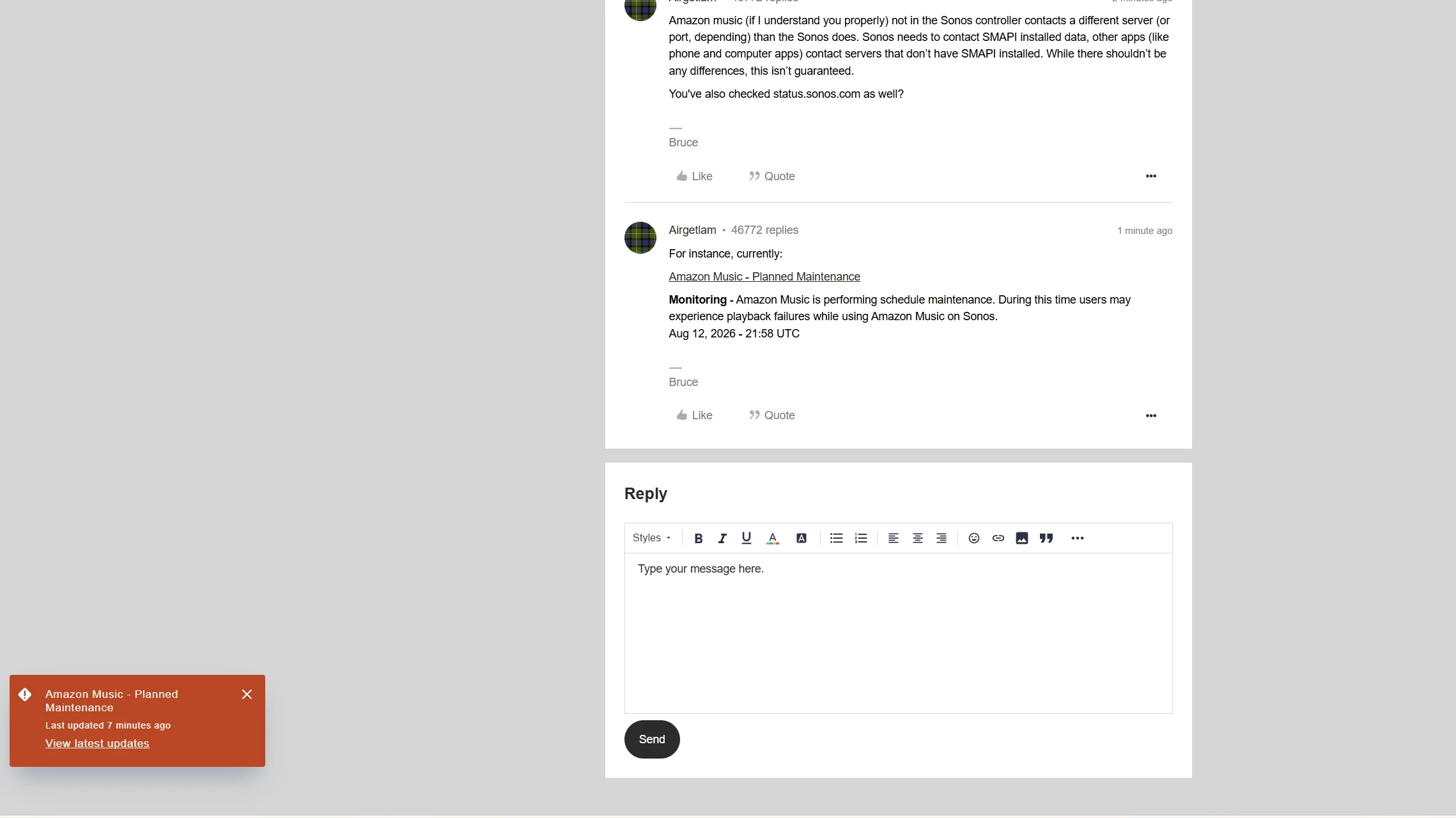
For instance, currently:

Amazon Music - Planned Maintenance

Monitoring - Amazon Music is performing schedule maintenance. During this time users may experience playback failures while using Amazon Music on Sonos.
Aug 12, 2026 - 21:58 UTC


Forum|alt.badge.img
  • Author
  • Contributor I
  • August 12, 2026

For instance, currently:

Amazon Music - Planned Maintenance

Monitoring - Amazon Music is performing schedule maintenance. During this time users may experience playback failures while using Amazon Music on Sonos.
Aug 12, 2026 - 21:58 UTC

Yeah that just popped up.  Also found that Sonos had an update. It's spotted to auto update.  I updated the app and Amazon Music works fine. 


Smilja
  • August 12, 2026

How do people keep missing these orange boxes? On a mobile phone, you even have to tap to dismiss them.


Forum|alt.badge.img
  • Author
  • Contributor I
  • August 12, 2026

To all, I  just recieved a planned maintenance notice for Amazon Music. They could have submitted this earlier to avoid all the bs checks on my end and waste of time. 


Also found Sonos app has an update. After doing that it's working fine. 


Forum|alt.badge.img
  • Author
  • Contributor I
  • August 12, 2026

How do people keep missing these orange boxes? On a mobile phone, you even have to tap to dismiss them.


It was not on my phone until a few minutes ago.  It never alerted me all day


Forum|alt.badge.img
  • Author
  • Contributor I
  • Answer
  • August 12, 2026

To all, I  just recieved a planned maintenance notice for Amazon Music. They could have submitted this earlier to avoid all the bs checks on my end and waste of time. 


Also found Sonos app has an update. After doing that it's working fine. 

the best "Answer" . Nothing further needed.  Resolved. 


AjTrek1
  • August 12, 2026

How do people keep missing these orange boxes? On a mobile phone, you even have to tap to dismiss them.


Don’t be so critical. Four hours ago the maintenance flag wasn’t loaded by Sonos. So either Amazon was slow to update Sonos about the maintenance or Sonos was slow to  set the popup. Either way Things happen sometimes after the fact.


Stanley_4
  • Grand Maestro
  • August 13, 2026

There was no popup last time I was here, when I was posting above and my music was working fine.

There was a pop-up when I made this post but I spent the time between the two posts listening to Amazon music with no issues.


  • Lyricist I
  • August 16, 2026

I cannot play songs from my Sonos playlist that steam from Amazon Music on Iphone and Ipad.  I can play the songs on the Window app Sonos Controller for PC.  I’ve done all the recommended triage on Iphone, Amazon music, Router, etc.  When I try to search for a song on Amazon Music I do not get individual songs, I get stations. episodes and podcasts. 


Airgetlam
  • August 16, 2026

Then I would recommend that you submit a system diagnostic within 10 minutes of experiencing this problem, and call Sonos Support to discuss it. Don’t post the resulting diagnostic number here.

There may be information included in the diagnostic that will help Sonos pinpoint the issue and help you find a solution.

When you speak directly to the Support staff, they have tools at their disposal that will allow them to give you advice specific to your network and Sonos system.

Unfortunately, support doesn’t work these forums, these forums are for, as it suggests at the top, for the Community, and not support. The very few moderators certainly try to help where they can, but there’s no guarantee, and they’re stretched pretty thin. Your best bet is to call in. 


Stanley_4
  • Grand Maestro
  • August 16, 2026

 I’ve done all the recommended triage on Iphone, Amazon music, Router, etc.  

If you are sure you have done everything support is your best bet.

If you would like suggestions from users to make sure you didn't miss something, tell us what you actually did and we can compare that to our problem solving steps.


  • Lyricist I
  • August 16, 2026

 I’ve done all the recommended triage on Iphone, Amazon music, Router, etc.  

If you are sure you have done everything support is your best bet.

If you would like suggestions from users to make sure you didn't miss something, tell us what you actually did and we can compare that to our problem solving steps.

Sonos Technical support said they are waiting on an update from Amazon Music to fix the streaming connection between Sonos and Amazon Music.  Amazon Music cannot confirm this update from Sonos. 


Stanley_4
  • Grand Maestro
  • August 16, 2026

OK, hadn't realized there was something broke  at Amazon as my Android system has been playing them without issue once I did the reauthorize a couple days ago.