Question

Amazon mising from search?

  • August 13, 2026
  • 17 replies
  • 110 views

Stanley_4

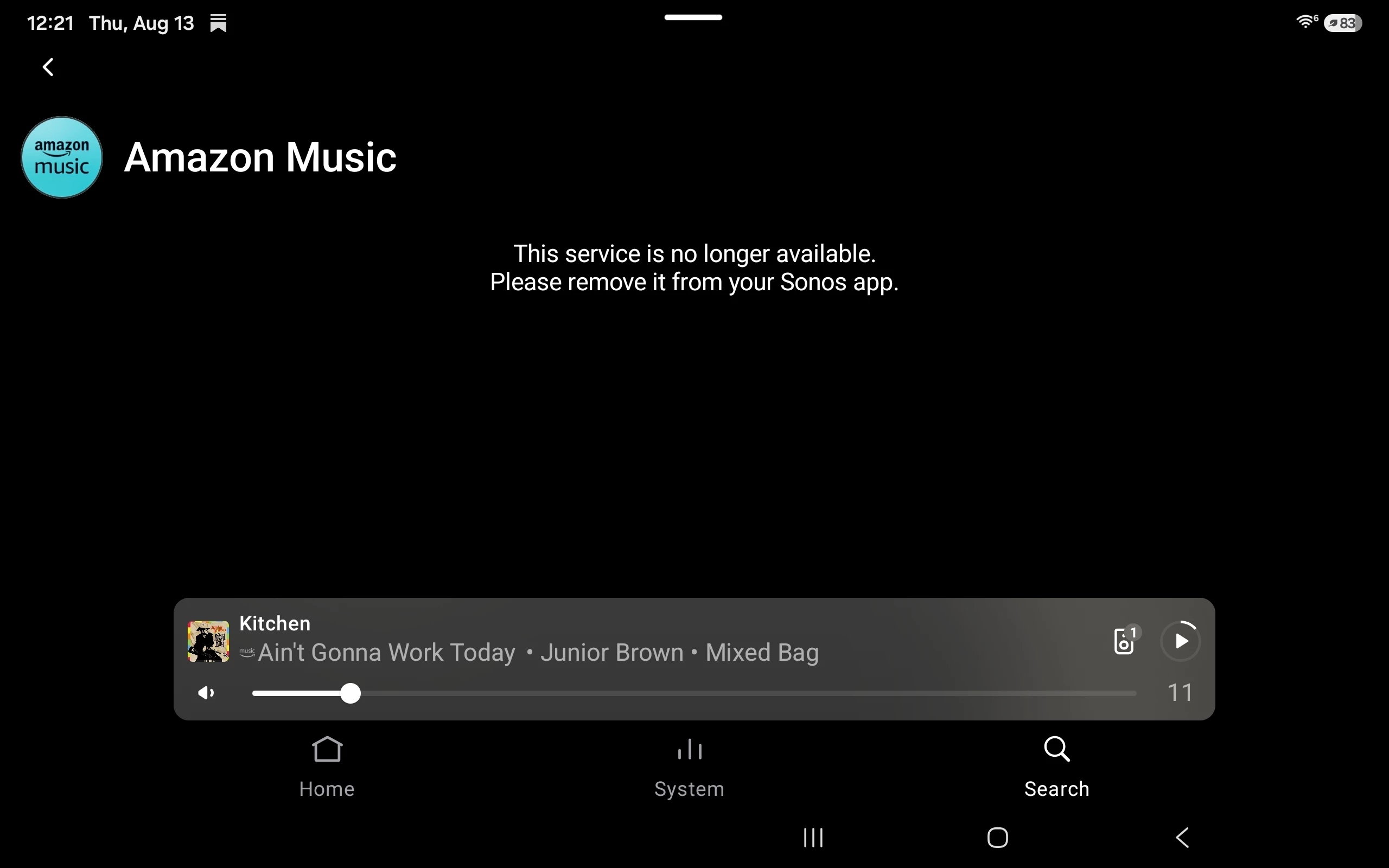
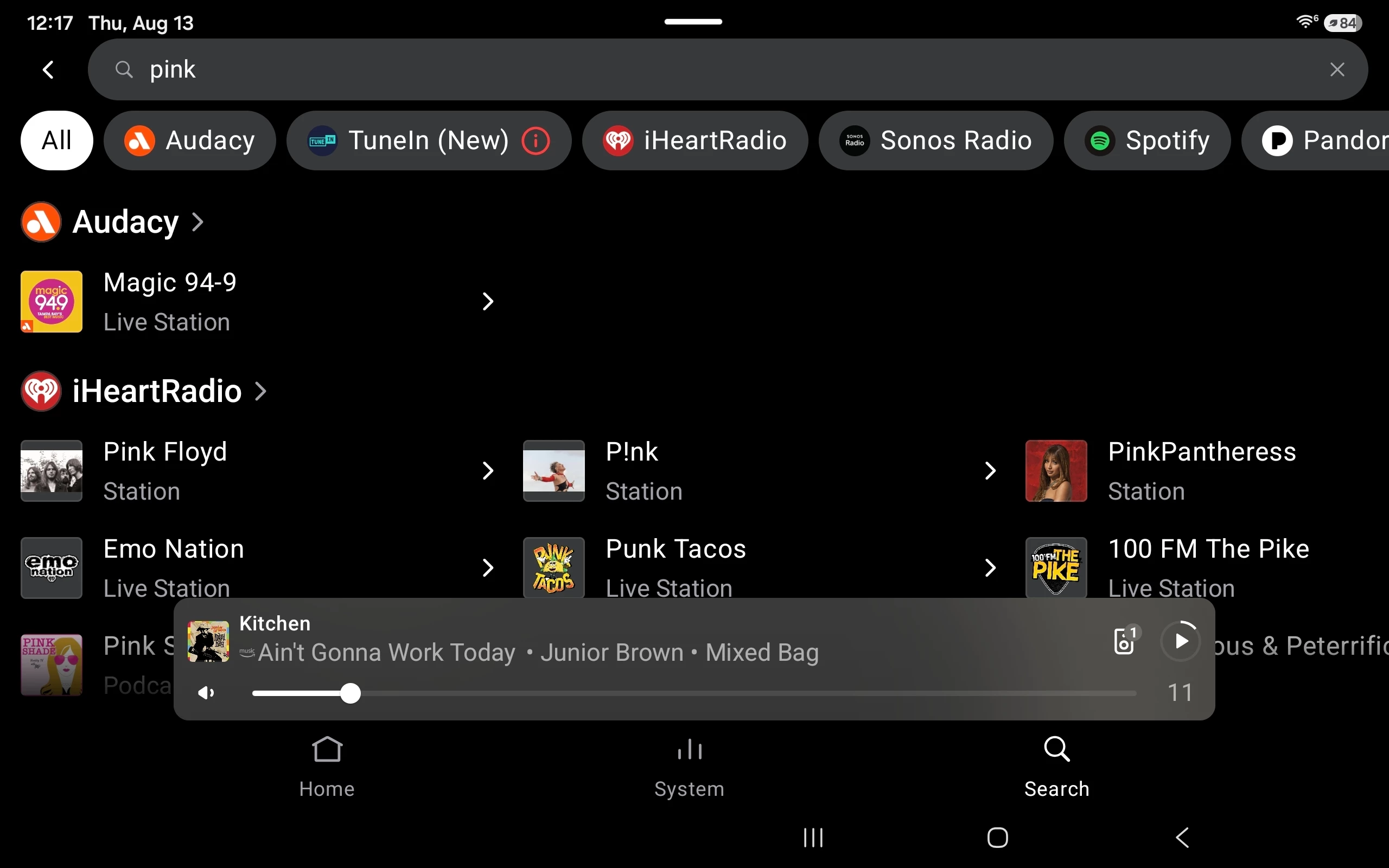
It seems Amazon Music, my preferred service is missing from the search tool.


17 replies

Stanley_4
  • Author
  • Grand Maestro
  • August 13, 2026

Adding this which I just got.


Stanley_4
  • Author
  • Grand Maestro
  • August 13, 2026

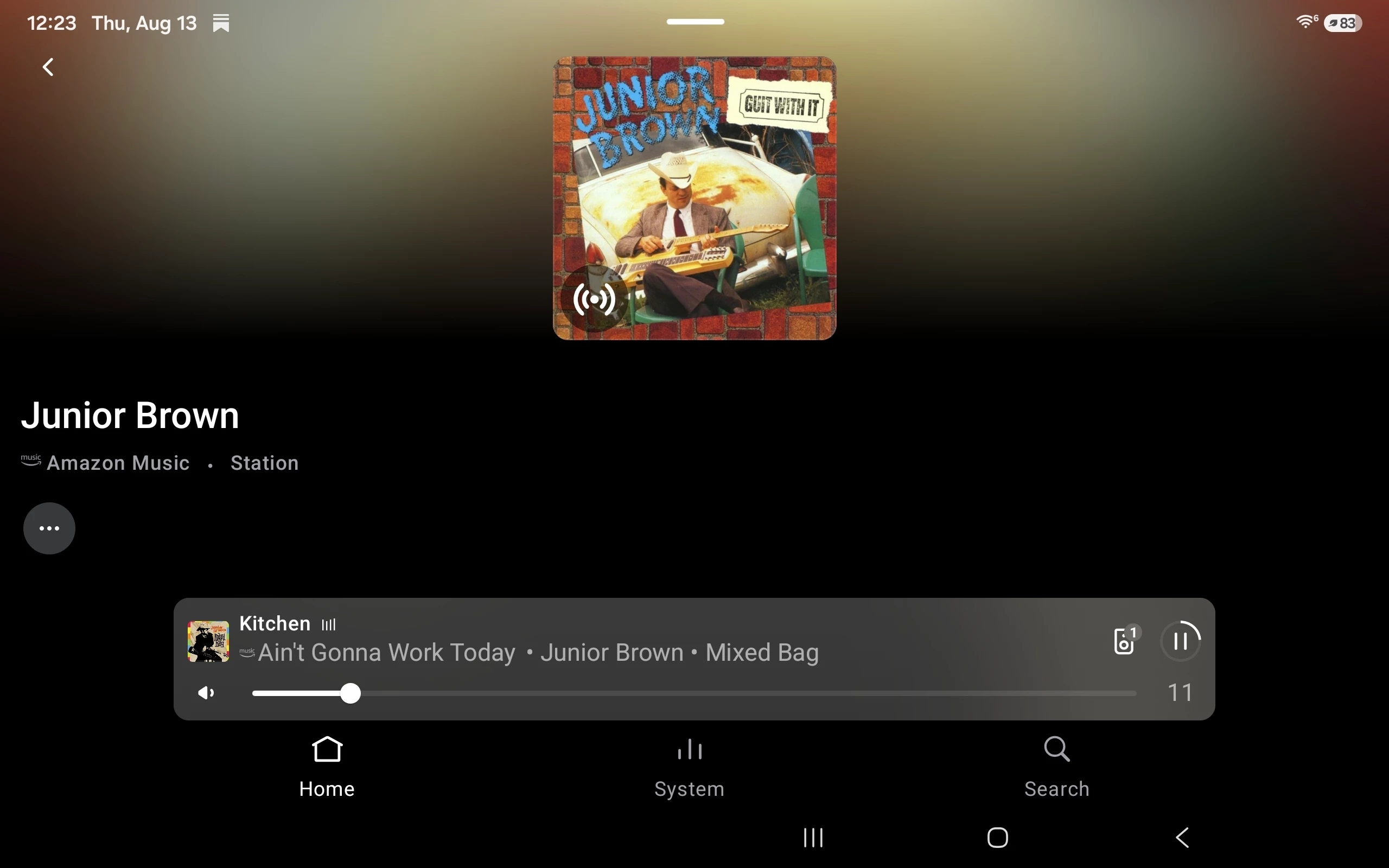
And.. Can't play from a favorite BUT still plays from a room where it was previously selected. 


Smilja
  • August 13, 2026

@Stanley_4, There seem to be some issues with AM.

Sonos Status - Amazon Music - Planned Maintenance


  • In the Sonos app, remove Amazon Music
  • Check for updates in the Sonos app to refresh available services, including Amazon Music
  • Wait for about 20–30 minutes
  • Add Amazon Music back to Sonos


Stanley_4
  • Author
  • Grand Maestro
  • August 13, 2026

When I checked the status Amazon was operational, just checked and it still was.

I'll give it a while to clear on it's own before messing about.


MoPac
Forum|alt.badge.img+19
  • Headliner III
  • August 13, 2026

My Amazon Music does show in Search mode.  I’m in the US.  The device is iPhone.  App & firmware up to date.


Stanley_4
  • Author
  • Grand Maestro
  • August 13, 2026

Android here, might be that the latest update ran overnight, it was Android and firmware only.

Checked and Amazon is missing in both standard and improved layouts.


Stanley_4
  • Author
  • Grand Maestro
  • August 13, 2026

Went back and noticed the (first screenshot) mentioning Tune In needing reauthorized. Amazon wasn't showing at all, checked the whole list.

Figured why not try reauthorizing Amazon. That worked and it is back fully operational. Need to find my Tune In info and fix it too.


Smilja
  • August 13, 2026

When you check for updates in the Sonos app, it also refreshes the list of available services. This happens quietly in the background, whether or not there’s a firmware update.


Stanley_4
  • Author
  • Grand Maestro
  • August 13, 2026

Checking for updates didn't restore it, needed the reauthorization.


Smilja
  • August 13, 2026

Checking for updates didn't restore it, needed the reauthorization.


If that doesn’t work next time, give this a try:

  1. In the Sonos app, remove [service]
  2. Check for updates in the Sonos app to refresh available services
  3. Wait for about 20–30 minutes
  4. Add [service] back to Sonos

Airgetlam
  • August 13, 2026

Could be the auth service at Amazon needed to be re-done, due to their ‘maintenance’, whatever that was. 


Stanley_4
  • Author
  • Grand Maestro
  • August 13, 2026

Yesterday's Amazon maintenance appeared to be over and Amazon was still working, add in the Tune In reauthorization request and I'm not thinking Amazon was the primary cause. 

Reauthorization did work so no need for the extra  remove/reinstall steps.

Doesn't appear to be the update as 88.00.43 was loaded Aug 10th and I've used the search and shortcuts since then.

Since no other Android users are reporting this it may have been a local issue.


Forum|alt.badge.img+1
  • Enthusiast I
  • August 15, 2026

Hi

My Amazon music isn’t working either on windows app. Usually there is two options, ‘Amazon’ and ‘Amazon My Music’.  The my music option has gone. Which means I can still search Amazon music but I can’t look for my saved music / playlists etc. I’ve tried re-auth and removing and re adding. No luck on either counts.


MoPac
Forum|alt.badge.img+19
  • Headliner III
  • August 15, 2026

In the Sonos app it’s now called Library.  In SonoPhone & I guess the Windows Sonos app ( haven’t looked ).  Looks like SonoPhone & Windows need to catch up to the latest Amazon Music changes.


Forum|alt.badge.img+1
  • Enthusiast I
  • August 16, 2026

In the Sonos app it’s now called Library.  In SonoPhone & I guess the Windows Sonos app ( haven’t looked ).  Looks like SonoPhone & Windows need to catch up to the latest Amazon Music changes.

OK thanks. Yes it hasn’t caught up on Windows App yet. And I see I can’t add songs from Amazon to an existing Sonos playlist on my Android device now either. Just once, I mean it isn’t too much to ask, just once I’d like Sonos to work properly, without issues and across all platforms.  

controlav
Forum|alt.badge.img+24
  • Lead Maestro
  • August 16, 2026

Looks highly related to 

The Collections item should contain Library, but on Desktop (and third party apps) the Collections item is empty.


MoPac
Forum|alt.badge.img+19
  • Headliner III
  • August 16, 2026

Looks highly related to 

The Collections item should contain Library, but on Desktop (and third party apps) the Collections item is empty.

Thanks for the FYI.  In SonoPhone the Library is a sub category in the Collections category.  Have not looked at the Windows app yet.

Update:  Yes, the Collections category in the Windows Sonos app is empty.