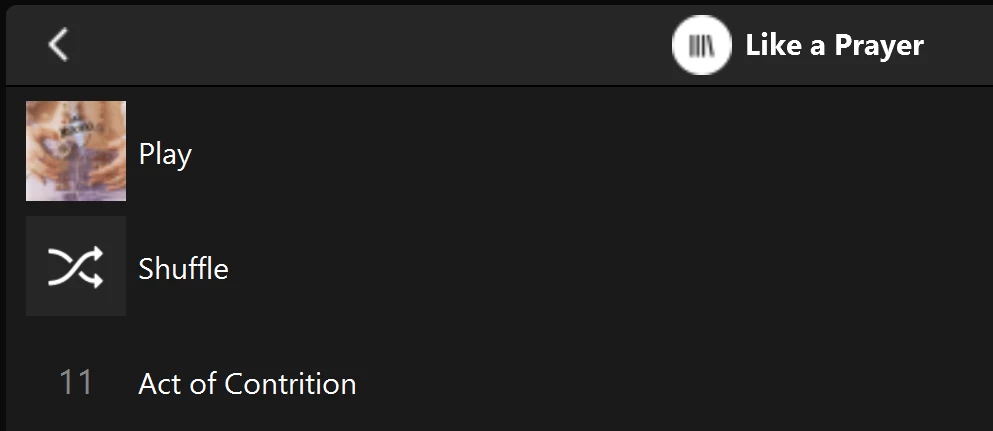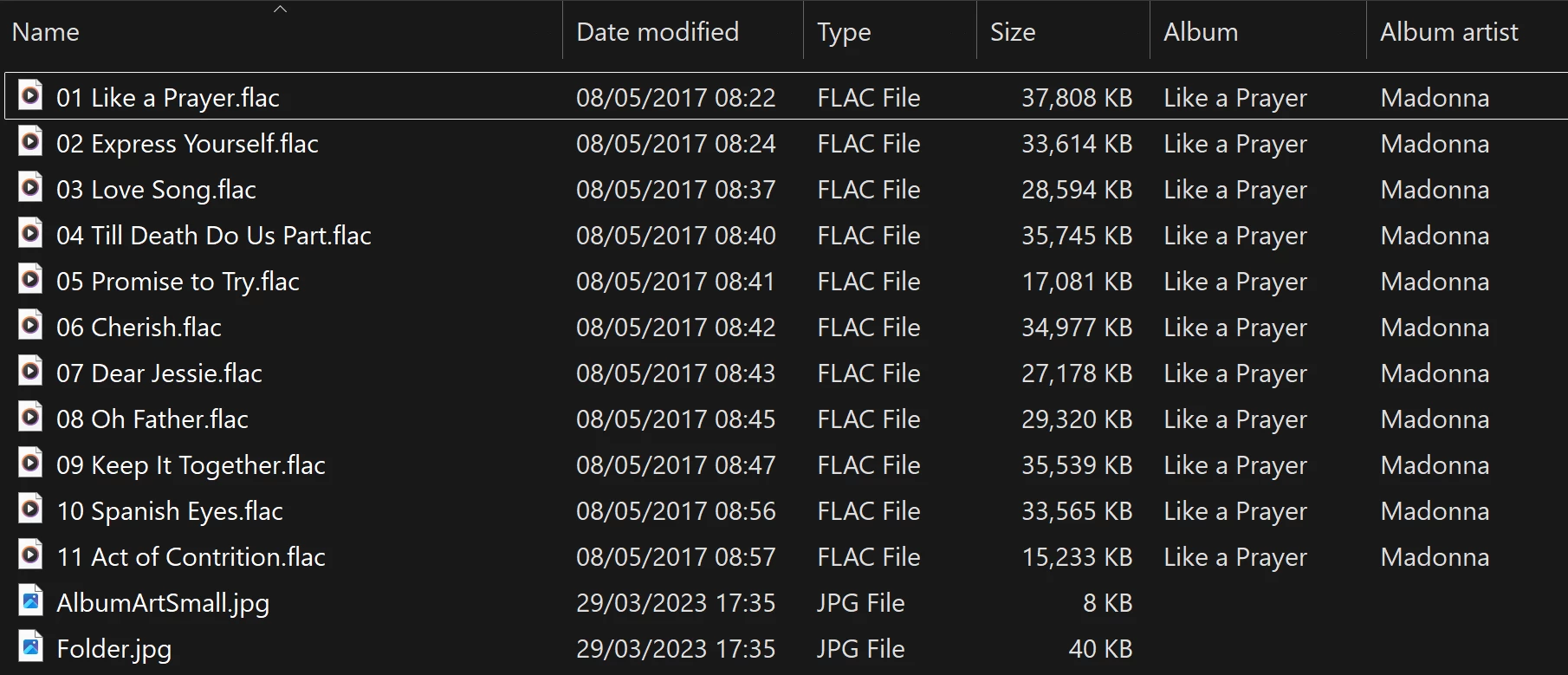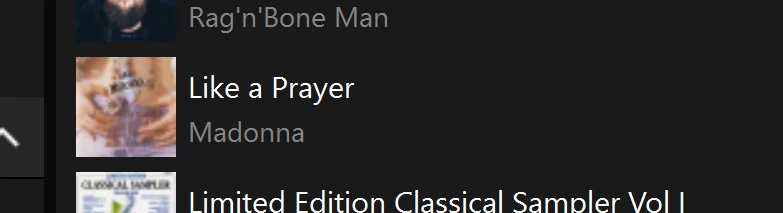
Albums have suddenly started to behave strangely.

  • October 13, 2025
  • 111 replies
  • 2239 views

Show first post

111 replies

CronoCX
Forum|alt.badge.img+4
  • Enthusiast II
  • May 12, 2026

Would love to know if you could direct them to other members having this same issue? I finally have a doc ready, but I know trying to get through Tier 1 Support is gonna be painful.
 

I got to level 2 support fairly quickly.  My issue was the imperfect gapless playback when playing Dolby Atmos.  At least now Sonos is aware of the issue.

I don’t have Atmos, but I’ve seen that non Atmos. But I can’t remember when it broke.

I’m slammed with work. Calling Sonos is on my to do list


Forum|alt.badge.img+4
  • Enthusiast II
  • May 12, 2026

Would love to know if you could direct them to other members having this same issue? I finally have a doc ready, but I know trying to get through Tier 1 Support is gonna be painful.
 

I got to level 2 support fairly quickly.  My issue was the imperfect gapless playback when playing Dolby Atmos.  At least now Sonos is aware of the issue.

Not a chance. I will not refer him to specific people. But I did direct him to this discussion thread.


CronoCX
Forum|alt.badge.img+4
  • Enthusiast II
  • May 13, 2026

Would love to know if you could direct them to other members having this same issue? I finally have a doc ready, but I know trying to get through Tier 1 Support is gonna be painful.
 

I got to level 2 support fairly quickly.  My issue was the imperfect gapless playback when playing Dolby Atmos.  At least now Sonos is aware of the issue.

Not a chance. I will not refer him to specific people. But I did direct him to this discussion thread.


  1. I’ll make this an action item for me then.

--Brian


rosswells127
Forum|alt.badge.img+10

I too have this issue. Trying to resolve it is like playing whack-a-mole.
i.e. Deleting/Adding a corrupt album and reindexing generally fixes the issue for that album but a previously ok album is then corrupted.
In my case it is often (not always) the last track that is shown on the duplicate albums, the rest of the tracks are not shown in either view.


Forum|alt.badge.img+5
  • Author
  • Collaborator II
  • June 10, 2026

@rosswells127 

Welcome to the club 😀


Forum|alt.badge.img+4

I contacted support for an update about this today (after being frustrated again by the problem this afternoon).


The response was:

Thank you for the information! I have checked it, thanks again for reporting this to us, we are still investigating the issue and do not currently have an ETA on when this will be fixed. Make sure to keep your Sonos App up to date, the fix will come through an app update.


8 months. So frustrating. 


User117655
Forum|alt.badge.img+9
  • Prodigy II
  • June 14, 2026

This and other issues... Not sure 'frustrating' covers it... Really it is since May 2024!

🤬


bockersjv
Forum|alt.badge.img+21
  • Local Superstar
  • June 17, 2026

I too have had this issue, intermittently so.  Recent is was multiple of the same album under artist with all of them only showing track 1.  The album was fine in the folders menu.


I have solved this by doing the following process.

  • Change music library to an empty folder.
  • Scan for music
  • Once completed power cycle all you Sonos items
  • Change Music library back to where all your music files are
  • Scan Library
  • Job done


This has sorted all my issues.  I cannot see a trend as to which albums get corrupted.  There is nothing different about them.  I check MP3Tag for any errant characters in any of the text and it’s fine. 

Just seems to be a random database corruption.


John


  • June 17, 2026

I too have had this issue, intermittently so.  Recent is was multiple of the same album under artist with all of them only showing track 1.  The album was fine in the folders menu.


I have solved this by doing the following process.

  • Change music library to an empty folder.
  • Scan for music
  • Once completed power cycle all you Sonos items
  • Change Music library back to where all your music files are
  • Scan Library
  • Job done


This has sorted all my issues.  I cannot see a trend as to which albums get corrupted.  There is nothing different about them.  I check MP3Tag for any errant characters in any of the text and it’s fine. 

Just seems to be a random database corruption.


John

Hi John, I’m glad that worked for you and maybe others too. With this particular problem, all it takes is to change anything in your music library and rescan. The albums that were showing this problem will be no longer. But others, that previously showed fine, will now be displaying this problem. We’ve shown that this is the case, over and over again.

Edit to add: I have done everything you listed, as have others here. But the problem persists. This all started last September and we are still waiting on a fix from Sonos.


bockersjv
Forum|alt.badge.img+21
  • Local Superstar
  • June 17, 2026

Just thought I add what has worked for me.  There is clearly still an issue.  For me it has not returned….yet!  

Not to take the heat off the Sonos dev team.


  • June 17, 2026

Just thought I add what has worked for me.  There is clearly still an issue.  For me it has not returned….yet!  

Not to take the heat off the Sonos dev team.

🤞it doesn’t return for you! I wish that was the case here.