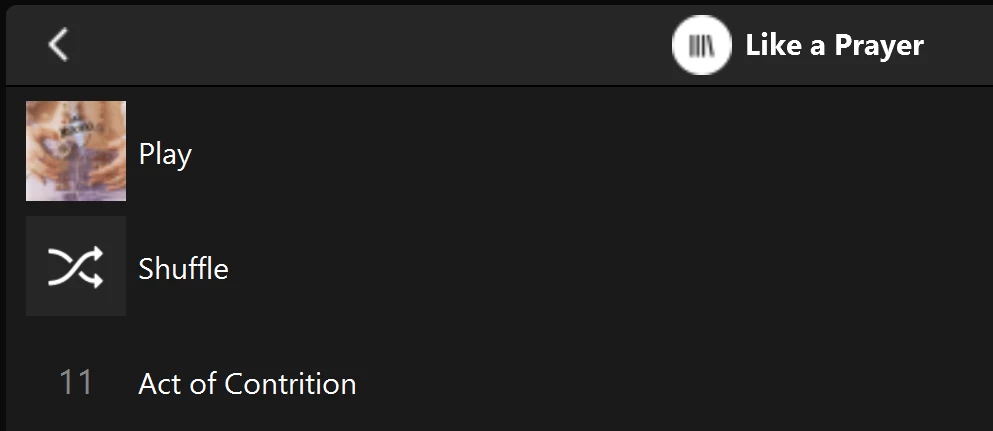
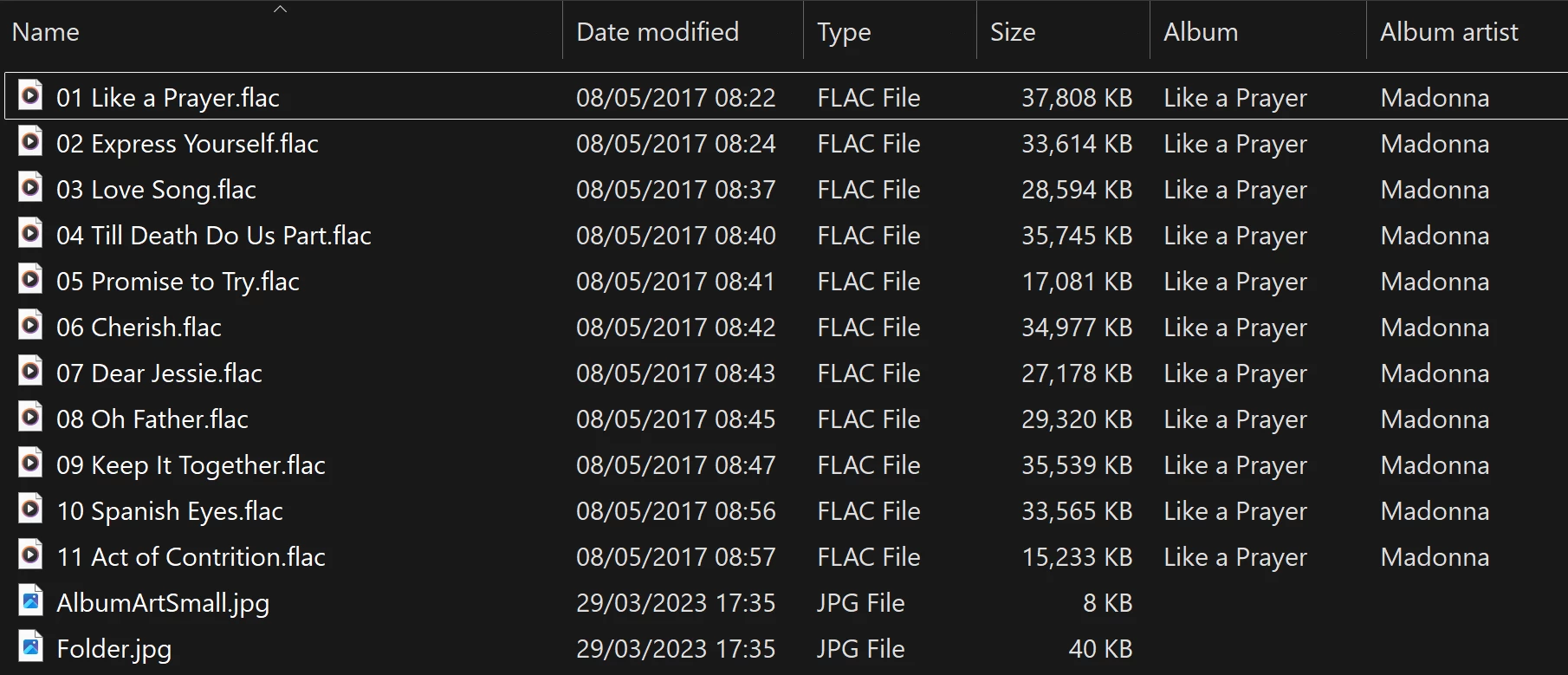
Albums have suddenly started to behave strangely.

  • October 13, 2025
  • 92 replies
  • 1828 views

Show first post

92 replies

Forum|alt.badge.img+10
  • Enthusiast II
  • March 25, 2026

I use Bliss, and they told me about that filename limitation. For stupid reasons, I use my own java program to copy music from my local iTunes to my NAS, so I just changed it to print out all the filenames that are too long, then I hand edited them.

But, it turns out that the Albums I found that were bad all had long songs on them - I could have just edited them first.


Forum|alt.badge.img+4

Can anyone else confirm that this is a fix? I don’t think my affected files and paths are that long…


(Infuriating that this is STILL an issue, amongst all the new product launches and noise about the company learning its lesson after the app debacle). 


Forum|alt.badge.img+4

Can anyone else confirm that this is a fix?

I don’t think my files/paths are that long with my affected albums. 
 

(Infuriating that this is STILL an issue, amongst all the noise about new product launches and the company learning its lesson about the app update debacle). 


Forum|alt.badge.img+4
  • Author
  • Collaborator II
  • April 5, 2026

I’m not sure that it is a fix.

AFIK There isn’t an official fix, yet, We live in hope.


  • April 5, 2026

Can anyone else confirm that this is a fix?

I don’t think my files/paths are that long with my affected albums. 
 

(Infuriating that this is STILL an issue, amongst all the noise about new product launches and the company learning its lesson about the app update debacle). 

I can confirm it is not a fix. I shortened all path names that were over 160 characters and re-scanned. It just changed which albums showed the problem. Just like any other change to the library does.

Edit to add: None if the previous albums showing the problem were ones that had the long path names over 160 characters.


Forum|alt.badge.img+10
  • Enthusiast II
  • April 5, 2026

It did fix it for me, and one of the ones showing the problem did have a long path. I will repeat what I keep saying. There is some issue with long paths, and there seems to be some other issue.


Forum|alt.badge.img+4

I’ve been chatting with support about this. This is the response I got:

After double checking this behavior and all the provided details with our internal documentation and higher department, we would like to explain to you that this issue is currently under investigation. Our engineering team recently detected a Music Library indexing logic issue associated with this album behavior, and they are actively investigating to provide a fix as soon as possible; however, we do not currently have an estimated resolution time to provide. We apologize for the inconvenience and appreciate your patience and understanding on this.


Forum|alt.badge.img+7
  • Prodigy I
  • April 9, 2026

Just adding a reference to another thread which is active and (despite the title) not resolved either…

Seems to me it could be related:


Forum|alt.badge.img+4

I think the new system update might have resolved this issue. 


  • April 14, 2026

I sooo wanted that to be true. After adding a new album and re-scanning, the problem still exists. Just moved to different albums like every change does.


Forum|alt.badge.img+7
  • Prodigy I
  • April 14, 2026

Seconded, not resolved ☹️


Forum|alt.badge.img+4

Sorry guys. I’ve still got the issue too. 


Forum|alt.badge.img+4
  • Author
  • Collaborator II
  • April 14, 2026

Yes, same here, I still have the same issue.


Forum|alt.badge.img+4
  • Enthusiast II
  • April 29, 2026

Hi all,

FWIW, I have had a few more exchanges with SONOS support on this issue.  He asked me to provide one of my ‘duplicate’ albums to him, which I did on Dropbox.  Needless to say, by itself, it is not a problem, as his subsequent reply on 4/24 indicated:

“Hi Roger, Thank you for sending this album. Unfortunately I am not able to replicate any duplicates here. I will check back with the engineering team to see if any progress has been made on the investigation. Cheers,...”

I replied with a link to a document summarizing my current status:  https://www.dropbox.com/scl/fi/s5bzu3yjha2074435qqhh/DuplicateAlbums_20260425.pdf?rlkey=7jmombpe6gzu4o24603gznwum&st=h9nhxcol&dl=0

In summary, it shows the four albums in my library that currently showed false duplicates.  Each album, when selected from the SONOS Albums list, shows only one track.

I removed those four albums from my library and reindexed.  A new false duplicate showed up.

So I added those four albums back, only to show that this new false duplicate was not a duplicate previously.

Then I made an unrelated change to the library (deleted an album I’ve been meaning to delete) and reindexed.  I now have eight false duplicates.

Will provide any updates I may receive.


MoPac
Forum|alt.badge.img+19
  • Headliner III
  • April 29, 2026

Your tags look perfect.  This is definitely a Sonos problem.  For some reason I don’t see that duplication issue here.  I’m IOS.  Music is on a SonicTransporter i5.  No recycle bin in the SonicTransporter.  Approx 45,000 tracks.  Tagging software is DbPoweramp.  Folder structure is Genre - Artist - Album - Tracks & Album art file.  Imported playlists are M3U.

Maybe a year ago or so there were duplicates of my compilation albums where there was one track per album.  Sonos addressed that issue and all my compilations are as they should be now.  Back when compilations showed duplicates they did show correctly in Folder view.


Forum|alt.badge.img+4
  • Author
  • Collaborator II
  • April 29, 2026

@RogerWF 

It’s great that you’ve persevered with Sonos over this issue and continued to keep us informed of progress, or lack of.

Ive largely given up ever seeing Sonos fix this issue. Fortunately I currently only have two albums with this issue neither of which I listen to often. If I do want to listen I just go to folder view, or I dig out the original CD and play it on a CD player, now there’s a novel idea 😀


  • April 29, 2026

It’s quite ridiculous that sonos support is still asking for ‘duplicate’ album files. When it’s been shown over and over again, that there is nothing wrong with the ‘duplicate’ album files. Change the library and re-scan and ‘Oh My!’ the duplicate albums are no longer duplicate! But now different albums are. Duh! This is absolutely crazy.

I’m with Anthony on this. Based on sonos’s grasp of the problem, this is never going to be fixed.