Hello @behem0t, welcome to the Sonos Community!
I am sorry to hear you are experiencing an issue adding a Radio station URL to your Sonos system.
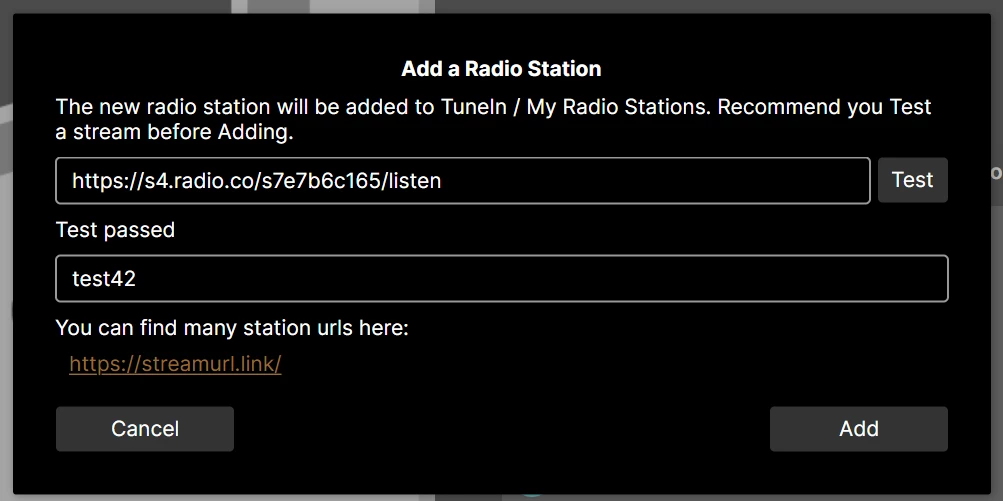
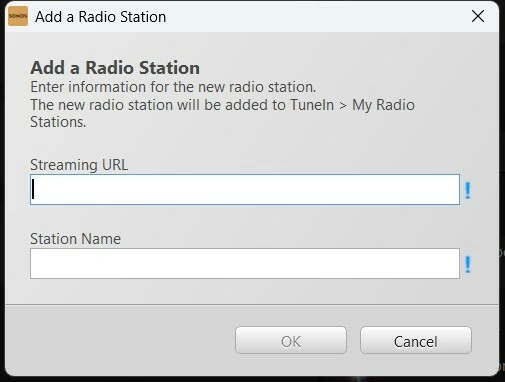
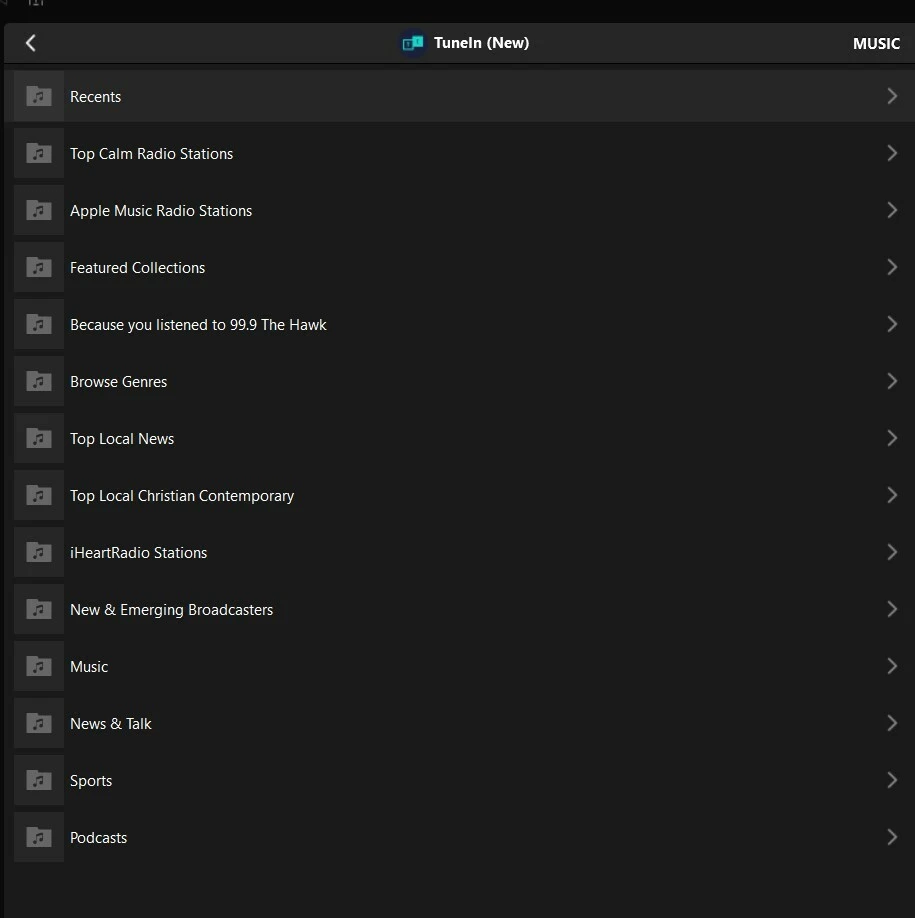
Please have a look at our Support Article Use TuneIn to add internet radio station URLs to Sonos and more importantly the below:
- Copy the radio station URL from your mobile device’s browser.
- Open the TuneIn app for iOS or Android. Check to make sure you’re logged in with your TuneIn account by selecting the account icon at the top right.
- Follow TuneIn’s instructions on how to add a custom radio station URL to your TuneIn Favorites.
- Before continuing, make sure you can see your custom station in your TuneIn app for iOS or Android under Library > Favorites. The station must be listed in this section in order for it to show up in the Sonos app.
Are you able to see the Radio Station after you add it within the TuneIn App? Can you figure from the above, at which point the process is failing?
If you are still unable to add that URL Radio Station, feel free to reach out to our Support Team. They have tools at their disposal to provide you with information and advice specific to your Sonos system and what it reports.
I hope this helps.