
Why can’t I create a speaker group containing two rooms in the S2 app? The group option is greyed out and it says I can only create groups when three or more rooms exist. Why does this distinction exist?

Answered
Why can't I group two rooms?
Best answer by 106rallye
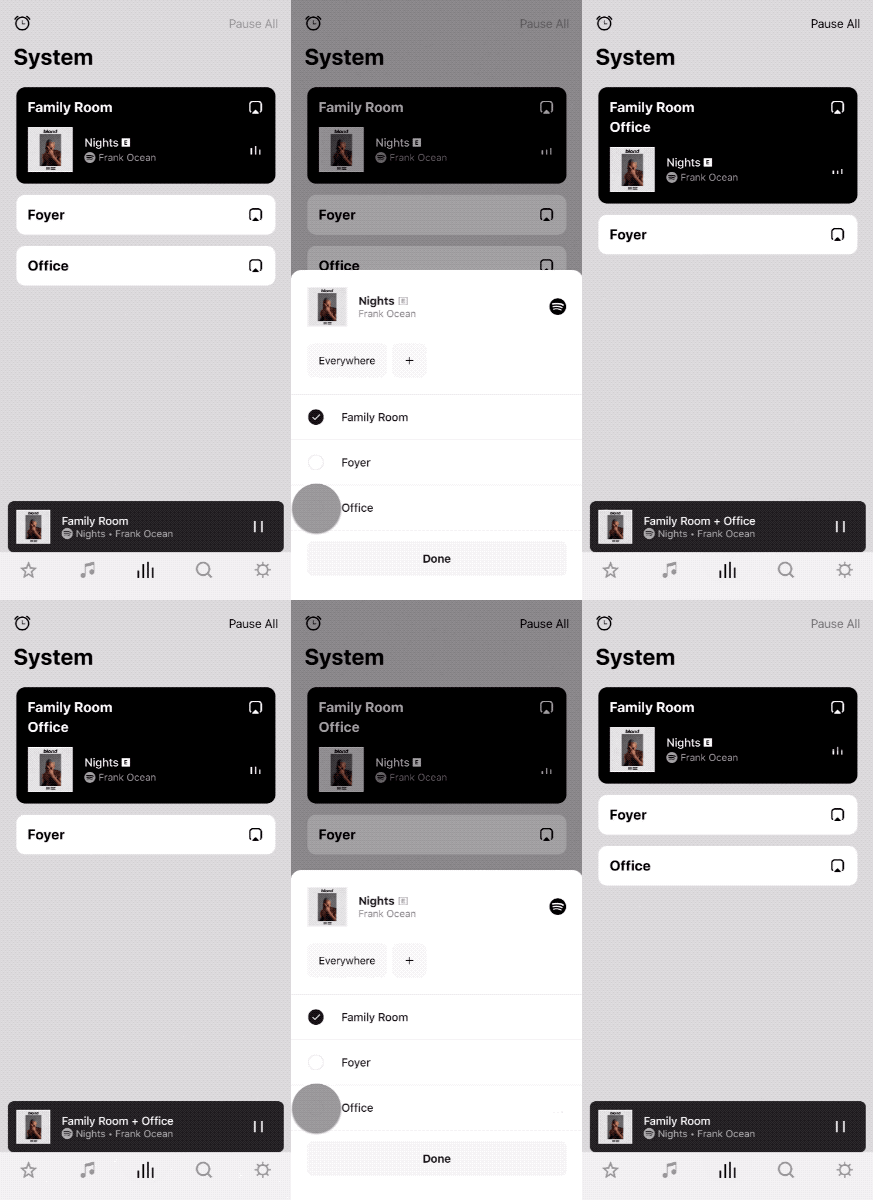
Grouping rooms if you only have two rooms can be done by using the button I've circled in the screenshot below:

This is not a work around - it's the way grouping has always worked. If you have more rooms you can use this method, or (new for S2) make named groups. I would agree calling this feature “Groups” instead of "Named Groups” is confusing - especially if you staate that the feature does not work if you only have two rooms, so people conclude they can't group two roosm at all.
This topic has been closed for further comments. You can use the search bar to find a similar topic, or create a new one by clicking Create Topic at the top of the page.



Enter your E-mail address. We'll send you an e-mail with instructions to reset your password.