Sonos App not working in MacOS Golden Gate Beta

  • June 12, 2026
  • 40 replies
  • 986 views

Show first post

40 replies

  • Lyricist I
  • August 18, 2026

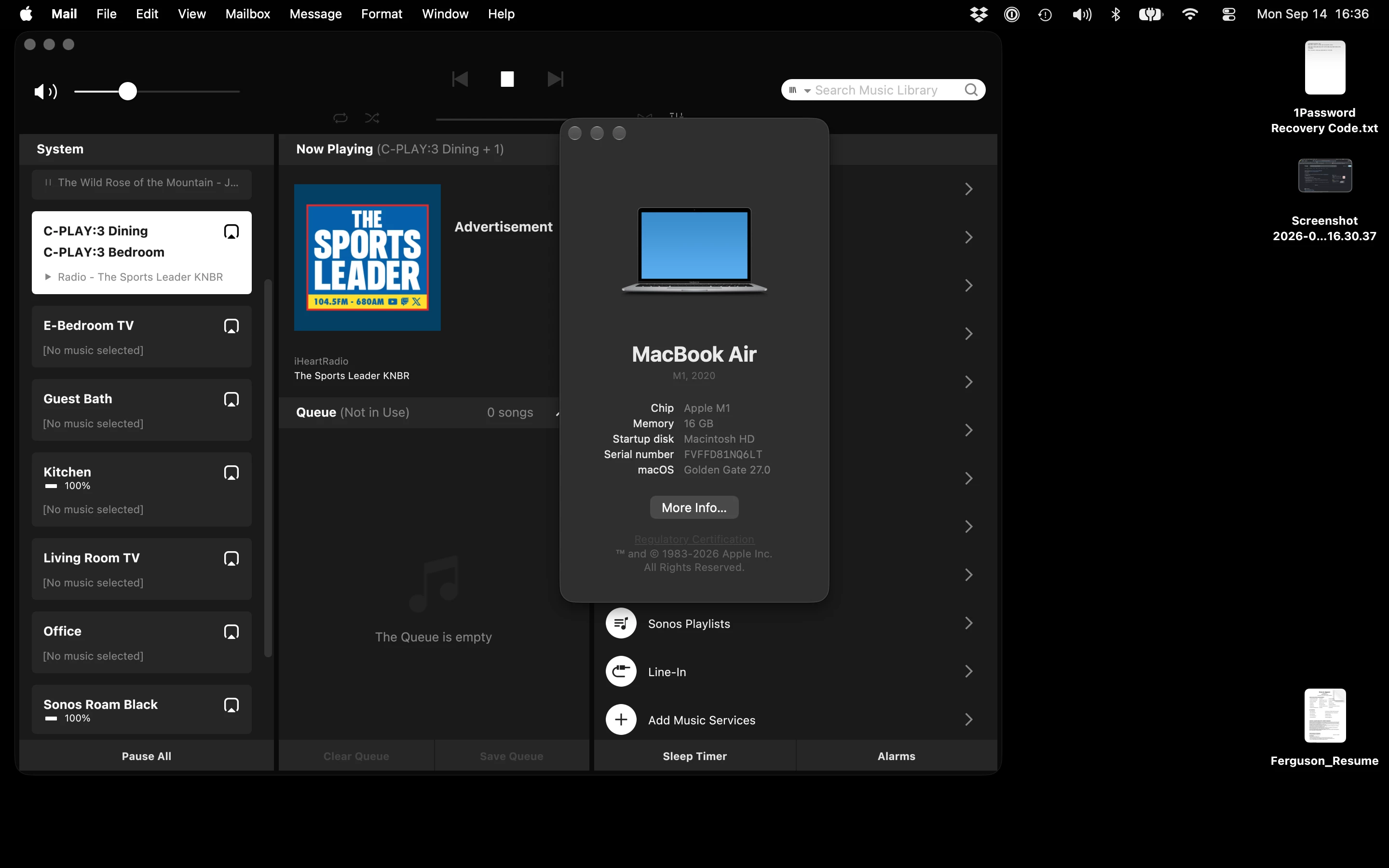
The Sonos App actually works fine on my Mac with MacOS 27 Public Beta 3 (and 4) installed. I just had to start it a couple of times and suddenly MacOS asked for permission for Network access. I use the app every day without any issues. It will be the last MacOS with support for Rosetta, so we’ll see what we can do next year.


Its Thorny
  • Author
  • Contributor I
  • September 13, 2026

WTF can’t Sonos fix this in the mac app?? Makes me want to change my entire 12 sonos device expensive audio systems next time I need to add or upgrade something


Its Thorny
  • Author
  • Contributor I
  • September 13, 2026

There’s a solution: Launch sonos app from terminal to connect to existing system.

open Terminal and run:

defaults read /Applications/Sonos.app/Contents/Info CFBundleExecutable

That tells us the exact executable name rather than guessing it.

If it returns something like:

Sonos

then run:

"/Applications/Sonos.app/Contents/MacOS/Sonos"

Keep that Terminal window open and see Connect to Existing System suddenly finds your Sonos setup.

Later you can launch the app from terminal like this and close the terminal:


nohup "/Applications/Sonos.app/Contents/MacOS/Sonos" >/dev/null 2>&1 & disown


Thanks for the workaround!!


Airgetlam
  • September 13, 2026

The Mac app was ‘retired’ from active development, a long time ago. You should also refer to this FAQ:

https://support.sonos.com/en-us/article/supported-features-in-the-sonos-desktop-app


Its Thorny
  • Author
  • Contributor I
  • September 13, 2026

Yep, aware of that, but they still offer it as a download and should at least do a maintenance update for Golden Gate issues. It works fine and looks fine, so no huge development needed, if it would only open in GoldenGate without the terminal workaround to find the network. They recently did one fro Apple Silicone to get rid of Rosetta, so they could easily fix this.


Airgetlam
  • September 13, 2026

It’s hard for any developer to chase the issues in a beta. Speaking as a former Windows, iOS , and Android developer.

We were lucky on occasion to receive the valuable gold release before it went out, but the number of changes in a beta made it not profitable to spend time ensuring the software worked on it. 


controlav
Forum|alt.badge.img+24
  • Lead Maestro
  • September 13, 2026

WTF can’t Sonos fix this in the mac app?? Makes me want to change my entire 12 sonos device expensive audio systems next time I need to add or upgrade something

Huh? This is an APPLE PROBLEM, they have continued to poorly implement the Local Network permission (an option which is actually a “solution” to a problem that doesn’t really exist). It was crap on iOS for years, then they decided to add it to MacOS and then break it horribly on OS 27.


Forum|alt.badge.img
  • Trending Lyricist I
  • September 14, 2026

Sonos does not push for compatibility with Beta software. When the software become official, they begin working to make the app compatible and that can take weeks or months. 

Knowing that Sonos will soon retire the desktops apps is reason enough not to upgrade to any software that is in its Beta stages right now. Stick with what works instead.

Hopefully Sonos will begin to add more functionality to the web app and create a better user experience for us.


To be fair: While pushing for compatibility with developer alphas and the like is out of scope, one major reason for having a beta program is to allow ISVs to fix/adapt their software before the release.

Thus, problems like this should be fixed before the official OS release. MacOS 27 was released today, and to noone’s surprise, the Sonos app still doesn’t work(*). 

The only reason to give Sonos some slack here is that they unfortunately don’t maintain the app seriously anymore, which is a shame - I still use it on occasionally.


(*) Launching from terminal as given in a previous post works.


  • Lyricist I
  • September 14, 2026

Also had the problem and the Terminal workaround works.


This is not the only app that has run into this problem. Previously, I would have issues with the “Find Devices on Local Networks” prompt after any OS upgrade where it wouldn’t immediately appear (I do not know if this happened with Sonos app). A reset of the device would prompt the warning (so, I have gotten used to resetting again after every OS upgrade). It did all of that today (again, did not check Sonos.app today), but now giving it approval does not allow connections regardless. 


Airgetlam
  • September 14, 2026

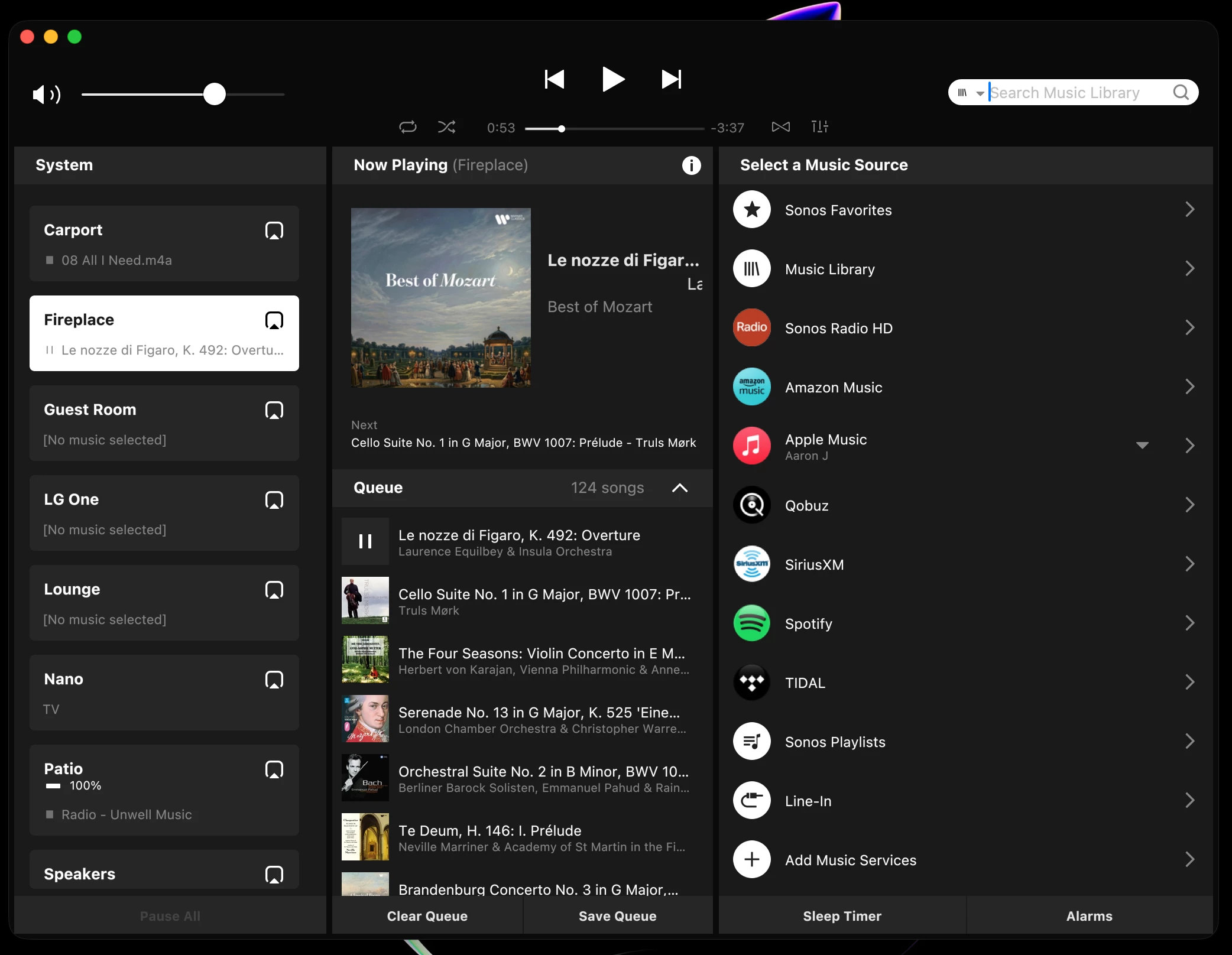
I dunno…my S2 Mac native client seems to work fine on Golden Gate 27.0. I’m looking at it right now.


AjTrek1
  • September 15, 2026

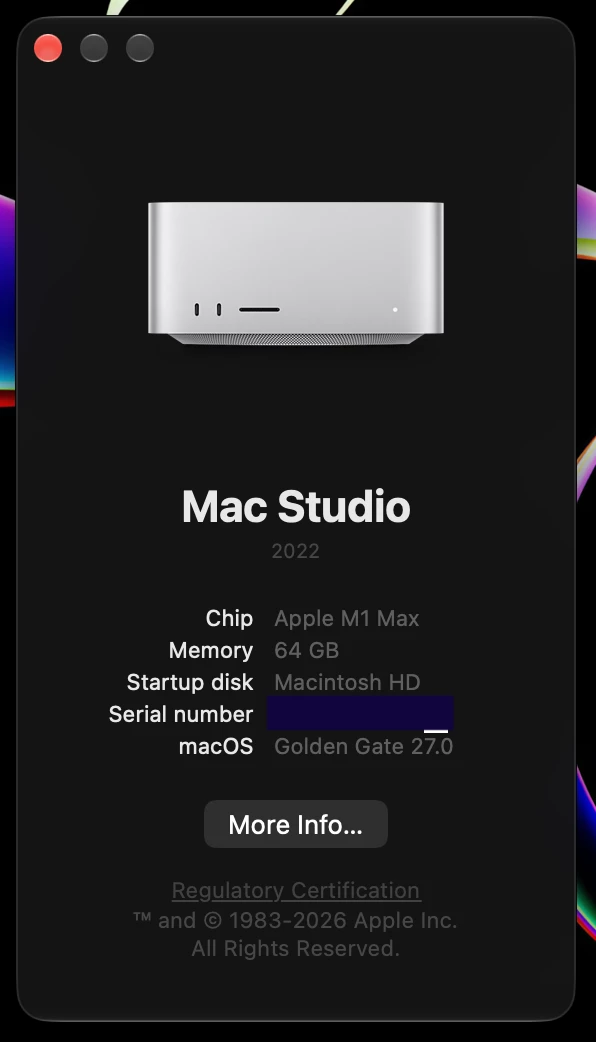
Just installed macOS Golden Gate 27.0. The desktop app launched with one click the very first time. No error messages.

There was a mini update from MacOS Tahoe 26.6.2 to MacOS Tahoe 26.7 along with Safari 27.0. I’ve always made it a rule to install the mini-update first even though I could have skipped it and went straight to MacOS Golden Gate 27.0. 

However, to the subject of this post I never concern myself with beta’s be they MacOS or iOS/iPadOS given the quirks apps such as Sonos may experience.  Sonos is most likely working with a beta in the background and making tweaks where needed. But until the final version is released they (by history) aren’t releasing a new version/update on Monday and have to push out a bug fix on Wednesday due to a change in the OS beta by the developer. on Tuesday. That’s expending resources unnecessarily that could be used elsewhere. 


Summi
Forum|alt.badge.img
  • Lyricist I
  • September 15, 2026

Hey ​@shadowyman 

Just updated to macOS 27 (final release not a beta or RC) and experienced the same issue. I did troubleshoot for several hours without success (disable / re-enable access to local network, temprary adding Sonos within firewall, Re-installing Sonos app.) NOTHING worked. Then I finally found this post. Thank you so much for this tip! Hopefully more people will find this that have the same issue, and also another permanent solution can be found.


AjTrek1
  • September 15, 2026

That’s odd that the official version of Golden Gate causes problems with the Sonos desktop app. Given that Sonos had resolved the loading of it in MacOS Tahoe.

As I mentioned in my post there is a mini-update for Tahoe 26.6.2 just below the upgrade to Golden Gate. Many miss it and go straight to the upgrade.

My suspicion is that the mini-update for Tahoe installs last minute tweaks that helps prepare the MacOS for the upgrade to Golden Gate. I know many will disagree with my assumption but doing so has always been my modus operandi when upgrading my Mac’s. 


Summi
Forum|alt.badge.img
  • Lyricist I
  • September 15, 2026

In addition you can create a quick launcher on your desktop.

1. Open Terminal 
2. Open your Desktop Folder (usually “cd Desktop”)
3. Paste the following into Terminal: 

cat > SonosLauncher.command <<'EOF'

#!/bin/zsh

/Applications/Sonos.app/Contents/MacOS/Sonos >/dev/null 2>&1 &

EOF

chmod +x SonosLauncher.command

This will create an executable Command file on your desktop that you can just double-click so it might be a nicer workaround.
Of course you can create this file anywhere else as well. 

BTW: Hi everybody! I’m new to the community and just registered for this issue 😀


  • Lyricist I
  • September 15, 2026

There’s a solution: Launch sonos app from terminal to connect to existing system.

open Terminal and run:

defaults read /Applications/Sonos.app/Contents/Info CFBundleExecutable

That tells us the exact executable name rather than guessing it.

If it returns something like:

Sonos

then run:

"/Applications/Sonos.app/Contents/MacOS/Sonos"

Keep that Terminal window open and see Connect to Existing System suddenly finds your Sonos setup.

Later you can launch the app from terminal like this and close the terminal:


nohup "/Applications/Sonos.app/Contents/MacOS/Sonos" >/dev/null 2>&1 & disown

THIS WORKED!! Im currently using the released MacOS 27 so no beta version and the issue is still present there. Thanks for the tip.