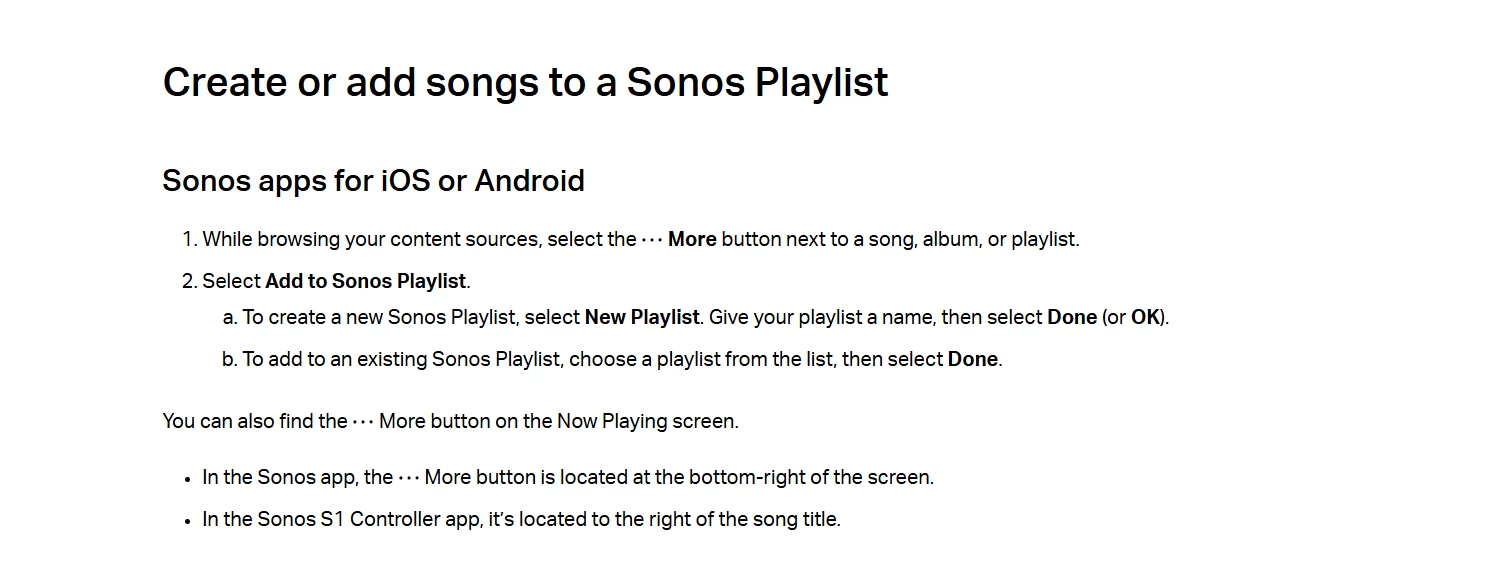
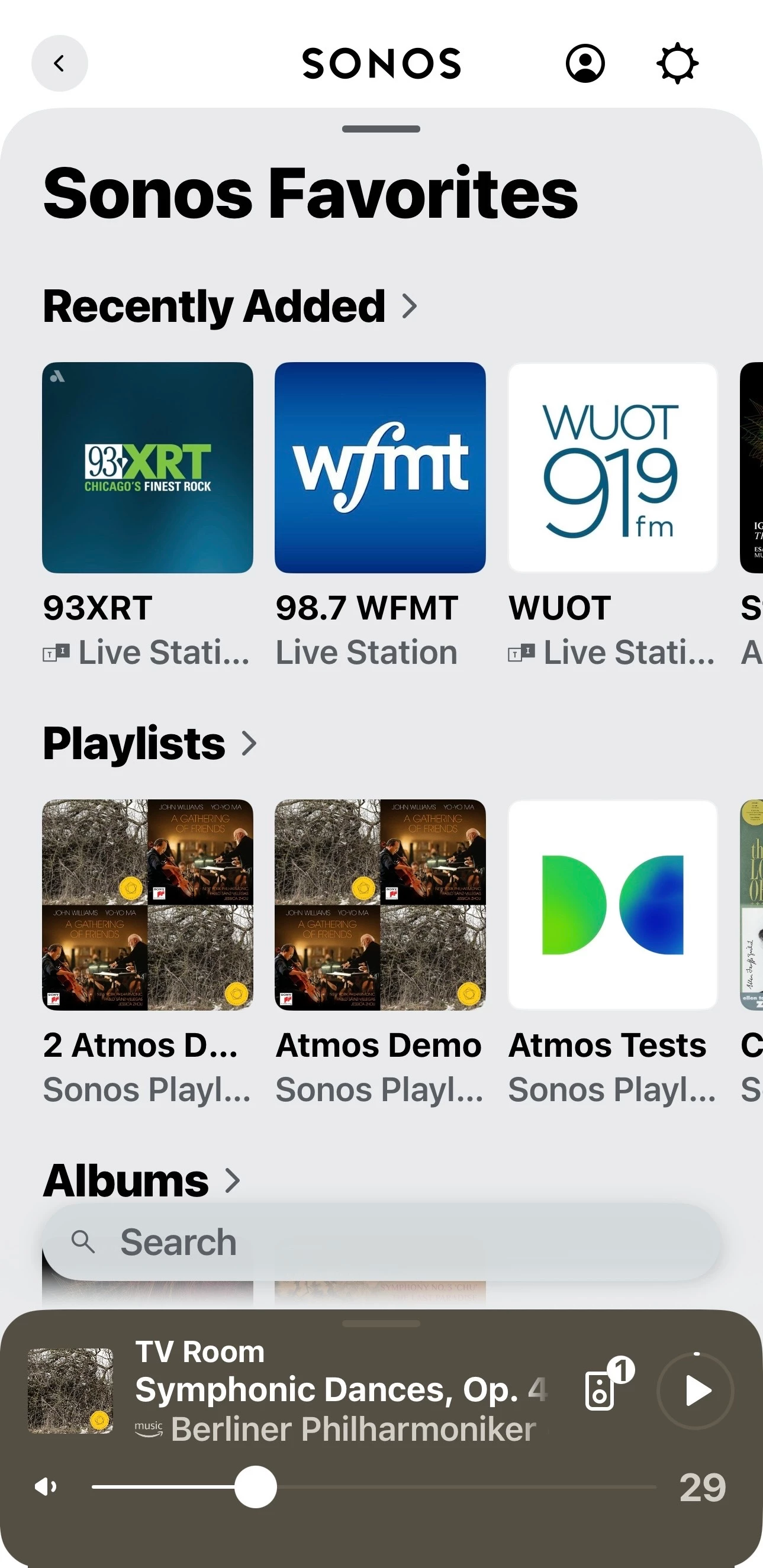
So the latest App release for IOS (81.00.52) says that it now includes re-intstatement of the much requested ‘save your queue as a playlist’.
However, having updated both App and Sonos system I am still none the wiser as to how this can be achieved. I tried tapping on the ‘queue’ icon at the bottom left of the now playing screen. This displays the queue, but no new controls have been added to the queue screen (still just shuffle, repeat, and clear).
Anyone have any ideas how the queue can be saved?
Is it buried away in some other sub-menu somewhere?