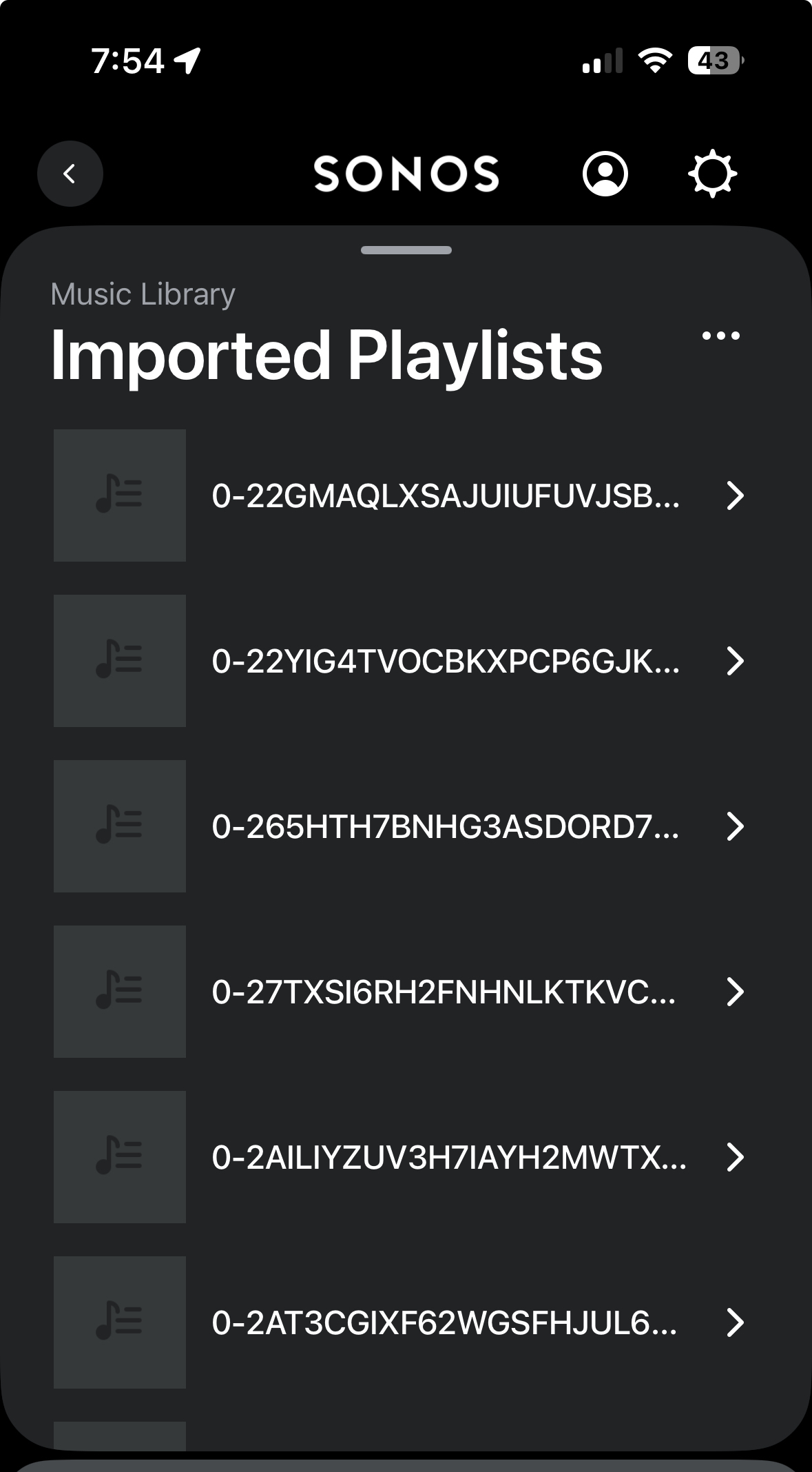
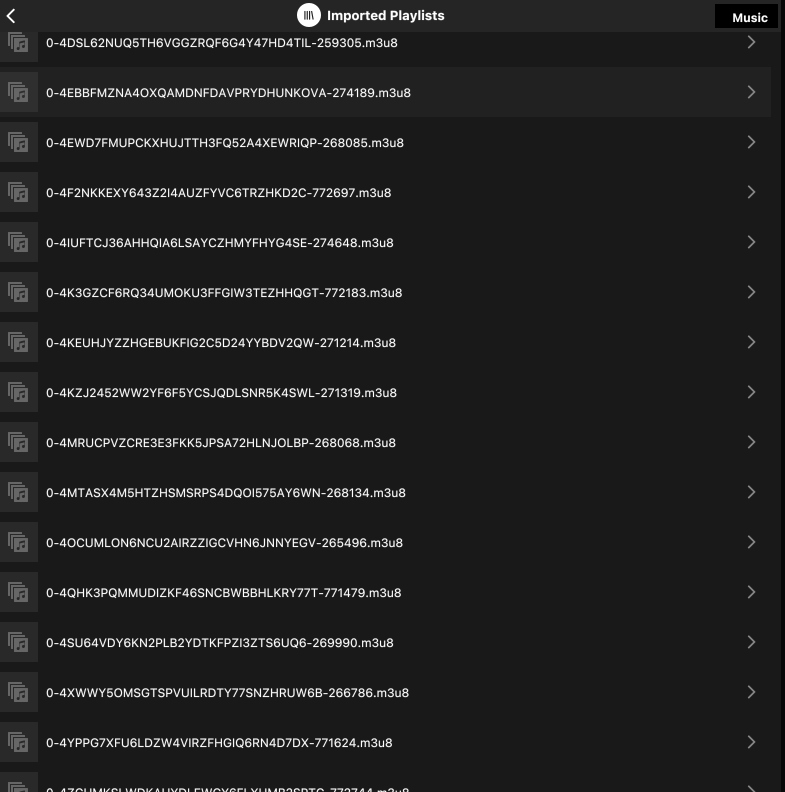
I’ve linked to my Apple Music library, but am having problems with playlists. The playlists appear as weird long names and there are hundreds of them (for example: P876360113-As95196478_audio_en_gr256_mp4). I’ve made sure I include the folder share where Apple Music library is and also I’ve manually exported the library to XML format where the music files are kept, but I can’t seem to get it to work.

Answered
Problems with Apple Music Playlists
Best answer by chriszim
I think I figured out the main culprit. A significant portion of my music files are in Apples “HLS” format which is not recognized / not working well with Sonos. I removed them, then rescanned my library and fixed the problem. When I added the HLS files back, it re-created the issue. Unfortunately, Apple doesn’t have a way that I could see to re-download songs into another format into Apple Music.
This topic has been closed for further comments. You can use the search bar to find a similar topic, or create a new one by clicking Create Topic at the top of the page.


Enter your E-mail address. We'll send you an e-mail with instructions to reset your password.