Mac OS app - intel based to silicon

  • April 10, 2026
  • 25 replies
  • 1702 views

I’ve just seen on my Mac (running Tahoe 26.4.1) that the version of Sonos app I have on my computer will not open in future release of MacOS. Running Sonos S2 version 17.2. (the message directs me to an apple website to learn how to update to Apple Silicon version).

I wondered if there will be a solution going forward or is this the end of the app for MacOS? 


25 replies

Airgetlam
  • April 10, 2026

Have you tried the web version of the controller?


controlav
Forum|alt.badge.img+24
  • Lead Maestro
  • April 10, 2026

Look in the App Store.


  • Lyricist I
  • April 29, 2026

There is no App in the macOS App Store.


  • Author
  • Contributor I
  • April 29, 2026

Have you tried the web version of the controller?

Yes. The app is less intrusive. It means having a webpage open which I don’t necessarily want. The app was ideal as can minimise it and it not affect my work.


controlav
Forum|alt.badge.img+24
  • Lead Maestro
  • April 30, 2026

There is no App in the macOS App Store.

Sure there is, search for “phonos ultimate” in there. (Searching for Sonos doesn’t find it, because Apple).


  • Author
  • Contributor I
  • April 30, 2026

There is no App in the macOS App Store.

Sure there is, search for “phonos ultimate” in there. (Searching for Sonos doesn’t find it, because Apple).

Whilst that is a solution and appreciate that someone has spent the time to make and produce an app, it is still a paid app and this shouldn't be the case when spending a considerable amount of money on speakers...


  • April 30, 2026

There is no App in the macOS App Store.

Sure there is, search for “phonos ultimate” in there. (Searching for Sonos doesn’t find it, because Apple).

Whilst that is a solution and appreciate that someone has spent the time to make and produce an app, it is still a paid app and this shouldn't be the case when spending a considerable amount of money on speakers...

As far as we know, Sonos has no intention of releasing an Apple Silicon version of the desktop controller. They intend to eventually retire the desktop controllers altogether. So, your options will become limited if you want to continue to control your system from the desktop. You should let Sonos know how you feel about that using official feedback channels. Posting here in the community will probably not get a response from Sonos.


Stanley_4
  • Grand Maestro
  • April 30, 2026

As long as you aren't expecting someone to provide a free** app I agree with you.

** Free often includes some nasty data harvesting, scams and other unwanted stuff. Make sure it is really free and not selling your information for hidden profit.


  • Lyricist I
  • May 1, 2026

FYI - The web app looks and feels like it is a standalone app - it doesn’t appear as a tab in browser. I was skeptical at first but the experience is much better than the old native app. The web app allows them to ship faster and build across devices a lot easier I’d guess. 


Stanley_4
  • Grand Maestro
  • May 1, 2026

On my (not a Mac) I can have the web app as a tab or in it's own window.

I usually run it in the Brave browser, mostly so the taskbar icon is easy to pick out from the multiple ones for my usual browser. It shares tabs nicely with my security camera monitoring web page.


  • Lyricist I
  • May 2, 2026

You should be able to make it so the same thing on a non Mac machine as well. 
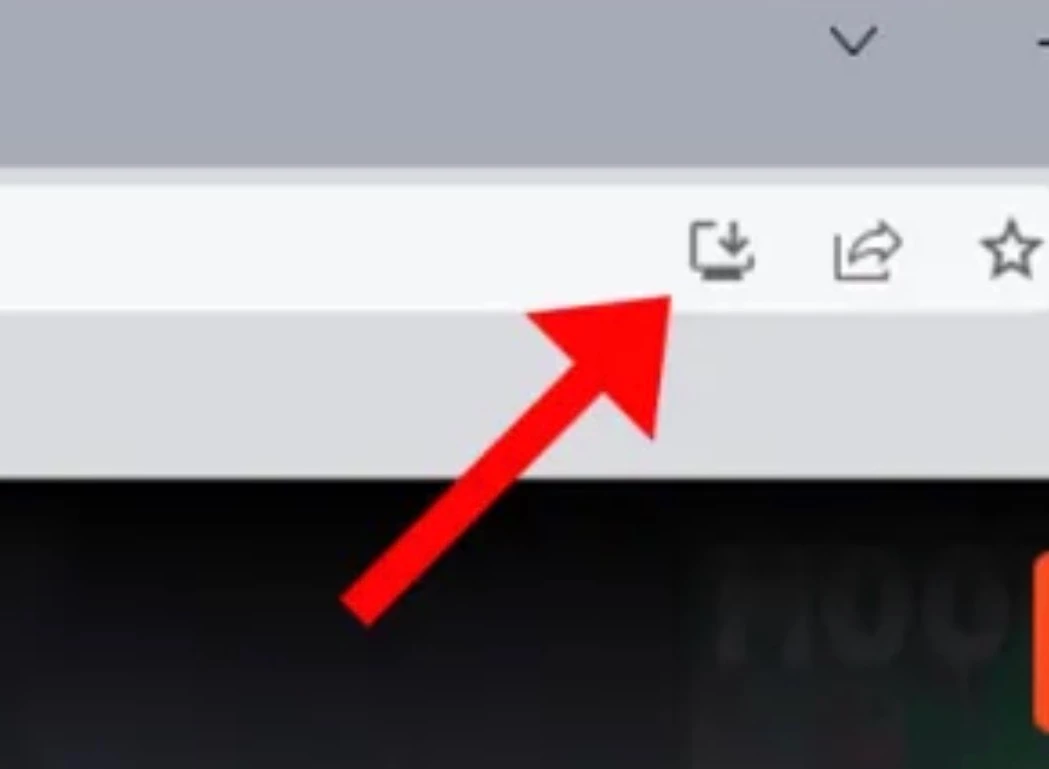
Click the Install icon (a computer screen with a down arrow) located in the right side of the address bar in the Sonos tab and it should work. 


  • Contributor I
  • May 3, 2026

Have you tried the web version of the controller?

Yes. The app is less intrusive. It means having a webpage open which I don’t necessarily want. The app was ideal as can minimise it and it not affect my work.

With the web app open in Safari, click the Share button in the toolbar, select Add to Dock, and click Add, or go File > Add to dock… This converts the website into a standalone web app with its own icon in the Dock and Launchpad which can also be minimised.


  • Contributor I
  • May 8, 2026

Having come across the message I decided to try phonos ultimate 

I do agree whilst you invest thousands of dollars in Sonos products they really should release a Mac app, however we are where we are.

I must say for the few dollars asking  Phonos Ultimate  is surprisingly good, and nice and quick on my Mac . 


Airgetlam
  • May 8, 2026

They haven’t released a new version of a desktop app, be it Mac OS or Windows in years . As near as I can remember, they pulled all of the setup and other supported aspects back in May of 2024.  So it’s been a couple of years they’ve been focused only on the iOS and Android apps, with the web app coming out only this year, in early 2026


106rallye
Forum|alt.badge.img+18
  • May 8, 2026

I seem to remember the PC and Mac app being neutered way before that and came across this post on Reddit:

https://www.reddit.com/r/sonos/comments/9odri1/sonos_has_removed_the_management_functions_from/ 

This was posted eight years ago.


Airgetlam
  • May 8, 2026

I just did a quick google search, but it has been a long time. ::shrug::

I have used the Mac app for playback purposes a lot while doing work, but if I needed to do any admin functions, it’s been the iOS app. Not a huge issue. 


Mr. T
  • May 8, 2026

They haven’t released a new version of a desktop app, be it Mac OS or Windows in years . As near as I can remember, they pulled all of the setup and other supported aspects back in May of 2024.  So it’s been a couple of years they’ve been focused only on the iOS and Android apps, with the web app coming out only this year, in early 2026

The web app has been around for 2yrs as it came out at the same time as the new mobile apps in May 2024.


controlav
Forum|alt.badge.img+24
  • Lead Maestro
  • May 8, 2026

Having come across the message I decided to try phonos ultimate 

I must say for the few dollars asking  Phonos Ultimate  is surprisingly good, and nice and quick on my Mac . 

Thank you! Would love it if you could post a review to the App Store.


Forum|alt.badge.img+2
  • Enthusiast II
  • May 12, 2026

They haven’t released a new version of a desktop app, be it Mac OS or Windows in years . As near as I can remember, they pulled all of the setup and other supported aspects back in May of 2024.  So it’s been a couple of years they’ve been focused only on the iOS and Android apps, with the web app coming out only this year, in early 2026

In years ? No. The last update of the MacOs version (17.2) dates from last August.


Airgetlam
  • May 12, 2026

No new features, just bug fixes. As others have said, it’s been years since both ‘desktop’ versions were changed into mere maintenance mode. 


  • Lyricist I
  • June 8, 2026

Why doesn’t Sonos just use the iOS / iPad version on Apple Silicon? That just runs if you would allow for the download on a Mac via the app store. 


AjTrek1
  • June 8, 2026

It’s not a Sonos decision to allow an app designed for iOS or iPadOS to be downloaded on a Mac. There are different codecs for Mac apps which is decided by Apple.


  • Lyricist I
  • June 8, 2026

It’s not a Sonos decision to allow an app designed for iOS or iPadOS to be downloaded on a Mac. There are different codecs for Mac apps which is decided by Apple.

No it’s up to the developer. 
https://developer.apple.com/help/app-store-connect/manage-your-apps-availability/manage-availability-of-iphone-and-ipad-apps-on-macs-with-apple-silicon

Users running macOS 11 or later on Macs with Apple silicon can access iPhone and iPad apps through the Mac App Store, provided no edits are made to the app availability. There's no porting process since these apps use the same frameworks, resources, and runtime environments as they do on iOS and iPadOS.


controlav
Forum|alt.badge.img+24
  • Lead Maestro
  • June 9, 2026

It’s not a Sonos decision to allow an app designed for iOS or iPadOS to be downloaded on a Mac. There are different codecs for Mac apps which is decided by Apple.

No it’s up to the developer. 
https://developer.apple.com/help/app-store-connect/manage-your-apps-availability/manage-availability-of-iphone-and-ipad-apps-on-macs-with-apple-silicon

Users running macOS 11 or later on Macs with Apple silicon can access iPhone and iPad apps through the Mac App Store, provided no edits are made to the app availability. There's no porting process since these apps use the same frameworks, resources, and runtime environments as they do on iOS and iPadOS.

Yup, its literally a checkbox to get it on the Mac Store, I did this with my own app. This is by far the most likely “solution” to the Desktop problem. The real issue is how well the designed-for-touch iPad interface will work with a mouse. 


Forum|alt.badge.img
  • Contributor I
  • June 10, 2026

I came here looking for a solution to the Mac app being incompatible with future versions of Mac OS (the current version being compiled for Intel silicon running through Rosetta).  I just tried the web app and saved it to the dock - it’s a nice, elegant solution, and is managed as a completely separate entity from other Safari sessions.  It’ll work.  One downside: the web app uses 63% CPU and 550MB of memory just sitting idle, vs the Intel compiled app using 157MB of memory and around 2% CPU.  The native app is certainly a lot more efficient.  (This is on an M1 MacBook Pro so kind of old, 16GB).  But it works.