Mac OS app - intel based to silicon

  • April 10, 2026
  • 11 replies
  • 310 views

I’ve just seen on my Mac (running Tahoe 26.4.1) that the version of Sonos app I have on my computer will not open in future release of MacOS. Running Sonos S2 version 17.2. (the message directs me to an apple website to learn how to update to Apple Silicon version).

I wondered if there will be a solution going forward or is this the end of the app for MacOS? 


11 replies

Airgetlam
  • April 10, 2026

Have you tried the web version of the controller?


controlav
Forum|alt.badge.img+24
  • Lead Maestro
  • April 10, 2026

Look in the App Store.


  • Lyricist I
  • April 29, 2026

There is no App in the macOS App Store.


  • Author
  • Contributor I
  • April 29, 2026

Have you tried the web version of the controller?

Yes. The app is less intrusive. It means having a webpage open which I don’t necessarily want. The app was ideal as can minimise it and it not affect my work.


controlav
Forum|alt.badge.img+24
  • Lead Maestro
  • April 30, 2026

There is no App in the macOS App Store.

Sure there is, search for “phonos ultimate” in there. (Searching for Sonos doesn’t find it, because Apple).


  • Author
  • Contributor I
  • April 30, 2026

There is no App in the macOS App Store.

Sure there is, search for “phonos ultimate” in there. (Searching for Sonos doesn’t find it, because Apple).

Whilst that is a solution and appreciate that someone has spent the time to make and produce an app, it is still a paid app and this shouldn't be the case when spending a considerable amount of money on speakers...


  • April 30, 2026

There is no App in the macOS App Store.

Sure there is, search for “phonos ultimate” in there. (Searching for Sonos doesn’t find it, because Apple).

Whilst that is a solution and appreciate that someone has spent the time to make and produce an app, it is still a paid app and this shouldn't be the case when spending a considerable amount of money on speakers...

As far as we know, Sonos has no intention of releasing an Apple Silicon version of the desktop controller. They intend to eventually retire the desktop controllers altogether. So, your options will become limited if you want to continue to control your system from the desktop. You should let Sonos know how you feel about that using official feedback channels. Posting here in the community will probably not get a response from Sonos.


Stanley_4
  • Grand Maestro
  • April 30, 2026

As long as you aren't expecting someone to provide a free** app I agree with you.

** Free often includes some nasty data harvesting, scams and other unwanted stuff. Make sure it is really free and not selling your information for hidden profit.


  • Lyricist I
  • May 1, 2026

FYI - The web app looks and feels like it is a standalone app - it doesn’t appear as a tab in browser. I was skeptical at first but the experience is much better than the old native app. The web app allows them to ship faster and build across devices a lot easier I’d guess. 


Stanley_4
  • Grand Maestro
  • May 1, 2026

On my (not a Mac) I can have the web app as a tab or in it's own window.

I usually run it in the Brave browser, mostly so the taskbar icon is easy to pick out from the multiple ones for my usual browser. It shares tabs nicely with my security camera monitoring web page.


  • Lyricist I
  • May 2, 2026

You should be able to make it so the same thing on a non Mac machine as well. 
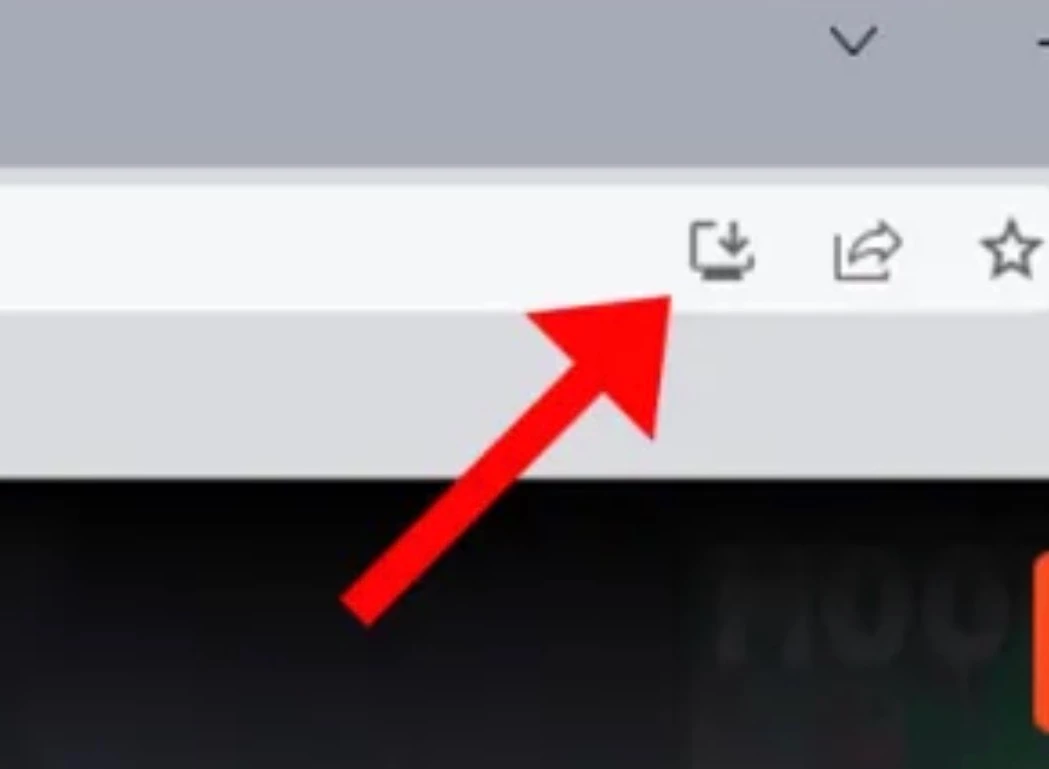
Click the Install icon (a computer screen with a down arrow) located in the right side of the address bar in the Sonos tab and it should work.