
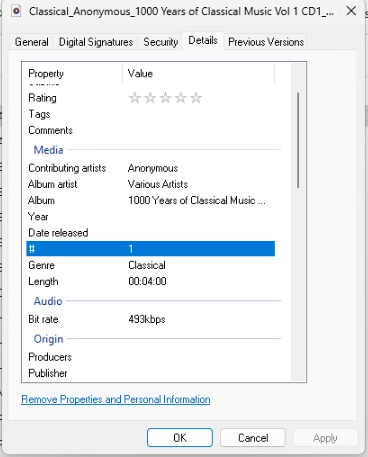
I have my music stored as flac files. All the hints to stop fragmentation of compilation albums (multiple artists on the one album) point to using id3v2 tags. Flac files do not support id3 tags but rather use vorbis format tagging. Does the Sonos infrastructure support vorbis tagging. I saw that the speakers needed update to support the “Album Artist” (albumartist) tag . For exampleI have “1000 Years of Classical Music” 8 CD set. On Sonos this equates to 74 “albums”. I have a number of albums from Bluesfest. If the album has 18-20 artist Sonos will display it as 18-20 separate albums ?. My Music Library is over 16000 tracks consuming over 450Gb. Uncompressed it is over 800Gb.

Answered
Fragmented compilation albums and flac files.
Best answer by tombay the fog
I have discovered that Sonos uses the file timestamp as part of their “need to reread file” logic.
I cleared the “Preserve timestamp of tagged files” in Picard Options->Options and now The “Album Artist” tag is being used correctly.
It is also worth noting that Sonos tag handling does work for flac files.
Musicbrainz Picard as a tagger works also.
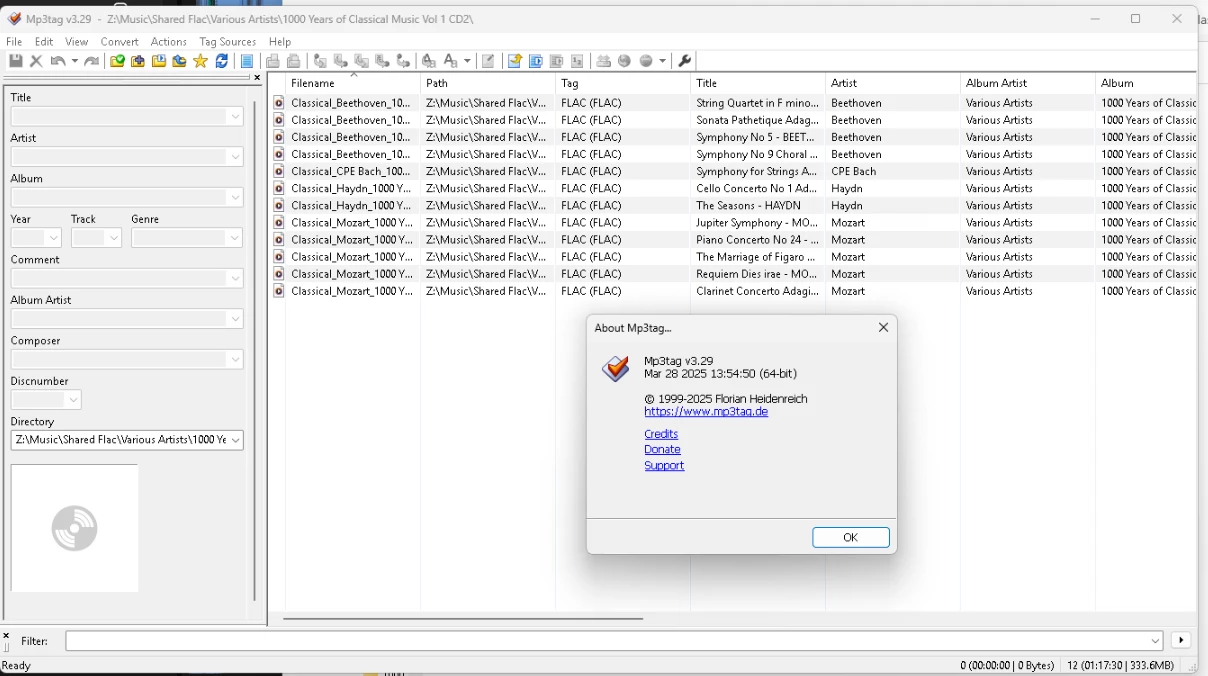
Mp3tag has a General Option “Preserve file modification time when saving tags”.
p.s.
Something like using a crc32 on the file would have been a less intrusive (on file time) but at least I have a solution.
Cheers
This topic has been closed for further comments. You can use the search bar to find a similar topic, or create a new one by clicking Create Topic at the top of the page.



Enter your E-mail address. We'll send you an e-mail with instructions to reset your password.