
Contributor I
July 23, 2020
Answered

Sonos App doesn't find existing system.

  • July 23, 2020
  • 107 replies
  • 50185 views

This topic is older and might not have the most up to date information. Please click here to see a list of more topics around the same subject.


Hi there,


I am so fed up with your buggy systems I can't even describe the level of frustration. I am using the latest version of the app on Android as of now and for no apparent reason the app does not recognize the set up system anymore (my wife's phone and app does and works no problem). I tried to reconnect to the system but says it doesn't find any devices on the network (which obviously isn't true - see screenshot)
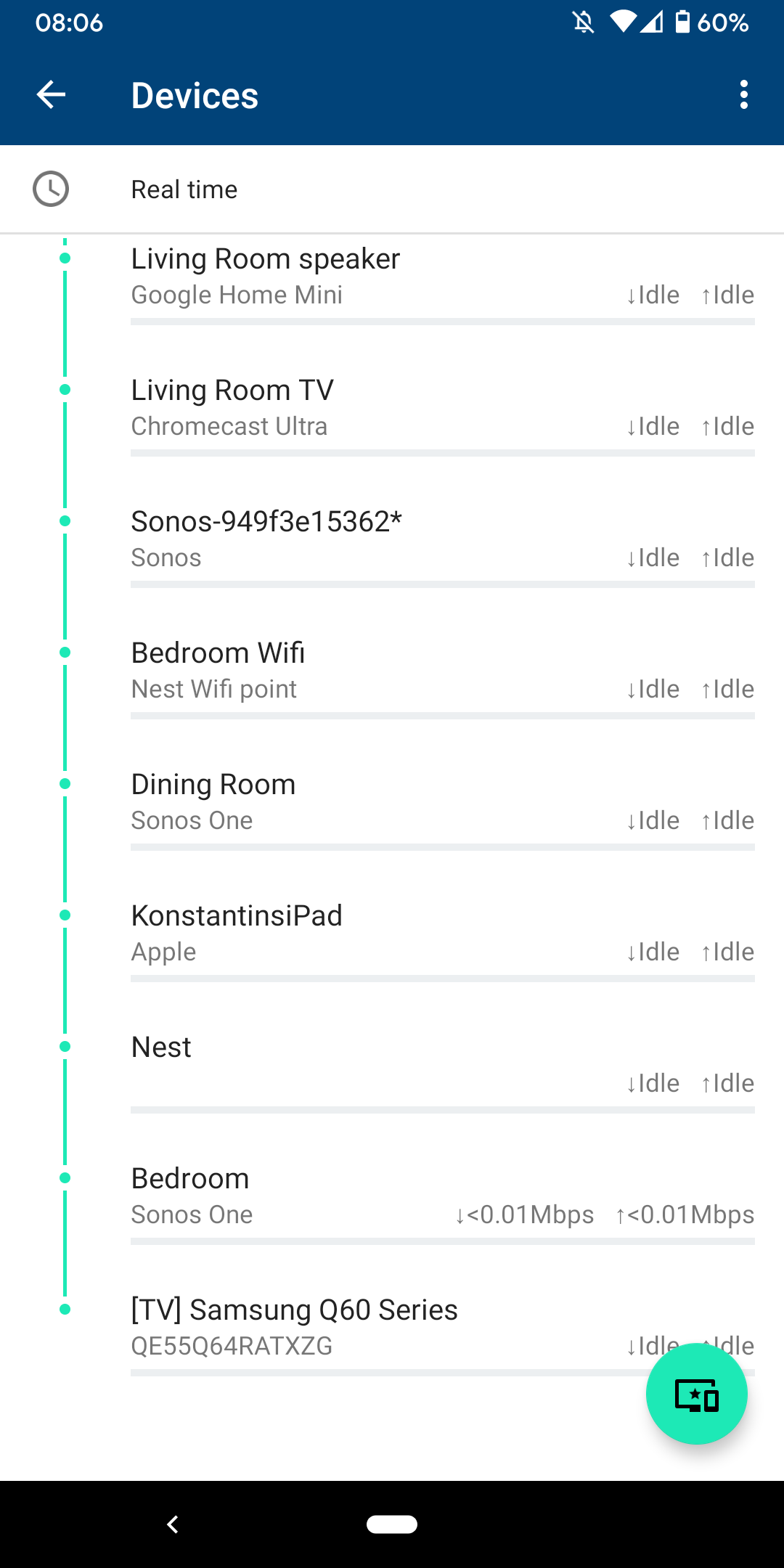
 

I am sitting next to a Sonos One and following instructions on how to reconnect pressing button on the back - but no doesn't find the system sitting right next to it.
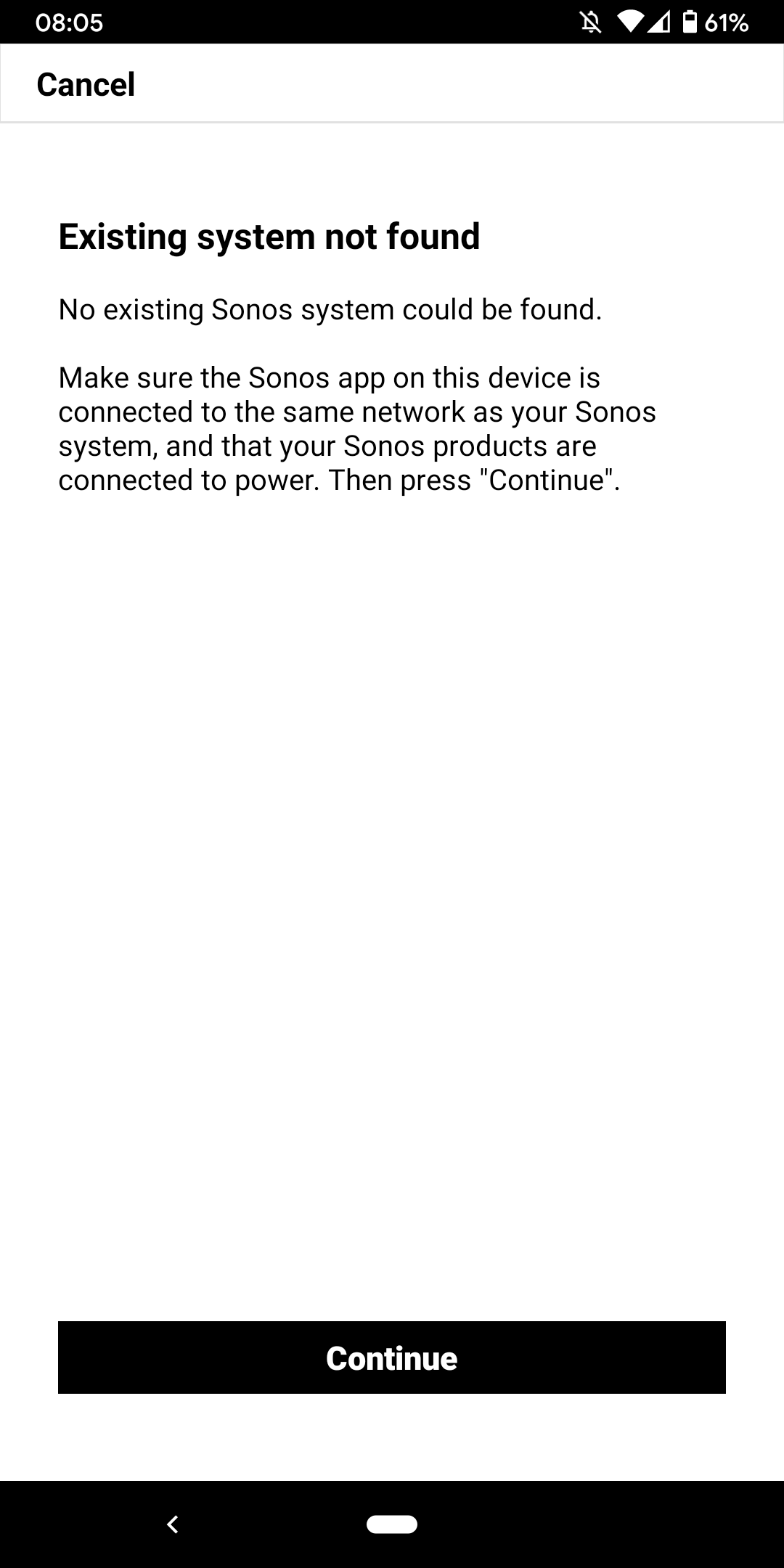
 

I don't want to go through the process of reinstalling the app and setting up the whole system again for the x time - it costs half an hour each time and at the price of your products we should be able to expect that you can employee at least one software engineer and one app developer that can create a better experience than a 10 year old hobby programmer with the attention span of a humming bird could.


Rant = off


Do you have any solutions to offer that are not requiring me to reset the system completely?


Moderator note: We updated this article in October 2023 with new information below.

If you are experiencing this issue and your controller won't connect to you existing Sonos System please have a look at this support article and follow the steps.

If your Sonos app still won’t connect after following the steps in the article, please contact Sonos Customer Care for further help.


This topic has been closed for further comments. You can use the search bar to find a similar topic, or create a new one by clicking Create Topic at the top of the page.
Best answer by Konstantin79

Thanks for the answer even though just a deflection and nothing to do with the problem at hand - the mesh network couldn't be the problem since the overall system is still working via my partners phone (as described). Just the app on my phone lost the system and wouldn't reconnect. I found a solution that worked: I disconnected the TV from the Sonos Beam (which is 1 of 3 Sonos devices in the house and connected by cable). The moment I disconnected the TV the app was able to reaquire the system that was setup already... I tried following the instructions before with both Sonos One and Beam before doing this without success. Maybe you can share that with the intern responsible for your app as a hint for troubleshooting…

Sorry I know you are working the forum and it's not in your control but please share with the product team so they can make some much needed improvements.

107 replies

Lyricist I
January 6, 2023

Since upgrading to the latest version of the Sonos App (and some hardware), my iphone cannot find my system all of the time. Some times it does but most of the time it doesnt. The Sonos App on my laptop (Mac) finds the system all of the time. I have tried everything that has been suggested on this thread with no positive results.

Airgetlam
January 7, 2023

So, what did Sonos support say when you called them?

Bruce
Trending Lyricist I
January 7, 2023

Having same issue with my Sonos Connect. I am able to installed everything, and it connects to my network just fine. Then it randomly decides to “Unable to connect to Sonos. Lets fix it!” Today, I started playing music by using the app just fine, and about 15 minutes later I was attempting to change the station, and I got the “Unable to connect to Sonos. Lets Fix it!" message. 

I ended up disconnecting my Sonos connect and put a different media player back on my network, and it didn’t have any issues.

I hope Sonos figures out how to fix this soon.

Lyricist III
January 12, 2023

Since upgrading to the latest version of the Sonos App (and some hardware), my iphone cannot find my system all of the time. Some times it does but most of the time it doesnt. The Sonos App on my laptop (Mac) finds the system all of the time. I have tried everything that has been suggested on this thread with no positive results.

Same here. I have been using Sonos since 2011 and I have had setups much more complicated than the one I have now.


iPhone with S2 app

Beam gen. 1

Sub gen. 2

Ikea Synfonisk gen. 2 (2)

(setup as 5.1)

Roam


I have reinstalled everything from scratch multiple times and it works for a couple days then the problem everyone describes comes back to haunt me. I have noticed that turning on the Roam almost instantly breaks the system. Otherwise it seems to happen randomly.

Do something soon Sonos or I’m selling everything and I’m never coming back!


Regards. 

buzz
January 12, 2023

I suggest that you refrain from Factory Reset without further consult. Factory Reset rarely cures fundamental issues, but it might accidentally work around something for a short while.

Lyricist III
January 12, 2023

On top of what found here - I had this issue (system visible from iPad but not from iPhone app) after switching to a new router. What resolved it is was to disable the router broadcast channel “auto” setting and select a fixed one. Hope this helps.

All my channels are fixed and always have been and I still have the issue. Do you confirm that this solution still works for your system?

Lyricist III
January 12, 2023

I can assure you, the issue isn’t with the Sonos software. It is indeed an issue with the network you have. However, as you’ve expressed an unwillingness to accept solutions, I won’t offer any. 

If you have anything that could help others, please kindly share. I’m totally out of ideas. 🤯

Airgetlam
January 12, 2023

There’s not enough data to give you any other than the same advice I’ve given in literally hundreds of other threads. Assign reserved IP addresses to your speakers, and refresh your network. And if that doesn’t work, submit a diagnostic and contact Sonos support. 

Bruce
Lyricist III
January 16, 2023

There’s not enough data to give you any other than the same advice I’ve given in literally hundreds of other threads. Assign reserved IP addresses to your speakers, and refresh your network. And if that doesn’t work, submit a diagnostic and contact Sonos support. 

Cautiously optimistic but I just tried your solution and my Sonos app connected right away. Thanks! 🍻

Lyricist III
January 17, 2023

There’s not enough data to give you any other than the same advice I’ve given in literally hundreds of other threads. Assign reserved IP addresses to your speakers, and refresh your network. And if that doesn’t work, submit a diagnostic and contact Sonos support. 

Cautiously optimistic but I just tried your solution and my Sonos app connected right away. Thanks! 🍻

THATS’IT, static adresses! 24 hours without any « unable to connect… » (for my system it’s a lot)! 🎉 Even the Roam can now be turned off and on at will without causing any problem. Thanks so much for the advice, I can start rebuilding my sanity.