Unable to play M4a files (AAC Audio file), however they play fine in iTunes. Tracks are skipped until MP3 file is found that will then play fine. please help 🙏
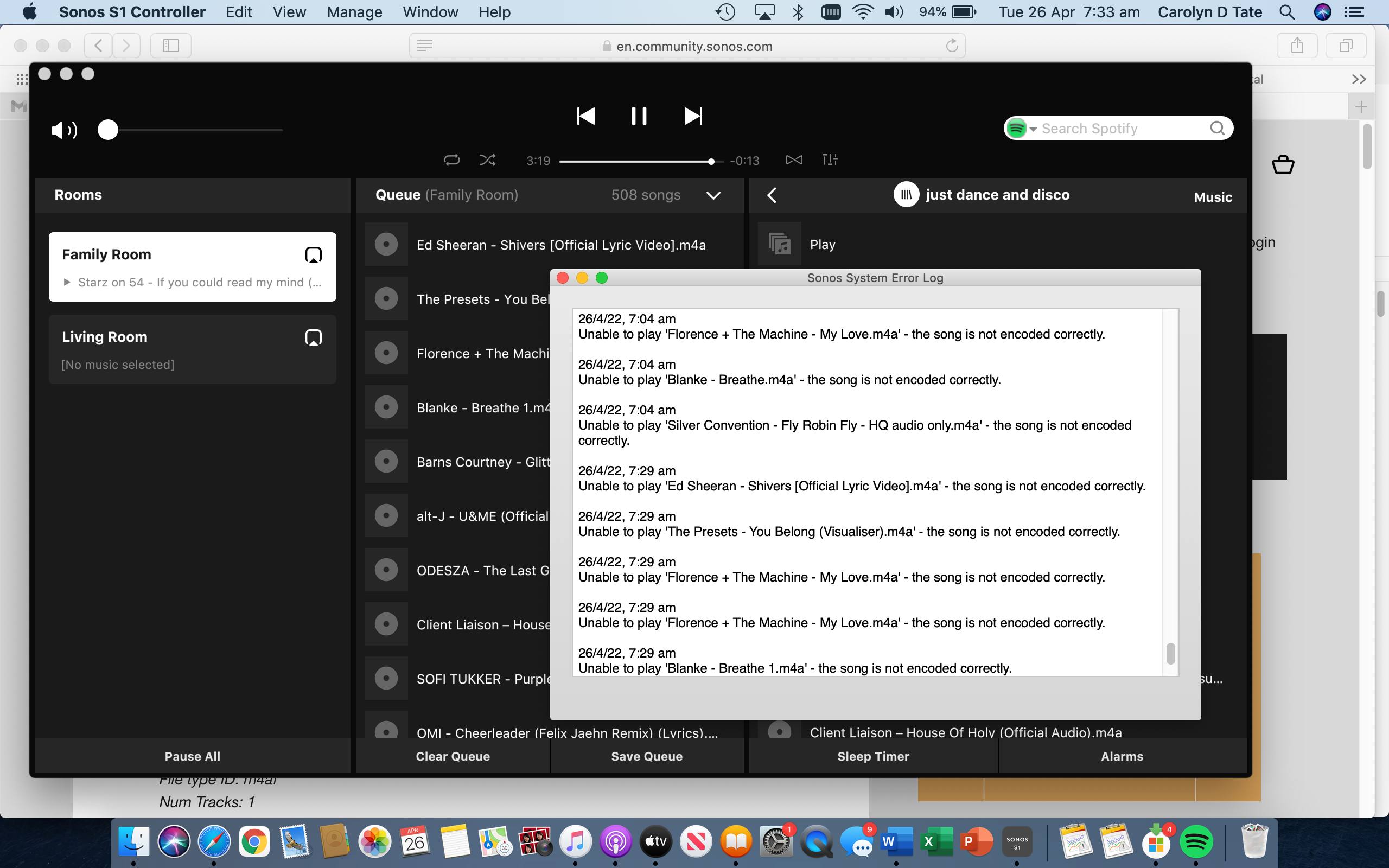
.

Unable to play M4a files (AAC Audio file), however they play fine in iTunes. Tracks are skipped until MP3 file is found that will then play fine. please help 🙏
.
Best answer by Airgetlam
Have you checked the supported audio formats FAQ? More specifically, do you know what bitrate these files are in?
Enter your E-mail address. We'll send you an e-mail with instructions to reset your password.
