Sonos Playist missing from Android and iOS but show on desktop?

  • October 15, 2021
  • 9 replies
  • 76 views

SirDigitalKnight
Forum|alt.badge.img+5

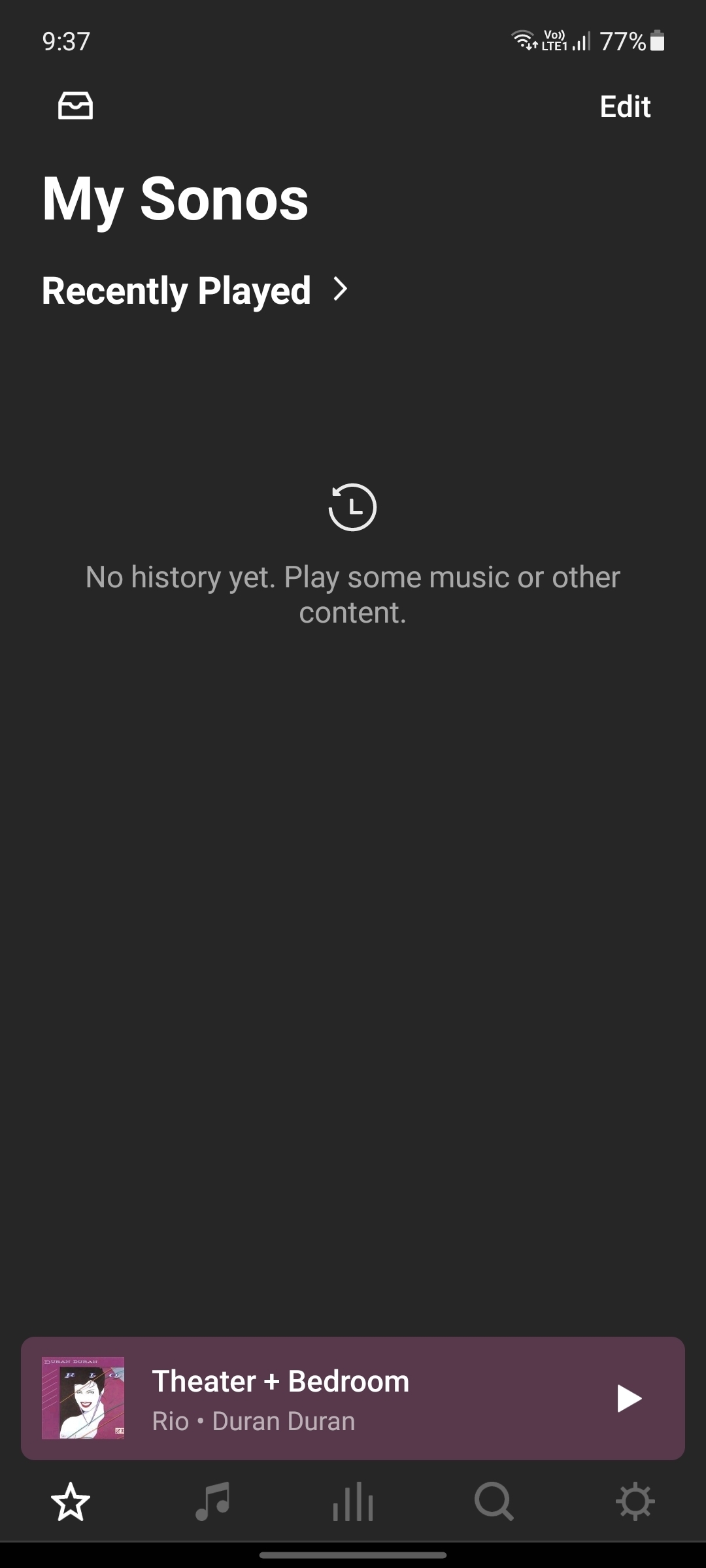
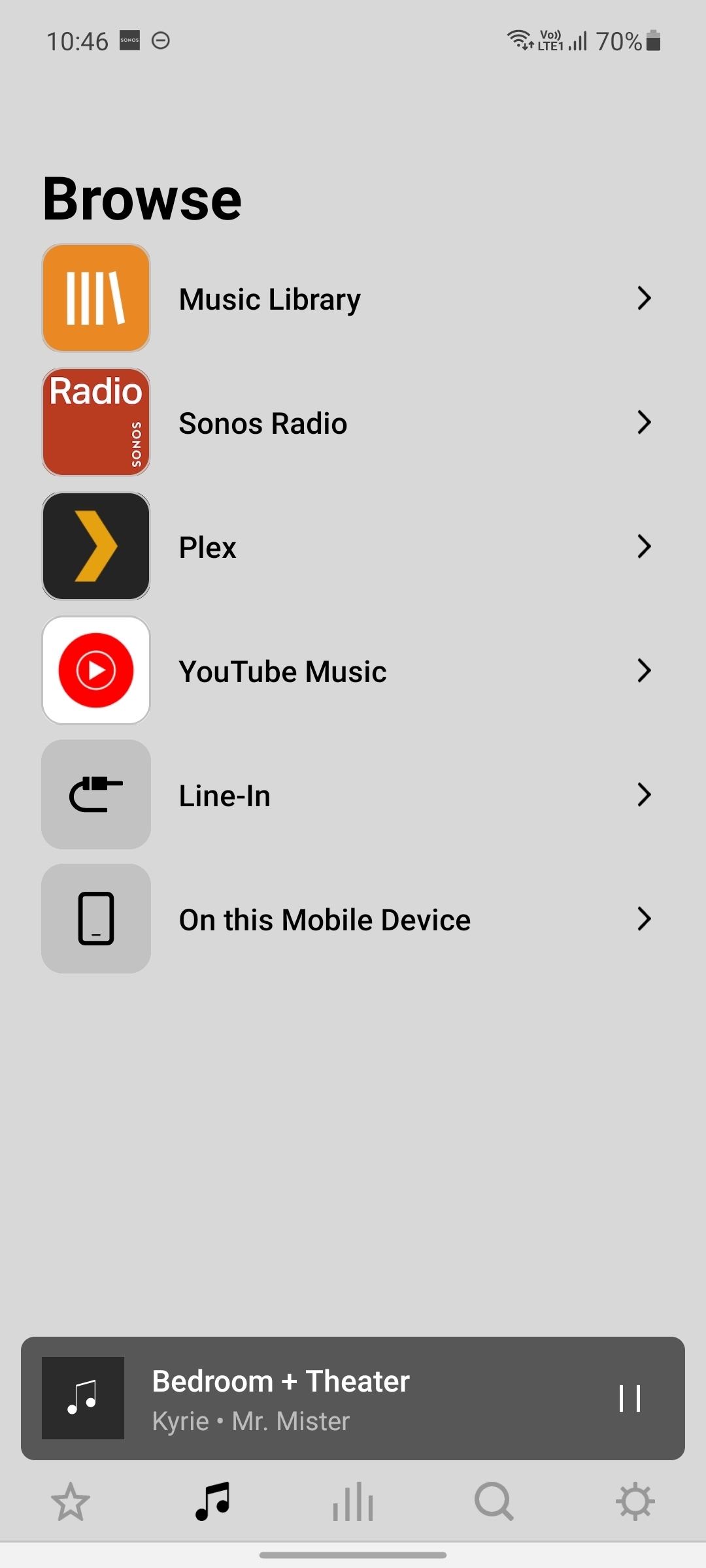
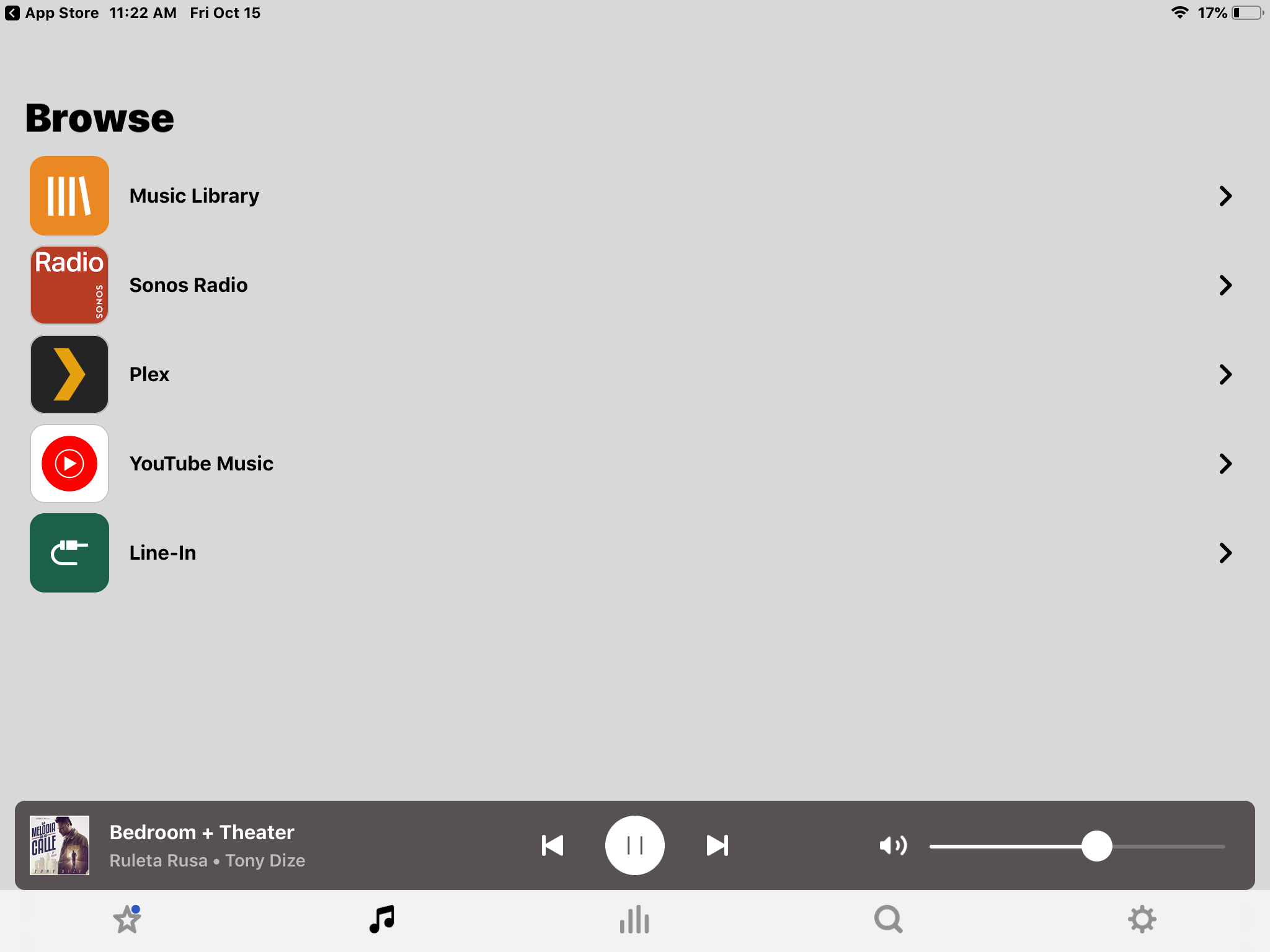
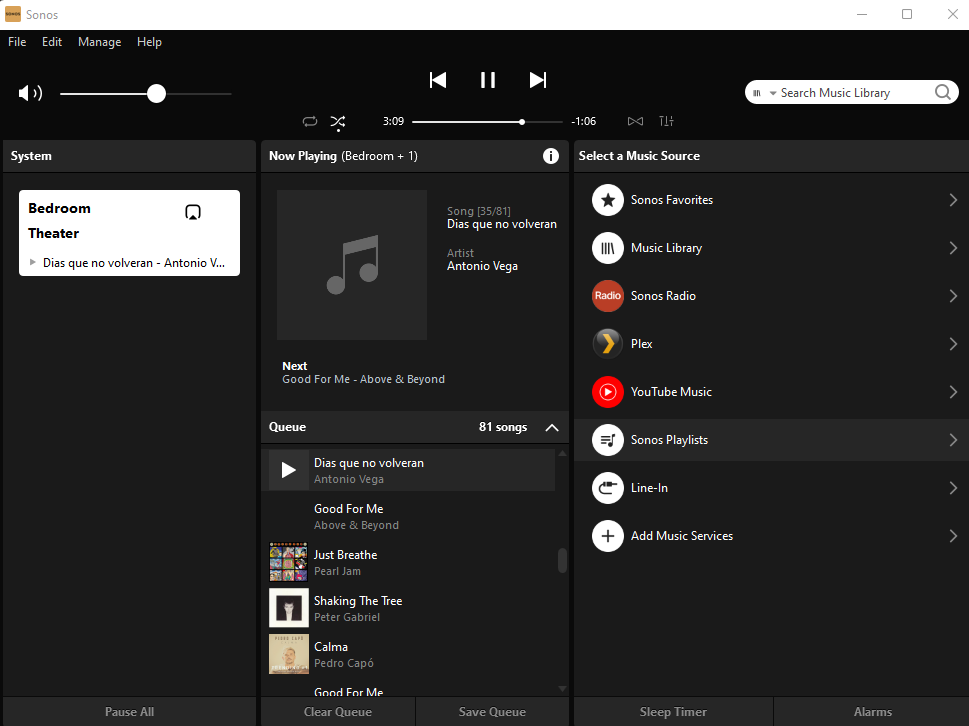
So I have attached all three below, anyone else seeing this since the last update?

Android Phone:
iPad:
 

Desktop app:
 

This topic has been closed for further comments. You can use the search bar to find a similar topic, or create a new one by clicking Create Topic at the top of the page.

9 replies

  • October 15, 2021

In the mobile apps you will find Sonos playlists within My Sonos.


SirDigitalKnight
Forum|alt.badge.img+5

Thank you for that info! Found them. Sure would be nice if all apps where laid-out the same way to make things a little bit easier on us old folk… :joy:


  • October 15, 2021

Thank you for that info! Found them. Sure would be nice if all apps where laid-out the same way to make things a little bit easier on us old folk… :joy:

I agree. But the structure of 'My Sonos' was created after Sonos stopped developing the desktop controller. 


SirDigitalKnight
Forum|alt.badge.img+5

So it looks like they removed the “Playlists” from the Android S2 App as my playlist do not show again under “My Sonos” as you can see in the above screenshot. On my iPad (IOS) they still show up until I updated the Sonos S2 app today and now they are also missing from the IOS S2 App so they somehow have removed the playlists from the latest version…. Desktop app still show the Playlists.


SirDigitalKnight
Forum|alt.badge.img+5

Well looks like they have fixed it after an update to the Sonos unit itself… :rolling_eyes:


  • November 18, 2021

No the one update involved updating app and system. You had only completed half the process. There was nothing to "fix".


SirDigitalKnight
Forum|alt.badge.img+5

The strange thing was all my IOS and Android devices where updated… but only when I updated the Desktop app did it say it needed to update the Sonos devices themselves…  Oh well, glad I have my main laptop with the Sonos app installed. :thinking:


  • November 19, 2021

The strange thing was all my IOS and Android devices where updated… but only when I updated the Desktop app did it say it needed to update the Sonos devices themselves…  Oh well, glad I have my main laptop with the Sonos app installed. :thinking:

That is surprising - after I updated the phone app I got a prompt that a system update was required.  Do you have automatic system updates turned on?  (I don’t, but you may choose to.)

Most Sonos updates involve an update to the app and an update to the system.  I always do a manual ‘check for updates’ until I get a ‘No update is needed, your system is up to date’ message.


SirDigitalKnight
Forum|alt.badge.img+5

Yes, mine is set to update the system automatically overnight.