Answered

Sonos Connect Amp-Product not found

  • June 11, 2023
  • 5 replies
  • 384 views

MartinGeorge
Forum|alt.badge.img

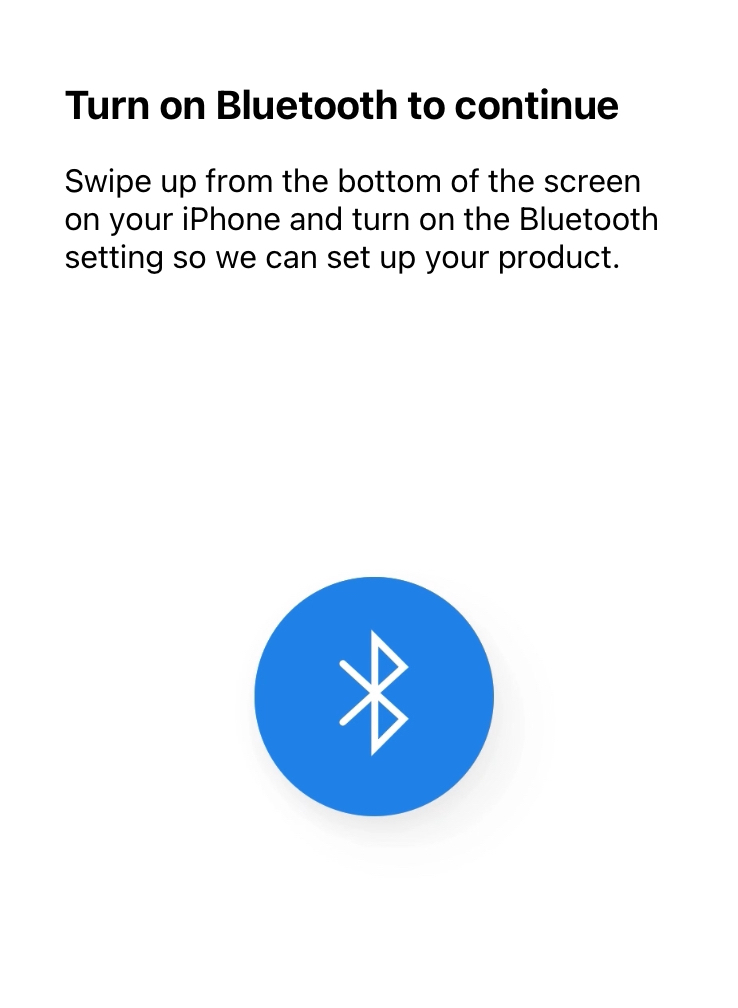
Used Sonos Connect amp with the Sonos S1 app. factory reset the amp and the led is flashing green. Tried to configure it using Bluetooth but keep getting Product not found. Tried both IPhone IOS and Android. Did everything the app said if there is a problem with no success. May try the Eithernet connection but I don’t really want to use it that way. I’m thinking the Sonos amp is broken.

Any ideas will be greatly appreciated 

Best answer by Airgetlam

The Sonos CONNECT;AMP never had, to my memory, any Bluetooth Low Energy antenna for setup. I’d, at least temporarily, use an Ethernet cable between your router and the Sonos. Once it’s set up, assuming it’s working properly, it can hang off your Wi-Fi signal. 

This topic has been closed for further comments. You can use the search bar to find a similar topic, or create a new one by clicking Create Topic at the top of the page.

5 replies

Airgetlam
  • Answer
  • June 11, 2023

The Sonos CONNECT;AMP never had, to my memory, any Bluetooth Low Energy antenna for setup. I’d, at least temporarily, use an Ethernet cable between your router and the Sonos. Once it’s set up, assuming it’s working properly, it can hang off your Wi-Fi signal. 


MartinGeorge
Forum|alt.badge.img
  • Author
  • Contributor II
  • June 11, 2023

It does require BT to set up wirelessly. It  asks for BT to be enabled if it’s not.


Airgetlam
  • June 11, 2023

Sure, a default for all the new products. Doesn’t apply to the ancient CONNECT:AMP gen 1.


buzz
  • June 11, 2023

CONNECT:AMP Gen1 does not include a Bluetooth radio.


MartinGeorge
Forum|alt.badge.img
  • Author
  • Contributor II
  • June 11, 2023

Finally was able to set it up eithernet attached to my router. Once that was done I was able to connect it using WiFi to the router and disconnect the eithernet cable. Now it’s good to go.

Thank you for everyone’s help. Much appreciated