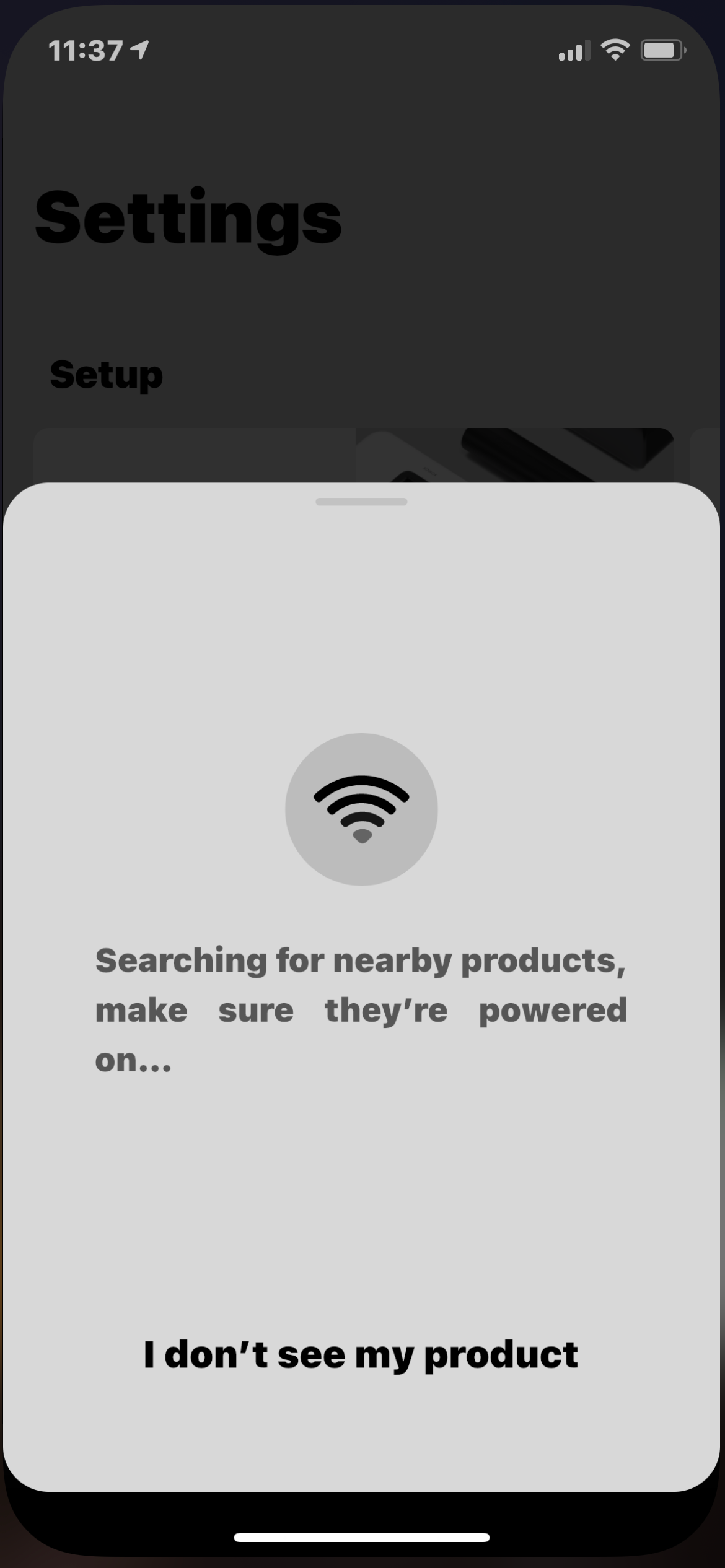
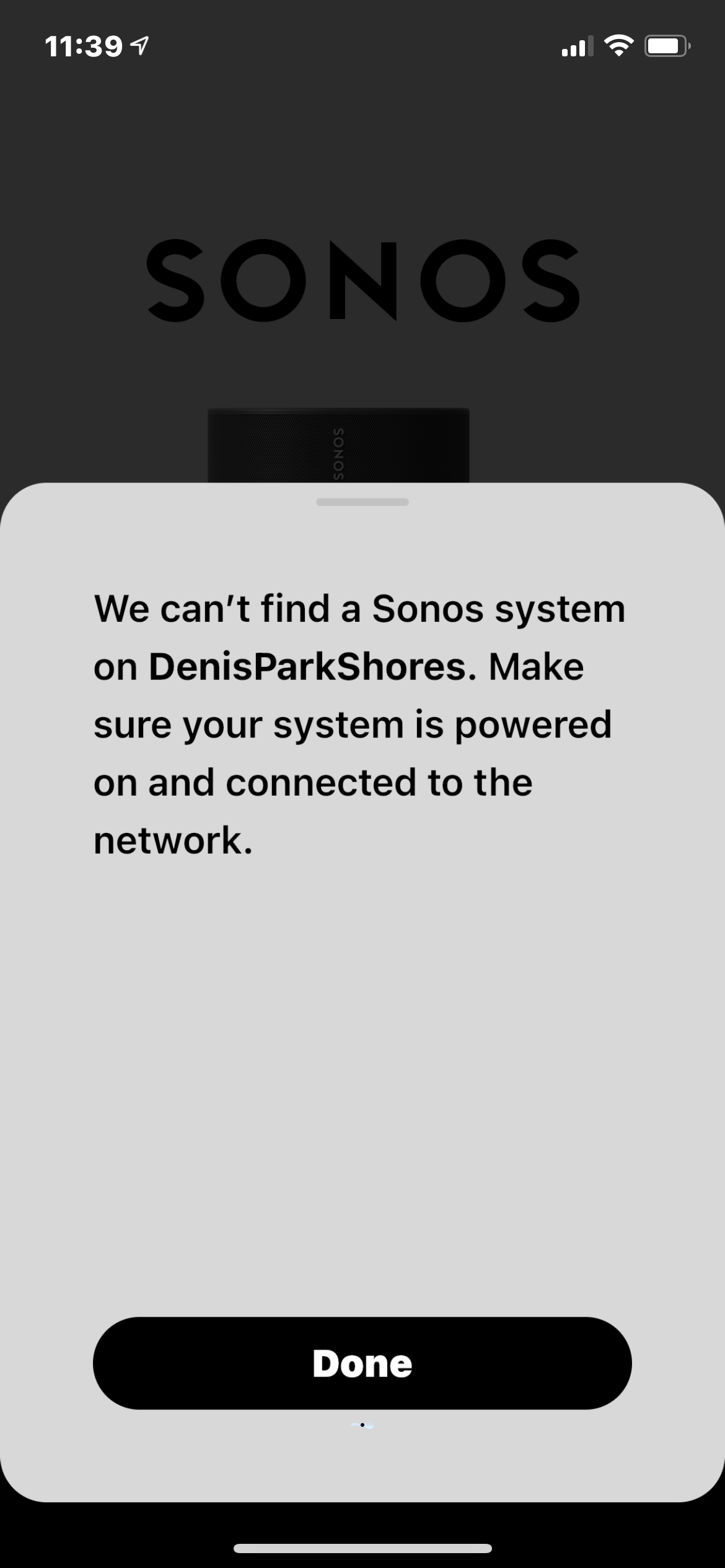
I know this is probably one of the most asked questions so I’m sorry to burden the community with an issue with endless possibilities. In the last couple of days any IOS device my household owns IPads, phones etc. (Running up to date software) will no longer connect to my Sonos system, the desktop app works without any issue but anything wireless just says its unable to connect.
I go through the trouble shooting process which basically tells me my wireless network has changed or the password has changed (it hasn’t and there are 20 other devices happily connected to it). Once I re confirm my network and password the system can be reached. Give it a couple of minutes and I can no longer connect to the speakers again, I have been through this process three times. Nothing has changed and I have never had this particular issue before.
One play 1 is hardwired to the router via a switch and the rest are connected via Sonosnet. My network is sky based with the sky mesh disabled because that caused issues that don’t need to go into - if interested, google ‘Sonos Sky Q problems’ and it will be the first link and take you to sky forum post that I started.
I’m not expecting anyone to be able to trouble shoot because there are so many variables (however any advice would be appreciated) just looking to see if anyone else has experienced this in the last few days. I imagine I will have to reset the whole system to get it working again but I hope it doesn’t come to that

IOS not connecting to Sonos
Best answer by AjTrek1
Hi
If by reset you mean return your Sonos products to factory state. Don’t do it. Instead try this:
1. Unplug all Sonos
2. Unplug your main router
3. Delete the Sonos app from your device
4. Plug in your router
5. Check it’s admin page for updates and install if available
6. Disable DHCP for satellite nodes
7. Reboot your router
8. Power Cycle your iOS or Android device and connect to WiFi
9. Connect the speaker you hard wired directly to the main router and not the switch let it come back fully
10. Plug in other Sonos 1x1 and let each come back
11. Re-install the Sonos app and choose “Connect to existing system (Sonos)
12. Test your Sonos
Let us know how things sort out. Cheers!
Edit: If wiring the speaker to router is not possible you may want to consider adding the Sonos Boost module to establish the Sonosnet.
If the above doesn’t resolve your issues I suggest you submit a diagnostic, post the reference ID in this forum and contact Sonos Tech support.


Enter your E-mail address. We'll send you an e-mail with instructions to reset your password.