
Answered

Adding PLAY1 as Surround to Arc fails

  • August 24, 2021
  • 3 replies
  • 570 views

Had it all setup - then suddenly the 2 PLAY:1 drops of - adding them again but when I try to add them as surround it fails - The network are stabil and all products are on… so what do I do? 

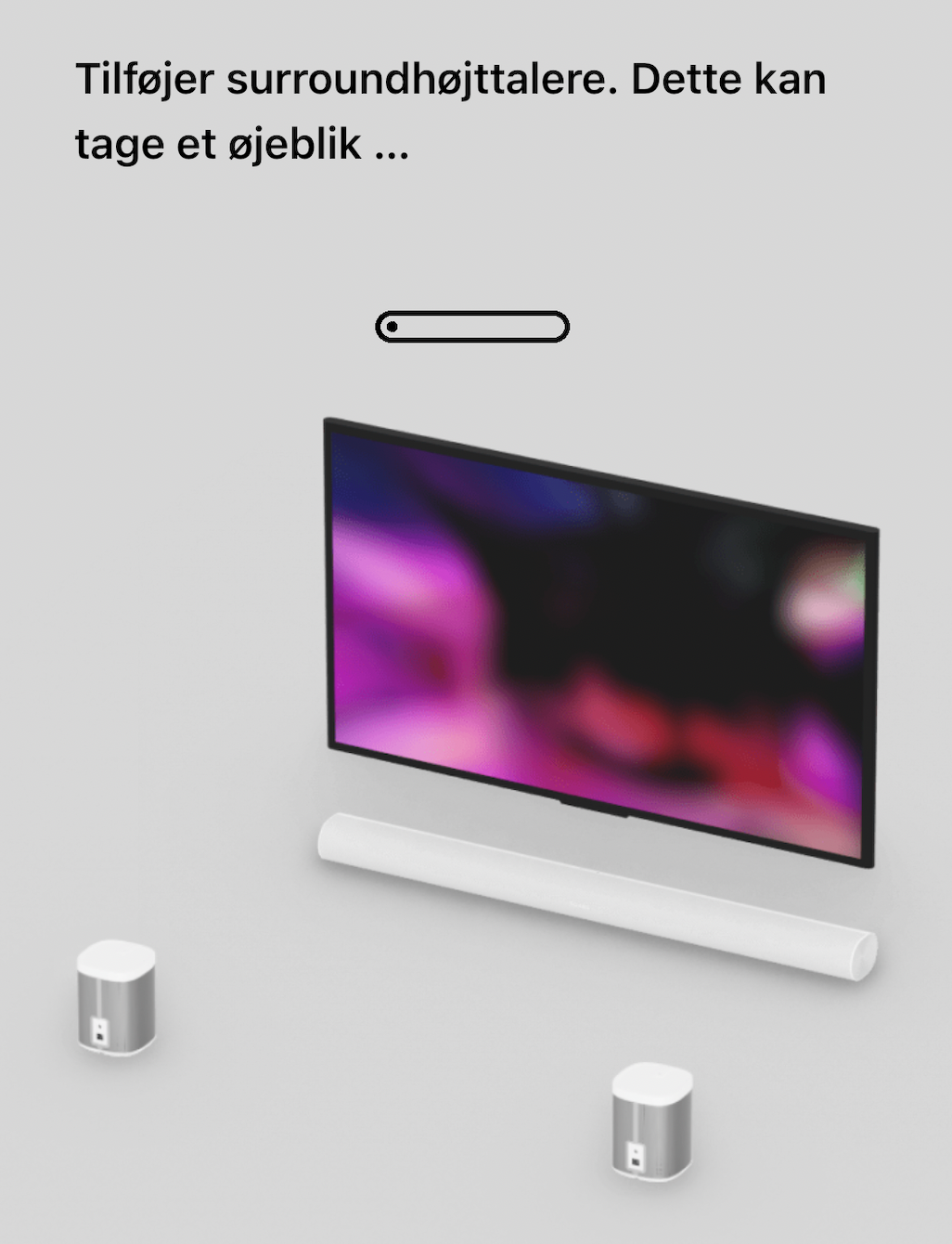
“Add surround speakers. This will take a minute...”

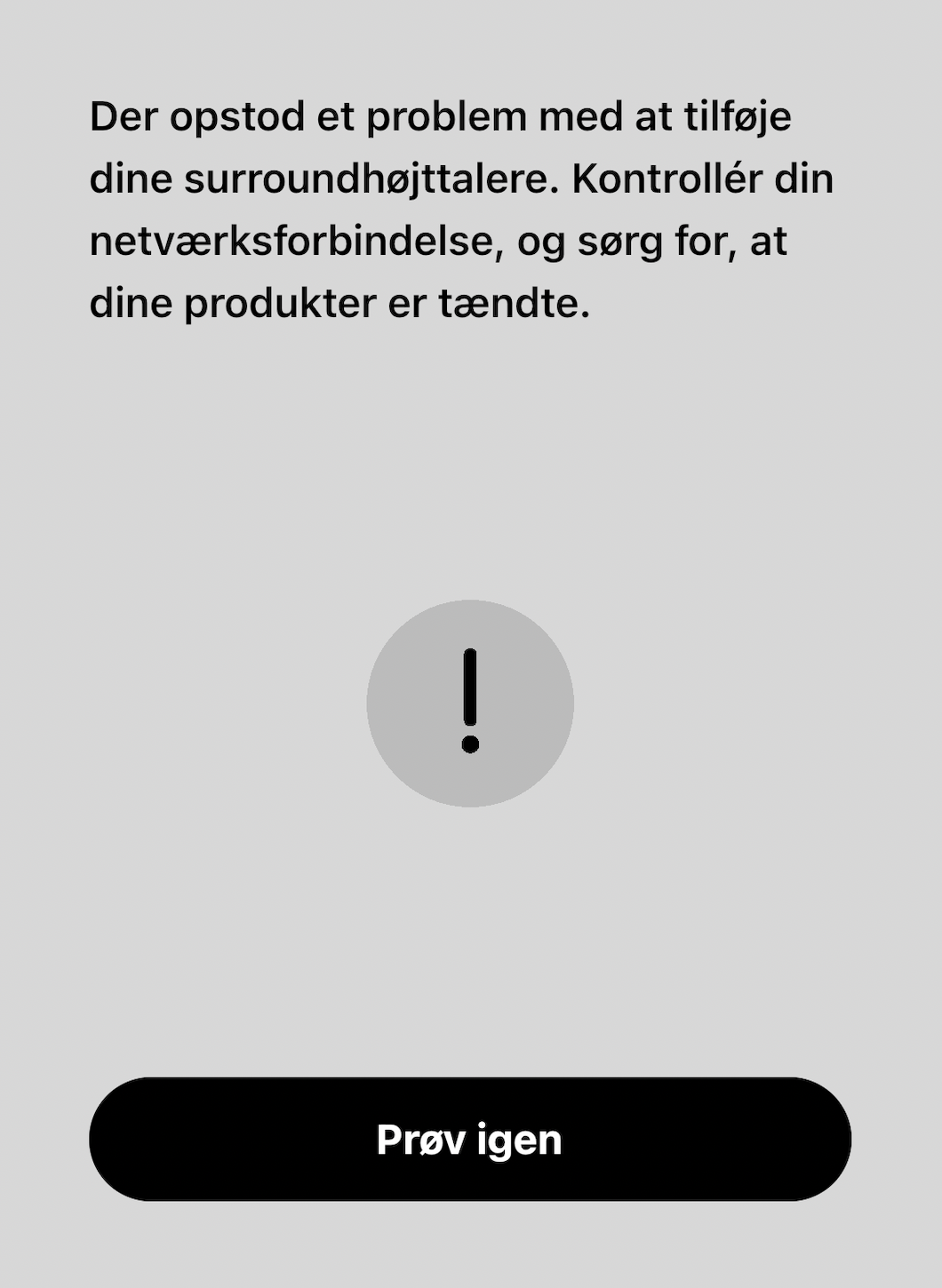
“There is a problem adding your surround speakers. Check your network connection, and check that your products is on”
 

Best answer by GuitarSuperstar

Try unplugging the Arc and Play:1s from power for a couple of minutes and reboot your router. Also be sure WiFi is enabled on the Arc in the Sonos app.

This topic has been closed for further comments. You can use the search bar to find a similar topic, or create a new one by clicking Create Topic at the top of the page.

3 replies

Try unplugging the Arc and Play:1s from power for a couple of minutes and reboot your router. Also be sure WiFi is enabled on the Arc in the Sonos app.


  • Author
  • Contributor I
  • August 24, 2021

thanks - it worked :D 


  • Lyricist I
  • October 8, 2021

Perfect tip, thx. It worked for me, also.