

Question

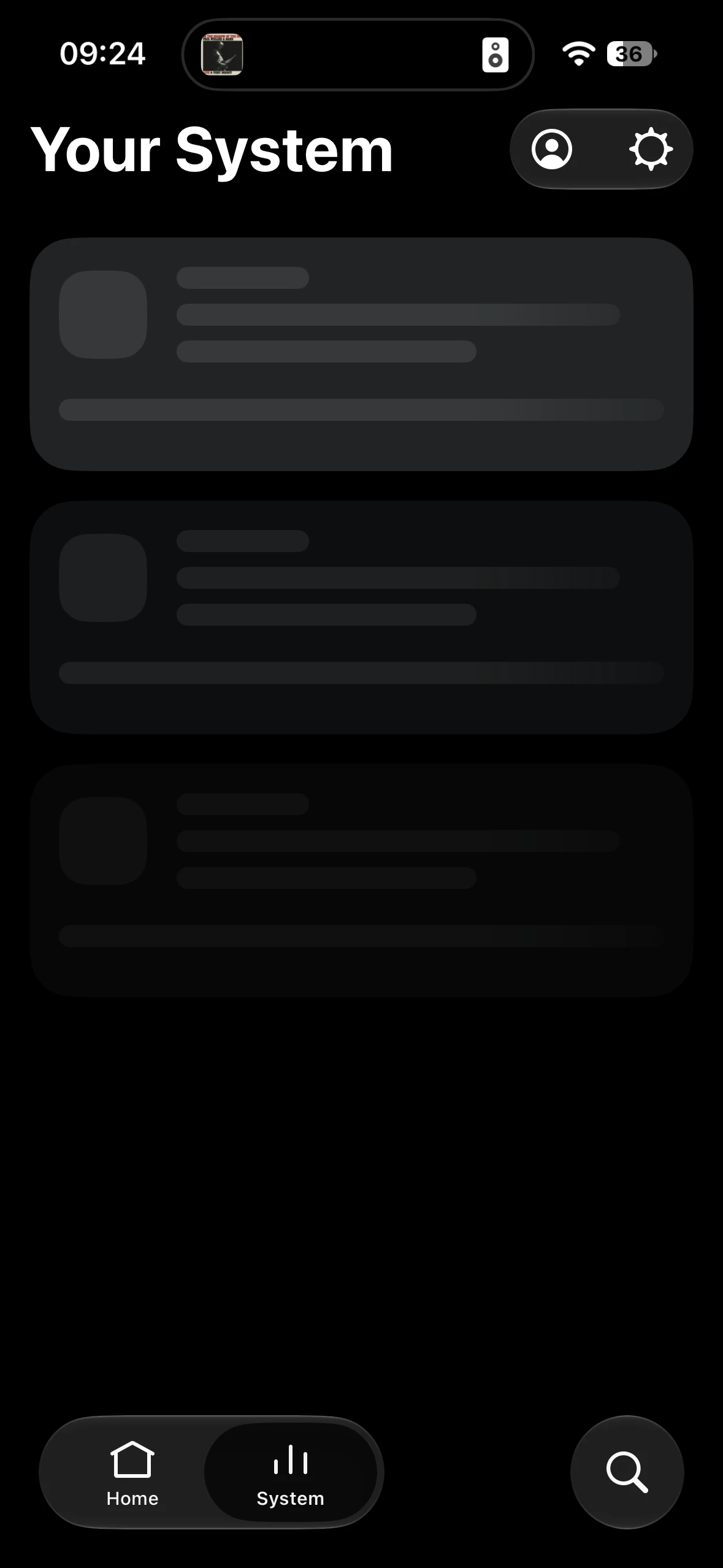
sonos app cant find system

  • October 3, 2026
  • 6 replies
  • 62 views

Forum|alt.badge.img+1


my patience is quickly running out. This happens almost daily.  What’s the solution?

I am so frustrated with it. I’m close to sacking it off and replacing my entire system - and I have a lot of speakers across the house, which is pointless if the app doesn’t work!!!


6 replies

Smilja
  • October 3, 2026

​@hrdwck, Please describe your network:

Router model, is there a Wi-Fi mesh system (model), access points (model), repeaters / powerline adapters, network switches (model), etc. Are you running Sonos on S2 or S1? Are you operating Sonos over Wi-Fi, or is at least one component hardwired to the router or a network switch?


Forum|alt.badge.img+1
  • Author
  • Avid Contributor I
  • October 3, 2026

Standard UK WiFi ISP.  Nothing hardwired.  No mesh. Standard ISP router. Sonos 2 app. Running one beam gen 1, 7 Ones, one Sub Mini. 
 

often use VPN, but problem persists if VPN is on or not. 


Schlumpf
Forum|alt.badge.img+19
  • Virtuoso
  • October 3, 2026

​@hrdwck 

Obviously the app can‘t see your system/devices on the network. So there seems to be an issue in network communication. I recommend you contact Sonos support, send a diagnostic and let them do some analyses. 
What else you can check on your side…

  • have you set fixed wifi channels for 2,4 and 5 GHz? If so, try other channels… for 2,4 GHz channel 1,6 or 11 would be best choices 
  • is band steering activated?
  • are there any firewall rules set on your router?
  • is there an active add blocker like pi-hole running?

Smilja
  • October 3, 2026
  • Try disabling band steering as a test. On ISP routers, it is often poorly implemented
  • Is the router set to "auto channel"? Please set a fixed channel on the 2.4 GHz band by testing wireless channels 1, 6, and 11. Also, set the channel width to 20 MHz if 40 MHz is currently active
  • VPNs and Sonos don't get along

https://support.sonos.com/article/reduce-wireless-interference

https://support.sonos.com/article/improve-your-sonos-products-wifi-connection


kdowling
  • October 3, 2026

Standard UK WiFi ISP.  Nothing hardwired.  No mesh. Standard ISP router. Sonos 2 app. Running one beam gen 1, 7 Ones, one Sub Mini. 
 

often use VPN, but problem persists if VPN is on or not. 

You can try turning your phone airplane mode on/off to reset the phone network connections. That might help reset things after using the VPN or your cell network.


Schlumpf
Forum|alt.badge.img+19
  • Virtuoso
  • October 3, 2026

​@hrdwck 

To be sure that everything regarding to network does a reset, I recommend a restart of your router, your Sonos devices and also of your smartphone running the Sonos app.

