
Question

App says it needs to get running on the latest software, but when I update, it returns to the original screen

  • May 14, 2026
  • 3 replies
  • 27 views

This is the screen I get when I open the app on my Windows laptop:
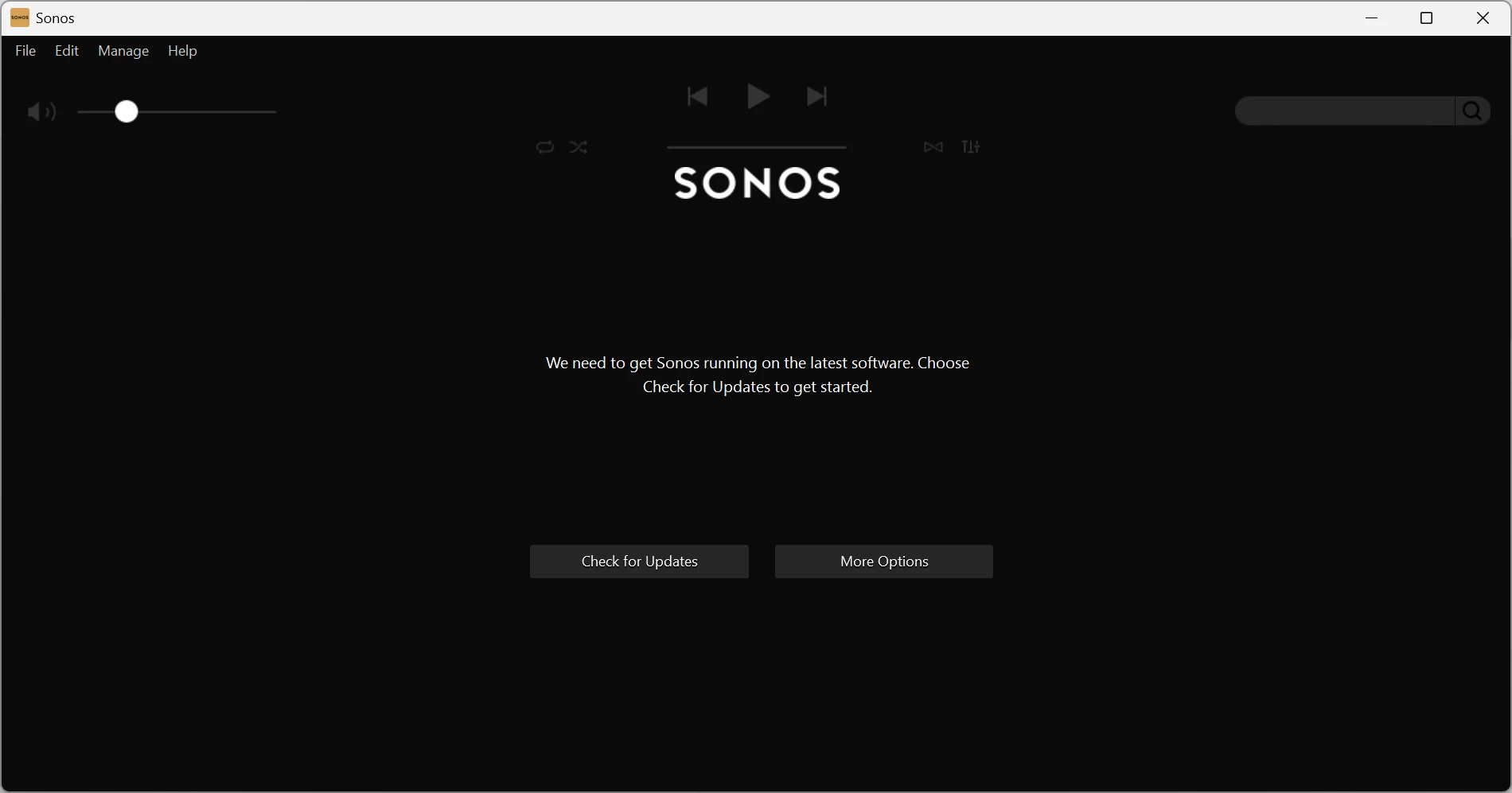
when I check for updates, it says I am up to date, then returns to the above screen

None of the “More Options” does anything to start the app working

Any one any ideas ?

I have reinstalled the software

3 replies

Stanley_4
  • Grand Maestro
  • May 14, 2026

Do you have an Android or Apple device you could try the update from?

The latest Windows version can be downloaded and installed from here.

https://support.sonos.com/en-us/downloads


Airgetlam
  • May 14, 2026

What version of Windows is this on? Although I’d concur with ​@Stanley_4 ‘s solution. There should be no danger in deleting any controller, since it is only a window through which you can see what is happening on your Sonos devices. Just ensure you use ‘Connect to existing system’ when you reinstall. 

It might also be interesting to confirm what system devices are running with S1. I’m wondering if some of them can be upgraded to S2. 


HI Folks, sorted it - I had a Sonos One which I had used for a while and wanted to restart using it

I had updated the Windows app, and it had “lost” the speaker - I added the speaker back to the system using the iPhone app, and now it works fine.

Thanks for the suggestions