
Ryan S
Retired Sonos Staff
October 2, 2017

Getting Ready for Sonos One
  • October 2, 2017
  • 80 replies
  • 8779 views


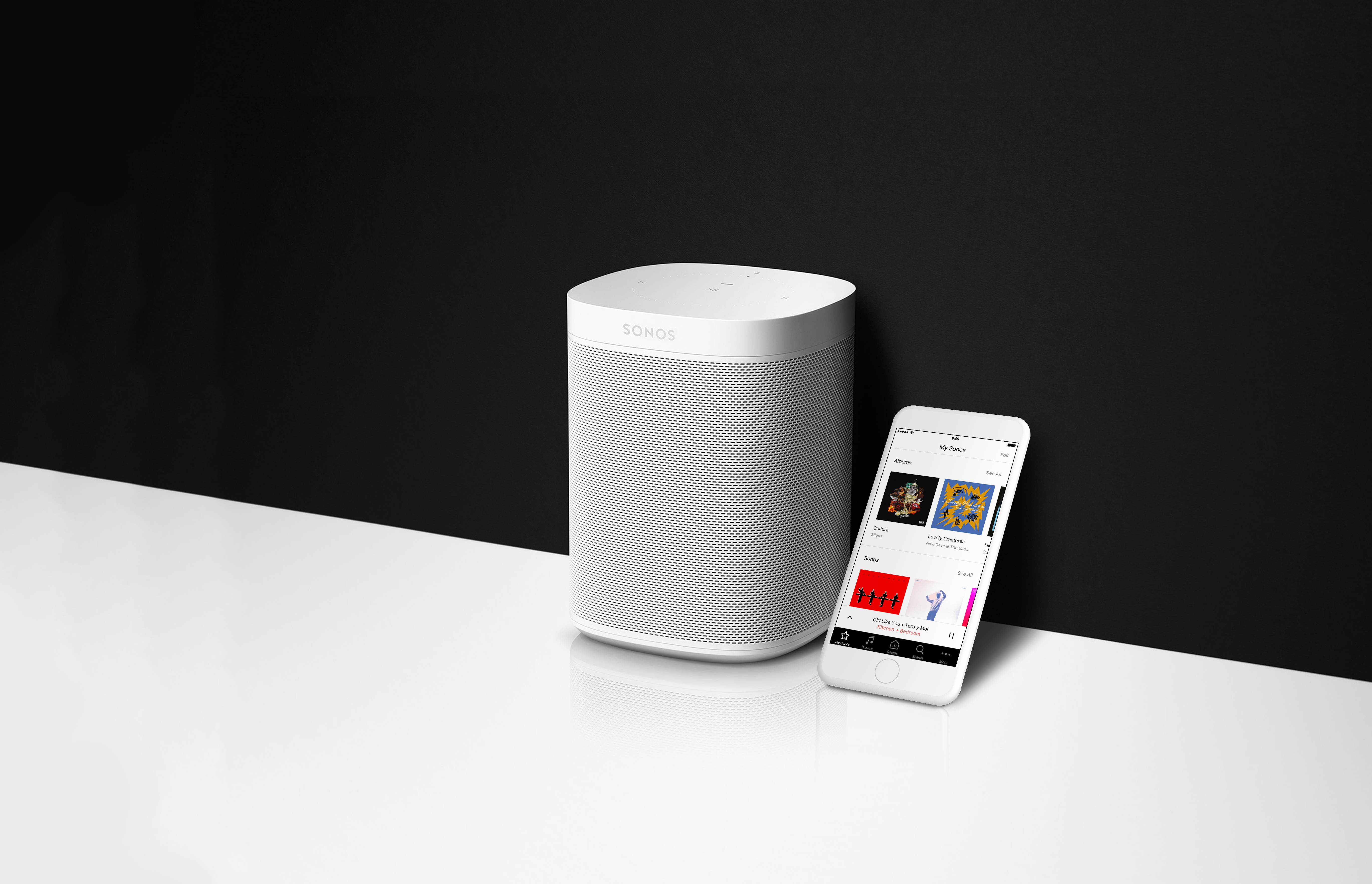
If you’re as excited about the new Sonos One as we are, you’ll want to make sure you’re ready to go the moment you pick it up on the 24th. Here’s everything you need to know to be all prepped for the release of the Sonos One.

  1. On your mobile device, download the Amazon Alexa app from the Apple app store or Google Play. This app is going to be used to control some basic Alexa services, such as picking a default music service from the Alexa supported services.
  2. Create an Amazon account, if you don’t have one yet. Just click Sign In and Start here where it asks if you’re a new user.
  3. Update all your Sonos devices to version 8.0 by checking for updates inside the Sonos app.

That’s it! You’ll be ready to go the moment your Sonos One gets to your home. If you’d like to read more about Alexa and Sonos, check out this page on using other Alexa enabled devices with Sonos, and this one too on How Alexa Works With Sonos.
    This topic has been closed for further comments. You can use the search bar to find a similar topic, or create a new one by clicking Create Topic at the top of the page.

    80 replies

    Lyricist III
    October 4, 2017

    They will listen on their own, but only the one that hears you better will respond. They use beam forming technology to identify which speaker you're talking to, and then that one will respond and issue commands to the rest of the system.

    That's good to know. I know Echo Dots have similar functionality to make sure that only device responds even if multiple devices hear the command. Will Sonos One and Echos work together in that respect? I.e., if I issue a command to Alexa and it gets picked up by both a Sonos One and a nearby Echo Dot, will they negotiate amongst themselves so that only one device responds?
    Contributor II
    October 4, 2017
    The promotional videos for the Sonos One make it appear that the commands are different than when using an echo device. For example, they are not using the word Alexa in the commands. Is there any documentation on the differences in functionality between using an echo device and the Sonos One? I’m trying to decide on purchasing a 2nd Play 1 for a stereo pair.
    Lyricist III
    October 4, 2017
    And one more thing that is disappointing - I guess the SONOS ONE still doesn't have Bluetooth to which I could connect my bluetooth earphones late at night to continue listening SONOS and not waking up my neighbours.
    Lyricist III
    October 4, 2017
    The promotional videos for the Sonos One make it appear that the commands are different than when using an echo device. For example, they are not using the word Alexa in the commands. Is there any documentation on the differences in functionality between using an echo device and the Sonos One? I’m trying to decide on purchasing a 2nd Play 1 for a stereo pair.
    I might be wrong, but I suspect the promotional videos are just taking liberties and skipping the trigger word for brevity. Everything on the Sonos One page suggests that you have to use the same "Alexa" trigger word you would with a Dot.

    That said, it would be great to understand the pros and cons between the Alexa implementation on the Sonos One and the integration between existing Sonos speakers and the Dot. We know one advantage of the Sonos One is that you don't have to specify it as a speaker when issuing Alexa commands, which is awesome. But are there features that the Songs One is missing compared to a full fledged Amazon Echo device? For example, can you "drop in" on or "call" a Sonos One like you can an Echo Dot?
    Lyricist III
    October 4, 2017
    Will the Alexa enabled Play1 find content on a NAS as well as music services? I use Deeser Elite as well as Napster. Can you explain how it will determine WHICH content it will choose to play?
    Ryan S
    Ryan SAuthor
    Retired Sonos Staff
    October 4, 2017

    They will listen on their own, but only the one that hears you better will respond. They use beam forming technology to identify which speaker you're talking to, and then that one will respond and issue commands to the rest of the system.

    That's good to know. I know Echo Dots have similar functionality to make sure that only device responds even if multiple devices hear the command. Will Sonos One and Echos work together in that respect? I.e., if I issue a command to Alexa and it gets picked up by both a Sonos One and a nearby Echo Dot, will they negotiate amongst themselves so that only one device responds?

    Long question, short answer. Yes. :)

    Can I now control my Play:1 through my Amazon Echo or do I need to buy the SONOS ONE to make the integration work between the Echo and Sonos?
    No Sonos One needed. You can use any Alexa enabled device. The Sonos One is a Sonos, Alexa enabled device.

    The promotional videos for the Sonos One make it appear that the commands are different than when using an echo device. For example, they are not using the word Alexa in the commands. Is there any documentation on the differences in functionality between using an echo device and the Sonos One? I’m trying to decide on purchasing a 2nd Play 1 for a stereo pair.
    Some of the videos use the Alexa command, it's necessary. The short ones use as few words as they can to make it short. The Alexa is implied. The Sonos One should have mostly the same functionality as any other Alexa device in regards to commands.
    @Twangus, the biggest difference is that Sonos One will be opening up to other voice services. Next to come is Google Assistant. Same box, ask two different services questions. Sonos One won't have the drop in/call feature and a few other things of that nature will be missing at launch. They may be added over time as we continue to improve.


    Will the Alexa enabled Play1 find content on a NAS as well as music services? I use Deeser Elite as well as Napster. Can you explain how it will determine WHICH content it will choose to play?
    Alexa can start playing from Amazon Music, Amazon Music Unlimited, Pandora, iHeartRadio, SiriusXM, TuneIn Radio, and we’re working to bring Spotify controls in the future too. It won't choose content to play from Deezer, Napster or your local library. It will be able to use basic controls, such as play, pause, volume, and skip, on your Sonos players for all services and music on Sonos, started through the Sonos app.
    Mark good posts by pressing the like button, and select the best answer on questions you've asked to help others find solutions.
    chicks
    October 4, 2017
    Meanwhile, Apple tries to keep up. :D

    Lyricist III
    October 4, 2017

    They will listen on their own, but only the one that hears you better will respond. They use beam forming technology to identify which speaker you're talking to, and then that one will respond and issue commands to the rest of the system.

    That's good to know. I know Echo Dots have similar functionality to make sure that only device responds even if multiple devices hear the command. Will Sonos One and Echos work together in that respect? I.e., if I issue a command to Alexa and it gets picked up by both a Sonos One and a nearby Echo Dot, will they negotiate amongst themselves so that only one device responds?

    Long question, short answer. Yes. :)


    Awesome. 🙂
    Prodigy I
    October 4, 2017
    I guess the SONOS ONE still doesn't have Bluetooth

    FYI - It also lacks mHBC (magnetic human body communication), so we're stuck with these relatively high power cost transmissions.
    Lyricist III
    October 4, 2017
    Thanks Ryan. That's certainly a disappointment as Deezer Elite is a fantastic lossless (FLAC) subscription service and the music on my NAS is all in FLAC format as well. Any plans on the roadmap for voice control for local NAS and Deezer Elite?