
Ryan S
Retired Sonos Staff
October 2, 2017

Getting Ready for Sonos One
  • October 2, 2017
  • 80 replies
  • 8779 views


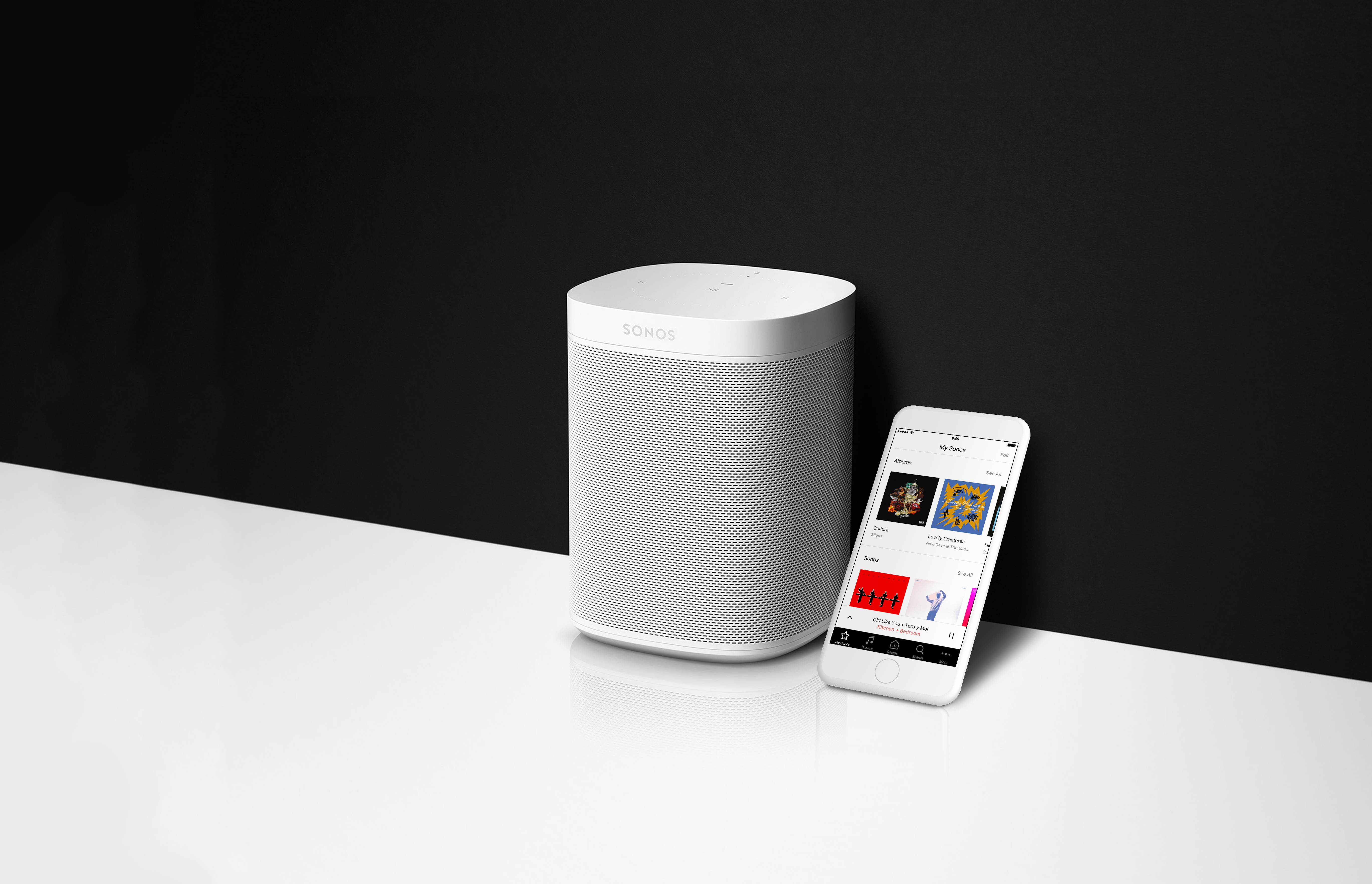
If you’re as excited about the new Sonos One as we are, you’ll want to make sure you’re ready to go the moment you pick it up on the 24th. Here’s everything you need to know to be all prepped for the release of the Sonos One.

  1. On your mobile device, download the Amazon Alexa app from the Apple app store or Google Play. This app is going to be used to control some basic Alexa services, such as picking a default music service from the Alexa supported services.
  2. Create an Amazon account, if you don’t have one yet. Just click Sign In and Start here where it asks if you’re a new user.
  3. Update all your Sonos devices to version 8.0 by checking for updates inside the Sonos app.

That’s it! You’ll be ready to go the moment your Sonos One gets to your home. If you’d like to read more about Alexa and Sonos, check out this page on using other Alexa enabled devices with Sonos, and this one too on How Alexa Works With Sonos.
    This topic has been closed for further comments. You can use the search bar to find a similar topic, or create a new one by clicking Create Topic at the top of the page.

    80 replies

    Lyricist I
    October 4, 2017
    I presume I can just add Sonos One and reuse my Play:1's for stereo pairs?
    Ryan S
    Ryan SAuthor
    Retired Sonos Staff
    October 4, 2017
    I presume I can just add Sonos One and reuse my Play:1's for stereo pairs?
    You got it. Once set up, you can use the Sonos One wherever you want. It can stereo pair or be set up as a surround speaker too, but you'll need to pair two Sonos Ones together, they don't bond with PLAY:1s for those setups.
    Mark good posts by pressing the like button, and select the best answer on questions you've asked to help others find solutions.
    Lyricist I
    October 4, 2017
    Ah, so you can’t pair a Sonos One and a Play:1
    Ryan S
    Ryan SAuthor
    Retired Sonos Staff
    October 4, 2017
    Ah, so you can’t pair a Sonos One and a Play:1
    That's correct.
    Mark good posts by pressing the like button, and select the best answer on questions you've asked to help others find solutions.
    melvimbe
    October 4, 2017
    Ryan, thanks for all the quick responses.

    If you setup 2 Sonos One as a stereo pair, it will be one zone in the Sonos app. Will it be considered one Alexa device in the Alexa app, or two?

    To further elaborate, will both Sonos One's be listening 'as one'? Will Alexa respond out of both speakers (for non-music) or only out of the Sonos One that heard me?
    Danny
    Lyricist III
    October 4, 2017
    Already disappointed. So I have 3x Play:1 and have to buy two Sonos One for stereo in living room? Also what genius has come up with "touch control" instead buttons? That is like complete nonsense - nobody asked for it, it's completely unpractical and hasn't work on NO device better that buttons with tactile response except phones where you manipulate content - I loved that I could find buttons by touch when the I have Sonos on shelf, or next to couch without need of visual feedback - now I touch somewhere on top without look and who knows what it will do. I can't really imagine no one who will go to stare on top of speaker to find "where" to touch it.

    Will there be version 1.1 which will pair for stereo with Play:1 and have buttons?
    Ryan S
    Ryan SAuthor
    Retired Sonos Staff
    October 4, 2017
    @VeeTee, you could always pick up an Amazon Echo Dot for the room instead of replacing players with a Sonos One. Also, we've been using capacitive touch for the last couple Sonos releases, the PLAY:5 gen2 and PLAYBASE both have it. It's really easy to use actually, and I think easier than buttons for that matter. You might want to play with one of them at a store to see how you like it. Large sections of the surface will respond to the touch.

    Besides, with the Sonos One if you want to turn it down just say "Alexa, volume down," no buttons or touches needed at all.
    Mark good posts by pressing the like button, and select the best answer on questions you've asked to help others find solutions.
    Ryan S
    Ryan SAuthor
    Retired Sonos Staff
    October 4, 2017
    Ryan, thanks for all the quick responses.
    You're welcome.
    If you setup 2 Sonos One as a stereo pair, it will be one zone in the Sonos app. Will it be considered one Alexa device in the Alexa app, or two?
    In Sonos, it'll show up as one Room. Both will be listed in your Alexa app though.
    To further elaborate, will both Sonos One's be listening 'as one'? Will Alexa respond out of both speakers (for non-music) or only out of the Sonos One that heard me?
    They will listen on their own, but only the one that hears you better will respond. They use beam forming technology to identify which speaker you're talking to, and then that one will respond and issue commands to the rest of the system.
    Mark good posts by pressing the like button, and select the best answer on questions you've asked to help others find solutions.
    melvimbe
    October 4, 2017
    Thanks for the response Ryan, it would be kinda cool if Alexa responded in stereo, but I can see where that would add some extra complication. It seems as if the Alexa part of it and the Sonos part of it operate separately.

    So I guess that means that if you were using a different skill, like getting your news update, or having Alexa sing happy birthday, that won't be as a stereo pair (if setup that way) just over the Sonos One that heard you.
    Danny
    Lyricist I
    October 4, 2017
    Can I now control my Play:1 through my Amazon Echo or do I need to buy the SONOS ONE to make the integration work between the Echo and Sonos?