ok, I've installed my brandnew Sonos One succesfully (yay!) on my home wifi network, and now I want to setup voice control (Alexa, Google, whatever) on my Sonos One.
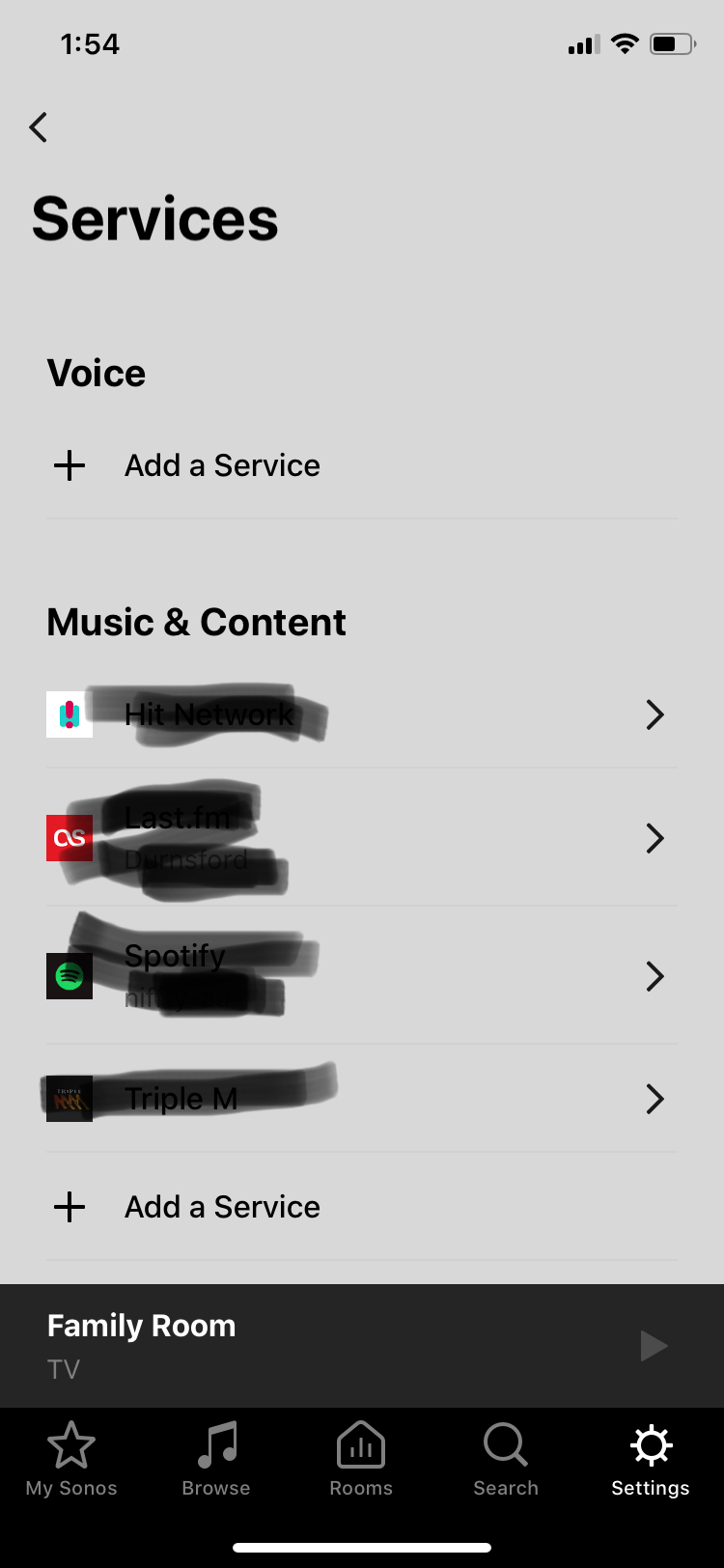
All the internet sources tell me to simply add the 'Voice service' in the Sonos app (=iOS, latest version), and select 'Alexa'.
Problem: when going to 'Services' in the Sonos app, there simply is no 'Voice' option. There is the 'Music' service you can add (which I did: I've added Apple Music), but no 'Voice' service to add...
How is this possible?
(I've reinstalled the Sonos app multiple times, I've rebooted my iPhone. I've looked for answers online).
So... help!
Anybody?
(btw, I did not have an Alexa account before, but I've created one now. And yes, the Alexa service is available in my country.)
So, thank you very much for advicing me what to do.

Answered
iOS app > add service > voice : not showing
Best answer by Ken_Griffiths
This Sonos Support Page shows the list of Countries where 'Alexa on Sonos' is available...
https://support.sonos.com/s/article/3517
https://support.sonos.com/s/article/3517
This topic has been closed for further comments. You can use the search bar to find a similar topic, or create a new one by clicking Create Topic at the top of the page.


Enter your E-mail address. We'll send you an e-mail with instructions to reset your password.