Hi @Darren.Hastings
Welcome to the Sonos Community, and to the Sonos ecosystem!
Personally, I have an Amp powering my Home Theatre setup, with two Play:1s (the older version of Sonos Ones, acoustically identical) as my surrounds, and it sounds great! However, the decision to get Ones or a second Amp is really something you need to base on what you want from the system, and the aesthetics of the room.
If you would like to have a Voice Assistant in that room, then using a second Amp would not give you that option. I would recommend you get 1x One and 1x One SL (the SL stands for SpeechLess, and it has no microphone). If you would like two Voice Assistants, however, and if one would be Google Assistant, then the extra ~10% for a second One over a One SL would be worth it. Alexa and Sonos Voice can run concurrently on one speaker, whereas Google Assistant will not share a speaker with another Voice Assistant.
The wiring to your bookshelf speakers obviously already exists, so that’s not going to be a factor, but if you’d like to be rid of it, that’s another reason to get wireless speakers. If you are concerned about the audio quality from the Ones, don’t be - the sound from them is surprisingly, uh, meaty. 😁
The best thing for you to do if you are still unsure might be to choose both options - at least for a little while. With a generous 100 day Money Back Guarantee period available, you could either get both Ones and an Amp and compare directly, then return the option that isn’t your favourite, or get only the Ones and return them to then get an Amp if you’re not impressed - though I doubt this will be the case - or vice versa.
- does the Amp produce a strong phantom centre channel?
“Strong” might be subjective, but the Amp does downmix the centre channel to the front left and right channels. There is also Night Mode to compress the dynamic range and Speech Enhancement mode to emphasise dialogue.
- can the volume be set independantly for the fronts and the rears, so I can balance the front/back volume as needed?
You can set the surrounds to be +/- a chosen offset from the main volume, so yes. Separately, music playback can be set to off, ambient or full volume playback from the surrounds.
- can the volume for each speaker be adjusted if needed, to get the left/right balance right for the fronts and the rears?
Yes - balance controls are available for the front channels as well as the back.
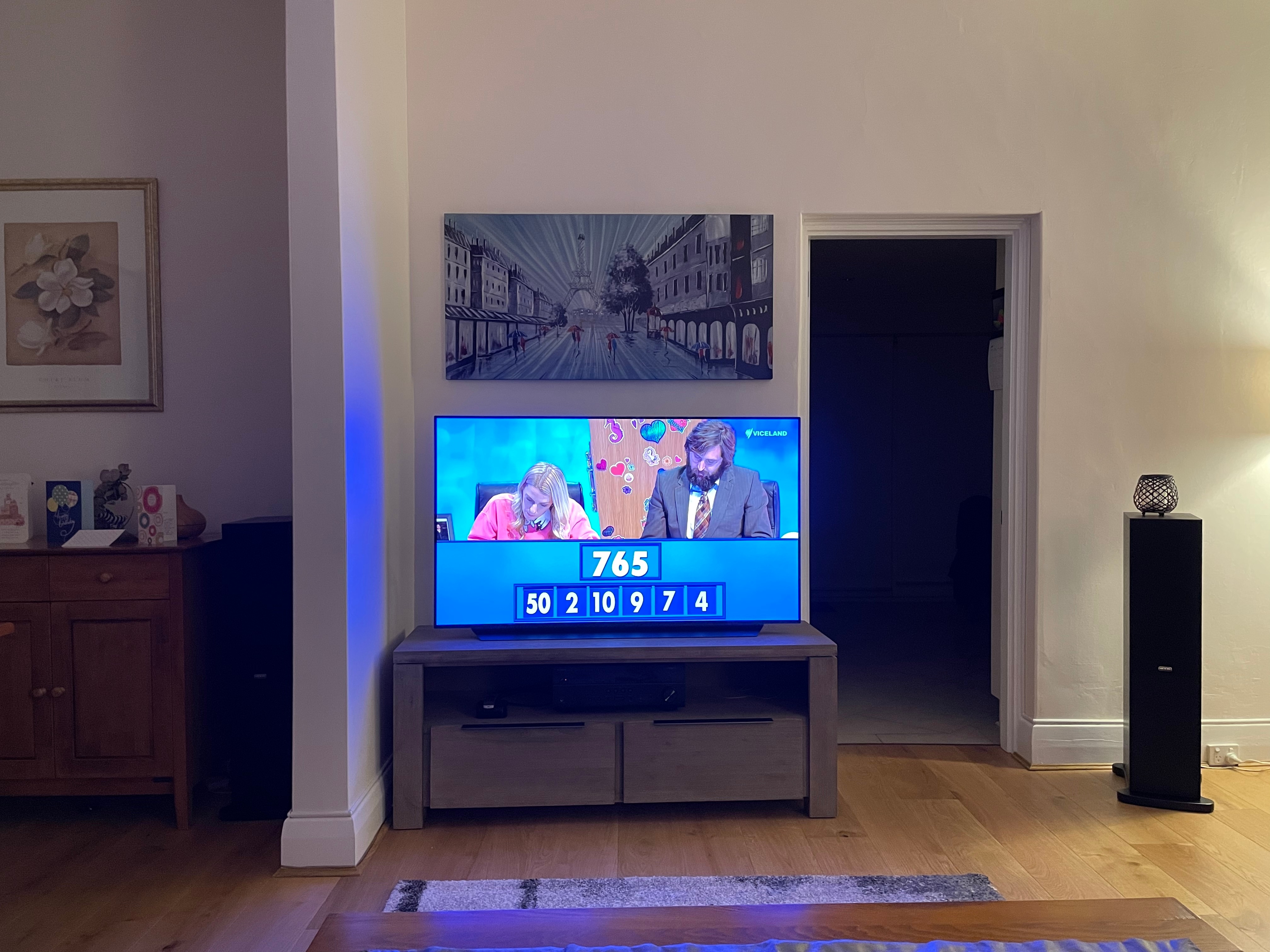
- I assume by using the sound output selector on the TV, I can choose whether to run audio through TV speakers or the Amp (via eARC)?
Most TV’s will automatically detect an audio device connected and switch to it regardless of the option you choose in their menus. It’s assumed that if you have audio equipment, then you don’t want to listen to (usually) tinny TV speakers. You may need to disable CEC (LG call it SimpLink) in the TV’s settings to use the TV speakers while Amp is connected.
Please note that you will likely need to disable eARC mode and use normal ARC for the Amp. If you are used to higher-quality audio streams than standard Dolby Digital and standard DTS, you may want to opt for a Sonos Arc instead of an Amp for the front of the system, as the Arc supports Dolby Digital Plus (Atmos), Dolby MAT Atmos and Multi-Channel LPCM as well as DD and DTS. You would still have the same dilemma for the rears, however.
I hope this helps.