
Answered

Zoneplayer is creating a speaker buzz

  • October 28, 2023
  • 5 replies
  • 79 views

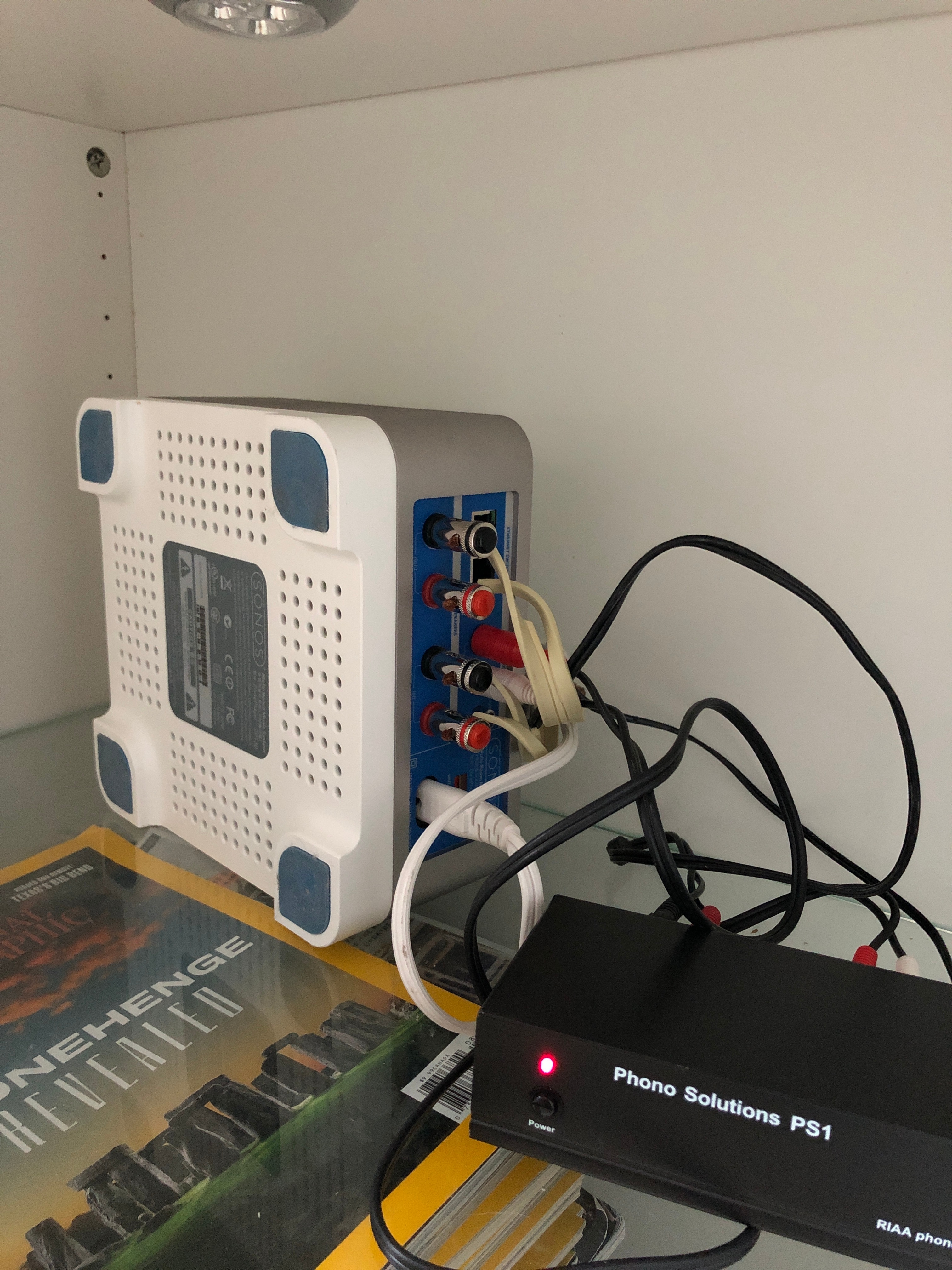
Let me start by saying my pal helped set this up because I am NOT an audio guy lol. However, my left speaker has started to buzz when the line in/analog is selected. I tried replacing the pre amp but that isn’t the issue, so that leaves my older zone player as the cause. Any suggestions on what to replace this setup with? Thanks!
 

Best answer by Corry P

Hi @Withoutstars 

Welcome to the Sonos Community!

If you determine that it is indeed your old Zone Player that is faulty, you can replace it with a Sonos Amp - with AirPlay support and 125W per channel, it’s a significant upgrade over your ZP and supports S1 so you won’t have any trouble getting it to work with your existing S1 system. 

Be sure to check your upgrade options by signing in at https://login.sonos.com, clicking on the User icon in the top right corner then going to Upgrades - assuming you haven’t used the vouchers already, you should be able to get 30% off your purchase!

I hope this helps.

This topic has been closed for further comments. You can use the search bar to find a similar topic, or create a new one by clicking Create Topic at the top of the page.

5 replies

Stanley_4
  • Lead Maestro
  • October 29, 2023

Try swapping channels at each connection to see if you can narrow down the problem.


  • Author
  • Contributor I
  • October 29, 2023

Thanks - I tried that and also swapped out the cables. Unfortunately I think it has to be an issue with the left channel in the zone player.


buzz
  • October 29, 2023

Do you have any “shorting plugs”? If so, does the Line-In buzz with the shorting plugs inserted? Note that you could fabricate a shorting plug by stripping an RCA cable and twisting the inner and outer conductors together. Also, the unit is aware of the plugs, shorting or not, and you will not be able to select Line-In without the plugs.


  • Author
  • Contributor I
  • October 31, 2023

Great tip but it didn’t seem to work :(


Corry P
Forum|alt.badge.img+19
  • Sonos Staff
  • Answer
  • November 3, 2023

Hi @Withoutstars 

Welcome to the Sonos Community!

If you determine that it is indeed your old Zone Player that is faulty, you can replace it with a Sonos Amp - with AirPlay support and 125W per channel, it’s a significant upgrade over your ZP and supports S1 so you won’t have any trouble getting it to work with your existing S1 system. 

Be sure to check your upgrade options by signing in at https://login.sonos.com, clicking on the User icon in the top right corner then going to Upgrades - assuming you haven’t used the vouchers already, you should be able to get 30% off your purchase!

I hope this helps.


