I have just bought a Roam (not realising initially it required S2). I have an S1 system with a mixture of S1 and S2 compatible products. I want to leave that as it is and set up a separate S2 system with just the Roam. Is there a simple way of doing this?

Answered
Create S2 system for Roam but keep S1 system with S1 and S2 compatible items
Best answer by John B
I suggest you do the following:
Before setting up the Roam, look in the system settings in the S1 controller for the ‘compatibility checker tool’. If it is there then run this and it will offer to upgrade compatible speakers to S2. But there should also be an option to leave everything on S1, which you should select, given your aims.
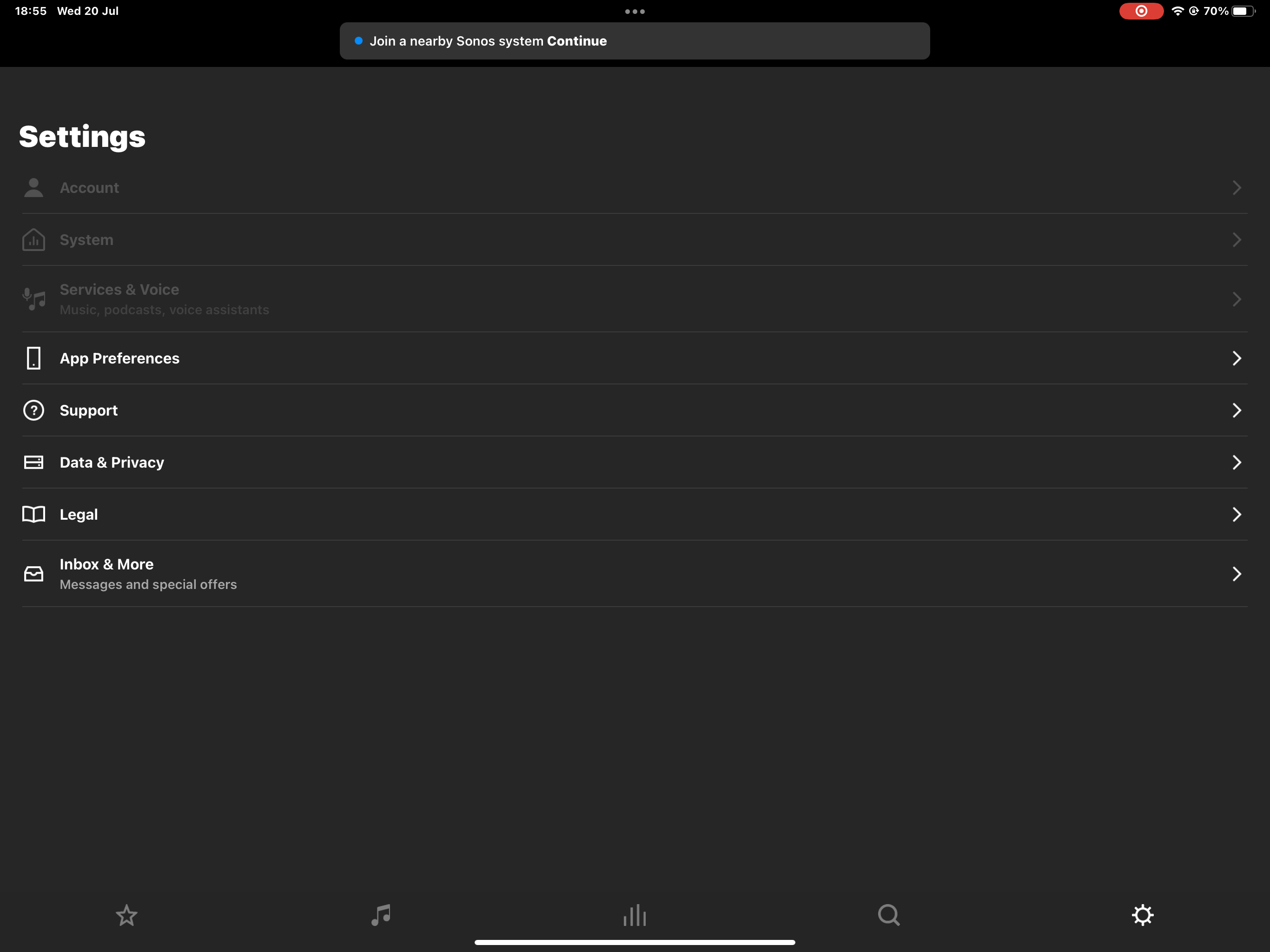
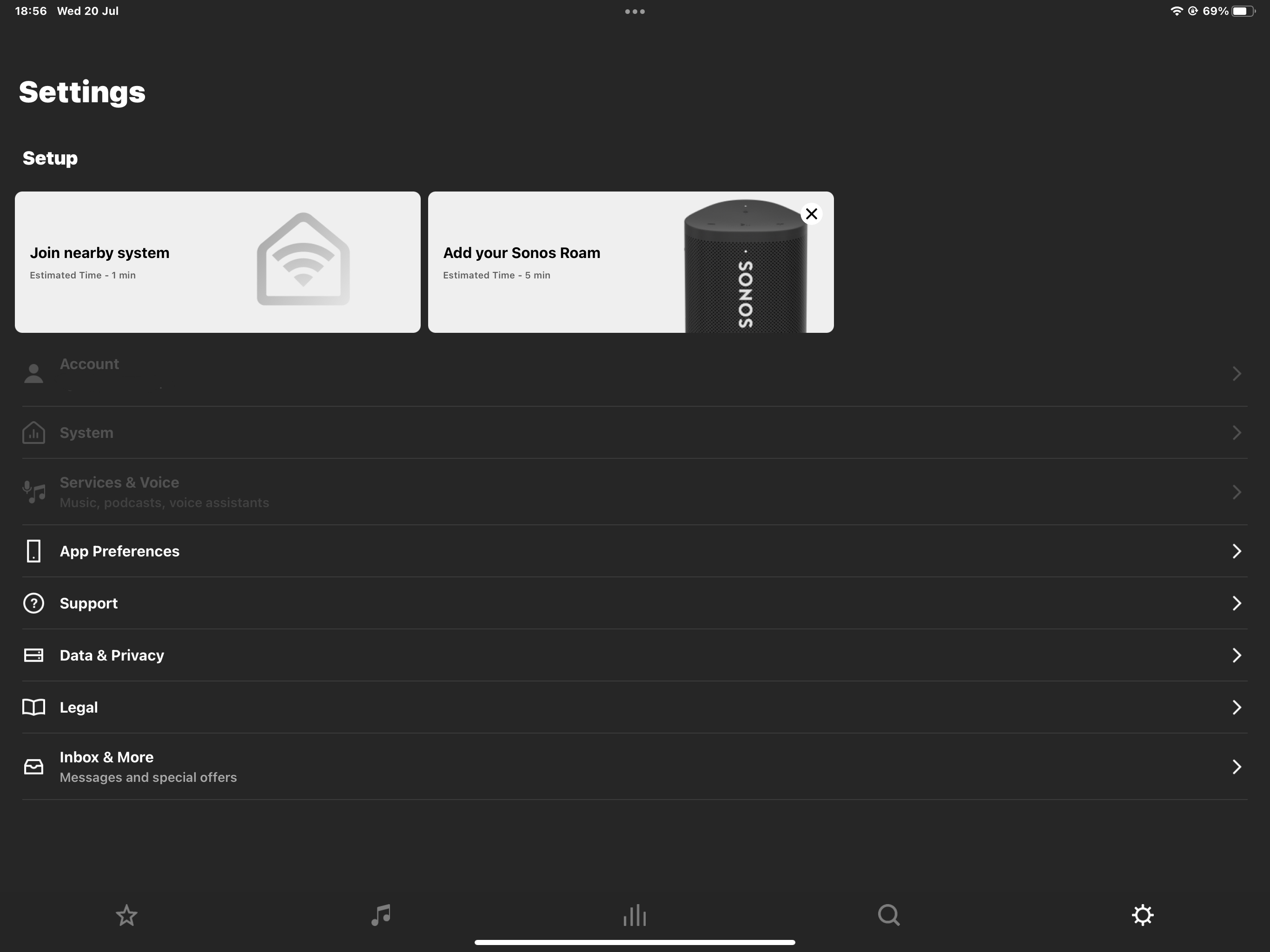
Then power off all your Sonos. Power on the Roam, download the S2 app and choose to set up a new system. When this process is complete, power back on the S1 system.
This topic has been closed for further comments. You can use the search bar to find a similar topic, or create a new one by clicking Create Topic at the top of the page.



Enter your E-mail address. We'll send you an e-mail with instructions to reset your password.